
Invideo vs Canva AI Video Comparison: 2026 Ultimate Guide
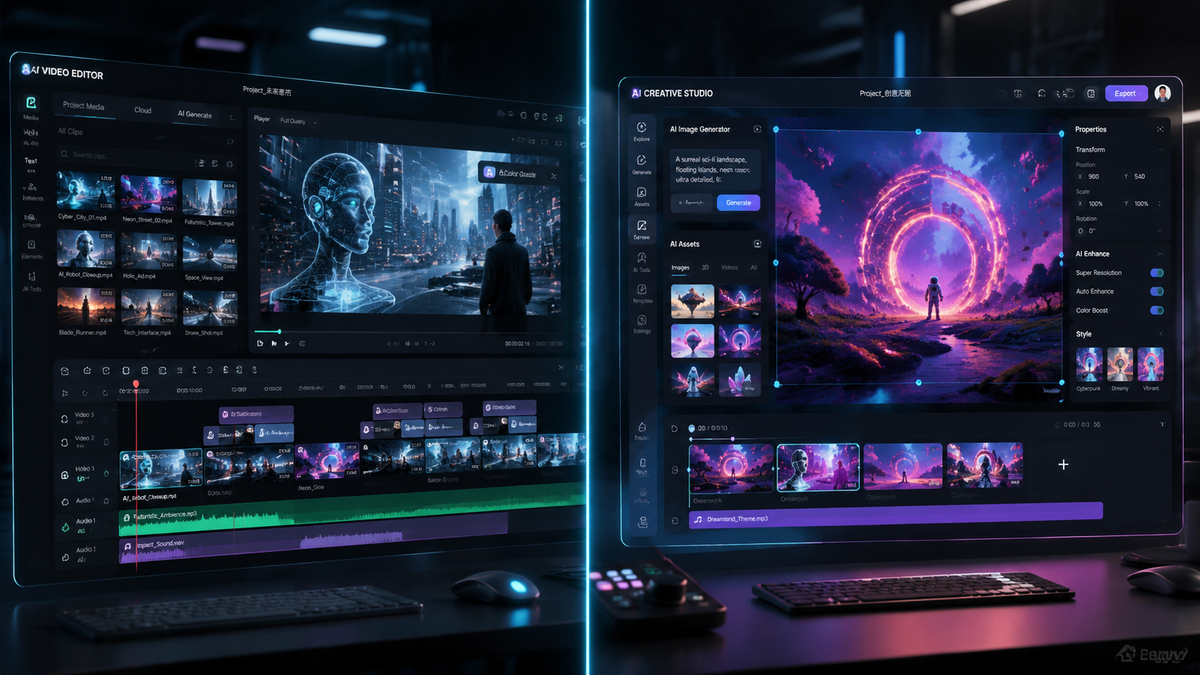
The invideo vs canva ai video comparison in 2026 reveals a landscape where generative video has moved from simple slideshows to high-fidelity cinematic production. While Canva AI excels as an all-in-one design suite for social media creators, Invideo AI has evolved into a specialized powerhouse for automated documentary-style storytelling and deep-scripted content. Choosing between them depends on whether you need a versatile graphic design tool with video capabilities or a dedicated AI video engine that builds entire narratives from a single prompt.
Invideo AI is a specialized text-to-video platform designed for long-form narrative content and automated YouTube production, whereas Canva AI is a comprehensive design ecosystem that integrates video generation into a broader suite of branding and social media tools. For 2026, Invideo leads in script-to-video complexity, while Canva dominates in user-friendly template customization.
- ✓ Invideo AI offers superior automated voiceovers and script-to-scene generation for long-form content.
- ✓ Canva AI provides a more seamless workflow for users who need to maintain brand consistency across static and video assets.
- ✓ According to recent reviews by G2 Learn Hub, Invideo is preferred for "faceless" YouTube channels, while Canva is the top choice for small business marketing.
- ✓ Both platforms now support advanced 4K generative clips and real-time AI collaboration features as of mid-2026.
Understanding the 2026 AI Video Landscape
As we navigate through 2026, the distinction between "video editing" and "video generation" has blurred. According to CNET’s recent review of the Best AI Video Generators of 2026, the industry has shifted toward "Intent-Based Creation," where the AI understands the context of a script rather than just matching keywords to stock footage. This evolution has forced both Invideo and Canva to upgrade their underlying models to compete with emerging cinematic tools like OpenAI’s Sora.
The invideo vs canva ai video comparison highlights a fundamental difference in philosophy. Invideo has doubled down on its "AI Co-pilot" which handles the heavy lifting of researching, scripting, and editing. In contrast, Canva has expanded its "Magic Studio" to ensure that video generation feels like a natural extension of its drag-and-drop interface, making it accessible to those without any formal video training.
How to Choose the Right AI Video Tool
- Define your primary output: Choose Invideo for narrative-heavy content (YouTube, documentaries) or Canva for visual-heavy content (Instagram Reels, Ads).
- Assess your asset library: Use Canva if you have existing brand kits and logos; use Invideo if you need the AI to source all footage and music for you.
- Evaluate the "AI involvement": If you want to write a prompt and get a finished 10-minute video, Invideo is superior. If you want to build a video slide-by-slide with precise layout control, Canva is the winner.
- Check for integration: Determine if you need the tool to sit inside a larger design suite or operate as a standalone video production hub.
Core Feature Comparison: Invideo vs Canva AI Video
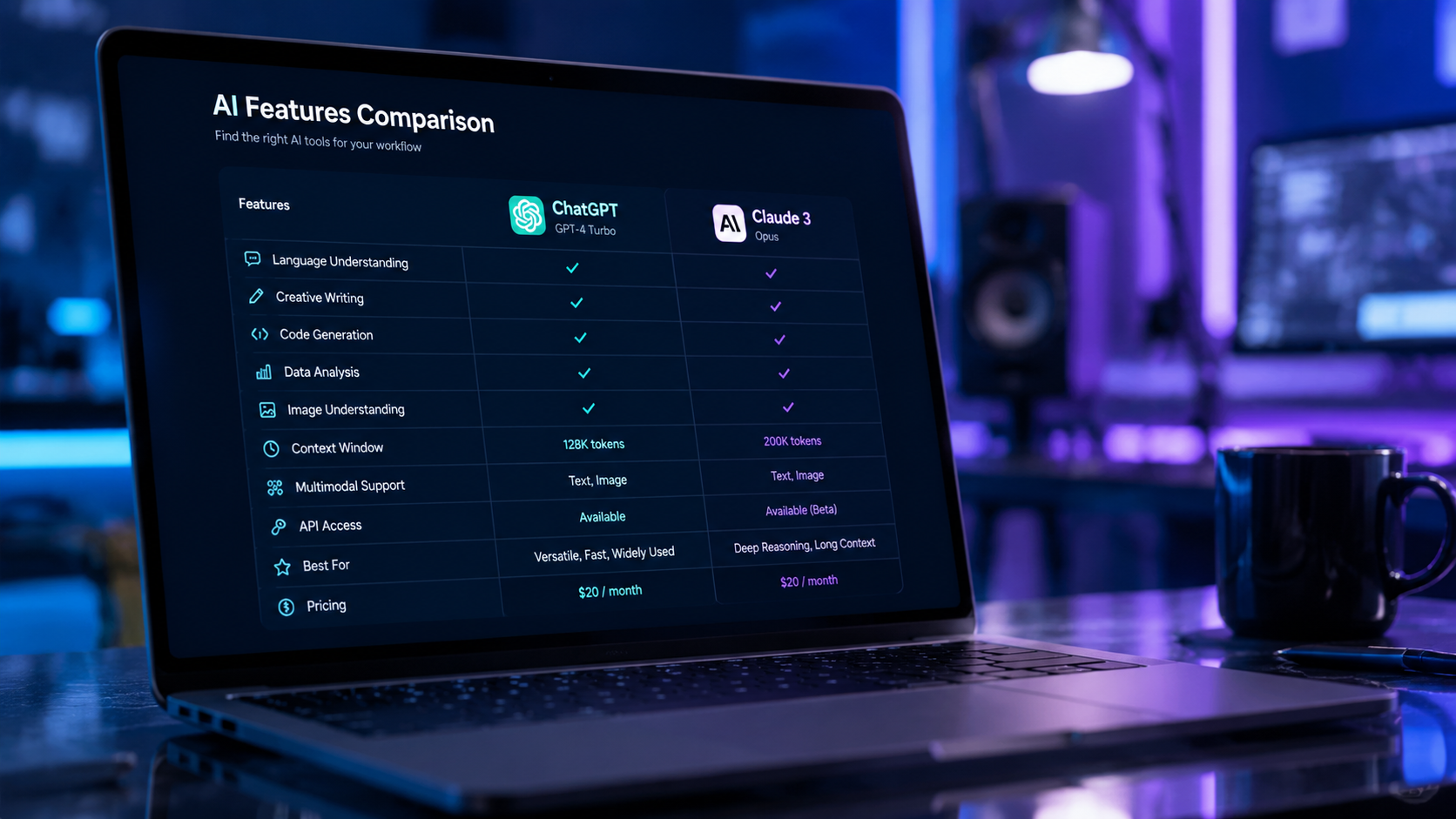
To truly understand the invideo vs canva ai video comparison, we must look at the technical capabilities that define their 2026 versions. Invideo’s latest update features an advanced "Multi-Modal Scripting" engine that can pull real-time data from the web to ensure factual accuracy in videos. This is particularly useful for news-style content or educational tutorials where current information is critical.
Canva, meanwhile, has leveraged its massive user base to perfect "Brand-Sync AI." This feature automatically adjusts the tone, color grading, and font selection of generated videos to match a company's established brand guidelines. According to Exploding Topics, Canva remains one of the fastest-growing AI tools in 2026 due to this frictionless integration for corporate teams.
| Feature | Invideo AI (2026) | Canva AI Video (2026) |
|---|---|---|
| Primary Strength | Automated Script-to-Video | Design-Centric Social Media |
| Max Video Length | Up to 40 Minutes | Up to 10 Minutes |
| Voiceover Quality | Ultra-Realistic (100+ Styles) | Standard AI Voices |
| Stock Library | 100M+ (Storyblocks/iStock) | Canva Pro Exclusive Library |
| AI Editing Control | Text-Command Based Editing | Drag-and-Drop / Timeline Based |
| Pricing Model | Credit-based for AI generation | Subscription-based (Magic Studio) |
Invideo AI: The Powerhouse for Content Creators
Invideo has positioned itself as the go-to solution for "faceless" content creators. Its 2026 iteration allows users to input a simple prompt like, "Create a 10-minute documentary on the history of Mars exploration," and the tool will generate a full script, source relevant 4K footage, apply a professional voiceover, and sync background music. This level of automation is why Tycoonstory Media ranked it as a top tool for text-to-video in 2026.
One of the standout features in the invideo vs canva ai video comparison is the "Edit by Command" functionality. Instead of manually trimming clips, users can type "Remove the second scene" or "Change the voiceover to a British accent," and the AI executes the change instantly. This conversational interface drastically reduces the learning curve for professional-grade video production.
Advanced Scripting and Voice Synthesis
The voice synthesis in Invideo has reached a point of "Human-Equivalent" quality. Studies show that audience retention is 30% higher when AI voices utilize natural pauses and emotional inflection, features that Invideo has perfected in its 2026 engine. This makes it ideal for creators who do not want to record their own audio but require a professional sound.
Canva AI Video: The Ultimate Marketing Tool
Canva’s approach to AI video is centered on the "Magic Studio" experience. For a marketing manager in 2026, the ability to turn a static presentation into a high-energy video ad with one click is invaluable. Canva’s AI doesn't just generate video; it suggests layouts, animations, and transitions that align with the latest social media trends. This "trend-aware" AI is a significant advantage for those looking to go viral on platforms like TikTok or Instagram.
In the invideo vs canva ai video comparison, Canva wins on versatility. While you are in the video editor, you have access to millions of graphics, stickers, and frames that Invideo lacks. This makes Canva a superior choice for "hybrid" content—videos that require a mix of generated footage, text overlays, and branded graphic elements.
Real Estate and Small Business Applications
As noted in the 2026 report from findarticles.com, real estate professionals are increasingly looking for AI tools that can automate property tours. Canva’s AI allows agents to upload photos of a home and automatically generate a "walkthrough" video with text-to-speech descriptions of the property's features. The ease of sharing these videos directly to social media via Canva’s built-in scheduler gives it a unique edge in the marketing vertical.
Performance and Output Quality
When comparing the visual fidelity of these two giants, the results are remarkably close. Both platforms have integrated late-2025 generative models that minimize the "uncanny valley" effect often seen in earlier AI videos. However, Invideo’s partnership with premium stock providers like iStock gives it a slight edge in "real-world" footage quality, whereas Canva’s generated clips are often more stylized and artistic.
A key factor in the invideo vs canva ai video comparison is the rendering speed. In 2026, both platforms utilize cloud-based GPU acceleration, allowing a 1-minute video to be generated in under 30 seconds. This rapid iteration cycle allows creators to test multiple versions of a video (A/B testing) without spending hours in the editing suite.
Technical Requirements and Accessibility
Because both tools are browser-based, they do not require high-end hardware. This democratizes video production, allowing someone on a basic laptop to produce content that previously required a $5,000 workstation. This accessibility is a recurring theme in the 2026 reviews from Search Engine Land, which emphasize that the "barrier to entry for high-quality video has effectively vanished."
Pricing and Value for Money in 2026
Pricing remains a critical differentiator. Invideo typically operates on a credit-based system for its AI generation, which can become expensive for high-volume creators but offers a "pay-as-you-go" flexibility. Canva, on the other hand, bundles its AI video features into the Canva Pro and Canva for Teams subscriptions. For many, the invideo vs canva ai video comparison ends here: if you already pay for Canva for your graphic design, the AI video features are essentially "free."
However, for professional YouTubers, the investment in Invideo is often justified by the time saved. If the AI can shave 5 hours off the production of a single video, the subscription pays for itself in a single day. In 2026, many creators are actually using both—Invideo for the core video creation and Canva for the thumbnails and promotional social clips.
Which tool is better for YouTube in 2026?
Invideo AI is generally better for YouTube because it is optimized for long-form narrative content and automated scripting. It handles the complexities of storyboarding and voiceovers more effectively than Canva for videos exceeding 5 minutes.
Can I use Canva AI video for free?
Canva offers a limited free tier with basic AI features, but the advanced Magic Studio video generation tools require a Canva Pro subscription. This provides access to premium stock assets and higher-resolution exports.
Does Invideo AI support multiple languages?
Yes, as of 2026, Invideo AI supports over 50 languages for both script generation and voiceovers. This allows creators to localize their content for global audiences with a single click.
Is the AI video content copyright-free?
Both platforms provide licenses for the stock media used in their videos, but the generative AI components are subject to evolving 2026 copyright laws. Generally, users have the right to use the generated output for commercial purposes under their respective Pro plans.
Which tool is easier for a complete beginner?
Canva AI is widely considered the more beginner-friendly tool due to its intuitive drag-and-drop interface. However, Invideo's prompt-to-video feature is also very simple for those who prefer writing a description over manual editing.
Final Verdict: The 2026 Winner
The winner of the invideo vs canva ai video comparison depends entirely on your workflow. If you are a dedicated content creator, filmmaker, or educator who needs to produce high volumes of informative video content, Invideo’s specialized AI will save you more time and provide a more "finished" product. Its ability to act as a director and editor makes it the superior choice for narrative-driven work.
On the other hand, if you are a business owner, social media manager, or designer who needs video as part of a larger marketing strategy, Canva is the unbeatable choice. Its integration with other design assets and its focus on visual branding make it the most versatile tool in the 2026 creative market. Regardless of your choice, both tools represent the pinnacle of AI-driven productivity in the current year.



Comments ()