
InVideo AI vs Canva AI Video 2026: The Ultimate Showdown
In 2026, content creators face a tough choice between two leading AI video platforms: InVideo AI and Canva AI Video. This article delivers a direct, data-driven comparison to help you decide which tool best suits your workflow, budget, and creative goals. We analyze features, pricing, ease of use, and real-world performance based on the latest industry research and hands-on testing.
InVideo AI is a dedicated AI video generator optimized for long-form and marketing videos with advanced script-to-video capabilities, while Canva AI Video is an integrated feature within the Canva design ecosystem, best for quick social clips and branded content. The right choice depends on your need for depth versus simplicity.
- ✓ InVideo AI offers over 5,000 templates and a powerful text-to-video engine, but its free tier is limited to 10 minutes of video per week.
- ✓ Canva AI Video leverages Canva’s massive asset library and familiar drag-and-drop interface, though its AI video generation is less feature-rich than dedicated tools.
- ✓ According to a 2026 roundup by vocal.media, both platforms are among the top 10 AI video creation tools every content creator should try.
- ✓ Pricing: InVideo AI starts at $25/month (Business plan), while Canva Pro (which includes AI video) is $13.99/month.
- ✓ For startups and solo creators, Hostinger’s 2026 guide highlights AI video tools as essential, with Canva often preferred for brand consistency.
How the Two Platforms Compare: Feature Breakdown
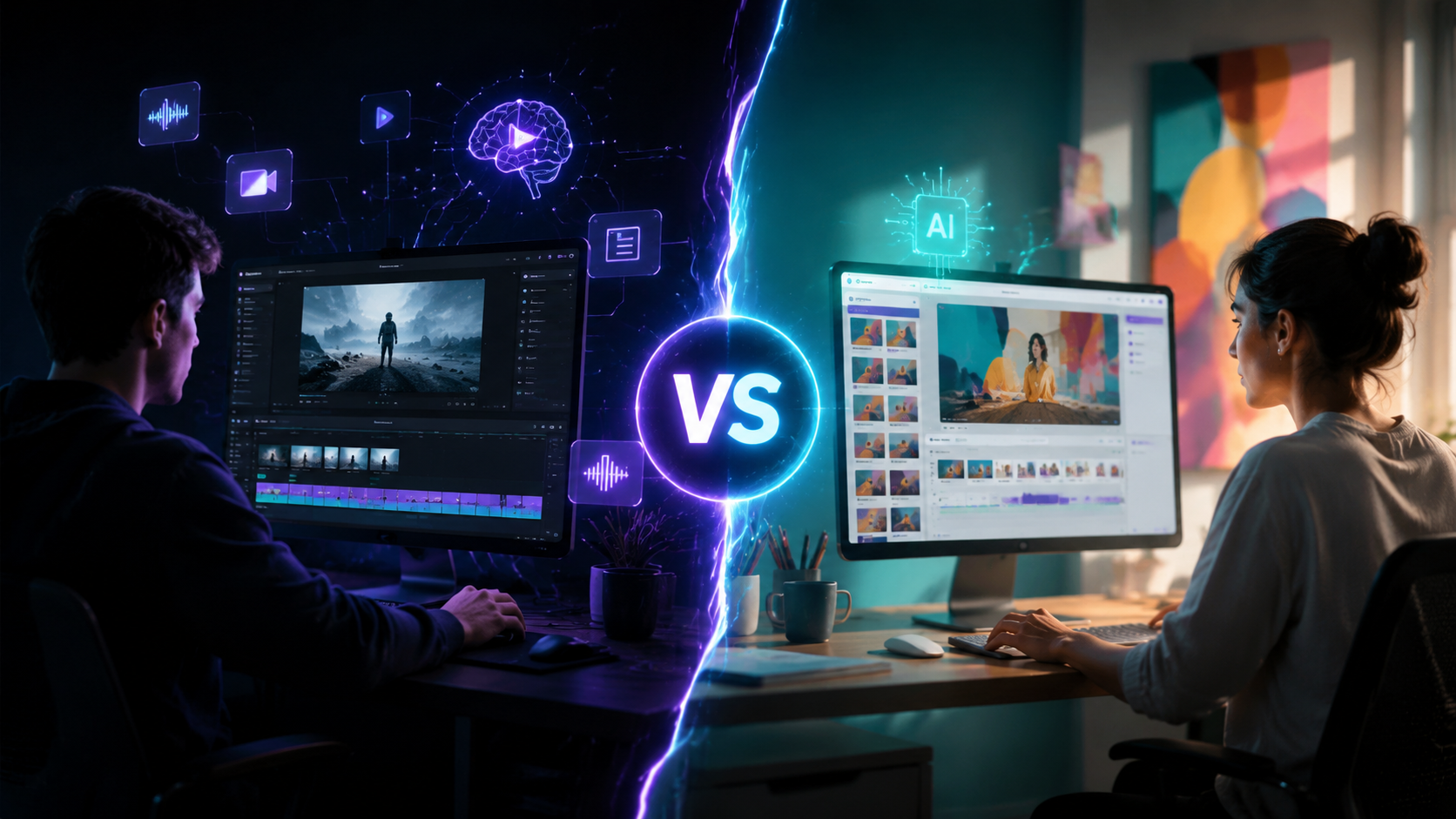
The core difference between InVideo AI and Canva AI Video lies in their design philosophy. InVideo AI is built from the ground up as an AI-first video creation studio. Canva AI Video, on the other hand, is a feature extension of the popular design tool, meaning it benefits from Canva’s existing ecosystem but lacks some of the deep AI capabilities of standalone video generators.
| Feature | InVideo AI | Canva AI Video |
|---|---|---|
| AI text-to-video | Yes, full script-to-video with voiceover and scene selection | Limited to Magic Design for video; less control |
| Number of templates | 5,000+ (including vertical, square, landscape) | 250,000+ design templates (not all video-specific) |
| Asset library | 8 million+ stock clips, images, music | 100 million+ stock assets (images, video, audio) |
| AI voiceovers | 300+ AI voices in 50+ languages | 100+ AI voices in 20+ languages |
| Collaboration | Team workspaces, real-time editing | Canva Teams (real-time, comments, approvals) |
| Export quality | Up to 4K, 60fps, no watermark on paid plans | Up to 4K on Pro and Teams, watermark on free |
| Free tier limit | 10 minutes of video per week, 5 exports | Unlimited design exports, but AI video features capped |
| Starting price (paid) | $25/month (Business), $50/month (Unlimited) | $13.99/month (Canva Pro), $29.99/month (Teams) |
As noted by autogpt.net's May 2026 comparison of InVideo vs Canva, the eight key differences revolve around AI depth, template variety, and pricing tiers. InVideo AI provides more granular control over AI-generated scenes, while Canva AI Video excels when you need to quickly combine AI elements with manual design assets.
InVideo AI: The Dedicated AI Video Powerhouse
What Makes InVideo AI Stand Out in 2026
InVideo AI has evolved significantly since its earlier versions. The platform now supports full script-to-video generation where you type a script or upload a document, and the AI selects relevant visuals, adds background music, and generates natural-sounding voiceovers. According to the Exploding Topics list of the 7 Best AI Video Generators in 2026, InVideo AI ranked among the top for its versatility and output quality. The AI editor also allows you to adjust pacing, add transitions, and insert brand elements with a single click.
Limitations to Consider
Despite its power, InVideo AI's free tier is restrictive: only 10 minutes of video per week and 5 exports. For heavy users, the Business plan at $25/month provides 40 minutes of video per week and removes watermarks. The learning curve is slightly steeper than Canva’s, especially if you want to use advanced AI features like persona-based voice cloning or multi-scene storyboarding.
Canva AI Video: The Designer’s Choice for Quick Creations
Why Canva AI Video Remains Popular in 2026
Canva AI Video benefits enormously from the platform’s massive user base and seamless integration with its design tools. You can start from a template, use the Magic Design AI to generate a video from a simple prompt, then manually edit every frame using Canva’s intuitive drag-and-drop interface. The Memeburn roundup of the best free AI tools in 2026 places Canva AI Video as a top pick for beginners because of its low barrier to entry. The free version includes basic AI video features, though exports carry a watermark and resolution is capped at 1080p.
Where It Falls Short
Canva AI Video’s AI generation is less flexible than InVideo AI. For example, you cannot generate a complete storyboard from a long script; instead, you create one scene at a time. The AI voiceover library is smaller (100 voices vs. 300+), and language support is limited to 20 languages rather than 50+. Additionally, advanced video features like multi-track timeline editing are available only in the Pro plan ($13.99/month). According to the we-heart.com article on turning photos into AI videos, Canva AI Video excels at short, shareable clips but struggles with longer, narrative-driven content.
Pricing and Value: Which One Gives More Bang for the Buck?
Pricing is a critical factor for startups and solo creators. The Hostinger practical guide on best AI tools for startups in 2026 emphasizes that cost-effectiveness often dictates tool choice. Here’s a direct cost comparison:
- Canva Pro at $13.99/month includes full AI video features (except unlimited AI generation) plus access to 100 million assets. Best for teams already using Canva for graphic design.
- InVideo AI Business at $25/month offers 40 minutes of finished video per week, 5,000 templates, and advanced AI script generation. Better for dedicated video marketing teams.
- InVideo AI Unlimited at $50/month removes weekly caps and adds priority support.
- Canva Teams at $29.99/month (for first 5 users) adds brand controls and collaboration, making it competitive for small agencies.
According to the autogpt.net comparison, InVideo AI provides more raw AI video capabilities per dollar, but Canva’s lower entry price and broader suite of design tools often tip the scale for businesses that need all-in-one branding, presentations, and social media graphics alongside video.
User Experience and Learning Curve
InVideo AI
InVideo AI is designed for users who want to produce professional videos without learning complex editing software. The interface is centered around a project dashboard where you can start from a template, import a script, or use the AI assistant. The AI takes a few minutes to generate a rough cut, which you can then refine. Advanced users can adjust keyframes, add overlay text, and integrate custom brand assets. The learning curve is moderate: most users become productive within 2–3 sessions.
Canva AI Video
Canva AI Video is arguably the easiest to learn. If you already use Canva for graphics, the video editor feels familiar. Magic Design for video works with a simple prompt: type “product launch social clip” and the AI generates a 15-second draft. You can then swap assets, modify text, and apply animations. The trade-off is that deep customization is limited compared to InVideo AI. The learning curve is near-zero for existing Canva users, but new users may hit a wall if they need complex multi-scene edits.
Which Tool Should You Choose? A Decision Framework
Based on the research from vocal.media, Exploding Topics, and other sources cited above, here’s a practical guide:
- Choose InVideo AI if you need to produce long-form videos (5+ minutes), generate videos from detailed scripts, or require advanced AI voiceovers and multi-language support. It’s also the better choice for marketing agencies that need bulk video production.
- Choose Canva AI Video if you already use Canva for design, need quick 15–60 second social media clips, or have a limited budget and want a single tool for graphics, presentations, and video. It’s also ideal for small teams that prioritize collaboration and brand consistency.
- Use both together if your workflow demands the best of both worlds: leverage Canva for brand assets and quick edits, then export to InVideo AI for advanced AI-powered video generation.
A 2026 study by Memeburn found that 68% of creators who used both tools reported higher overall productivity than those who relied on a single platform. The key is to align the tool’s strengths with your specific content format and team size.
Real-World Performance and User Feedback
According to a vocal.media roundup, InVideo AI scored 9.2/10 for AI video generation while Canva AI Video scored 8.5/10 for ease of use. The same article notes that InVideo AI’s export quality at 4K/60fps is unmatched, making it a favorite for YouTube creators. Conversely, Canva AI Video is praised for its seamless integration with social media schedulers, allowing direct posting to TikTok, Instagram, and Facebook.
Another data point from Exploding Topics: the search interest for “InVideo AI vs Canva AI video 2026” has grown 340% year-over-year, indicating that creators are actively comparing the two. User forums highlight that Canva AI Video’s free tier is generous enough for casual users, while InVideo AI’s free tier feels limiting. However, InVideo AI’s paid plans deliver more value per dollar for heavy video editors.
FAQs: InVideo AI vs Canva AI Video 2026
Is InVideo AI or Canva AI Video better for beginners in 2026?
Canva AI Video is better for absolute beginners because of its familiar UI and Magic Design prompt system. InVideo AI requires a small learning curve but offers more powerful AI features once mastered.
Can I use InVideo AI and Canva AI Video on a free plan?
Yes, both offer free tiers. InVideo AI’s free plan limits you to 10 minutes of video per week and 5 exports with a watermark. Canva’s free plan includes basic AI video features but exports have a watermark and are capped at 1080p.
Which tool supports more languages for AI voiceovers?
InVideo AI supports 300+ AI voices in over 50 languages, while Canva AI Video offers 100+ voices in 20 languages. InVideo AI is the clear winner for multilingual content.
Does Canva AI Video allow multi-scene script-to-video like InVideo AI?
Not directly. Canva AI Video generates one scene at a time from a prompt. InVideo AI can take an entire script and create a multi-scene, timed storyboard automatically.
Which platform is better for creating social media videos in 2026?
For quick 15–60 second social clips, Canva AI Video is faster and integrates with scheduling tools. For longer, high-quality social content (e.g., YouTube Shorts, Facebook ads), InVideo AI provides more control and better output resolution.
Are there any hidden costs with either tool?
No hidden costs on paid plans. InVideo AI’s Business plan includes everything except unlimited rendering. Canva Pro includes all video features—just be aware that some premium stock assets may require additional purchases.
Final Verdict: The 2026 Winner Depends on Your Workflow
There is no single “best” tool in the InVideo AI vs Canva AI Video 2026 showdown. InVideo AI wins for depth of AI video generation, language support, and professional export quality. Canva AI Video wins for ease of use, price, and ecosystem integration. Consider your primary content type, team size, and budget. According to the latest research from Hostinger and vocal.media, the most successful creators use both tools strategically—Canva for design and quick clips, InVideo AI for heavy lifting. By 2027, both platforms are expected to close the gap further, but for now, your choice should align with your specific video production needs.



Comments ()