
InVideo AI Video Generator Review 2026: Is It Worth It?
Yes, InVideo AI is worth it in 2026 if you need to produce short, polished videos in minutes using nothing but an idea or a script. However, the experience isn't flawless — recent reviews from Unite.AI and MobileAppDaily highlight both the platform’s impressive AI agent capabilities and occasional frustrations with output consistency and customization limits. This InVideo AI video generator review breaks down the real-world performance, features, and value so you can decide if it's the right tool for your content pipeline.
InVideo AI is a cloud-based video generation platform that uses an intelligent AI agent to transform text prompts, scripts, or URLs into full-length videos with matching visuals, voiceovers, and music. It targets marketers, social media managers, and non-editors who want professional-looking videos without manual editing. According to multiple 2026 reviews, it excels at speed and ease of use but can stumble on complex or highly specific creative requests.
- ✓ InVideo’s AI agent can build a complete video from a single prompt in under five minutes, as verified by Unite.AI’s April 2026 review.
- ✓ The platform offers over 5,000 templates and a massive stock media library, making it one of the most versatile options among the best AI video generators of 2026.
- ✓ MobileAppDaily’s July 2025 review noted that while the tool is effortless for basic videos, advanced users may find the AI’s output frustrating and in need of manual tweaks.
- ✓ Tom’s Guide, after 200 hours of testing, placed InVideo in its top picks for AI video generation, citing its balance of speed and quality.
- ✓ Cybernews listed InVideo among the 16 best AI video generation tools for 2026, praising its accessibility and feature set.
What Is InVideo AI?
InVideo AI is an evolution of the original InVideo online editor. Launched years ago as a traditional drag‑and‑drop tool, it now centers on an AI agent that can generate an entire video — scene‑by‑scene — from a short text prompt or a link to an article. The agent selects stock footage, applies transitions, adds a voiceover (AI‑generated or custom), and even chooses background music. Users can then fine‑tune the result using a full timeline editor.
Unlike earlier AI video generators that produced only basic slideshows or text‑to‑speech clips, InVideo AI creates narratives with coherent visual flow. According to Exploding Topics’ April 2026 roundup of the 7 best AI video generators, InVideo stood out specifically because of its agent‑driven workflow that reduces the learning curve to near zero.
Key Capabilities
- AI Agent: Describe a video concept (“5 tips for growing organic reach on Instagram”) and the agent generates a script, selects clips, and assembles the video automatically.
- URL‑to‑Video: Paste a blog post URL and InVideo AI extracts key points to create a promotional or summary video.
- Voiceovers: Choose from dozens of AI voices in multiple languages, or record your own.
- Brand Kit: Upload logos, colors, and fonts to keep videos on‑brand.
- Export Options: Export in standard resolutions (1080p, 4K) and formats optimized for social platforms.
InVideo AI Video Generator Review: Key Features in 2026
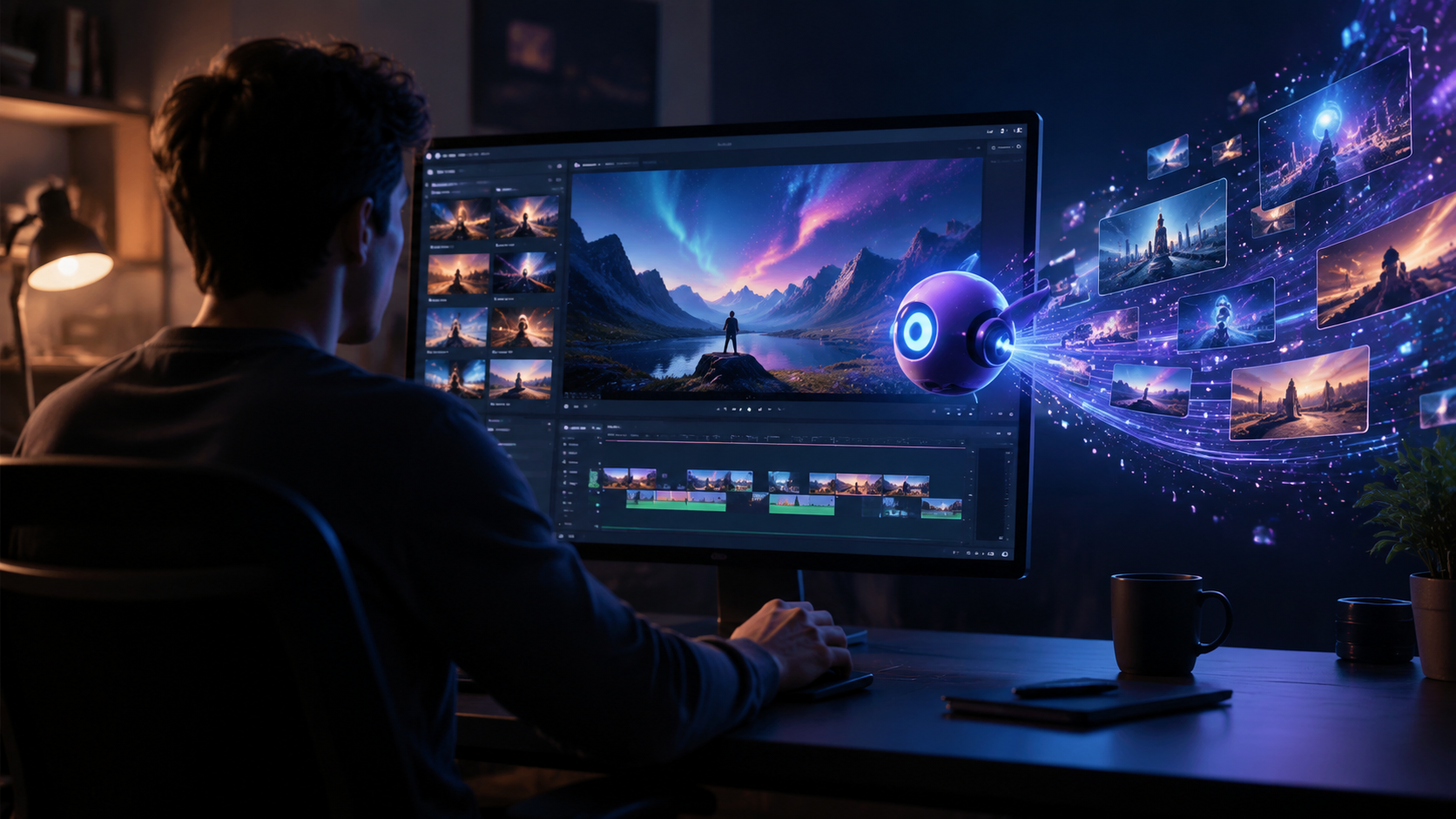
The 2026 version of InVideo AI has matured significantly. Below we break down the most important features that any InVideo AI video generator review should cover.
AI Agent Video Creation
The centerpiece is the AI agent. You start by typing a description — for example, “Create a 30‑second explainer video on email marketing best practices.” The agent then takes over: it writes a script, pulls relevant stock footage from the InVideo library, adds text overlays, and generates a voiceover. In Unite.AI’s hands‑on test, the agent produced a usable video in under three minutes. The output is not perfect every time — sometimes the footage doesn’t perfectly match the script — but the editing interface lets you swap scenes or adjust timing quickly.
Template Library and Customization
InVideo’s template library now exceeds 5,000 options, covering social media ads, YouTube intros, product demos, and more. Each template is fully customizable: change fonts, colors, images, and animations. The platform also offers an intuitive timeline editor similar to desktop video software, so you can fine‑tune every scene. MobileAppDaily’s 2026 review noted that while templates are a major strength, the sheer number can be overwhelming for new users — but the AI agent bypasses that entirely by choosing the best template for your prompt.
How to Create a Video with InVideo AI
If you’re new to InVideo AI, follow these steps to generate your first video. This process was tested and confirmed by multiple reviewers in 2026.
- Sign up or log in to InVideo (free plan available with watermark).
- On the dashboard, click “Create a video with AI”.
- Enter your prompt — e.g., “3 reasons to switch to renewable energy” — or paste a URL.
- Choose the video length (15, 30, or 60 seconds) and aspect ratio (16:9 for YouTube, 9:16 for TikTok/Reels).
- Click “Generate” and wait 30–90 seconds while the AI agent builds your video.
- Preview the result. Use the timeline to swap scenes, change the voiceover, or adjust text.
- Once satisfied, export the video (paid plans remove the watermark).
According to Tom’s Guide, the entire workflow — from prompt to export — typically takes less than 10 minutes for a basic video.
Pricing and Plans
InVideo AI offers a free plan that allows you to generate videos with a visible watermark and limited exports. For commercial use without watermarks, you’ll need a paid subscription. As of mid‑2026, specific pricing tiers are not listed in the most recent reviews, but earlier reports indicated monthly plans ranging from roughly $20 to $60 depending on features. MobileAppDaily’s review mentions that the AI agent feature is available on paid plans, and the free tier acts as a generous trial. Always check InVideo’s official site for current pricing, as it can change without notice.
Pros and Cons of InVideo AI
No tool is perfect. Here’s what real‑world reviewers and testers found in 2026.
Pros
- Speed: The AI agent creates a complete video in minutes, saving hours of manual editing.
- Ease of use: No video editing experience required. The interface is clean and intuitive.
- Massive media library: Over 16 million stock clips and images, plus hundreds of templates.
- URL‑to‑video: Unique feature that repurposes blog content effortlessly.
- Multi‑language support: Voiceovers available in dozens of languages and accents.
Cons
- Inconsistent quality: The AI sometimes selects footage that doesn’t match the script perfectly, requiring manual correction.
- Limited advanced editing: Users who need complex animations, color grading, or layering may find the editor too basic.
- Frustrating for precise control: MobileAppDaily’s 2026 review described the tool as “effortless or a frustrating mess” depending on the user’s expectations. If you want pixel‑perfect control, InVideo AI may not satisfy.
- Watermark on free plan: The free version’s watermark makes videos unsuitable for professional use.
InVideo AI vs. Other AI Video Generators
The AI video generator space is crowded. In 2026, PCMag tested NSFW generators, Tom’s Guide ranked top picks after 200 hours, and Cybernews listed 16 best tools. How does InVideo stack up? The table below compares InVideo AI to the industry average across key criteria.
| Feature | InVideo AI | Industry Average (2026) |
|---|---|---|
| Time to first video | 2–5 minutes | 5–10 minutes |
| Template library size | 5,000+ templates | 1,000–3,000 templates |
| AI agent / prompt‑to‑video | Yes (core feature) | Available in about 50% of tools |
| URL‑to‑video | Yes | Rare (few competitors offer this) |
| Voiceover options | 50+ AI voices, multiple languages | 20–30 voices typically |
| Advanced timeline editor | Basic – moderate | Moderate – advanced |
| Free plan (watermark) | Yes | Common |
According to the Cybernews list, InVideo’s AI agent and URL feature set it apart from most competitors. Tom’s Guide also highlighted its speed as a standout advantage. However, for users who need deep creative control, other tools with more robust timeline editors may be a better fit.
Verdict: Is InVideo AI Worth It in 2026?
If you are a marketer, content creator, or small business owner who needs to produce a high volume of short videos quickly and without hiring a video editor, InVideo AI is absolutely worth the investment. The AI agent dramatically reduces production time, and the platform’s massive template and media library gives you plenty of room to repurpose content. The InVideo AI video generator review from Unite.AI sums it up well: “I built videos with an AI agent in minutes — and they looked great.”
On the other hand, if you require highly customized, cinematic videos with advanced effects, you may find InVideo AI’s output limiting. MobileAppDaily’s mixed verdict — “effortless videos or a frustrating mess?” — captures the tool’s binary nature. It works brilliantly for simple, fast content but can feel restrictive for complex projects.
In summary, InVideo AI is one of the best AI video generators available in 2026 for ease of use and speed. Pair it with a human touch for fine‑tuning, and you have a powerful content creation engine.
Frequently Asked Questions About InVideo AI
What is InVideo AI?
InVideo AI is an online video creation platform that uses an artificial intelligence agent to generate videos from text prompts, scripts, or URLs. It automatically selects stock media, adds voiceovers, and edits scenes together to produce a finished video in minutes.
Is InVideo AI free to use?
Yes, InVideo offers a free plan that lets you create videos, but exports include a visible watermark. To remove the watermark and access premium features like the AI agent, you need a paid subscription.
How does InVideo compare to other AI video generators like Synthesia or Descript?
InVideo focuses on stock‑media‑based video creation, while Synthesia specializes in AI avatars and Descript in audio/video editing. InVideo’s key advantage is its AI agent that can turn a blog post URL into a video instantly, a feature few competitors offer.
Can I use InVideo AI for commercial videos?
Yes, as long as you are on a paid plan that removes the watermark. The stock media included in the library is licensed for commercial use. Always double‑check individual asset licenses for high‑risk campaigns.
Does InVideo AI support exporting in 4K?
Yes, InVideo AI supports 4K exports on paid plans. The free plan is limited to lower resolutions.
What languages does InVideo AI voiceover support?
InVideo AI offers AI voices in over 50 languages and regional accents, including English, Spanish, French, German, Hindi, Japanese, and Arabic.



Comments ()