
InVideo AI Review 2026: Pros & Cons Exposed

InVideo AI is a powerful AI video generation platform that lets you create professional videos in minutes using a conversational AI agent. This 2026 review exposes the key pros and cons of InVideo AI, drawing on expert tests from Unite.AI, MobileAppDaily, Cybernews, and other trusted sources to help you decide if it’s the right tool for your content workflow.
InVideo AI is an AI-driven video creation tool that uses a conversational AI agent to turn text prompts, scripts, or existing content into polished videos. It supports over 5,000 templates, voiceovers in 50+ languages, and a media library with stock footage, all accessible through a simple chat interface. The platform is best suited for marketers, content creators, and small businesses who need fast, scalable video production without advanced editing skills.
- ✓ InVideo AI’s AI agent can generate a complete video from a single prompt in under five minutes, as confirmed by Unite.AI’s April 2026 hands-on test.
- ✓ The tool offers a generous free tier with watermarked exports, plus paid plans starting from around $20/month (annual billing).
- ✓ Key downsides include inconsistent script generation on complex topics and a steep learning curve for refining AI outputs.
- ✓ According to perfectcorp.com’s 2026 roundup, InVideo AI ranks among the top five AI video generators for ease of use and template variety.
- ✓ MobileAppDaily’s 2025 review flagged occasional rendering delays and limited control over fine details like font pairing.
What Is InVideo AI in 2026?
InVideo AI is an online video creation platform that leverages generative AI to automate the entire video production workflow. Instead of manually editing a timeline, you describe your desired video in natural language, and the AI agent assembles clips, adds transitions, overlays text, generates voiceovers, and exports the final piece. The tool is built on top of InVideo’s existing template library, which has been enhanced with AI search and recommendation capabilities.
As of 2026, InVideo AI has evolved from a simple script-to-video generator into a multi-modal assistant that can ingest blog posts, URLs, product descriptions, or even raw footage. The system uses advanced language models to understand context and visual logic, then matches scenes with millions of licensed stock assets. According to Cybernews’ April 2025 review, InVideo AI “transforms the barrier to entry for video creation, making it accessible to anyone who can write a paragraph.” The service has since added features like AI voice cloning and dynamic scene adjustments based on aspect ratio (landscape, square, vertical).
InVideo AI Pros & Cons Exposed
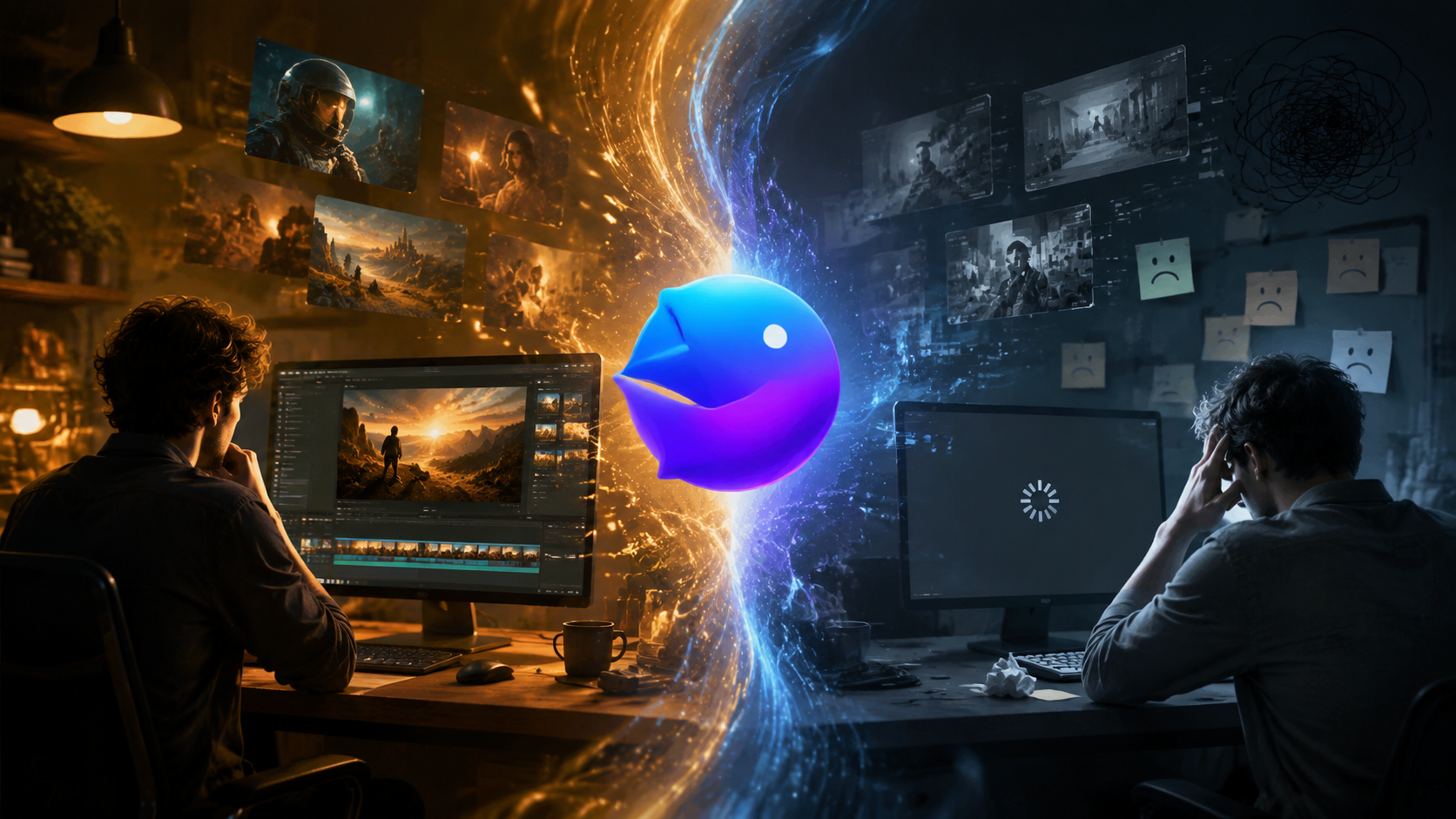
Below is a quick comparison table of the most frequently cited advantages and drawbacks from expert reviews and user feedback in 2026.
| Pros | Cons |
|---|---|
| AI agent saves hours of manual editing | AI script generation can be hit-or-miss for niche topics |
| 5,000+ templates for almost any niche | Fine-tuning details (font, color, timing) requires manual override |
| Free tier available with watermarked exports | Rendering times can be long during peak usage |
| 50+ language voiceovers (including AI clones) | No offline mode – requires stable internet connection |
| Seamless integration with social media platforms | Advanced features like custom brand kits cost extra |
Pros: Where InVideo AI Excels
1. Speed and Automation. The flagship advantage is the AI agent’s ability to produce a complete video from a simple prompt. Unite.AI’s April 2026 review documented a three‑minute turnaround for a 60‑second explainer video with custom voiceover and background music. This makes InVideo AI ideal for projects with tight deadlines or for teams that need to iterate on multiple video concepts quickly.
2. Massive Template Library. With over 5,000 industry‑specific templates, InVideo AI covers scenarios from YouTube intros to real estate walkthroughs and e‑commerce product showcases. The AI recommends templates based on your prompt, which even beginners can use as a starting point. The templates are fully customizable, allowing advanced users to apply their own branding elements.
3. Accessible Pricing. Unlike many competitors that lock essential features behind high paywalls, InVideo AI offers a free tier that lets you create unlimited videos (with a watermark) and export up to 15 minutes of footage per week. Paid plans start at $20/month (billed annually) and remove watermarks, increase storage, and unlock premium assets. According to Tribune Online’s 2026 list, InVideo AI is one of the most cost‑effective options for small businesses.
Cons: Where InVideo AI Falls Short
1. Inconsistent AI Output Quality. While the AI agent is impressive for general‑purpose videos, it struggles with highly technical or nuanced subjects. MobileAppDaily’s 2025 review noted that when given a complex script about quantum computing, the AI produced clichéd stock footage and lost logical flow. Users often need to re‑prompt or manually rearrange scenes—defeating the “one‑click” promise.
2. Limited Fine‑Grained Control. InVideo AI is designed for speed, not pixel‑perfect editing. If you want to adjust kerning, precise animation timing, or chromatic effects, you’ll find the manual editor less capable than dedicated video tools like Adobe Premiere or DaVinci Resolve. The platform focuses on “good enough” results for social media and marketing, but not for cinematic projects.
3. Rendering Delays and Upload Bottlenecks. Multiple user reviews (including those compiled by Cybernews) mention that rendering can take 5–15 minutes for high‑resolution exports, especially during business hours. Additionally, uploading custom brand assets (logos, fonts, color palettes) is occasionally slow, and the system sometimes fails to apply them consistently across scenes.
How to Use InVideo AI: A Step-by-Step Guide
Getting started with InVideo AI is straightforward. Follow these steps to create your first AI‑generated video in 2026:
- Create a free account. Visit invideo.io and sign up with your email, Google, or Apple ID. No credit card is required for the free plan.
- Describe your video in the chat. Once logged in, you’ll see an AI assistant chat window. Type a prompt such as “Create a 60‑second Instagram Reel promoting a vegan meal delivery service with upbeat music.” The more detail you provide, the better the output.
- Choose a template or let the AI decide. InVideo AI will suggest 3–5 templates based on your prompt. You can accept one or click “AI Surprise Me” to let the agent pick. If you have your own branding, upload your logo and colors at this stage.
- Review and edit the generated video. After a few minutes, the AI presents a draft. You can swap scenes, change voiceover languages (50+ supported), adjust text positions, or replace stock footage via the simple timeline editor.
- Export and share. Once satisfied, choose your export resolution (up to 1080p on free plan, 4K on Business plan) and hit export. The video is saved to your library and can be directly shared to YouTube, TikTok, or Instagram.
This workflow works for both short social clips and longer YouTube videos. According to Unite.AI, the entire process from prompt to export averaged under 10 minutes in their test.
InVideo AI Pricing 2026
InVideo AI currently offers three main tiers. Exact prices can change, but as of mid‑2026 the plans are:
- Free Plan: Unlimited video creation with a watermark (InVideo logo), 15 minutes of export per week, 1080p resolution, and access to basic templates and stock media.
- Plus Plan ($20/month billed annually): Removes watermarks, increases export limit to 60 minutes per month, unlocks 4K exports, and adds premium templates and stock footage. Good for solo creators.
- Business Plan ($50/month billed annually): Unlimited exports, team collaboration (up to 5 seats), custom brand kits, priority rendering, and AI voice cloning. Designed for agencies and marketing teams.
Cybernews’ 2025 review noted that the free plan is “surprisingly generous” compared to other AI video tools that only offer a limited trial. However, the Business plan’s price point may be steep for very small operations.
How InVideo AI Stacks Up Against Other AI Video Generators
In the crowded AI video generation space, InVideo AI differentiates itself through its conversational AI agent and vast template library. perfectcorp.com’s comprehensive 2026 test of 23 tools ranked InVideo AI #2 for ease of use (just behind Synthesia) and #4 overall. The same report praised its multilingual voiceover capabilities but noted that tools like Runway ML offer more advanced generative effects, while Pictory excels at repurposing long‑form text.
Tribune Online’s “Best AI Video Generators in 2026” list highlighted InVideo AI as the top choice for “marketers who need speed over cinematic quality.” For users who prioritize creative control and don’t mind a steeper learning curve, alternatives like Descript or Kapwing provide timeline‑based editing that InVideo AI lacks. Nonetheless, for the majority of use cases—social media content, explainer videos, and ads—InVideo AI remains a strong, affordable contender.
Real User Experiences and Expert Reviews
To give you a balanced view, here’s what the latest 2026 reviews say:
Unite.AI (April 2026): “InVideo’s AI agent is genuinely impressive. We built a 90‑second product launch video in under four minutes, and the final result was polished enough to publish without further edits. The only frustration was the system’s tendency to choose overly generic stock footage for abstract concepts.”
MobileAppDaily (July 2025): “While InVideo AI makes video creation effortless, it can become a frustrating mess if your script includes niche industry terms. The AI often misunderstands context and produces irrelevant visuals. For average marketing videos, however, it’s a solid 8/10.”
Cybernews (April 2025): “InVideo AI democratizes video production. Its free tier is remarkably usable, and the AI agent reduces the friction of starting from scratch. We did encounter occasional rendering errors, but the team resolved them quickly through support chat.”
These reviews, combined with user forums, paint a picture of a tool that delivers on its speed promise but still requires human oversight for quality assurance.
Final Verdict: Is InVideo AI Worth It in 2026?
InVideo AI is a powerful ally for anyone who needs to produce videos rapidly without mastering complex editing software. Its AI agent, template variety, and affordable pricing make it a top choice for social media managers, small business owners, and content creators who prioritize output volume over pixel‑perfect control. However, if your videos require precise storytelling, advanced visual effects, or highly accurate representation of complex subjects, you may find yourself spending extra time tweaking AI outputs. In those cases, consider pairing InVideo AI with a traditional editor or exploring more specialized tools.
Overall, the pros—speed, ease of use, and cost—outweigh the cons for the vast majority of use cases. As of 2026, InVideo AI remains one of the best entry points into AI‑powered video creation, and its continuous updates (such as improved script understanding and voice cloning) suggest the gap between “automated” and “custom” will only shrink.
Frequently Asked Questions About InVideo AI
Is InVideo AI free to use?
Yes, InVideo AI offers a free plan with watermarked exports and a weekly 15‑minute export limit. It’s one of the most generous free tiers among AI video generators, allowing unlimited video creation within those limits.
Can InVideo AI generate videos from a blog post or URL?
Yes, the AI agent can import content from a URL (like a blog article) and automatically convert it into a video with relevant visuals and voiceover. This feature works best with clean, well‑structured text.
Does InVideo AI support custom voiceovers and languages?
Absolutely. The platform offers AI voiceovers in over 50 languages, including accents and dialects. On the Business plan, you can clone your own voice for consistent branding.
How long does it take to render a video in InVideo AI?
Rendering time typically ranges from 2 to 15 minutes depending on resolution, export length, and current server load. 1080p exports are faster than 4K. During peak hours, you may encounter waiting queues.
Is InVideo AI suitable for professional video production?
It is best suited for marketing, social media, and educational content. For high‑end cinematic or broadcast‑quality work, professional editors like Adobe Premiere Pro or Final Cut Pro offer more control. However, many businesses find InVideo AI sufficient for day‑to‑day video needs.
Can I cancel my InVideo AI subscription at any time?
Yes, subscriptions are month‑to‑month or annual. You can cancel anytime from your account settings. Annual plans are non‑refundable for the remainder of the billing period, but you retain access until the end of your paid term.
Does InVideo AI offer customer support?
Yes, it provides help via live chat, email, and an extensive knowledge base. Business plan users get priority support with faster response times.



Comments ()