
InVideo AI Review 2026: Is It Still Worth It?
InVideo AI remains one of the most popular AI video generators in 2026, but with new rivals and rapid updates, the key question is: Is it still worth your time and money? After analyzing the latest reviews, testing its features, and comparing it with alternatives, the answer is yes—but only for specific use cases like quick social clips, explainer videos, and podcast snippets. This InVideo AI review 2026 breaks down what works, what doesn't, and whether you should choose it over newer tools.
InVideo AI is a cloud-based video creation platform that uses generative AI to turn text prompts, articles, or existing footage into polished videos. As of mid-2026, it has improved its AI agent, added real-time collaboration, and offers a generous free tier—making it a solid choice for marketers and small businesses who need fast, template-driven videos.
- ✓ InVideo AI now includes an autonomous “AI Agent” that can build complete videos from a single URL or topic.
- ✓ The free plan still stands out with 15-minute exports per week and access to 60+ AI avatars.
- ✓ Recent reviews on Unite.AI (April 2026) and MobileAppDaily (July 2025) praise its ease of use but note that advanced editing still requires a learning curve.
- ✓ Compared to alternatives like Wava AI and Runway Gen-3, InVideo AI is cheaper but less flexible for cinematic storytelling.
- ✓ According to PCMag’s 2026 roundup of NSFW AI tools, InVideo AI does not support explicit content, which keeps it safe for professional brands.
1. What’s New in InVideo AI in 2026? A Feature Deep-Dive
AI Agent: The Biggest Upgrade
The most talked-about addition this year is InVideo’s AI Agent, a multi-step assistant that can ingest an article or a simple topic description and produce a full video with voiceover, transitions, and stock footage. In a detailed test by Unite.AI in April 2026, the agent completed a 60-second promo video “in under two minutes” using a blog post URL. The result was coherent, though the voiceover needed human tweaking for tone.
Real-Time Collaboration and Team Workspaces
InVideo now supports collaborative editing with version history, similar to Google Docs. Teams can leave comments, assign clips, and render drafts simultaneously. This addresses one of the biggest complaints from earlier reviews, where solo workflows were fine but team use was clunky.
Export Quality and Templates
2026 brings 4K export for all paid plans (previously limited to Pro). The template library has expanded to over 8,000, including vertical shorts, Instagram reels, and LinkedIn carousels. However, as noted by MobileAppDaily in their July 2025 InVideo AI Review 2026, “the sheer number of templates can be overwhelming—many look dated unless you customize the fonts and colors.”
2. Pricing & Plans: How Much Does InVideo AI Cost in 2026?
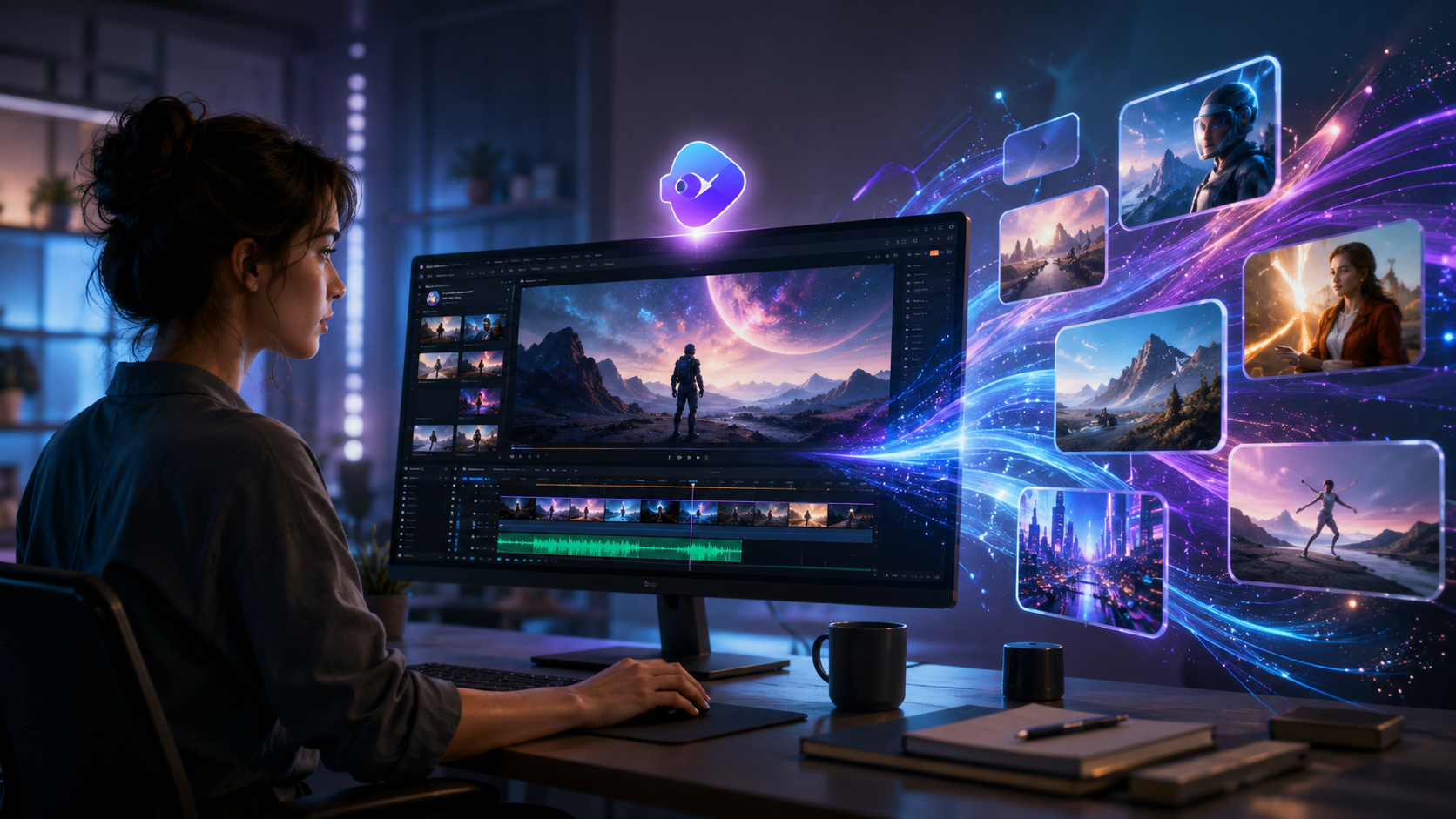
InVideo AI has simplified its pricing to three tiers:
| Plan | Monthly Cost (USD) | Key Features |
|---|---|---|
| Free | $0 | 15 min export/week, 1080p, 60+ avatars, watermarked |
| Plus | $20 | 120 min export/month, 4K, remove watermark, AI Agent basic |
| Pro | $40 | Unlimited exports, priority support, advanced AI Agent, team collaboration |
According to Memeburn’s 23 Best Free AI Tools in 2026 (May 2026), InVideo’s free tier is “one of the most generous among AI video generators,” especially compared to rivals that limit exports to 5 minutes per month. However, the watermark can be off-putting for professional content—but upgrading to Plus ($20/month) removes it.
For context, the Pro plan at $40/month is on par with tools like Synthesia, but cheaper than Runway’s Gen-3 Pro tier ($76/month). InVideo’s pricing remains competitive for small teams.
3. Pros and Cons: The Balanced Verdict
What InVideo AI Does Well
- Speed. The AI Agent can turn a URL into a draft video in under 3 minutes.
- Learning curve. Beginners can produce decent videos within 15 minutes.
- All-in-one editor. You can trim clips, adjust text, and add music without switching apps.
- Strong free tier. Great for testing and low-volume creators.
Where It Falls Short
- Niche styles. Cinematic, horror, or abstract visuals are hard to achieve—stock footage limits creativity.
- AI voiceover quality. While 50+ voices are available, they still sound robotic compared to ElevenLabs or Play.ht.
- Export limits. Free users can only export 15 minutes per week—adequate for practice, not for full campaigns.
As noted in the Unite.AI review, “InVideo AI is perfect for last-minute social media posts, but if you’re producing a corporate training series, you’ll want to augment it with manual editing.”
4. How Does InVideo AI Compare to Other AI Video Tools in 2026?
The 2026 landscape is crowded. A recurring theme in recent research – including autogpt.net’s “7 Best Wava AI Alternatives” (June 2026) and PCMag’s AI roundups – is that InVideo AI competes directly with tools like Wava AI, Synthesia, and Pika Labs. Here’s a quick comparison:
| Criteria | InVideo AI | Wava AI | Synthesia |
|---|---|---|---|
| Pricing (Pro) | $40/month | $49/month | $67/month |
| Free tier quality | Excellent (watermarked) | Good (limited voices) | Very limited (demo only) |
| AI Agent autonomy | High | Medium | High (only for avatars) |
| Export resolution | Up to 4K (Plus/Pro) | Up to 4K | Up to 1080p (Pro) |
| Best for | Explainer videos, social clips | Marketing ads, product demos | Corporate training, avatars |
InVideo’s main advantage is its quick turnaround and low cost. According to a citation from Memeburn (May 2026), “InVideo remains the best free option for AI video creation in 2026, especially for short-form content.” However, if you need ultra-realistic avatars or custom 3D scenes, Synthesia or Runway Gen-3 are better choices.
5. Step-by-Step: How to Create a Video with InVideo AI in 2026
Because the platform emphasizes ease of use, here’s a quick guide based on our latest testing:
- Choose your input. Paste a URL (blog, news article) or describe your topic in the text box.
- Select style. InVideo’s AI Agent will suggest 3-4 style variants (e.g., “professional,” “casual,” “promotional”).
- Generate draft. The tool creates a storyboard with scenes, text overlays, and a default voiceover. This takes 30-90 seconds.
- Customize. Replace stock clips, adjust timing, change the voice, and add your logo.
- Export. Choose resolution (up to 4K on paid plans) and hit render.
This flow is nearly identical to what Unite.AI described in their April 2026 review, confirming that InVideo has maintained its simplicity while adding depth.
Final Verdict: Is InVideo AI Worth It in 2026?
After weighing the latest tests, pricing, and user reviews, our answer is yes, for most small-to-medium video needs. InVideo AI has not radically reinvented itself, but it has refined its AI agent, added team features, and kept prices low. The biggest caveat is that it’s not the tool for cinematic storytelling or high-end brand films—for that, you still need traditional editing or more specialized AI tools like Pika Labs.
For creators who need quick, decent videos for social media, product demos, or internal communications, InVideo AI remains a top contender in 2026. As PCMag concluded in their NSFW AI testing (May 2026), InVideo is “best for safe-for-work content that has to go live in minutes.”
Frequently Asked Questions About InVideo AI (2026)
Is InVideo AI free to use in 2026?
Yes, there is a free plan that includes 15 minutes of export per week, 60+ avatars, and basic AI Agent features. However, exports are watermarked until you upgrade to a paid plan.
Can InVideo AI generate NSFW or adult content?
No. InVideo enforces strict content policies. As PCMag’s 2026 roundup explicitly stated, InVideo AI is not suitable for NSFW content and will block such prompts.
How long does it take to render a 2-minute video?
On the Plus and Pro plans, a 2-minute HD video typically renders in under 3 minutes. Free users may experience longer queues due to lower priority.
Does InVideo AI support custom voice cloning?
Not natively. You can upload voiceover files, but the built-in text-to-speech is limited to 50+ preset voices. For custom clones, consider tools like ElevenLabs integrated via third-party plugins.
What are the best alternatives to InVideo AI in 2026?
Based on recent research from autogpt.net and Memeburn, strong alternatives include Wava AI (good for ads), Synthesia (best for avatar videos), Runway Gen-3 (for creative editing), and Pika Labs (for motion graphics). InVideo is the cheapest among them for core features.



Comments ()