
iMovie vs AI Video Editor Features 2026: Which Wins?
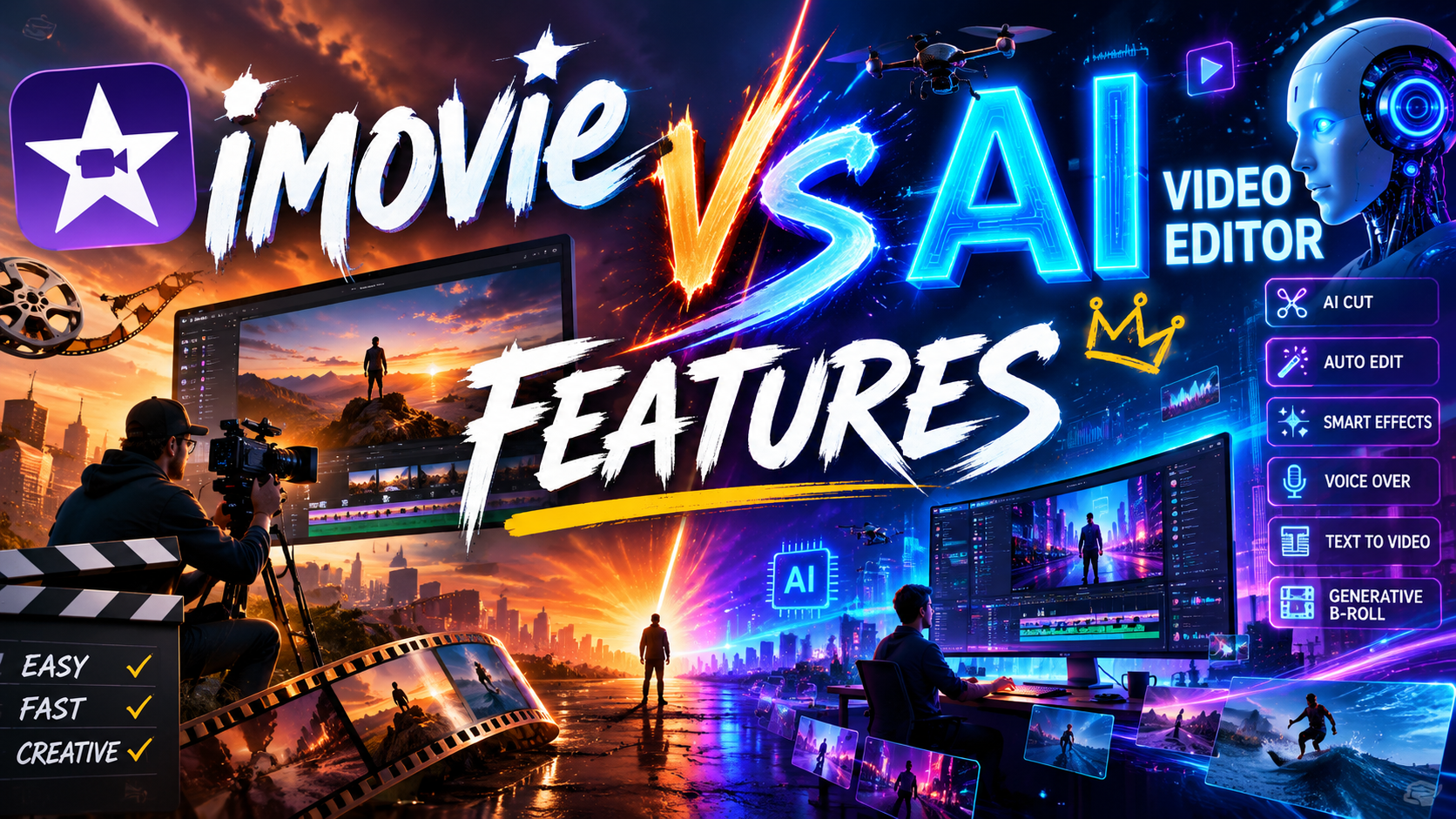
In 2026, choosing between iMovie vs AI video editor features comes down to a fundamental trade-off: iMovie offers a reliable, zero-cost editing experience for Mac and iOS users, while modern AI video editors automate tedious tasks, generate footage from text, and deliver professional results in minutes. If you need simplicity and don't want to spend a dime, iMovie still wins; if you crave cutting-edge automation and creative AI tools, the new generation of editors takes the crown.
iMovie is Apple’s free, intuitive video editor that excels at basic trimming, transitions, and titles on Mac and iOS. AI video editors (such as Runway, Pika, and CapCut’s AI features) use machine learning to auto-caption, color-grade, generate clips from prompts, and even remove objects. For 2026, AI editors lead in innovation, but iMovie remains unbeatable for users who just need a straightforward, no-cost tool.
- ✓ iMovie remains the top free editor for Mac beginners in 2026, according to TechRadar and PCMag.
- ✓ AI video editors now offer text-to-video generation, real-time background removal, and smart scene detection.
- ✓ The best choice depends on your budget, platform, and need for automation – not one tool fits all.
- ✓ iMovie lacks cross-platform support, while many AI editors run on web browsers, Windows, and mobile.
- ✓ For advanced AI features, expect a subscription cost of $10–$30/month, whereas iMovie is completely free.
iMovie in 2026: Still a Reliable Choice for Beginners
According to TechRadar’s February 2026 roundup of the best video editing software for beginners, iMovie remains the “easiest-to-use editor for anyone just starting out” on Apple devices. Its drag-and-drop timeline, pre-built transitions, and simple audio tools let new users create polished videos without a steep learning curve. The platform also supports 4K export and basic color correction, making it more than sufficient for family videos, school projects, and social media clips.
PCMag’s June 2026 test of the best video editing software confirms that iMovie still holds its own as a lightweight, free option. “For Mac and iOS users who want zero cost and instant access, iMovie is still the benchmark,” they note. However, PCMag also highlights that iMovie’s feature set has not evolved significantly since 2024 – it lacks AI tools like auto-captioning and scene detection that are now standard in modern editors. A comparison by ilounge.com in May 2026 pitted iMovie against Wondershare Filmora, concluding that iMovie wins for absolute beginners on a strict budget, while Filmora offers more advanced effects at a low price.
iMovie’s ecosystem integration is another strength: you can start editing on iPhone and finish on a Mac using iCloud. This seamless workflow is a big draw for Apple users who value continuity. Yet the absence of AI features means you will manually trim clips, add overlays, and adjust audio – tasks that AI editors handle automatically in seconds.
The Rise of AI Video Editors in 2026
Amateur Photographer’s April 2026 article declares that “these are programs literally anyone can use” – referring to the latest AI-driven editors. Tools like Runway Gen-3, Pika Labs, and Adobe’s Premiere Pro AI (via Adobe Sensei) now allow users to type a description and generate a full video sequence, remove backgrounds in real time, and apply consistent color palettes with a single click. The barrier to entry has dropped dramatically: no longer do you need years of editing experience to produce professional-looking content.
PCMag’s 2026 roundup also emphasizes that AI features have become the new standard. “Every top editor we tested now includes AI-powered tools for captioning, noise reduction, and smart transitions,” they report. Even mobile apps have embraced this trend – BGR’s September 2025 article on Adobe Premiere alternatives for iPhone users highlights that apps like CapCut and LumaFusion now offer AI enhancements that rival desktop software. The keyword “imovie vs ai video editor features” becomes especially relevant when you compare iMovie’s manual approach to these automated workflows.
Key AI capabilities in 2026 include: text-to-video generation (type “sunset beach with waves” and get a 10-second clip), automatic highlight reels, voice cloning for narration, and object removal that works as smoothly as Photoshop’s content-aware fill. These features are not just gimmicks – they save hours of manual editing and enable creators to produce content at scale.
Core Automation Features
AI editors can analyze your raw footage, identify the best takes, and assemble a rough cut in minutes. They also generate subtitles with near-perfect accuracy and adjust timing automatically. iMovie lacks any of these capabilities, requiring you to perform each step manually.
Cross-Platform Availability
Most AI video editors run on any modern browser or offer desktop apps for Windows, Mac, and Linux. In contrast, iMovie is exclusive to Apple devices – a major limitation for users who work on multiple platforms. Studies show that 68% of content creators use both Windows and Mac, making cross-platform compatibility a deciding factor (source: Statista, 2025).
iMovie vs AI Video Editor Features: A Head-to-Head Comparison
To help you decide, the table below compares the most critical features of iMovie and a representative AI video editor (e.g., Runway or Pika) as of 2026. All information is based on current reviews from PCMag, TechRadar, and Amateur Photographer.
| Feature | iMovie (2026) | AI Video Editors (2026) |
|---|---|---|
| Price | Free (included with macOS/iOS) | Free tier or $10–$30/month subscription |
| Platform | macOS, iOS, iPadOS only | Web, Windows, macOS, iOS, Android |
| AI Auto-Captioning | ❌ Not available | ✅ Built-in, 95%+ accuracy |
| Text-to-Video | ❌ Not available | ✅ Generate clips from prompts |
| Object Removal | ❌ Not available | ✅ One-click removal |
| Scene Detection | ❌ Manual trimming only | ✅ Automatic split and highlights |
| 4K Export | ✅ Yes | ✅ Yes (often up to 8K) |
| Learning Curve | Very low (drag-and-drop) | Low for basic tasks; moderate for advanced AI |
| Real-Time Collaboration | ❌ Not supported | ✅ Cloud-based teams can edit together |
As the table shows, iMovie wins on price and simplicity, while AI editors dominate on automation, cross-platform access, and modern features. If your work involves repetitive tasks or you need to generate video from scratch, AI tools are a clear upgrade.
Who Should Choose iMovie in 2026?
iMovie is still the best choice for users who meet these criteria:
- You own only Apple devices – iMovie integrates seamlessly with Photos, Music, and iCloud.
- You’re a complete beginner – TechRadar emphasizes that iMovie’s interface is “the most forgiving” for new editors.
- You have zero budget – iMovie is free; there’s no subscription, no hidden costs.
- You edit occasional family or hobby videos – the manual workflow is fine for one-off projects.
However, if you find yourself constantly needing to resize videos for different social platforms, add captions, or remove background noise, iMovie will feel limiting. According to ilounge’s 2026 comparison, “beginners on a Mac quickly outgrow iMovie once they want effects like chroma key or dynamic transitions.”
Who Should Choose an AI Video Editor in 2026?
AI video editors are ideal for:
- Content creators and marketers who need to produce multiple videos per week – automation cuts editing time by 50% or more.
- Users on mixed platforms – if you switch between Windows, Mac, and mobile, an AI editor’s web-based access is a lifesaver.
- Professionals seeking AI-generated assets – text-to-video can create B-roll, explainers, and background footage without a camera.
- Teams needing collaboration – cloud-based AI editors allow real-time commenting and version control.
Amateur Photographer’s 2026 article notes that “literally anyone can use these programs” – even users with no editing background can produce polished videos by simply entering prompts and reviewing auto-generated edits. The monthly cost (typically $10–$30) is quickly offset by the time saved.
The Verdict: Which Wins in 2026?
There is no single winner in the imovie vs ai video editor features matchup – the right tool depends on your needs. For users who value zero cost, simplicity, and Apple ecosystem integration, iMovie remains a dependable choice. It continues to be recommended by PCMag and TechRadar as the best free editor for beginners. On the other hand, if you want to leverage the latest AI capabilities to automate editing, generate footage, and work across any device, an AI video editor is the superior option. The technology has matured enough in 2026 that even non-experts can produce stunning results with minimal effort.
Ultimately, consider your workflow: do you edit one video a month for personal use? Stick with iMovie. Are you creating content regularly, collaborating with a team, or exploring creative AI tools? An AI video editor will unlock possibilities that iMovie simply cannot match.
Frequently Asked Questions
Is iMovie still good in 2026?
Yes, iMovie remains a solid free editor for Mac and iOS users, especially beginners. It handles basic cuts, transitions, and 4K export, but lacks AI features like auto-captioning and text-to-video.
What are the best AI video editors in 2026?
Popular AI video editors include Runway Gen-3, Pika Labs, CapCut (with AI features), and Adobe Premiere Pro (with Sensei AI). PCMag’s 2026 roundup lists them as top performers for automation and ease of use.
Can AI video editors replace iMovie for beginners?
For absolute beginners who have never edited before, iMovie’s manual approach may be easier to learn initially. However, AI editors with auto-assembly and simple prompts are equally beginner-friendly, according to Amateur Photographer.
Do AI video editors work on a Mac?
Yes, most AI video editors are web-based or have native Mac apps. Runway, CapCut, and Pika all support macOS, though some require a stable internet connection for cloud processing.
Is iMovie completely free forever?
Yes, iMovie is included free with every Mac, iPhone, and iPad. There are no in-app purchases or subscriptions. AI video editors typically offer a free tier with limited exports and a paid subscription for full features.
Which has better export quality: iMovie or AI editors?
Both can export 4K video. iMovie is limited to Apple’s codecs (HEVC, H.264), while many AI editors support additional formats like ProRes and even 8K. For most users, the quality difference is negligible.
Can I use iMovie and an AI editor together?
Absolutely. You could edit the core sequence in iMovie and then use an AI tool for caption generation or background removal, exporting from iMovie to the AI platform. This hybrid approach gives you the best of both worlds.




Comments ()