
How to Use Text to Video AI 2026: Ultimate Guide
The easiest way to use text-to-video AI in 2026 is to feed a short descriptive prompt into a modern generator like Gemini Omni or one of the top-rated tools, then refine the output with style, length, and camera-movement parameters. This guide walks you through the entire process—from choosing the best platform to crafting cinematic ads—so you can create professional-quality video content without any video-editing experience.
Text-to-video AI in 2026 is a generative technology that converts written prompts into realistic video clips using advanced diffusion models and multimodal understanding. To use it, you enter a descriptive sentence, select a visual style and duration, and the AI renders a video in seconds or minutes. This ultimate guide covers the top tools, a step-by-step workflow, and expert tips for commercial and creative projects.
- ✓ Text-to-video AI has matured significantly in 2026, with tools like Gemini Omni offering real-time multimodal generation for cinematic ads.
- ✓ The best free and paid generators are ranked by outlets such as Ventureburn, Memeburn, and NoHo Arts District; compare them in our table below.
- ✓ A step-by-step process—from prompt writing to export—ensures high-quality, brand-safe videos for marketing, education, and social media.
- ✓ Leading tools now support camera angles, character consistency, and multi-shot sequences, making them suitable for professional commercials.
What Is Text-to-Video AI in 2026?
Text-to-video AI has evolved from a novelty into a core content-creation tool. In 2026, models like Google's Gemini Omni (introduced May 29, 2026) combine language understanding with video generation, allowing users to describe a scene in natural language and receive a fully rendered video clip. According to Cybernews (June 3, 2026), the technology is "changing content creation" by democratizing video production for small businesses, educators, and independent creators.
Unlike earlier versions, 2026 generators support high-definition resolution (up to 4K), consistent character faces across shots, and precise control over lighting and motion. The NoHo Arts District article (June 5, 2026) highlights five generators that "are actually worth using," emphasizing that the market has matured past fluff. This means anyone can now create short-form ads, explainers, and even short films with just a few lines of text.
Top AI Video Generators for 2026: Tested & Compared
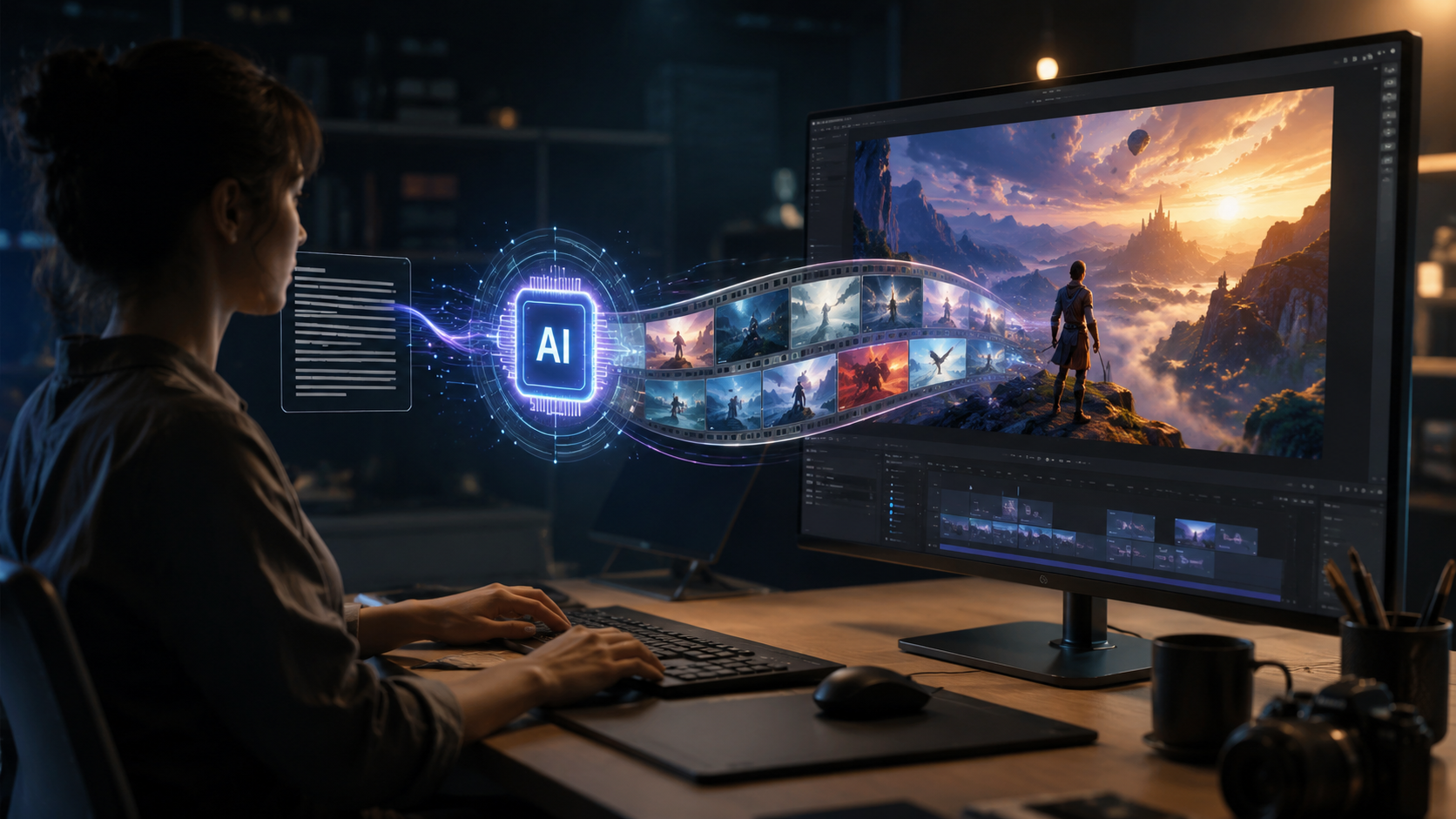
Multiple tech outlets have released comparative reviews in late May and early June 2026. Memeburn (June 5, 2026) tested, ranked, and compared tools for every use case, while Ventureburn (May 30, 2026) focused on the ten best free options. Below is a comparison table based on these evaluations and the Technology Org article (June 5, 2026) about cinematic ads.
| Tool | Best For | Key Feature | Price (2026) |
|---|---|---|---|
| Gemini Omni | Real-time multimodal generation (text+image+video) | Instant video from natural language; camera motion controls | Subscription (free tier limited) |
| Runway Gen-3 | Professional cinematic ads & short films | Multi-shot storyboards, advanced lip sync | $15–$95/month |
| Pika 2.0 | Social media clips and rapid prototyping | Fast generation (10 seconds), style transfer | Free + Pro at $10/month |
| Synthesia | Corporate training and talking‑head videos | AI avatars with realistic voiceovers | $29–$89/month |
| HeyGen | Multilingual video creation for global campaigns | 120+ languages, custom avatars | $24–$49/month |
For those seeking free options, Ventureburn’s May 30 ranking includes tools like Pika 2.0 (free tier) and a few newcomers that offer 1080p exports without watermarks. When choosing, consider your primary use case: cinematic ads benefit from Runway or Gemini Omni, while educational content works well with Synthesia.
How to Use Text to Video AI 2026: Step-by-Step Guide
Using text-to-video AI in 2026 is straightforward. Follow this numbered process, which aligns with the best practices recommended by the experts at Technology Org and Memeburn.
- Define your goal and script. Write a short description of the video you want—include the subject, action, setting, and mood. For instance: “A red sports car drives along a coastal road at sunset, cinematic slow motion.”
- Select your AI video generator. Choose from the tools in the table above based on your budget and quality needs. For a free start, Pika 2.0 is excellent; for professional ads, use Runway Gen-3 or Gemini Omni.
- Input the prompt and adjust parameters. Paste your text into the generator. Most tools let you set video length (5–30 seconds), aspect ratio (16:9 for YouTube, 9:16 for TikTok), and camera movement (pan, zoom, orbit).
- Generate a preview. Click “Generate” and wait. In 2026, generation times range from 10 seconds (Pika) to 2 minutes (high-resolution Gemini Omni outputs). Review the clip and note any artifacts.
- Refine with negative prompts. If the output has unwanted elements (e.g., blurry background, wrong color), add negative prompts like “no blur, no daylight” and regenerate. Many tools allow iterative refinement.
- Add audio or voiceover. Some generators (Synthesia, HeyGen) include AI voice synthesis. For others, export the silent video and add music or narration in a separate editor.
- Export and post-process. Download the final video in 4K or 1080p. You can then trim, overlay text, or combine clips using a traditional editor like DaVinci Resolve or Adobe Premiere.
Example Prompt for a Cinematic Ad
According to Technology Org (June 5, 2026), the best results for commercials come from highly descriptive prompts that specify lighting, lens type, and emotion. A winning prompt might be: “Product shot of a luxury watch on a marble surface, soft studio lighting, shallow depth of field, 60fps slow motion, camera slowly zooms in on the dial.” Using this with Runway Gen-3 or Gemini Omni yields footage indistinguishable from real product shoots.
Tips for Creating Cinematic Ads and Commercials with AI
In 2026, AI-generated videos are no longer limited to low-resolution memes. The Technology Org article specifically ranked models for cinematic advertising, and the NoHo Arts District piece highlighted tools that “rival traditional CGI.” To achieve professional results:
- Use detailed visual references. Many generators accept an image as a starting point. Upload a moodboard or reference photo to guide the AI.
- Control camera motion. Specify “smooth pan,” “dolly zoom,” or “tracking shot” in your prompt. This gives your video a polished, cinematic feel.
- Maintain character consistency. For ads with actors, use tools that support “character seeding” (like Runway Gen-3). Provide a consistent face description or a reference image across multiple shots.
- Iterate quickly. Gemmini Omni’s real-time generation lets you test dozens of variations in minutes—use this to fine-tune lighting, composition, and timing before exporting final footage.
As noted by Cybernews, the rise of text-to-video is “changing content creation” because it removes the need for expensive cameras and studios. With the right approach, a single marketer can produce a 30-second commercial in under an hour.
Frequently Asked Questions
What is the best free AI video generator in 2026?
According to Ventureburn’s May 30, 2026 ranking, Pika 2.0 offers a robust free tier with 10-second clips, style transfer, and no watermark. Other top free options include Luma AI and Clipdrop, though they have daily caps.
How long does it take to generate a video using text-to-video AI?
It varies by tool and resolution. Pika 2.0 generates a 1080p clip in about 10 seconds, while Gemini Omni may take 1–2 minutes for a 30-second 4K output. Most tools provide a real-time preview within seconds.
Can I use text-to-video AI for commercial ads?
Yes. Technology Org’s June 2026 article specifically ranks tools for cinematic ads and commercials. Runway Gen-3 and Gemini Omni are cited as the best for professional-grade outputs, often used by agencies for product launches and brand storytelling.
How do I get consistent characters across multiple shots?
Use tools that support character seeding or upload a reference image. Runway Gen-3 and HeyGen allow you to lock in a face style, while Gemini Omni can maintain character identity across several generations if you reuse the same seed phrase.
What resolution and frame rate can I expect in 2026?
Most top generators output up to 4K resolution at 30 or 60 fps. For high-frame-rate slow motion, Gemini Omni and Runway Gen-3 support 60fps exports. Free tools often cap at 1080p, according to the Ventureburn review.
Is it ethical to use text-to-video AI for deepfakes?
Leading platforms have strict content policies that prohibit deceptive or non-consensual synthetic media. Always review your tool’s terms of service and use the technology responsibly for marketing, education, and creative expression.
By following the steps and tips in this guide, you can effectively use text-to-video AI in 2026 to produce high-quality videos for any purpose. The landscape is rapidly evolving—keep an eye on new releases like Gemini Omni and the continuous updates from established tools to stay ahead.



Comments ()