
How to Use Sora AI: 2026 Complete Guide to Video Creation
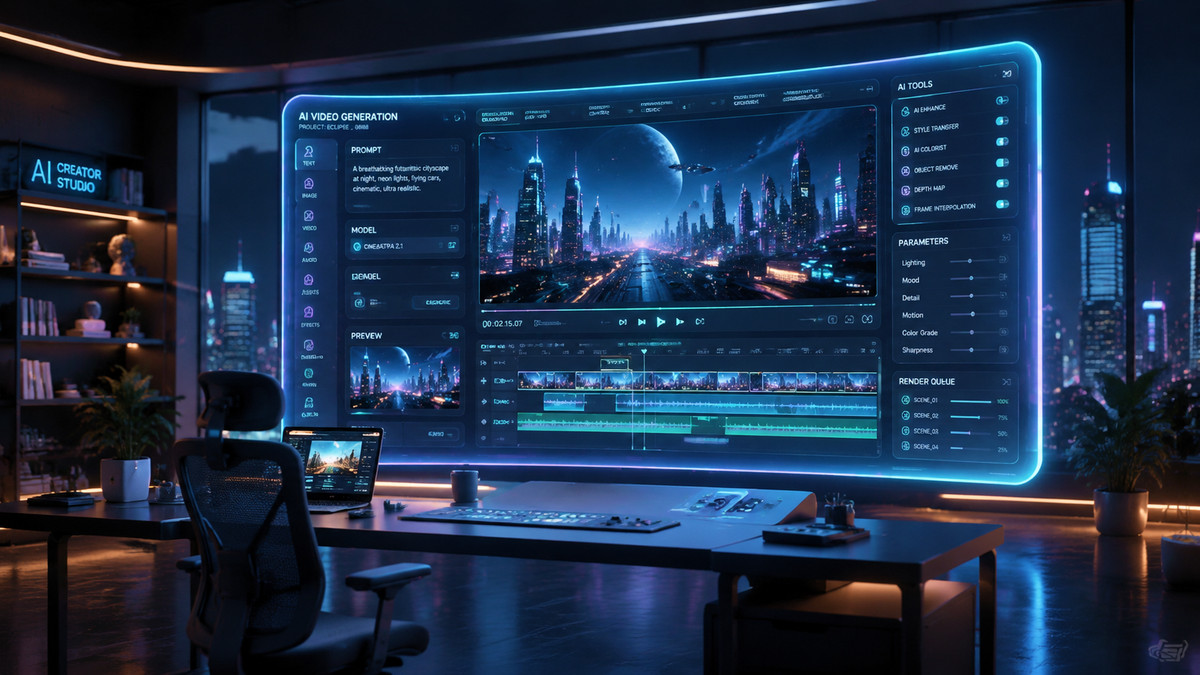
Learning how to use Sora AI involves navigating OpenAI's sophisticated text-to-video model to transform written descriptions into high-fidelity cinematic sequences. While the tool revolutionized the creative industry upon its release, users must now act quickly to utilize the platform before its scheduled sunset in late March 2026. This guide provides the final comprehensive workflow for generating AI video, adhering to the latest safety guidelines and technical specifications released by OpenAI.
Sora AI is a generative artificial intelligence model developed by OpenAI that creates realistic and imaginative video scenes from text instructions. Users access the tool via the OpenAI dashboard, input a detailed descriptive prompt, and the engine renders up to 60 seconds of high-definition video featuring complex camera motion and multiple characters.
- ✓ Sora AI allows for the creation of 1080p high-definition videos from simple text prompts.
- ✓ The platform is currently scheduled for shutdown by OpenAI on March 25, 2026.
- ✓ Effective prompting requires specific details regarding lighting, camera movement, and subject physics.
- ✓ Safety filters prevent the generation of deepfakes, extreme violence, or copyrighted material.
The Current State of Sora AI in 2026
As of early 2026, the landscape of AI video generation has shifted dramatically. While Sora remains a gold standard for visual fidelity, the industry was recently rocked by the announcement that OpenAI is "pulling the plug" on the standalone Sora app. According to reports from CBS News on March 24, 2026, the decision to shut down the service has surprised many in the tech community, marking a pivot in OpenAI's long-term multimedia strategy.
Despite the impending shutdown, the technology remains accessible for a final window, allowing creators to finalize projects and export their archives. During its tenure, Sora has been used for everything from indie filmmaking to high-level concept art for major studios. However, as IndieWire reported on March 24, 2026, the high-profile deal between OpenAI and Disney has also concluded alongside the discontinuation of the Sora service, signaling a new chapter in the AI video battle.
For those looking to master how to use Sora AI before the service concludes, understanding the interface and the underlying physics engine is essential. The model doesn't just "stitch" images together; it simulates the physical world, though it is not without its flaws. Users often experience "hallucinations" where objects appear or disappear unexpectedly, a phenomenon that has led some early adopters to seek alternative tools as the novelty wears off.
Step-by-Step: How to Use Sora AI for Video Creation
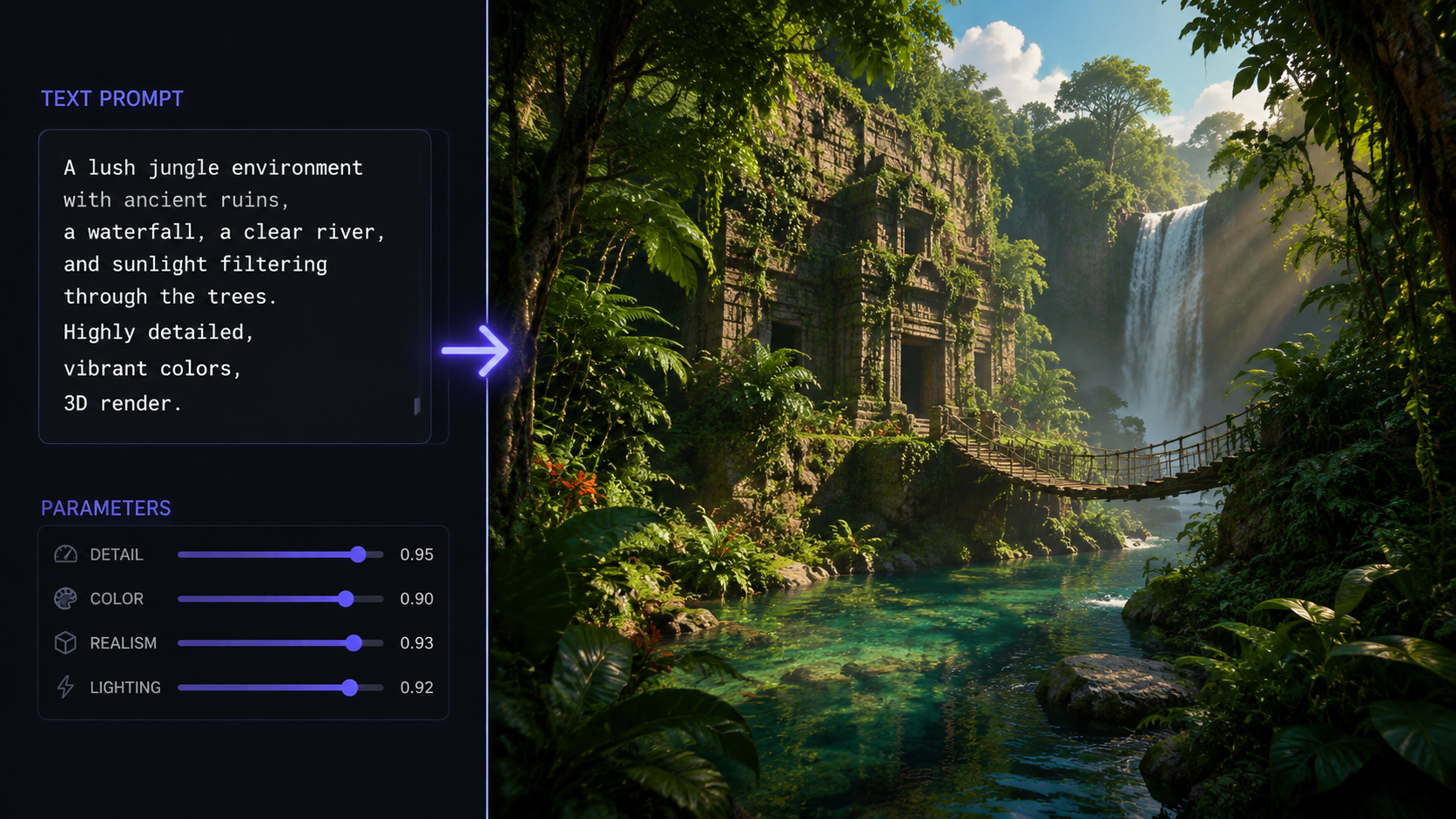
- Access the OpenAI Interface: Log into your OpenAI account and navigate to the Sora video generation dashboard. Ensure your subscription is active, as the service remains in a premium tier during its final weeks.
- Draft Your Text Prompt: Enter a detailed description in the prompt box. Focus on the subject, action, environment, and lighting (e.g., "A cinematic shot of a futuristic Tokyo street under neon rain").
- Configure Aspect Ratio and Resolution: Select your desired output format. Sora supports widescreen 16:9 for cinematic projects and vertical 9:16 for social media content.
- Apply Style Modifiers: Use the "Style" menu to choose between photorealistic, 3D animation, or oil painting aesthetics to guide the model's artistic direction.
- Generate and Iterate: Click "Generate Video." Once the preview is ready, use the "Edit" function to refine specific segments or extend the duration up to the 60-second limit.
- Download and Archive: Given the scheduled shutdown on March 25, 2026, immediately download your renders in 1080p resolution to ensure your work is preserved locally.
Mastering the Art of Video Prompting
Success with Sora AI depends heavily on the specificity of the input. Unlike text models, video models require a "director’s perspective." You must describe not just what is happening, but how the camera sees it. For instance, mentioning a "low-angle tracking shot" provides the AI with structural data on how to move the virtual lens through the generated space.
Understanding Environmental Physics
Sora is designed to understand the physical properties of objects. When you ask for a "glass of water shattering on a marble floor," the AI calculates the trajectory of the shards. However, according to Gizmodo in late 2025, there are still "bad things" that can happen during generation, such as gravity-defying liquid or characters merging into furniture. To mitigate this, keep your prompts grounded in realistic physical interactions unless you are intentionally seeking a surrealist result.
Lighting and Atmospheric Effects
To truly elevate your video quality, incorporate atmospheric details. Terms like "golden hour," "volumetric lighting," and "cinematic bokeh" help the AI define the depth of field and color grading. This reduces the "flat" look common in lower-tier AI video generators and provides a professional finish that rivals traditional CGI. Many users who have spent months learning how to use Sora AI find that the lighting engine is actually its strongest feature.
Sora AI Technical Specifications and Comparison
To understand where Sora stands in the 2026 market, it is helpful to compare its capabilities with the current industry standards. While Sora offers unmatched realism, its heavy computational requirements eventually led to the sustainability issues cited in recent news reports.
| Feature | Sora AI (2026 Version) | Industry Standard Alternatives |
|---|---|---|
| Max Video Length | 60 Seconds | 15 - 30 Seconds |
| Maximum Resolution | 1080p (Full HD) | 720p or Upscaled 1080p |
| Physics Engine | Advanced Fluid & Rigid Dynamics | Basic Motion Estimation |
| Availability | Ends March 25, 2026 | Ongoing / Subscription Based |
| Primary Strength | Cinematic Consistency | Speed and Real-time Rendering |
Safety, Ethics, and the "Boredom" Factor
As with any powerful creative tool, the ethics of how to use Sora AI have been a point of contention. OpenAI implemented rigorous "Red Teaming" to prevent the creation of harmful content. According to Gizmodo (November 2025), the potential for misuse in creating misleading political content or deepfakes remained a significant concern for the developers, leading to the strict metadata watermarking found in every Sora-generated file.
Interestingly, the "wow factor" of AI video has seen a decline among power users. In a viral piece by Business Insider titled "I made so many wild videos with Sam Altman's Sora. Now, I'm bored with it," the author noted that the ease of creation eventually stripped away the sense of accomplishment associated with traditional filmmaking. This sentiment reflects a broader trend in 2026 where creators are looking for more "human-in-the-loop" tools rather than pure automated generation.
Copyright and Ownership in 2026
One of the most complex aspects of using Sora involves the ownership of the output. While OpenAI grants users the right to use the videos, the collapse of the Disney-OpenAI partnership (as reported by IndieWire) highlights the ongoing legal friction regarding training data and intellectual property. Users are advised to consult the updated 2026 Terms of Service before using Sora-generated content for commercial broadcast purposes.
The Future Beyond Sora: Transitioning to New Tools
With OpenAI pulling the plug on Sora, creators must look toward the future. Mashable reported on March 25, 2026, that while Sora is shutting down, at least two major AI video alternatives are prepared to absorb the user base. These platforms are expected to offer similar text-to-video capabilities, though perhaps with different aesthetic signatures.
The transition involves exporting your "Prompt Library." Since the logic of how to use Sora AI—specifically the "Director-style" prompting—is transferable, your skills will not be wasted. The industry is moving toward "multimodal" workflows where video, sound, and dialogue are generated simultaneously, a step beyond what the original Sora app offered as a standalone visual tool.
When is Sora AI shutting down?
According to reports from CBS News and Mashable, OpenAI is scheduled to shut down the Sora AI video application on March 25, 2026. Users should ensure all projects are exported before this date.
Can I still use Sora for commercial projects?
Yes, until the shutdown date, Sora can be used for commercial projects, provided the content adheres to OpenAI's safety guidelines. However, the end of the Disney partnership suggests that major studio collaborations may face more complex licensing hurdles.
What is the maximum length of a Sora video?
In its final 2026 iteration, Sora AI is capable of generating continuous video clips up to 60 seconds in length. These clips maintain visual consistency and character persistence throughout the duration.
Are there alternatives to Sora AI?
Yes, as Sora shuts down, Mashable identifies two primary AI video alternatives that offer similar high-end text-to-video generation features. These competitors are expected to lead the market throughout the remainder of 2026.
Why is OpenAI pulling the plug on Sora?
While OpenAI has not provided a singular reason, industry analysts cited by IndieWire and CBS News point to the high cost of compute, the conclusion of major media partnerships, and a shift toward integrated multimodal AI models rather than standalone video apps.



Comments ()