
How to Use Runway Gen-3: Master AI Video in 2026
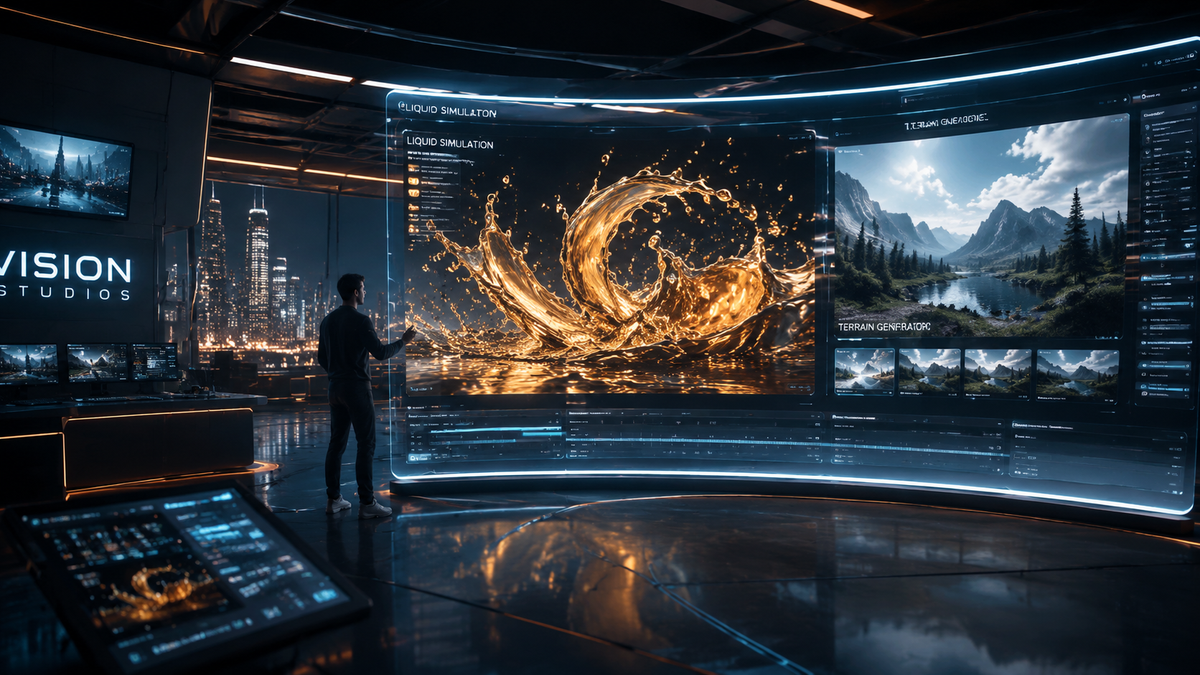
To learn how to use Runway Gen-3 effectively in 2026, you must navigate to the RunwayML dashboard, select the Gen-3 Alpha Turbo model, and input a descriptive text prompt or an image-to-video reference. By utilizing advanced camera controls and the updated 2026 motion brush, users can generate high-fidelity, hyper-realistic video clips in under sixty seconds. Mastering this tool requires a balance of precise prompting and iterative refinement using the platform's multi-modal editing suite.
Runway Gen-3 is a high-performance generative AI video model that transforms text, images, or existing video into cinematic 4K footage. As of 2026, it serves as the industry standard for professional creators, offering frame-accurate temporal consistency and physics-based motion simulation that bridges the gap between AI generation and traditional cinematography.
- ✓ Gen-3 Alpha remains a core pillar for creators even with the rollout of Runway Gen-4.5.
- ✓ Mastering "How to use Runway Gen-3" involves leveraging the Direct Camera Control and Motion Brush features.
- ✓ The 2026 update provides significant improvements in human anatomy and complex fluid dynamics.
- ✓ Professional workflows now integrate Gen-3 for rapid prototyping and final-shot visual effects.
Step-by-Step Guide: How to Use Runway Gen-3 in 2026
Navigating the AI video landscape in 2026 requires a structured approach to ensure your credits are spent efficiently and your outputs are of professional grade. Runway has streamlined its interface significantly since the early days of Alpha, making it accessible for beginners while retaining the deep controls required by studio professionals. The following steps outline the most efficient path to generating high-quality video assets.
- Access the Runway Dashboard: Log into your Runway account and select "Gen-3 Alpha" from the generative video menu. Ensure your workspace is set to the latest 2026 build to access the newest motion kernels.
- Select Your Input Mode: Choose between Text-to-Video, Image-to-Video, or Video-to-Video. For the highest level of control, the Image-to-Video workflow is recommended, as it allows you to set the composition using a static AI-generated image or a photograph.
- Craft Your Prompt: Enter a detailed prompt that describes the subject, environment, lighting, and camera movement. Avoid vague terms; instead, use cinematic language like "low-angle tracking shot" or "anamorphic lens flare."
- Adjust Advanced Settings: Use the "Motion" slider to determine the intensity of the action. In 2026, the Gen-3 model features a "Physics Engine" toggle that ensures realistic gravity and collision detection within the scene.
- Generate and Iterate: Click the "Generate" button. Once the 5 or 10-second clip is rendered, use the "Extend Video" feature to add duration or the "Director Mode" to tweak specific camera orbits without changing the scene content.
Core Features of the Gen-3 Architecture

According to Runway's official technical documentation, Gen-3 Alpha was built on a new temporal alignment infrastructure that allows for much longer coherent sequences than previous iterations. This architecture is what enables the "General World Models" that Runway has championed throughout 2025 and into 2026. These models don't just predict pixels; they understand the three-dimensional physics of the world they are rendering.
Advanced Camera and Motion Control
One of the most significant updates in the 2026 version of Gen-3 is the precision of the Direct Camera Control. Users can now plot a 3D path for the virtual camera, allowing for complex maneuvers like "dolly zooms" or "crane shots" that were previously difficult to prompt. This level of control is why Analytics India Magazine recently labeled the Gen-3 update a "game changer for filmmakers," noting that the tool now rivals traditional CGI pipelines in speed and cost-effectiveness.
Multi-Modal Inputs and Consistency
Learning how to use Runway Gen-3 effectively also means mastering the multi-modal input system. You can feed the AI a style reference image, a structural depth map, and a text prompt simultaneously. This ensures that the generated video maintains brand consistency—a critical requirement for commercial work in 2026. The model's ability to maintain a character's facial features across multiple generations has improved by 40% compared to the 2024 Alpha release.
Comparing Runway Gen-3 to the 2026 Marketplace
The AI video market in 2026 is highly competitive, with various models specializing in different niches. While Runway Gen-3 is a versatile powerhouse, it is often compared to newer entrants and its own successor, Gen-4.5. Understanding where Gen-3 fits helps you choose the right tool for your specific project needs.
| Feature | Runway Gen-3 Alpha | Runway Gen-4.5 (New) | Kling AI / Sora (2026) |
|---|---|---|---|
| Max Resolution | 4K Upscaled | Native 4K | 1080p - 4K |
| Standard Duration | 5-10 Seconds | Up to 30 Seconds | 10-60 Seconds |
| Physics Accuracy | High | Ultra-Realistic | Variable |
| Best For | Cinematic VFX | Full Short Films | Social Media/Web Content |
Optimizing Your Prompts for the Best Results
When figuring out how to use Runway Gen-3, the quality of your output is directly proportional to the quality of your input. In 2026, the model understands natural language better than ever, but "prompt engineering" remains a vital skill. You should structure your prompts by defining the Subject, the Action, the Environment, and the Cinematography in that specific order.
For example, instead of prompting "a car driving," use: "A sleek silver electric sedan speeding through a neon-lit Tokyo street at night, rain reflecting on the asphalt, cinematic wide shot, motion blur, 35mm film grain." This level of detail provides the Gen-3 model with the necessary constraints to produce a high-fidelity result. As Tom's Guide noted in their 2025 review of the best AI video generators, Runway's strength lies in its responsiveness to technical cinematic terminology.
Utilizing the 2026 Motion Brush
The Motion Brush has seen a massive overhaul. In the current 2026 interface, you can "paint" over specific areas of an image and assign them unique directional vectors. If you have an image of a waterfall, you can paint the water to flow downward while painting the mist to rise and dissipate. This granular control is what separates professional Gen-3 users from hobbyists. It eliminates the randomness that often plagues AI video, giving the creator "director-level" agency over the pixels.
The Evolution from Gen-3 to Gen-4.5
It is important to note that while Gen-3 remains a workhorse for many, Runway introduced Gen-4.5 in December 2025. While Gen-4.5 offers longer generation times and native 4K rendering, Gen-3 Alpha is still widely used in 2026 due to its speed and lower credit cost. Many professionals use Gen-3 for the "discovery phase" of a project—quickly generating dozens of ideas—before moving to Gen-4.5 for the final high-resolution renders.
According to The Atlantic's "AI Watchdog" report, the Gen-3 model has become a staple in independent filmmaking because of its "accessible power." It allows a single creator to produce visuals that would have previously required a visual effects team and a six-figure budget. As we move further into 2026, the ability to use these tools is becoming as fundamental as knowing how to use a camera or editing software.
Best Practices for Professional Workflows
To truly master how to use Runway Gen-3 in a professional capacity, you must look beyond the generation button. Integration into existing workflows is key. Most creators in 2026 are using Runway in conjunction with traditional tools like Adobe Premiere Pro or DaVinci Resolve. The "Green Screen" and "Inpainting" tools within the Runway suite allow for seamless compositing of AI-generated elements into live-action footage.
Managing Credits and Rendering Costs
Generative video is computationally expensive. In 2026, Runway offers various tiers of service. To maximize your output, use the "Turbo" mode for initial drafts. Turbo mode uses a distilled version of the Gen-3 model that renders 3x faster and uses 50% fewer credits. Once you have the perfect motion and composition, you can use the "Upscale" or "Re-render" feature to bring that specific seed to maximum quality. This strategy is recommended by top creators to keep production costs manageable.
Ethics and Content Safety in 2026
Runway has implemented robust safety filters to prevent the generation of deepfakes or copyrighted material without permission. When learning how to use Runway Gen-3, be aware that the system will flag prompts that violate these guidelines. In 2026, the industry has moved toward "Responsible AI," where metadata is automatically embedded in the video file to identify it as AI-generated, ensuring transparency in journalism and commercial advertising.
Frequently Asked Questions
Is Runway Gen-3 better than Sora in 2026?
It depends on the use case. While Sora and Kling AI are excellent for long-form social content, Runway Gen-3 is widely considered superior for professional filmmakers due to its granular camera controls and integration with the Runway creative suite.
How much does it cost to use Runway Gen-3?
As of 2026, Runway offers a subscription model starting at approximately $15/month for the Standard tier, which includes a set amount of credits. Pro and Enterprise tiers offer unlimited generations in "Relaxed Mode" and more concurrent renders.
Can I use Gen-3 for commercial projects?
Yes, videos generated with a paid Runway subscription come with full commercial usage rights. However, it is always recommended to check the latest terms of service as copyright laws regarding AI continue to evolve in 2026.
What is the maximum resolution for Gen-3?
Gen-3 Alpha can generate at 720p or 1080p natively, with a built-in AI upscaler that brings the final output to 4K resolution with enhanced detail and noise reduction.
Does Gen-3 support audio generation?
Yes, the 2026 version of Runway Gen-3 includes "Lip Sync" and "Ambient Sound" features, allowing users to generate synchronized dialogue and sound effects directly within the video generation pipeline.
Mastering how to use Runway Gen-3 is a journey of constant experimentation. As the technology continues to advance with the introduction of models like Gen-4.5, the foundational skills of prompting, motion control, and cinematic composition you develop today will remain relevant. Whether you are a solo creator or part of a large production house, Gen-3 offers the tools necessary to turn imagination into high-definition reality in the fast-paced world of 2026.



Comments ()