
How to Use Pika Labs for Beginners (2026 Guide)
Pika Labs is an AI video generation platform that enables beginners to create cinematic-quality videos from text prompts or images. As of 2026, it offers advanced motion controls, scene consistency, and high-resolution output, making it one of the most accessible tools for AI video creation.
- ✓ Pika Labs requires only a free sign‑up and a detailed prompt to generate short AI videos.
- ✓ Its 2026 version includes enhanced motion control, longer clip durations, and 4K upscaling.
- ✓ The platform has raised $80+ million in funding (Forbes, June 2024), validating its rapid growth.
- ✓ Best results come from crafting clear, action‑oriented prompts and using reference images.
- ✓ Pika Labs is frequently ranked among the top AI video generators in 2026 reviews (Cybernews).
What Is Pika Labs?
Pika Labs is a generative AI platform that transforms text descriptions and static images into short, animated video clips. Originally launched in 2023, it quickly gained traction for its ability to produce cinematic‑style footage without requiring any video editing experience. By 2026, Pika Labs has evolved into a mature tool used by content creators, marketers, and hobbyists alike. According to VentureBeat, the company raised $55 million in November 2023, and Forbes reported an additional $80 million round in June 2024 – a clear sign of investor confidence in its technology.
The platform works by interpreting natural language prompts and generating a sequence of frames that adhere to your description. You can also upload an image as a starting point, letting the AI animate it with specific motions. Because the entire process happens in the cloud, you don’t need a powerful computer – just a web browser and an internet connection. If you’re wondering how to use Pika Labs for beginners, the answer is straightforward: sign up, write a prompt, and let the AI do the heavy lifting.
How to Use Pika Labs for Beginners: Step‑by‑Step
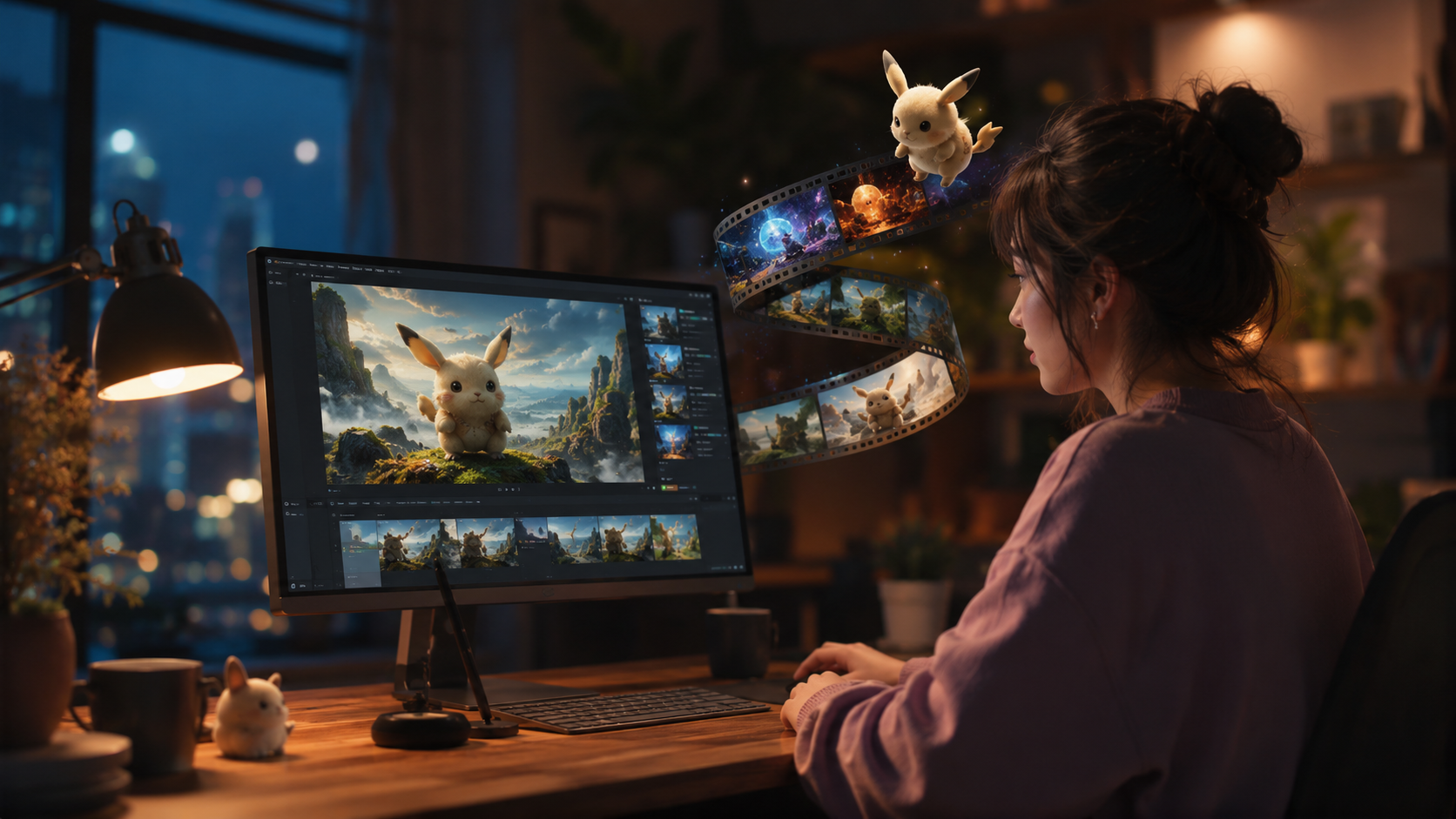
Follow this simple walkthrough to create your first AI video. The entire process takes less than five minutes from start to finish.
- Create an account. Go to the Pika Labs website and sign up with your email or via Google/Apple ID. No credit card is required for the free tier, which gives you a limited number of generations per month.
- Explore the dashboard. After logging in, you’ll see a clean interface with a prompt box at the top. Take a moment to browse the “Community” tab – it’s full of example videos and prompts that can inspire your own work.
- Write your first prompt. In the prompt box, describe the scene you want as if you were directing a film. For example: “A lone astronaut walking on a dusty red planet, dramatic lighting, cinematic slow‑motion, gritty texture.” Be specific about motion, lighting, and atmosphere.
- Adjust settings (optional). Click the “Settings” icon to tweak parameters like video length (2–4 seconds for beginners), camera movement (pan, zoom, orbit), and negative prompts (things you don’t want to appear).
- Generate and review. Hit “Generate” and wait 15–30 seconds. The AI creates a preview. If you like it, you can download it in MP4 format or upscale it to higher resolution using the “Enhance” feature.
- Iterate and refine. Not satisfied? Tweak your prompt or settings and generate again. Many beginners get the best results after 3–5 attempts, experimenting with different action verbs and camera instructions.
This how‑to‑use‑Pika‑Labs‑for‑beginners process is intentionally simple. The real skill lies in crafting effective prompts – something we’ll cover in the tips section below.
Key Features of Pika Labs in 2026
Pika Labs has introduced several upgrades since its early days. Here are the features that matter most to beginners.
Text‑to‑Video and Image‑to‑Video
You can either start from a pure text prompt or upload an image that the AI will animate. Image‑to‑video is especially useful for turning a still photograph into a living scene – for instance, making a portrait’s hair flutter in the wind.
Motion Control
The platform now offers granular control over camera movements (pan, tilt, dolly) and object motion. You can set the speed and direction of the “virtual camera,” giving your videos a professional, cinematic feel. This feature was highlighted in a 2023 tutorial by No Film School for creating cinematic AI videos, and it has only improved since then.
Resolution and Duration
Free users can generate up to 4‑second clips at 720p resolution. Paid tiers unlock 8‑second videos, 1080p (and up to 4K with the “Upscale” option), and faster generation. According to Tom’s Guide (2025), Pika Labs was already a top pick for short‑form content, and the 2026 version adds even higher fidelity.
Consistency Mode
One of the hardest challenges in AI video is maintaining character or scene consistency across multiple generations. Pika Labs now includes a “Consistency” toggle that uses a reference frame to keep the subject looking the same when you generate variations.
| Feature | Pika Labs | Runway Gen‑3 | Other Top Platforms |
|---|---|---|---|
| Max clip length (free tier) | 4 seconds | 4 seconds | 2–4 seconds |
| Text‑to‑video | ✓ | ✓ | ✓ |
| Image‑to‑video | ✓ | ✓ | ✓ |
| Camera motion control | Full (pan, tilt, zoom, orbit) | Basic (pan/zoom) | Varies |
| 4K upscaling | ✓ (paid) | ✓ (paid) | Limited |
| Scene consistency | Dedicated toggle | Via seed control | Not standard |
| Community inspiration | Extensive gallery | Moderate | Varies |
Pro Tips for Better AI Videos
Getting the most out of Pika Labs involves more than just typing a sentence. These tips, drawn from expert guides and community best practices, will help you create standout clips.
Write Action‑Oriented Prompts
Instead of “a cat sitting on a couch,” try “a tabby cat stretches and yawns on a velvet couch, soft morning light streaming through a window.” Action verbs and sensory details give the AI clearer direction. According to the No Film School guide, cinematic results come from describing both the subject and the camera perspective.
Use Negative Prompts Wisely
Pika Labs allows you to specify what you don’t want. For example, add “blurry face, extra limbs, low resolution” to avoid common artifacts. This dramatically improves output quality on the first try.
Leverage the “Enhance” Feature
After generating a clip, click “Enhance” to upscale resolution and add subtle sharpening. For social‑media use, this often makes the difference between a passable and a polished video.
Combine with Image‑to‑Video
When you have a specific character or background in mind, generate a static image first using any AI image tool (e.g., Midjourney or DALL‑E), then upload it to Pika Labs as a reference. This gives you far more control over the final look.
Pika Labs vs. Competitors: What Beginners Should Know
In 2026, the AI video generator market is crowded. Cybernews published an in‑depth review of the best AI animation generators, and Nokiamob listed the top five AI UGC video generators. Pika Labs consistently appears near the top, especially for beginners, because of its low barrier to entry and strong community features.
The table above shows how Pika Labs compares to Runway and other platforms. Key differentiators for beginners are the free tier (generous enough to learn the tool), the simplicity of the interface, and the dedicated motion‑control sliders that make camera direction intuitive. Meanwhile, some platforms offer longer clips at the same price point but lack the consistency mode that helps beginners avoid jarring frame‑to‑frame changes.
Keep in mind that no tool is perfect. If you need highly realistic human faces or complex multi‑character scenes, you may need to combine Pika Labs with post‑production editing. But for short, cinematic clips – the kind that work best on social media, in presentations, or as B‑roll – Pika Labs remains a top recommendation in 2026.
Frequently Asked Questions
Is Pika Labs free to use?
Yes, Pika Labs offers a free tier that lets you create a limited number of videos per month (usually 10–15 generations at 720p). Paid plans start at around $10/month and unlock higher resolution, longer clips, and priority generation.
How long does it take to generate a video?
Most videos are generated in 15–45 seconds, depending on server load and the complexity of your prompt. Free users may experience slightly longer queues during peak hours.
Can I use Pika Labs for commercial projects?
Yes, Pika Labs’ terms of service allow commercial use of videos created on the platform, even on the free plan. Always check the latest terms, as they may update.
What’s the best prompt length for beginners?
Start with 10–20 words that describe the subject, action, setting, and lighting. For example: “A golden retriever runs through a field of daisies, golden hour sunlight, cinematic slow‑motion.” Avoid overly long prompts that confuse the AI.
Does Pika Labs support video‑to‑video?
As of 2026, Pika Labs focuses on text‑to‑video and image‑to‑video. If you need to transform an existing video clip, you may need to use a separate tool or combine frames and image‑to‑video workflows.



Comments ()