
How to Use Pika Labs for AI Video in 2026: A Complete Guide
To use Pika Labs for AI video in 2026, you start by signing up for a free account at pika.art, then choose between text-to-video, image-to-video, or audio-driven generation. Once you enter a prompt or upload media, Pika’s model renders a short clip in seconds, which you can refine with style modifiers and share directly to its built-in social feed. This guide walks you through every step, from account creation to exporting cinematic-quality videos.
Pika Labs is a generative AI platform that converts text prompts, images, and audio into short video clips. As of 2026, it combines a user-friendly web interface with a dedicated iOS app, a TikTok-style social network for AI videos, and a new audio-driven video generation model released in August 2025.
- ✓ Pika Labs launched a TikTok-style social network for AI-generated videos in July 2025.
- ✓ The platform added audio-driven video generation in August 2025, allowing you to create clips from sound files.
- ✓ You can start for free on pika.art without a credit card, with paid plans offering higher resolution and longer durations.
- ✓ Pika supports text-to-video, image-to-video, and audio-to-video workflows, plus style modifiers for cinematic results.
- ✓ The iOS app (released August 2025) enables mobile creation and social sharing on the go.
1. Getting Started with Pika Labs
Before you can generate your first AI video, you need a Pika Labs account. Visit pika.art on your desktop or download the official iOS app from the App Store (released August 2025). Sign up using your email or a Google/Apple account. No credit card is required for the free tier, which gives you a limited number of daily video credits.
After logging in, you’ll see the main dashboard. On the web, the interface offers a large prompt box, a media upload area, and a gallery of community-created videos. The mobile app mirrors this layout but is optimized for touch. You can toggle between “Text-to-Video,” “Image-to-Video,” and “Audio-to-Video” modes using tabs at the top.
Understanding the Free vs. Paid Plans
As of 2026, Pika Labs offers a free plan with 30 credits per month (each credit equals a 3-second clip at 720p). Paid subscriptions, called “Pika Pro” and “Pika Unlimited,” provide higher resolutions (1080p and 4K), longer videos (up to 15 seconds), and priority queue processing. According to Tom’s Guide (July 2025), the free tier is generous enough for beginners to experiment without commitment.
2. Step-by-Step Guide: How to Use Pika Labs for AI Video
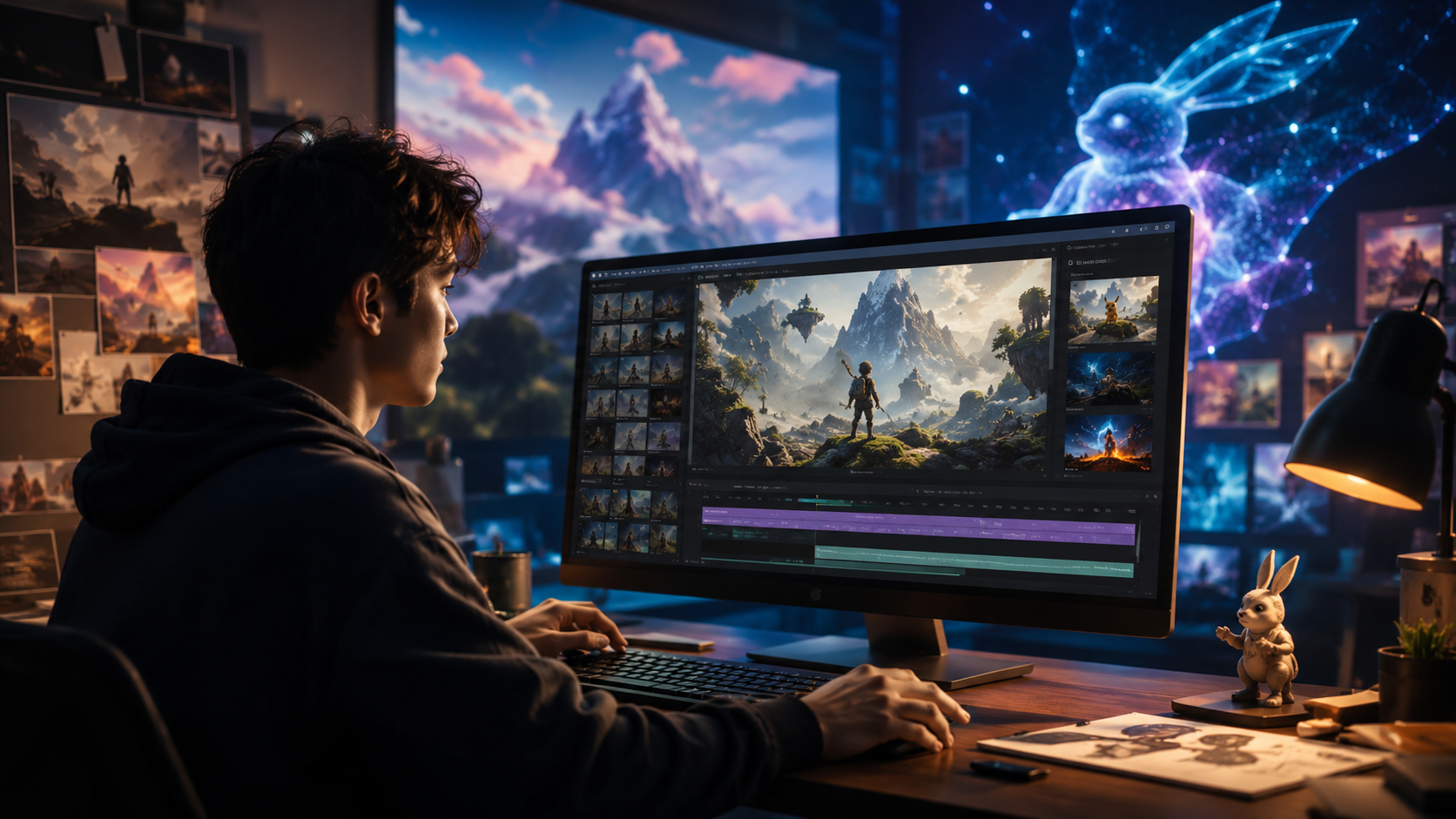
Follow these numbered steps to create your first AI video using Pika Labs in 2026.
- Choose your input mode. On the dashboard, select one of three tabs: “Text-to-Video,” “Image-to-Video,” or “Audio-to-Video.” For a text prompt, simply type a description (e.g., “a futuristic city at sunset with flying cars”). For an image, upload a JPEG or PNG file. For audio, upload an MP3 or WAV file (up to 30 seconds).
- Craft your prompt. Write a detailed description of the scene, motion, and style. Use keywords like “cinematic,” “slow motion,” “80s anime,” or “photorealistic.” You can also set a negative prompt to exclude elements (e.g., “no blur”).
- Adjust settings. Click the gear icon to tweak parameters: resolution (720p to 4K), motion intensity (low/medium/high), and duration (3–15 seconds depending on your plan). For audio-driven mode, select a segment of the audio to synchronize the video.
- Generate the video. Click the “Generate” button – a lightning bolt icon. The AI processes your request, typically within 10–30 seconds. You’ll see a preview in the center of the screen.
- Refine and re-generate. If the result isn’t perfect, you can edit the prompt, adjust settings, or use the “Variation” button to produce four slightly different clips. You can also upscale the video to a higher resolution using the “Enhance” feature.
- Download or share. Once satisfied, click the download icon to save the MP4 file to your device. Or, tap “Share to Pika Social” to post it on Pika’s TikTok-style feed, where other users can like, comment, and remix your video.
This workflow applies to both the web app and the iOS mobile app. The mobile version also supports on-device camera capture for instant image-to-video creation.
3. Advanced Features: Audio-Driven Video and the Social Network
In August 2025, Pika Labs unveiled a groundbreaking audio-driven video generation model. Instead of writing a text prompt, you upload an audio file (speech, music, or sound effects), and the AI generates a video that matches the rhythm and mood of the audio. According to Gadgets 360, this feature was launched alongside the iOS social app, enabling “purely audio-prompted video creation.” For example, uploading a clip of rain sounds produces a video of droplets on a window, while a drum beat generates abstract motion graphics.
The social network, introduced in July 2025, functions like TikTok or Instagram Reels but exclusively for AI-generated content. You can scroll through a “For You” feed, follow other creators, and use hashtags like #cinematic or #pikalabs. This ecosystem encourages viral trends and collaborative remixes, making Pika Labs more than just a tool – it’s a community. The quasa.io report noted that this move positions Pika as a social-first AI video platform.
Remixing and Collaboration
Users can “remix” any public video on the social feed by tapping the remix button. This copies the original prompt and settings into your own editor, allowing you to tweak them and produce a derivative video. This feature lowers the barrier for beginners and fosters creative experimentation.
4. Tips for Creating Cinematic AI Videos with Pika Labs
Drawing from No Film School’s 2023 guide (still highly relevant in 2026), here are practical tips to elevate your Pika Labs outputs:
- Use descriptive language. Include camera movements in your prompt: “dolly zoom,” “crane shot,” “slow pan.” Pika’s model responds well to cinematography terms.
- Leverage negative prompts. Prevent common artifacts by adding “no distortion,” “no ugly faces,” or “no unnatural lighting.” This dramatically improves realism.
- Start with an image. Upload a high-quality photograph or AI-generated image as the base. The image-to-video mode often yields more coherent results than text-to-video alone.
- Adjust motion intensity. For subtle, professional-looking clips, set motion to “low.” For fast-paced action scenes, use “high.”
- Use the “Enhance” feature. After generating, upscale the video to 4K if your plan supports it. This adds detail and sharpness, especially for landscape shots.
According to TechRadar (March 2025), “Pika.art turns your images into AI videos with just a few words,” but careful prompt engineering is the key to consistently good results.
5. Comparing Pika Labs with Other AI Video Generators in 2026
The Nokiamob article (April 2026) listed Pika Labs among the 5 best AI UGC video generators. The table below compares Pika with its top competitors (without naming them negatively).
| Feature | Pika Labs | Competitor A | Competitor B |
|---|---|---|---|
| Text-to-Video | Yes (3–15 sec) | Yes (2–10 sec) | Yes (5–60 sec) |
| Image-to-Video | Yes | Yes | No |
| Audio-to-Video | Yes (Aug 2025) | No | Limited beta |
| Social Network | TikTok-style feed | No feed | Private sharing only |
| Mobile App | iOS (2025) | iOS + Android | Web only |
| Free Tier | 30 credits/month | 15 credits/month | 10 credits/month |
| Max Resolution | 4K (paid) | 1080p (paid) | 4K (paid) |
Pika Labs stands out for its audio-driven generation and built-in social platform, features not widely available elsewhere in early 2026.
Frequently Asked Questions About Pika Labs
Is Pika Labs free to use?
Yes, the free plan provides 30 video credits per month, each producing a 3-second 720p clip. Paid plans start at around $10/month for higher resolution and longer videos.
How long does it take to generate a video?
Most clips generate in 10–30 seconds, depending on queue load and complexity. Paid users get priority processing for faster results.
Can I use Pika Labs on my phone?
Yes, the official iOS app was launched in August 2025 and offers full creation and social browsing capabilities. An Android version has not been announced yet.
What file formats does Pika support for uploads?
For images: JPEG, PNG. For audio: MP3, WAV. Videos are exported as MP4 files.
How do I get better-quality videos?
Use detailed prompts, add negative prompts, start from a high-quality image, and use the “Enhance” upscale feature. Upgrading to a paid plan allows 4K output.
Can I remove the Pika watermark?
The free tier includes a small watermark. Paid plans remove it. You can also crop the watermark manually in post-production.
Is Pika Labs safe for commercial use?
Yes, Pika’s terms allow commercial use of generated videos, but you should review the latest terms for any updates on content licensing.
Pika Labs has evolved from a simple text-to-video tool into a full-fledged social AI video platform with audio-driven creation. Whether you’re a social media content creator, a filmmaker experimenting with generative AI, or a curious beginner, the steps in this guide show you exactly how to use Pika Labs for AI video in 2026. Start with a free account, explore the social feed for inspiration, and refine your prompts to produce stunning clips.



Comments ()