
How to Use Generative AI Video: A 2026 Master Guide
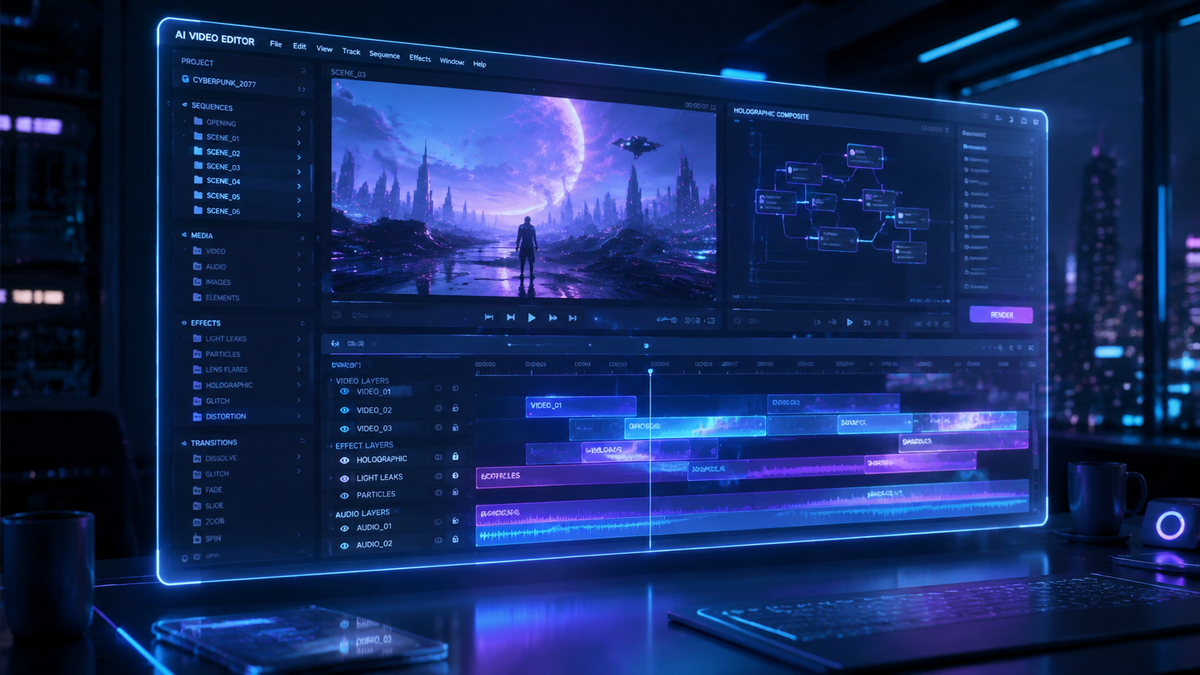
Learning how to use generative ai video involves selecting a specialized model like OpenAI’s Sora or OCI Generative AI, inputting a descriptive text prompt or reference image, and refining the output through iterative prompting or cinematic controls. In 2026, this technology has evolved beyond simple clips to high-fidelity, multi-minute sequences used for education, marketing, and entertainment. By mastering the balance between creative automation and ethical oversight, users can produce professional-grade visual content in a fraction of the time required by traditional production pipelines.
Generative AI video is an advanced branch of artificial intelligence that uses deep learning models to synthesize new video content from text, image, or audio inputs. In 2026, it is primarily used for rapid prototyping, personalized social media content, and data-driven video analysis, allowing creators to generate hyper-realistic visuals without physical cameras or traditional rendering engines.
- ✓ Use text-to-video models like Sora for high-fidelity cinematic storytelling and world-building.
- ✓ Leverage OCI Generative AI to extract actionable insights and metadata from existing video files.
- ✓ Maintain transparency to avoid community backlash, as seen in recent gaming industry controversies.
- ✓ Employ verification techniques to distinguish between AI-generated wildlife footage and real-world captures.
- ✓ Prioritize ethical content creation to navigate the shifting landscape of social media platform regulations.
A Step-by-Step Guide on How to Use Generative AI Video
The landscape of digital media has been fundamentally altered by the maturation of video synthesis. To effectively understand how to use generative ai video in 2026, one must move beyond the "experimental" mindset of previous years and adopt a structured production workflow. The process is no longer just about hitting a "generate" button; it requires a sophisticated understanding of prompt engineering, temporal consistency, and post-generation refinement to meet modern professional standards.
Whether you are a solo content creator or part of a global marketing firm, following a standardized protocol ensures that your AI-generated assets are both high-quality and brand-compliant. Below is the essential workflow for modern generative video production.
- Define Your Objective and Platform: Determine if you are creating a short-form social clip, a long-form educational video, or an analytical report. Different models excel at different tasks; for example, OpenAI’s Sora is preferred for visual storytelling, while Oracle’s OCI tools are better for data extraction.
- Draft a High-Density Prompt: Craft a prompt that includes the subject, lighting (e.g., "golden hour"), camera movement (e.g., "tracking shot"), and art style. In 2026, models respond best to "natural language" instructions that describe the emotional arc of the scene.
- Select Your Foundation Model: Choose the tool that fits your technical requirements. High-end cinematic projects often utilize Sora for its ability to create complex scenes with multiple characters and specific motions.
- Iterate and Refine: Generative AI rarely produces a perfect result on the first attempt. Use "seed" values to maintain consistency across different clips and apply negative prompts to remove unwanted artifacts or distortions.
- Apply Post-Production and Upscaling: Use traditional editing software or AI-based upscalers to ensure the resolution meets 4K or 8K standards. This is also the stage where you must add required disclosures regarding the AI-generated nature of the content.
- Ethical Review and Fact-Checking: Before publishing, verify that the content does not infringe on intellectual property and that any "realistic" depictions (such as wildlife or historical events) are clearly labeled to prevent misinformation.
Core Technologies Powering Video Generation in 2026
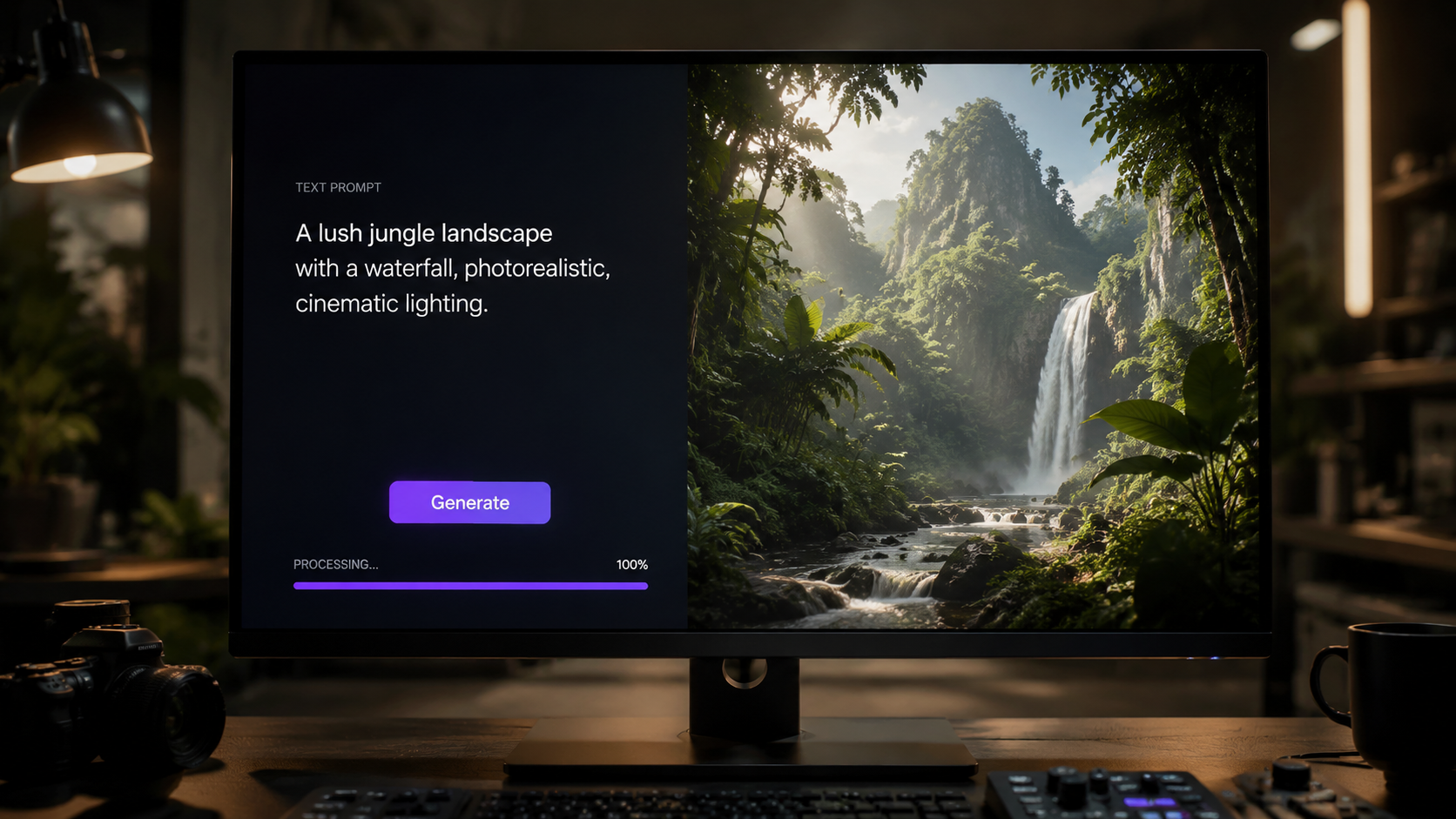
The current year has seen a massive leap in the underlying architecture of video models. According to OpenAI, their Sora model, which gained significant traction following its major 2026 updates, can now create videos from text instructions that maintain deep physical realism and character persistence over extended durations. This capability has moved generative video from the realm of "moving paintings" into the territory of actual cinematography, where the AI understands how objects interact in 3D space.
Furthermore, the integration of video AI into enterprise workflows has been pioneered by major cloud providers. Oracle Blogs recently highlighted how OCI Generative AI is being used not just to create, but to "extract insights" from video. This dual-use case—creation and analysis—is a hallmark of the 2026 AI landscape. Companies are now using AI to watch thousands of hours of security or industrial footage to summarize events, effectively reversing the generative process to serve analytical needs.
Text-to-Video vs. Video-to-Video
Understanding the difference between these two modalities is crucial for anyone learning how to use generative ai video. Text-to-video is the most common entry point, where a user describes a scene and the AI builds it from scratch. Video-to-video, however, allows users to upload an existing clip and "reskin" it. For instance, a creator could film a simple walk through a park and use AI to transform the setting into a futuristic Martian colony while keeping the original actor's movements intact.
The Role of Temporal Consistency
One of the biggest challenges solved in 2026 is temporal consistency—the ability of the AI to remember what a character looks like from one frame to the next. Early versions of these tools often suffered from "morphing" effects. Modern models use advanced transformer architectures to ensure that if a character wears a red hat at the beginning of a 60-second clip, that hat remains the same shade and shape throughout the entire sequence, even during complex movements.
| Feature | OpenAI Sora | OCI Generative AI | Social Media AI Tools |
|---|---|---|---|
| Primary Use Case | High-fidelity cinematic creation | Enterprise video analysis & insights | Short-form content & filters |
| Max Video Length | Up to 5 minutes (Pro version) | N/A (Analysis focused) | 60 - 90 seconds |
| Input Types | Text, Image, Video | Video, Metadata | Text, Live Camera |
| Target Audience | Filmmakers & Advertisers | Data Scientists & Operations | Influencers & Casual Users |
How to Use Generative AI Video for Social Media and Gaming
The impact of generative video on social media cannot be overstated. As reported by the Wall Street Journal (WSJ) in early 2026, generative AI video is actively disrupting social media companies by lowering the barrier to entry for high-quality production. This has led to a "content explosion" where small creators can compete with large studios in terms of visual fidelity. However, this disruption comes with significant risks regarding audience trust and platform integrity.
In the gaming sector, the reception of AI video has been a cautionary tale for developers. For example, Tech Times reported in May 2026 that Party Animals Studio (Recreate Games) saw its "Very Positive" Steam rating plummet in under 24 hours. The backlash was triggered by a $75,000 AI video contest that the community felt devalued the work of human artists. This event serves as a critical lesson: when learning how to use generative ai video, community sentiment and the "human touch" must remain central to your strategy.
Navigating the "Party Animals" Backlash
The Party Animals Studio incident, further detailed by Let's Data Science, culminated in the studio retracting their AI video contest. This highlights a growing trend in 2026 where "AI-only" content is often met with skepticism or outright hostility if not handled transparently. To successfully use these tools in a public-facing capacity, creators should use AI to augment their work—such as for backgrounds or particle effects—rather than replacing human creativity entirely.
Optimizing for Social Algorithms
Social media platforms in 2026 have implemented sophisticated "AI detection" tags. When using generative AI for video on platforms like TikTok or Instagram, it is vital to use the built-in disclosure tools. Failure to do so can result in "shadow-banning" or account suspension. The most successful creators are those who use AI to generate "impossible" visuals—things that cannot be filmed in real life—rather than trying to pass off AI as reality.
Identifying Fake Content and Maintaining Ethics
As the realism of generated video reaches a peak, the ability to identify "fakes" has become a critical skill. Maryland.gov recently released a guide on identifying fake wildlife videos created with generative AI. This is particularly important as bad actors use these tools to create misleading environmental or political content. When you are learning how to use generative ai video, you also have a responsibility to understand the markers of AI generation, such as unnatural limb movements, inconsistent shadows, or "hallucinated" background details.
According to the Maryland.gov report, one of the most common signs of an AI-generated wildlife video is the "perfect" framing that would be nearly impossible for a human photographer to achieve in the wild. If a video of a rare animal looks too good to be true, it often is. As a responsible user of this technology, you should avoid creating content that could deceive viewers into believing a fabricated event is a real-world occurrence.
The Importance of Digital Watermarking
In 2026, most top-tier generative tools automatically embed C2PA metadata or invisible watermarks into the video files. These "digital fingerprints" allow platforms and users to verify the origin of a clip. When producing content, ensure you do not strip this metadata, as it provides a layer of protection and transparency that is increasingly required by law in many jurisdictions.
Avoiding the "Uncanny Valley"
The "Uncanny Valley" refers to the psychological discomfort felt when a digital human looks almost, but not quite, real. To avoid this, many experts suggest leaning into stylized aesthetics rather than pure hyper-realism. By choosing a specific "art style" in your prompt, you can create compelling visuals that the human brain accepts more readily than a slightly flawed "realistic" human face.
Advanced Prompting Techniques for 2026
To truly master how to use generative ai video, you must understand the nuances of the 2026 prompting standards. We have moved past simple "subject-verb" prompts. Today, high-end creators use "Layered Prompting" and "Camera Direction" syntax to guide the AI's internal "director."
For example, a professional prompt for a cinematic sequence might look like this: "[Cinematic Wide Shot]: An astronaut walking through a neon-lit bazaar on Mars. Lighting: High-contrast cyan and magenta. Movement: Slow dolly-in. Texture: Gritty, 35mm film grain. Consistency Seed: 88291." This level of detail tells the model exactly how to handle light, camera movement, and post-processing styles.
Using Image-to-Video for Consistency
One of the most effective ways to use generative AI video in 2026 is the "Image-to-Video" (I2V) workflow. Instead of starting with text, you generate a high-quality static image first using a tool like Midjourney or DALL-E. Once the image is perfect, you upload it to a video model like Sora to animate it. This ensures that the visual style is locked in before the first frame is even rendered, providing much higher control over the final output.
The Rise of Multi-Modal Integration
Modern workflows often involve multiple AI agents working in tandem. You might use a Large Language Model (LLM) to write the script, a voice synthesis AI to create the narration, and a video generative AI to produce the visuals. Oracle's OCI Generative AI tools are particularly useful here for orchestrating these different streams of data, allowing for a "unified" production environment where all elements are synchronized by a central AI manager.
What is the best tool for generative AI video in 2026?
While several tools exist, OpenAI's Sora remains the industry leader for high-fidelity cinematic video from text. For enterprise-level video analysis and data extraction, Oracle's OCI Generative AI is the preferred choice for business applications.
How can I avoid copyright issues when using AI video?
Ensure you are using models trained on licensed or public domain data and always provide clear attribution. Additionally, avoid using prompts that specifically name living celebrities or copyrighted characters to minimize legal risks.
Is AI-generated video allowed on social media?
Yes, but most platforms in 2026 require an "AI-generated" label. As the WSJ reported, these tools are disrupting the industry, leading to stricter enforcement of disclosure rules to maintain user trust.
Can I create a full-length movie with generative AI?
While 2026 models like Sora can produce several minutes of high-quality footage, creating a full-length feature film still requires significant human intervention for editing, plot consistency, and emotional depth. AI is currently best used for scene-by-scene generation.
Why did the Party Animals AI contest fail?
The contest failed because the gaming community felt it prioritized cheap AI labor over the contributions of human artists. This led to a massive drop in Steam ratings, forcing the studio to retract the contest and highlighting the need for ethical AI use.



Comments ()