
How to Use Generative AI in Premiere Pro: 2026 Master Guide
Learning how to use generative AI in Premiere Pro has become the definitive skill for video editors in 2026, as Adobe has fully integrated the Firefly Video Model into the Creative Cloud ecosystem. To use these features, you must access the Generative Extend tool via the timeline or utilize the new AI Masking panel updated in the late 2025 release to automate object selection and removal. By leveraging these neural networks, editors can now expand frames, generate b-roll from text prompts, and clean up audio with a single click, significantly reducing the manual labor traditionally associated with high-end post-production.
Generative AI in Premiere Pro is an integrated suite of Adobe Firefly-powered tools designed to automate video editing tasks such as extending clips, removing unwanted objects, and generating new visual content from text. It is a workflow enhancement that allows editors to synthesize missing frames and modify scenes using natural language commands directly within the Premiere Pro timeline.
- ✓ Use Generative Extend to add up to two seconds of new footage to the start or end of any clip.
- ✓ Leverage the 2026 AI Masking features for instant tracking and adjustments of complex subjects.
- ✓ Integrate Adobe Firefly directly into the sequence to generate high-fidelity B-roll from text prompts.
- ✓ Utilize the new "Premiere for iPhone" app for mobile AI-assisted editing on the go.
Step-by-Step: How to Use Generative AI in Premiere Pro
The integration of AI has moved from experimental plugins to core native features. Whether you are working on a high-budget commercial or a quick social media clip, the workflow follows a standardized path within the 2026 interface. The most significant shift is the move toward "intent-based editing," where the software anticipates the next logical step in your narrative flow.
- Update to the Latest Version: Ensure you are running the 2026 build of Premiere Pro, which includes the full Firefly Video Model integration.
- Select the Generative Extend Tool: Hover over the edge of a clip on your timeline; a new AI icon will appear alongside the standard ripple edit tool.
- Apply the Extension: Drag the edge of the clip outward. Premiere Pro will analyze the preceding frames and generate new video data to fill the gap.
- Use Text-to-Video for B-Roll: Open the "Generative AI" panel, type a description of the footage you need (e.g., "cinematic sunset over a city skyline"), and click 'Generate'.
- Refine with AI Masking: Select a subject in your shot, and use the "AI Masking" feature (introduced in late 2025) to automatically isolate and adjust the lighting or color of that specific object.
- Export with Metadata: When finished, use the Content Credentials export option to ensure your AI-generated segments are transparently labeled.
The Evolution of Adobe Firefly in Video Editing
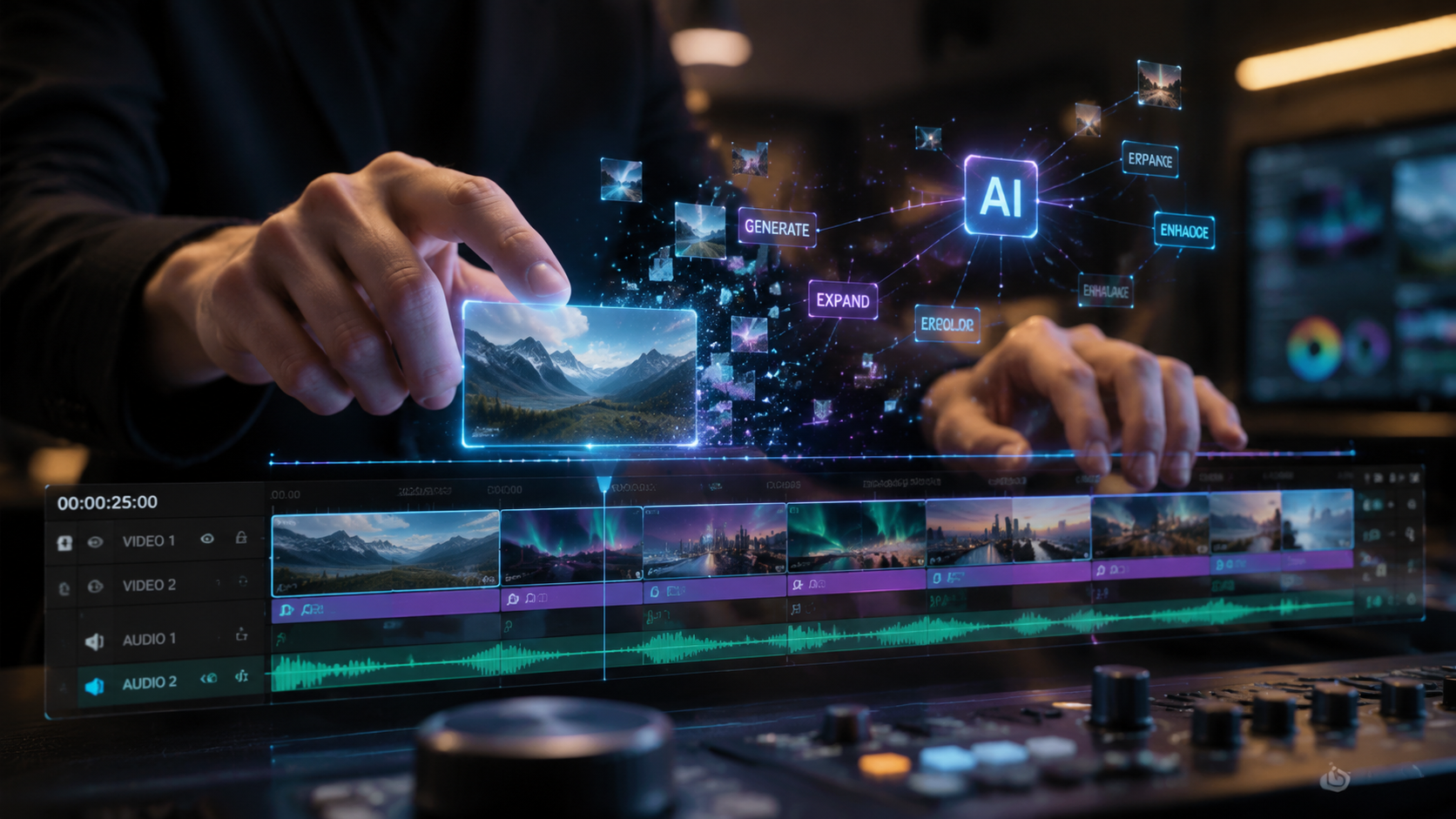
By 2026, Adobe Firefly has evolved far beyond simple image generation. In Premiere Pro, Firefly now acts as a co-pilot that understands the context of your project. According to Adobe for Business, organizations like TCS have successfully reduced their total hours of work by leveraging Firefly and Acrobat AI, proving that generative tools are no longer just for creative flair but are essential for enterprise-level efficiency. This efficiency is driven by the model’s ability to match the grain, lighting, and motion blur of existing footage, making AI additions virtually indistinguishable from the original source.
Generative Extend and Frame Synthesis
One of the most common frustrations for editors is a clip that is "just a second too short." The Generative Extend feature solves this by synthesizing new frames based on the existing pixels. Unlike traditional slow-motion or frame-blending, this tool creates entirely new data. As reported by The Verge in late 2025, these new AI tools can "instantly edit more of your work" by handling the tedious task of extending handles for transitions, allowing editors to focus on the creative rhythm of the cut rather than technical limitations.
Text-to-Video Integration
The 2026 Master Guide highlights the Text-to-Video panel as a primary source for placeholder or supplemental footage. Instead of scouring stock sites, you can now generate a 5-second 4K clip directly within your bin. This feature uses the Firefly Video Model, which is trained on Adobe Stock images and public domain content, ensuring that the generated output is commercially safe—a critical requirement for professional workflows in the current year.
Advanced AI Masking and Object Removal
The 2025 Adobe MAX conference marked a turning point for Premiere Pro with the introduction of new AI Masking features. These tools allow for easier adjustments by using neural networks to identify subjects, backgrounds, and specific objects within a frame. According to No Film School, these enhancements were designed to make complex rotoscoping tasks a thing of the past. In 2026, this has matured into a one-click system where you can select a person and change the color of their shirt or remove a distracting background element without frame-by-frame manual tracking.
| Feature | Traditional Method (Pre-2025) | Generative AI Method (2026) | Time Saved |
|---|---|---|---|
| Clip Extension | Time Remapping / Slow Motion | Generative Extend (Firefly) | ~90% |
| Object Removal | Manual Masking & Content-Aware Fill | AI-Powered Object Eraser | ~85% |
| B-Roll Sourcing | Stock Footage Search/Purchase | Text-to-Video Generation | ~70% |
| Subject Tracking | Manual Keyframing | Automated AI Masking | ~80% |
Automatic Scene Edit Detection
While scene detection has existed for years, the 2026 version uses generative intelligence to not only find cuts but to categorize them based on emotional tone and visual consistency. This allows editors to instantly organize a 2-hour raw dump into a structured sequence. The AI identifies "good takes" by analyzing facial expressions and audio clarity, significantly speeding up the assembly phase of the edit.
Premiere Pro on Mobile: The iPhone Revolution
A major milestone in 2025 was the release of Adobe Premiere for iPhone as a free app, as reported by 9to5Mac and Newsshooter. In 2026, this mobile version includes a subset of the generative AI tools found on the desktop. This allows creators to capture footage and immediately apply AI-driven enhancements like "Speech to Text" for instant captions or "Generative Fill" to fix framing issues while still on set. The seamless sync between the iPhone app and the desktop version means that an AI-assisted rough cut can be started in the field and finished in the studio without any data loss.
Cloud-Based Processing
Because generative AI requires significant computational power, the 2026 workflow utilizes a hybrid model. Small tasks like AI Masking are handled locally by your GPU, while complex tasks like Generative Extend are processed in the Adobe Creative Cloud. This ensures that even users on older hardware can access the full power of Firefly, provided they have a stable internet connection. This democratization of high-end tools has shifted the industry landscape, making professional-grade effects accessible to independent creators.
Optimizing Your Workflow for AI Speed
To truly master how to use generative ai in premiere pro, you must adapt your hardware and settings. Adobe recommends at least 32GB of RAM and a GPU with dedicated AI tensor cores to handle the real-time preview of generative layers. According to technical studies from Adobe, users who utilize AI-assisted masking see a 4x increase in project turnaround speed compared to those using manual methods. Furthermore, the integration of Acrobat AI into the broader Creative Cloud suite allows for better script-to-screen workflows, where AI analyzes your screenplay and automatically suggests relevant clips from your project bin.
Ethics and Content Credentials
With great power comes the responsibility of transparency. Adobe has led the charge in 2026 by embedding "Content Credentials" into every export that uses generative AI. This metadata acts as a "nutrition label" for digital content, informing viewers which parts of the video were captured by a camera and which were generated by an AI model. Mastering this aspect of the software is crucial for maintaining professional integrity and complying with new global digital transparency laws.
Is Generative AI in Premiere Pro free?
Most generative AI features are included in the standard Adobe Creative Cloud subscription, though they operate on a "Generative Credit" system. Users receive a monthly allotment of credits, and the basic Premiere Pro app for iPhone is available as a free download with limited AI capabilities.
Can I use Generative AI to remove people from my videos?
Yes, the AI Masking and Object Removal tools introduced in late 2025 allow you to select a person or object and use generative fill to replace them with a background that matches the surrounding environment. This is now a standard feature in the 2026 Master Guide workflow.
Does the AI-generated footage look realistic?
The Adobe Firefly Video Model is designed to match the specific lighting, shadows, and camera noise of your original footage. While very complex movements can still be challenging, for most b-roll and clip extensions, the results are professional-grade and indistinguishable from real video.
How do I get the 2026 AI features?
You must update your Adobe Creative Cloud desktop application to the latest 2026 version. Some features may require you to opt-in to the "Beta" branch within the Creative Cloud app if they are still in the final stages of testing before a general rollout.
Can I use AI to generate music in Premiere Pro?
Yes, the 2026 update includes a "Generative Audio" panel where you can describe the mood, tempo, and instruments you want, and Premiere Pro will generate a royalty-free track that perfectly matches the length of your sequence.
Conclusion: The Future of Video Editing
As we navigate through 2026, it is clear that generative AI is not replacing the editor but rather augmenting their capabilities. The ability to instantly mask subjects, extend clips, and generate content from text allows for a level of creative freedom that was previously impossible due to time or budget constraints. By mastering these tools, you ensure that your workflow remains competitive in an industry that now demands faster turnarounds and higher visual complexity. The 2026 Master Guide to Premiere Pro is ultimately a guide to creative empowerment, where the only limit is your imagination, not your technical bandwidth.



Comments ()