
How to Use AI Video Maker in 2026: Complete Guide

To use an AI video maker in 2026, you simply choose a platform, describe your idea in a text prompt (or upload an image/video clip), select style and length preferences, and let the generative engine produce a full video in minutes. Modern tools like Adobe Firefly, Runway Gen-3, and Pika Labs handle everything from storyboarding to lip-syncing and background music, making professional video creation accessible to anyone without editing skills.
An AI video maker is a generative tool that converts text, images, or short clips into complete videos using machine learning models. In 2026, these platforms offer photorealistic scenes, real-time rendering, and natural voiceovers, enabling users to create everything from social media reels to corporate explainers in under five minutes.
- ✓ Choose the right platform for your use case – free options (e.g., from Ventureburn’s top 10) work for short clips, while premium tools like Adobe Firefly offer unlimited generations for professional work.
- ✓ Follow a clear step-by-step workflow: define your prompt, select a style, customize parameters, generate, and lightly edit.
- ✓ Leverage advanced features such as multi-shot storyboards, AI lip-sync, and background removal to elevate your videos.
- ✓ Avoid common mistakes like overly vague prompts, ignoring export limitations, or neglecting to check copyright terms for commercial projects.
- ✓ Stay updated on tool updates – in 2026, Adobe Firefly added new models and unlimited generations (Adobe, Dec 2025), while CNET and PCMag regularly rank the best generators.
What Is an AI Video Maker? (Quick Definition)
An AI video maker is a software platform that uses generative AI models to create video content from textual descriptions, images, or short input videos. Unlike traditional video editing, which requires manual sequencing, trimming, and effects, AI video makers automate the entire production pipeline. In 2026, these tools can generate realistic human faces, coherent scenes, and synchronized audio without any human intervention beyond the initial creative prompt.
According to CNET’s April 2026 review of the best AI video generators, the technology has matured to the point where “many videos are indistinguishable from real footage” – a milestone that makes these tools viable for marketing, education, and entertainment. The top-performing platforms now support resolutions up to 4K, multi-character interactions, and even NSFW content for adult creators (as tested by PCMag in May 2026).
Step-by-Step: How to Use an AI Video Maker in 2026
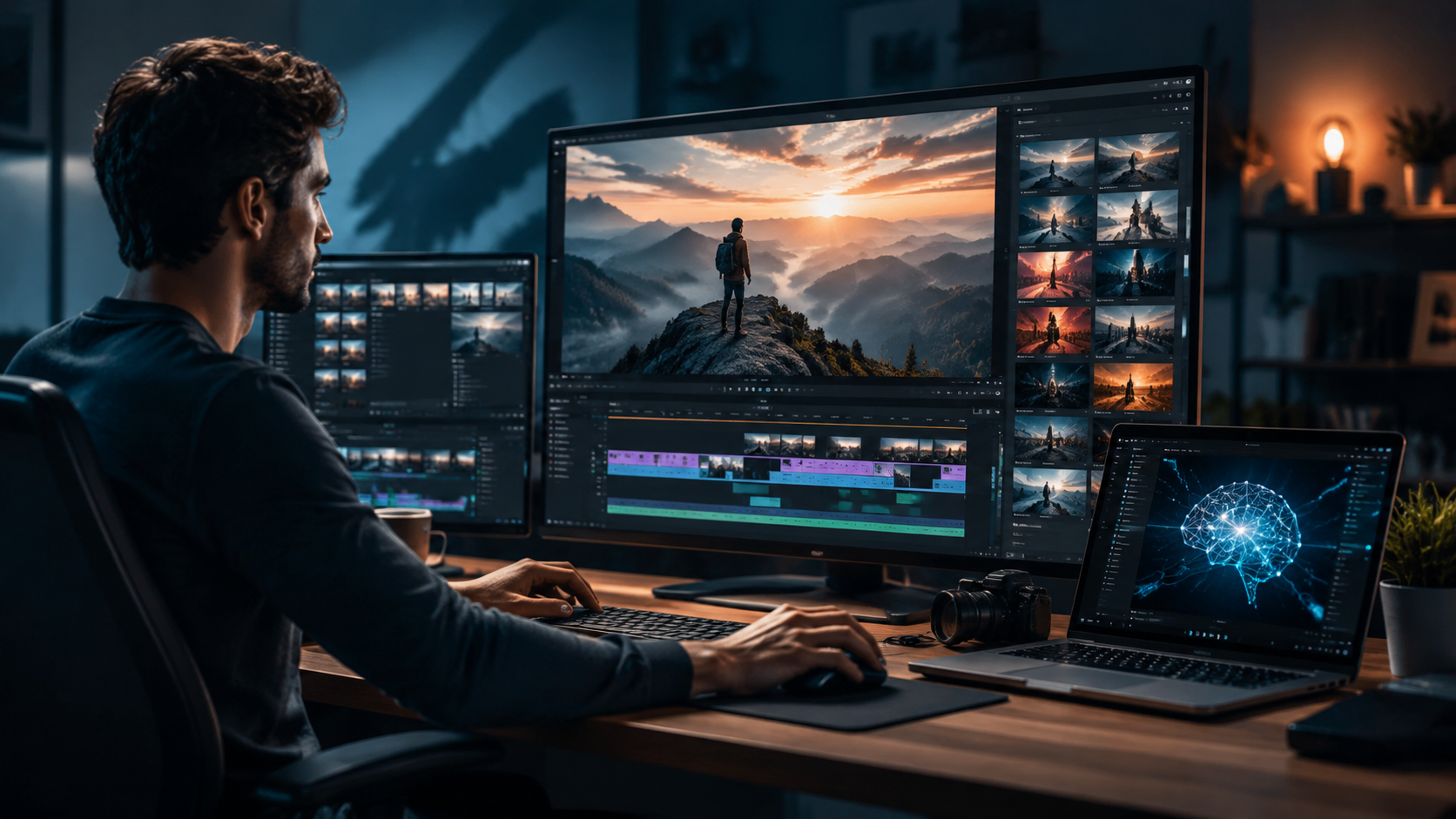
Follow this numbered guide to create your first AI-generated video today. The steps apply to most popular platforms, including those ranked by Ventureburn and CNET.
- Select your platform. For free basic clips, try tools from Ventureburn’s top 10 free AI video generators. For commercial or advanced work, choose a premium service like Adobe Firefly or Runway Gen-3.
- Write a detailed text prompt. Describe the scene, characters, action, lighting, mood, and camera angles. For example: “A futuristic city at sunset, drone flying over skyscrapers, neon lights, cinematic look, 16:9.”
- Choose a video style. Most tools offer presets: realistic, anime, cartoon, 3D render, cinematic, or artistic. Pick the one that best fits your project.
- Set duration and resolution. Common lengths are 15–60 seconds for social reels, 1–3 minutes for explainers. Resolutions range from 1080p to 4K (premium).
- Generate the video. Click “Create” and wait anywhere from 30 seconds to 5 minutes depending on complexity and server load. Many platforms show a real-time preview.
- Edit and enhance. Use built-in tools to add text overlays, background music, voiceovers (AI-generated or recorded), and apply filters. Adobe Firefly’s unlimited generations (announced December 2025) let you iterate endlessly.
- Export and share. Download in MP4, MOV, or GIF formats. Check the platform’s licensing terms – some free tools add watermarks or restrict commercial use.
Pro Tip: Refine Your Prompt Like a Pro
Instead of “a cat video,” try “a playful orange tabby cat chasing a red laser dot in a sunlit living room, shallow depth of field, slow motion.” The more specific your prompt, the better the AI understands your vision. Many advanced users now include technical terms like “anamorphic lens” or “film grain” to achieve professional looks.
Choosing the Right AI Video Maker for Your Needs
With dozens of options available in 2026, selecting the best tool depends on your budget, output quality, and use case. Below is a comparison table based on recent rankings from CNET, PCMag, and Ventureburn.
| Tool | Best For | Pricing | Key Feature | Source Ranking |
|---|---|---|---|---|
| Adobe Firefly | Professional creators, unlimited iterations | Subscription (e.g., Creative Cloud) | New models & unlimited generations (Dec 2025) | Adobe official, CNET top pick |
| Runway Gen-3 | Advanced storytelling, multi-shot | Pay-per-generation or monthly | Realistic character movements | CNET 2026 review |
| Pika Labs | Quick social media clips | Free tier + paid plans | Fast rendering, easy editing | Ventureburn free list |
| Kling AI | High-resolution cinematic | Credits system | 4K output, camera control | AZ Big Media 2026 SaaS list |
| Vidnoz AI | Free video avatars | Freemium | AI talking head with lip-sync | Ventureburn free list |
| Pixverse | Experimental and artistic styles | Free + token top-up | Unique anime-to-real hybrid | CNET 2026 alternative pick |
PCMag’s May 2026 testing of NSFW AI video generators highlighted that some platforms now enforce stricter content filters, while others allow adult content – important for creators in that niche. Always review each tool’s content policy before committing.
Advanced Techniques to Maximize Your AI Video Maker
Once you’ve mastered the basics, you can leverage advanced features to produce more polished and dynamic videos. The techbuzzireland.com article “Five Advanced Ways to Use AI Video Generators” (June 2026) offers actionable tips.
1. Multi-shot Storyboarding
Instead of generating a single continuous scene, break your story into a sequence of shots. Many platforms now support “storyboard mode,” where you define each shot’s text prompt and camera direction. The AI then stitches them together with smooth transitions. This technique is ideal for short films and product demos.
2. AI Lip-Sync for Talking Head Videos
Tools like Vidnoz AI and Synthesia allow you to upload an audio track or type a script, then the AI generates a virtual speaker whose lips move in perfect sync. In 2026, the realism has improved dramatically – PCMag noted that some NSFW generators also offer synchronized speech for adult content. Use this for tutorials, presentations, or customer testimonials.
3. Background and Object Replacement
Most AI video makers come with inpainting or outpainting features. You can change a background from a beach to a boardroom, or insert a specific product into a generated scene, all by describing the replacement in a prompt. Adobe Firefly’s new tools (released December 2025) make this nearly seamless.
4. Iterative Variations with Seed Control
If you like a video but want to tweak the color temperature or add an element, use the “seed” parameter. By fixing the random seed, you can regenerate the same composition with slight prompt changes – saving time and maintaining consistency across multiple clips.
5. Batch Generation for A/B Testing
For marketers, generating ten variations of the same ad video in one go is a game-changer. Platforms like Runway Gen-3 support batch mode, allowing you to input a list of prompts and export all results simultaneously. Compare which version drives the most engagement.
Common Pitfalls When Using an AI Video Maker (and How to Avoid Them)
Even the best AI video makers require careful handling. Avoid these mistakes to ensure your first results don’t disappoint.
- Overly vague prompts. “Create a marketing video” yields random content. Always include specific visual details, mood, and length. Example: “30-second product launch video for a smartwatch, sleek metallic background, dynamic camera zoom, upbeat music.”
- Ignoring aspect ratio. Social media platforms demand different ratios (9:16 for TikTok, 1:1 for Instagram, 16:9 for YouTube). Most makers let you choose, but forgetting this can ruin framing.
- Neglecting export settings. Free tiers often cap resolution (e.g., 720p) or add watermarks. Ventureburn’s 2026 list of free AI video generators includes some that limit export to 15 seconds – plan accordingly.
- Using copyrighted elements. Never include logos, music, or characters you don’t own. Even AI-generated content can inadvertently mimic protected material. Read the platform’s terms of service carefully.
- Skipping manual review. AI can produce bizarre artifacts – warped hands, missing limbs, or unnatural movement. Always preview and re-generate if needed. Adobe Firefly’s unlimited generations (per Adobe’s Dec 2025 update) let you retry without extra cost.
Frequently Asked Questions About Using an AI Video Maker in 2026
What is the best free AI video maker in 2026?
According to Ventureburn’s ranking (May 2026), the best free AI video generators include Pika Labs, Vidnoz AI, and Pixverse. They offer limited generations per day but produce quality clips for social media without watermarks on some plans.
Can I use an AI video maker for commercial projects?
Yes, but you must check each platform’s licensing. Adobe Firefly and Runway Gen-3 allow commercial use on paid plans. Free tiers often restrict usage to personal projects or require attribution.
How long does it take to generate a video with AI?
Generation time varies by complexity and platform. Simple 15-second clips can render in 30 seconds to 2 minutes; longer 3-minute videos with multiple shots may take 5–10 minutes. Premium tools like Kling AI (mentioned in AZ Big Media) offer faster processing with dedicated GPUs.
Do I need any technical or editing skills to use an AI video maker?
No. Modern AI video makers are designed for complete beginners. You only need to write a text prompt and select options. Advanced features like storyboarding are optional, but even they rely on natural language instructions.
Are there limits on video length or resolution?
Yes. Free plans cap length (often 15–30 seconds) and resolution (720p–1080p). Paid subscriptions, such as Adobe Firefly’s unlimited generation plan, allow 4K output and videos up to several minutes. CNET’s 2026 review noted that top-tier tools now support 5-minute videos.
What is the most realistic AI video generator in 2026?
Based on CNET’s April 2026 review, Runway Gen-3 and Adobe Firefly lead in photorealism. PCMag also praised several NSFW generators for achieving near-human quality in character rendering. The best choice depends on your subject matter.
How do I remove watermarks from free AI videos?
Some free tools allow watermark-free exports if you credit the platform. Others require a paid upgrade. Avoid third-party watermark removers, as they may violate terms of service. Ventureburn’s list includes a few completely free tools with no watermarks, such as Pika Labs’ basic tier.
As AI video technology continues to evolve, mastering the skill of “how to use ai video maker” will become as essential as typing or basic design. By following the step-by-step guide above, choosing the right platform from the 2026 landscape (as reviewed by CNET, PCMag, and Ventureburn), and applying advanced techniques, you can produce compelling video content in minutes. Whether you’re a marketer, educator, artist, or hobbyist, the ability to generate professional videos with a simple text prompt is one of the most transformative tools of the decade.



Comments ()