
How to Use AI Video Generators: 2026 Complete Guide
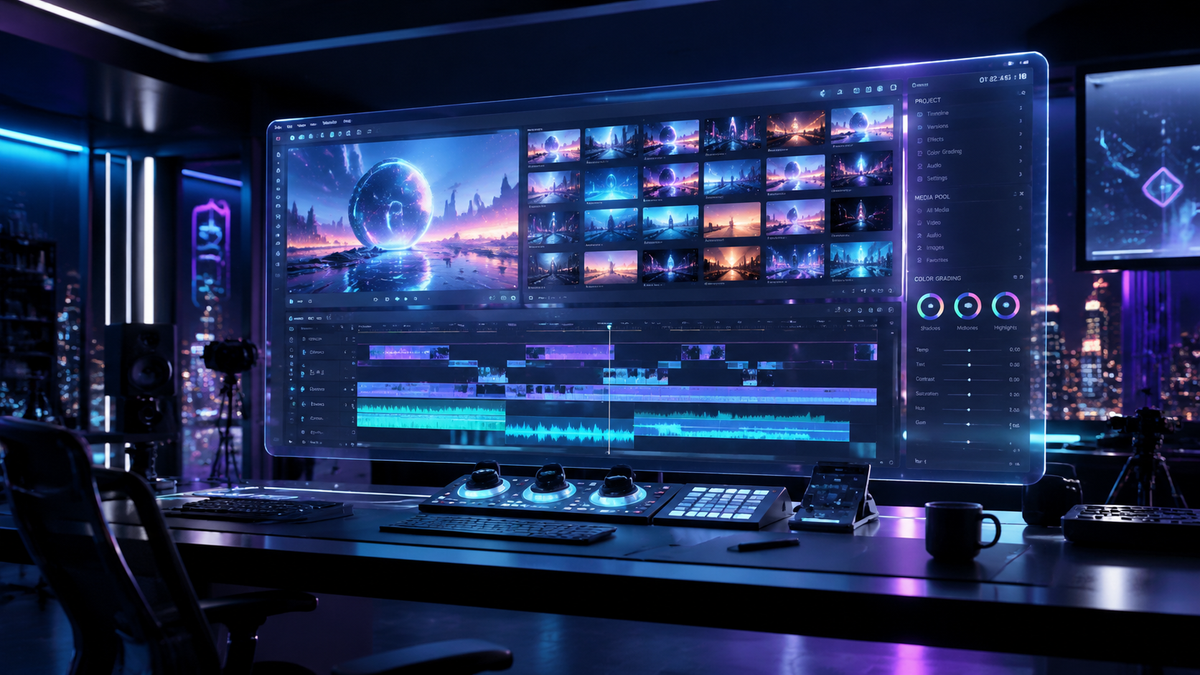
To learn how to use AI video generators, you must select a platform, input a detailed text prompt or upload an image, and refine the output using built-in editing tools. Modern 2026 tools allow you to transform simple ideas into high-definition cinematic sequences or viral social media content in just a few minutes by leveraging advanced generative neural networks.
An AI video generator is a sophisticated software tool that utilizes artificial intelligence and machine learning models to synthesize video content from text descriptions, static images, or existing video clips. These platforms automate the production process, enabling users to create professional-grade visual storytelling without traditional filming equipment or complex manual editing software.
- ✓ AI video generators in 2026 now support seamless "Image-to-Video" transitions with high temporal consistency.
- ✓ Viral content creation for platforms like TikTok and Reels can be automated using specialized mobile-first AI tools.
- ✓ Most leading platforms offer a "freemium" model, allowing users to generate initial drafts at no cost.
- ✓ Prompt engineering remains the most critical skill for producing high-quality, realistic AI video outputs.
Step-by-Step Guide: How to Use AI Video Generators
The landscape of digital creativity has shifted dramatically as of May 2026. Whether you are using a professional suite or a quick mobile generator, the workflow follows a standardized path. According to Programming Insider, these tools have become the "complete companion" to modern digital creativity, bridging the gap between imagination and visual execution.
- Select Your Platform: Choose a generator based on your needs. For instance, Xelta AI is preferred for speed, while AI Inspo is optimized for social media trends.
- Define Your Input Type: Decide if you are starting from a text prompt (Text-to-Video) or an existing photograph (Image-to-Video).
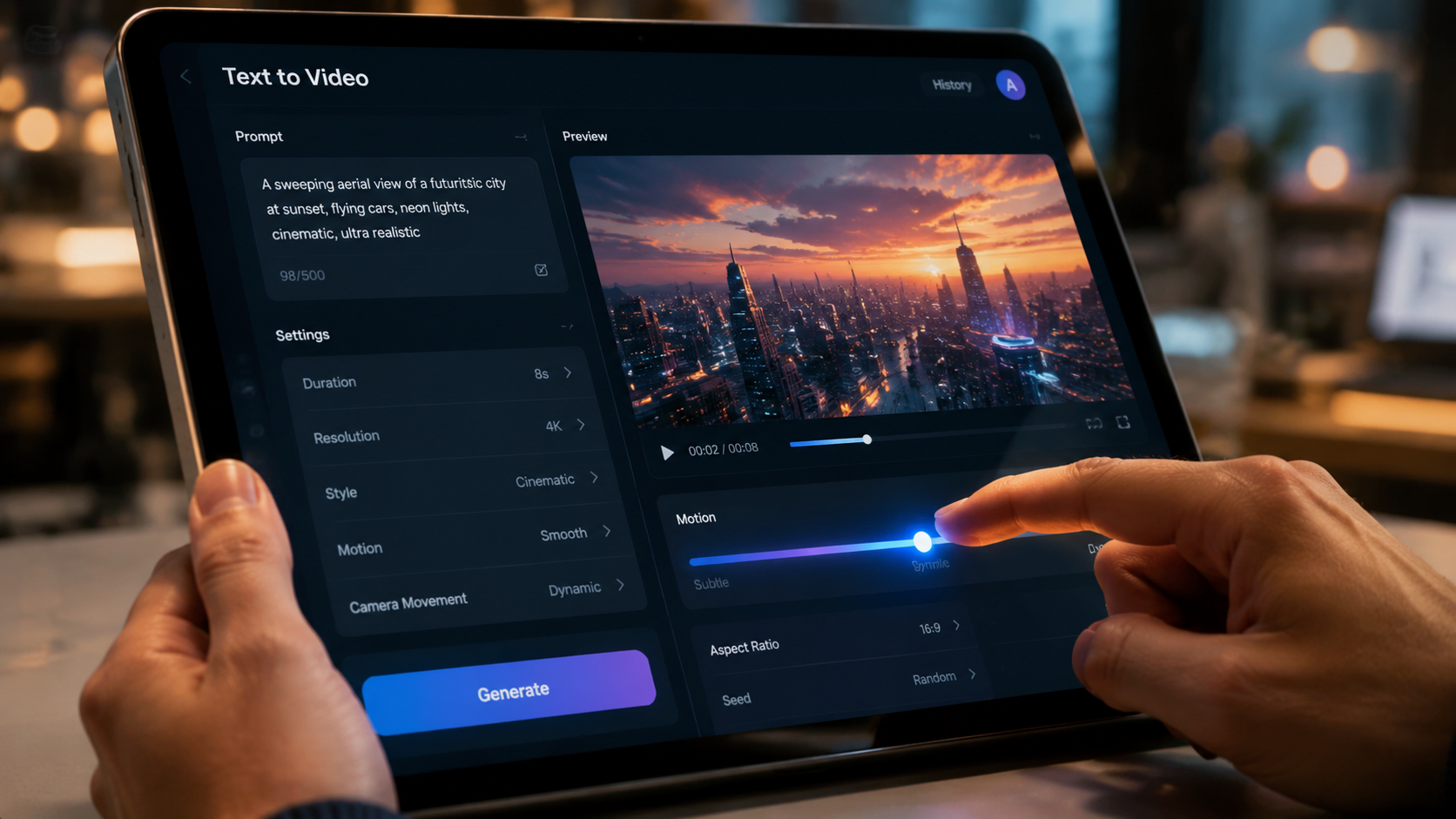
- Craft Your Prompt: Write a descriptive paragraph including lighting, camera movement, and subject actions. Avoid vague terms; instead, use technical descriptors like "cinematic lighting" or "4k hyper-realistic texture."
- Configure Settings: Select the aspect ratio (9:16 for TikTok/Reels or 16:9 for YouTube), duration, and motion intensity.
- Generate and Iterate: Hit the generate button. If the first result isn't perfect, use "seed" values or modify the prompt to refine the visual output.
- Export and Polish: Once satisfied, download the video in your desired resolution. Many 2026 tools now support up to 8K upscaling during the export phase.
The Evolution of AI Video Generators in 2026
As we move through the second quarter of 2026, the capabilities of generative video have reached a plateau of realism that was unimaginable just two years ago. Early iterations often struggled with "morphing" artifacts, but current models, as reviewed by CNET in April 2026, demonstrate incredible stability. These systems now understand physics, ensuring that water flows correctly and hair moves naturally in the wind.
Text-to-Video vs. Image-to-Video
Understanding how to use ai video generators effectively requires knowing when to use different input methods. Text-to-video is ideal for conceptualizing scenes from scratch. However, Cybernews recently highlighted that "Image-to-Video" generators are the standout performers of 2026, as they allow users to maintain strict character and brand consistency by starting with a high-quality reference image.
The Rise of Viral Content Automation
Specialized tools like AI Inspo have revolutionized how influencers operate. These platforms are designed specifically for the "viral" aesthetic. By analyzing trending sounds and visual styles on TikTok, these generators can suggest prompts that are mathematically more likely to capture viewer attention. This shift has democratized video production, allowing anyone to compete with major production houses.
Comparing the Top AI Video Generators of 2026
Choosing the right tool is essential for your specific project. Below is a comparison of the top-rated platforms currently dominating the market, based on research from PCMag Middle East and CNET.
| Platform | Primary Strength | Best For | Pricing Model |
|---|---|---|---|
| Xelta AI | Generation Speed | Quick Prototypes | Free / Tiered Pro |
| AI Inspo | Social Media Optimization | TikTok & Reels | Subscription |
| Poster Builder Online | Creative Design Integration | Marketing Assets | Freemium |
| Sora Pro (2026 Edition) | Cinematic Realism | Short Films | Enterprise / Pay-per-use |
| Cyber-Motion | Image-to-Video Consistency | Brand Identity | Monthly Credits |
Mastering Prompt Engineering for Video
The secret to how to use ai video generators at a professional level lies in the prompt. In 2026, AI models are more intuitive, but they still require specific "anchors" to produce high-fidelity results. According to experts cited by Programming Insider, a successful prompt should be structured in three parts: the Subject, the Environment, and the Technical Style.
The Subject and Action
Describe exactly what is happening. Instead of "a dog running," try "a golden retriever sprinting through a field of lavender, ears flapping in the wind." The more specific the action, the less the AI has to "guess," which reduces the likelihood of visual glitches. Modern 2026 engines can handle complex multi-subject interactions, but it is best to focus on one primary motion per clip.
Environmental Context and Lighting
Lighting dictates the mood of your video. You can specify "golden hour lighting," "neon-drenched cyberpunk streets," or "soft volumetric fog." Mentioning the environment helps the AI generate realistic reflections and shadows. For example, if your subject is standing near a window, the AI will prioritize light-wrap effects on the subject's edges, increasing the overall realism of the render.
Advanced Techniques: How to Use AI Video Generators for Professional Work
For those looking to move beyond simple clips, 2026 tools offer "Director Modes." These features allow you to control camera paths—such as pans, tilts, and dollies—manually. This level of control is what PCMag Middle East refers to as the "New Era of Digital Cinematography," where the user acts more like a director and less like a prompt-typer.
Using Motion Brushes and Regional Control
A breakthrough feature in 2026 is the "Motion Brush." This allows you to paint over a specific area of a static image and tell the AI that only that part should move. If you have a photo of a person standing by a waterfall, you can brush over the water to make it flow while keeping the person perfectly still. This prevents the "uncanny valley" effect where the entire frame seems to vibrate or shift unnaturally.
Consistency Across Multiple Scenes
One of the biggest challenges in AI video has been keeping a character looking the same across different clips. New "Character Reference" (CRef) tags allow users to lock in a specific face and outfit. When learning how to use ai video generators for storytelling, mastering these reference tags is essential. You can now generate a 2-minute short film where the protagonist remains consistent from the first shot to the last.
Cost and Accessibility in 2026
Accessibility has reached an all-time high. As noted by Issuewire, platforms like Xelta AI offer free tiers that allow users to create videos fast without an upfront investment. This has led to a surge in "AI-first" marketing agencies that utilize these free and low-cost tools to produce high volumes of content for small businesses.
However, high-end professional features often remain behind a subscription. According to CNET, the average cost for a "Pro" AI video subscription in 2026 ranges from $15 to $45 per month. These plans typically include priority processing, watermark removal, and access to the latest experimental models that offer even higher frame rates and better temporal stability.
Ethical Considerations and Best Practices
With the power to generate realistic video comes the responsibility to use it ethically. Most platforms in 2026 have integrated "C2PA" metadata, which acts as a digital watermark proving the content was AI-generated. When you learn how to use ai video generators, it is vital to respect copyright and avoid generating likenesses of real individuals without permission, a standard that most reputable platforms now enforce via strict built-in filters.
Furthermore, transparency with your audience is key. Whether you are creating a viral TikTok or a corporate presentation, disclosing the use of AI tools builds trust. The industry is moving toward a future where AI is a standard part of the toolkit, much like Photoshop or Premiere Pro, but the human element—the "creative spark"—remains the most valuable component of the process.
Frequently Asked Questions
What is the best AI video generator for beginners in 2026?
Xelta AI and AI Inspo are currently the most beginner-friendly options. They offer intuitive interfaces and pre-set templates that simplify the process for those who are just learning how to use AI video generators.
Can I create AI videos for free?
Yes, several platforms like Xelta AI offer free versions or trial credits. While these may include watermarks or lower resolution, they are excellent for practicing your prompting skills before committing to a paid plan.
How long does it take to generate a 10-second AI video?
In 2026, most high-speed generators can produce a 10-second clip in under 60 seconds. High-resolution cinematic renders may take 3 to 5 minutes depending on the complexity of the prompt and server load.
Do I need a powerful computer to run AI video generators?
No, because the heavy processing is handled on the provider's cloud servers. You only need a standard web browser or a mobile app and a stable internet connection to generate and download your videos.
Can AI video generators create sound and music too?
Most top-tier platforms in 2026 now include "Multi-Modal" capabilities, meaning they can generate synchronized background music and sound effects (SFX) based on the visual content of the video.



Comments ()