
How to Use AI Video Editors: A Complete 2026 Tutorial
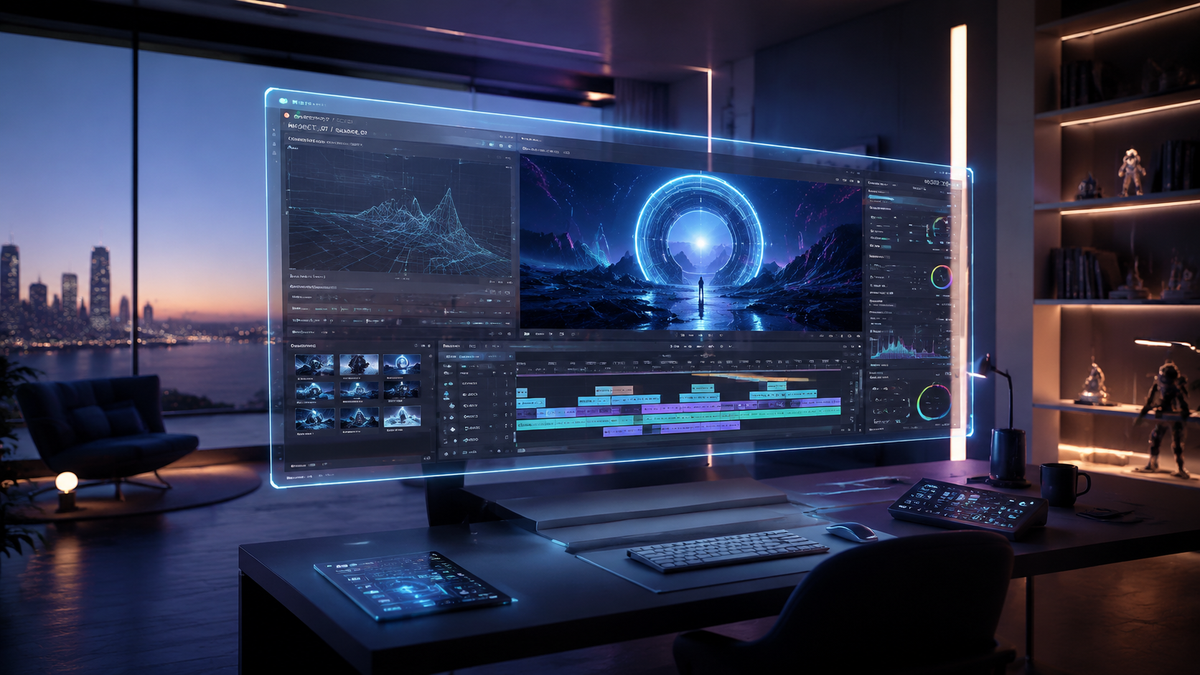
Learning how to use AI video editors in 2026 involves leveraging automated workflows to handle tedious tasks like scene cutting, background removal, and audio syncing. To master these tools, you simply upload your raw footage to a cloud-based platform, apply generative prompts for stylistic changes, and use multimodal AI to refine the narrative structure. By integrating these advanced features, creators can reduce their post-production time by up to 80% while maintaining professional cinematic quality.
AI video editing is the process of using machine learning algorithms and generative models to automate video assembly, color grading, and visual effects. In 2026, it primarily functions through natural language processing, allowing users to edit footage by typing commands rather than manually manipulating timelines, significantly lowering the barrier to entry for high-quality content creation.
- ✓ Use multimodal AI to convert product links or text prompts directly into polished video assets in seconds.
- ✓ Leverage "Omni" upgrades in tools like Google Flow AI for seamless music and visual synchronization.
- ✓ Automate complex tasks like background removal and scene segmentation using specialized 2026 neural engines.
- ✓ Adopt a hybrid workflow that combines generative AI creativity with human editorial oversight for the best results.
Step-by-Step Guide: How to Use AI Video Editors Effectively
The landscape of video production has shifted dramatically in 2026. With the release of dedicated apps for Google Flow AI and the latest Omni upgrades, the process is more intuitive than ever. Whether you are a social media influencer or a corporate marketer, following a structured approach ensures your AI-generated content remains coherent and engaging.
- Select Your AI Platform: Choose a tool based on your specific needs, such as Google Flow AI for music-heavy projects or specialized scene editors for cinematic background manipulation.
- Upload and Analyze: Import your raw footage. Most 2026 editors will automatically "watch" your clips to identify key moments, speakers, and visual themes.
- Input Generative Prompts: Use natural language to describe the desired outcome. For example, "Create a high-energy 60-second montage with synthwave music and neon color grading."
- Utilize Link-to-Video Features: According to Business Review (May 2026), you can now turn product links into full videos in seconds by letting the AI scrape images and descriptions to build a storyboard.
- Refine with Omni Tools: Use multimodal sliders to adjust the "mood" or "pacing" of the video, allowing the AI to re-cut the footage in real-time.
- Export and Optimize: Choose your target platform (YouTube, TikTok, or VR) and let the AI optimize the aspect ratio and metadata for maximum reach.
The Evolution of AI Video Editing in 2026
As of May 2026, the integration of AI into the creative process has moved past simple filters. We are now seeing the rise of "Omni" upgrades, which allow video editors to understand the relationship between audio beats and visual transitions with human-like precision. This evolution has convinced even the most skeptical creators to adopt the technology. Creative Bloq reported in February 2026 that many long-time holdouts finally changed their minds as the tools moved from "gimmicky" to essential for professional-grade output.
Multimodal AI and Google Flow
One of the most significant developments this year is the transition of Google Flow AI into dedicated applications. These apps utilize the latest Omni upgrades to provide a unified environment where music and video are edited simultaneously. This means if you change the tempo of your background track, the AI automatically adjusts the clip durations to match the new rhythm. This level of synchronization was nearly impossible for beginners just a few years ago.
Automated Product-to-Video Workflows
For e-commerce professionals, the ability to turn a simple URL into a marketing masterpiece is a game-changer. By inputting a product link, the AI identifies the core selling points and generates a script, voiceover, and visual sequence. This feature, highlighted by Business Review, allows brands to scale their content production without increasing their headcount, making "how to use ai video editors" a top search query for digital entrepreneurs.
Comparing Top AI Video Editing Features in 2026
To choose the right tool, it is important to understand the different specialties available in the current market. Some tools focus on background removal, while others excel at generative music or automated scene segmentation. According to High On Films, the best AI video background removers in 2026 now handle complex hair and transparency with 99.9% accuracy.
| Feature Category | Primary Function | Best For | Key 2026 Update |
|---|---|---|---|
| Generative Assembly | Text-to-Video / Link-to-Video | E-commerce & Social Media | Real-time product scraping |
| Omni-Sync Audio | Music-to-Visual Alignment | Music Videos & Vlogs | Dynamic tempo re-timing |
| Neural Scene Editing | Background & Object Removal | Cinematic Production | Sub-pixel edge detection |
| Automated Scripting | AI Voiceover & Captions | Educational Content | Emotional tone modulation |
Mastering Advanced AI Scene Manipulation
The latest "Scene Editors" released in mid-2026 have revolutionized how we handle environmental elements within a video. Previously, removing a distracting object or changing the weather in a scene required hours of manual rotoscoping. Today, AI models can identify 3D depth within a 2D video file, allowing users to swap backgrounds or lighting conditions with a single click. High On Films notes that these tools have become standard in indie filmmaking to save on location costs.
AI Background Removers
Modern background removers no longer require a green screen. Using temporal consistency algorithms, these tools can isolate a subject even in crowded or low-light environments. When learning how to use AI video editors for professional work, mastering the "depth map" feature is crucial. This allows you to place text or 3D objects behind the subject in a video without any manual masking.
Generative B-Roll Integration
A common struggle for editors is the lack of sufficient B-roll. In 2026, AI editors can generate photorealistic B-roll on the fly. If your script mentions "a rainy day in Paris," the AI can synthesize a 4K clip that matches the lighting and color profile of your original footage. This ensures a seamless visual flow without the need for expensive stock footage subscriptions.
The Impact of AI on Creative Workflows
While some feared that AI would replace editors, the reality in 2026 is that it has empowered them. By automating the "grunt work"—the logging, the basic cuts, and the noise reduction—editors can focus on the emotional resonance of the story. INQUIRER.net USA suggests that the secret to stunning AI videos lies in the "Human-in-the-Loop" model, where the AI provides the draft and the human provides the soul.
Prompt Engineering for Video
Effective video editing now requires a level of "prompt literacy." Knowing how to describe a camera movement—such as a "slow dolly zoom" or a "pan-to-reveal"—within the AI interface is a vital skill. Beginners should start by using the built-in prompt libraries provided by most 2026 editors to understand how specific keywords affect the visual output.
Real-Time Collaboration and Cloud Rendering
With the 2026 upgrades to Google Flow and other cloud-based suites, collaboration has become instantaneous. Multiple users can prompt the same video file simultaneously. Because the heavy lifting is done on neural servers, editors can work on high-resolution 8K projects from low-powered mobile devices, as long as they have a stable internet connection. This democratization of high-end editing is a recurring theme in recent Trend Hunter reports.
Best Practices for High-Quality AI Video Production
To ensure your videos don't look "AI-generated" in a negative way, you must follow certain quality control standards. First, always review the AI's automated cuts for "jump cuts" or pacing issues. While the algorithms are advanced, they can occasionally miss the subtle emotional cues of a speaker's performance. Second, use the "Omni" music tools to ensure the audio doesn't overpower the dialogue, a common mistake for beginners learning how to use AI video editors.
Maintaining Brand Consistency
AI can sometimes be too creative, drifting away from a brand's established visual identity. In 2026, most professional AI editors allow you to upload a "Brand Kit" including logos, color hex codes, and font styles. The AI then uses these as constraints for every video it generates, ensuring that even automated content remains on-brand.
Ethical Considerations and Transparency
As AI-generated content becomes indistinguishable from reality, transparency is key. Many platforms now automatically embed metadata tags indicating which parts of the video were AI-enhanced or synthesized. According to Creative Bloq, maintaining this transparency builds trust with your audience and is becoming a standard requirement for social media algorithms in 2026.
What is the best AI video editor for beginners in 2026?
Google Flow AI is currently considered the most user-friendly option due to its dedicated apps and Omni upgrades that simplify music and video synchronization. It offers a low learning curve while providing professional-grade generative features.
Can AI video editors turn product links into videos?
Yes, according to Business Review, modern AI editors can scrape product links to automatically generate promotional videos, including scripts, images, and background music, in just a few seconds.
Do I need a powerful computer to use AI video editors?
No, most 2026 AI video editors are cloud-based. The processing happens on remote servers, allowing you to edit high-definition footage on basic laptops or even mobile devices through dedicated apps.
How does AI background removal work in 2026?
Modern AI uses neural engines to perform sub-pixel edge detection and temporal consistency checks. This allows it to remove or replace backgrounds in real-time without the need for a green screen, even with complex subjects like moving hair.
Is AI video editing replacing human editors?
No, it is augmenting them. While AI handles repetitive tasks like scene cutting and color grading, human editors are still essential for creative storytelling, emotional pacing, and final quality oversight, as noted by INQUIRER.net USA.



Comments ()