
How to Use AI Video Editing: 2026 Comprehensive Guide
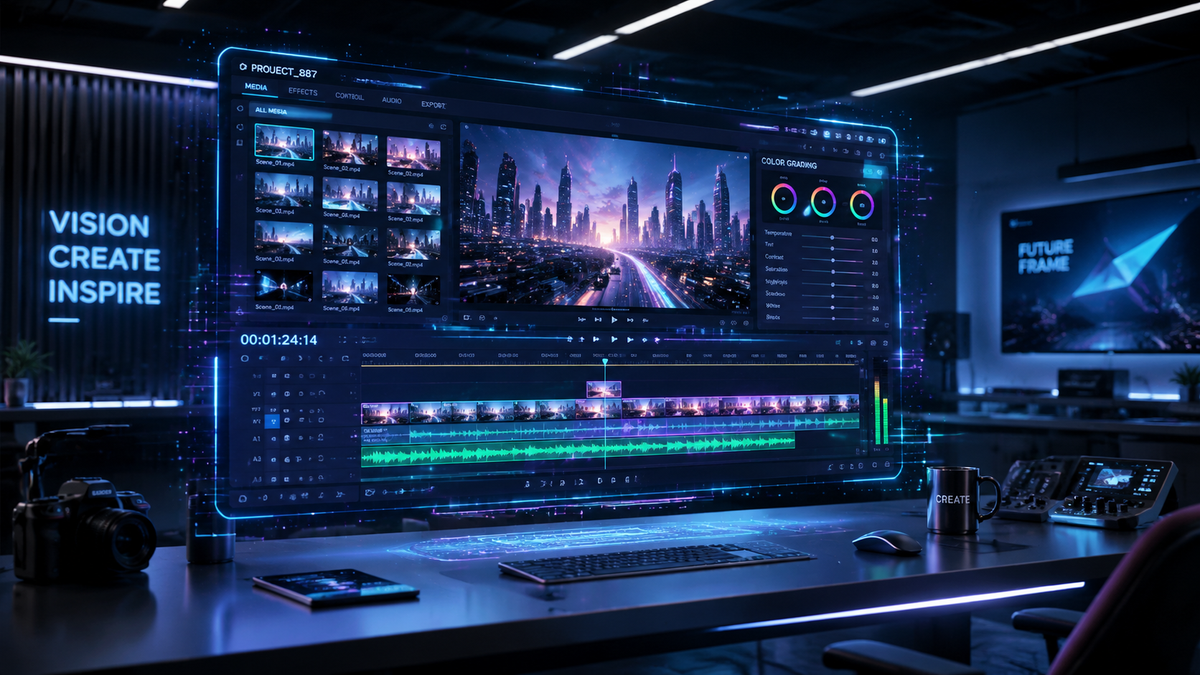
Learning how to use ai video editing in 2026 involves leveraging multimodal models like Gemini Omni and Google Flow to automate timeline assembly, color grading, and generative b-roll creation. By utilizing these advanced neural networks, creators can transform raw footage into polished cinematic content through natural language prompts and automated scene detection. In this comprehensive guide, you will learn the exact steps to master these 2026-era tools to streamline your production workflow.
AI video editing is a software-driven process that uses machine learning models, such as Gemini Omni and Google Flow AI, to automate complex post-production tasks. It enables creators to perform text-based editing, generative object removal, and automated sound design, significantly reducing manual labor while enhancing visual output quality through real-time AI processing.
- ✓ Master the "Prompt-to-Edit" workflow using the latest Gemini Omni model features.
- ✓ Utilize Google Flow AI for dedicated music synchronization and automated rhythmic cutting.
- ✓ Implement Adobe’s 2026 motion design upgrades for seamless After Effects integration.
- ✓ Optimize your export settings for AI-upscaled 8K resolution and spatial audio.
The Step-by-Step Guide: How to Use AI Video Editing
The landscape of video production has shifted from manual frame-by-frame manipulation to high-level orchestration. Following the major announcements at Google I/O 2026, the process of how to use ai video editing has become more intuitive, focusing on intent rather than technical clicking. Whether you are a social media influencer or a professional filmmaker, the following steps represent the standard 2026 workflow.
- Ingest and Index: Upload your raw footage into an AI-native platform like Google Flow or Adobe Premiere (2026 Edition). The AI will automatically tag metadata, identify speakers, and transcribe dialogue.
- Natural Language Storyboarding: Use a prompt interface to describe your scene. For example, "Create a 60-second highlight reel of the beach footage with an upbeat cinematic tone."
- Refine with Gemini Omni: Utilize the Gemini Omni model to perform specific "Omni upgrades," such as swapping backgrounds or adjusting the lighting on a subject’s face using generative relighting.
- Automated Audio Sync: Apply Google Flow’s music tools to generate a custom, royalty-free soundtrack that perfectly matches the beats and emotional arc of your visual cuts.
- Generative B-Roll Insertion: If you have "gaps" in your story, use generative tools to create hyper-realistic B-roll that matches the lighting and texture of your original source files.
- Final Review and AI Upscaling: Run a final pass for color consistency and use AI-driven noise reduction before exporting in your desired format.
The 2026 AI Video Editing Landscape: Key Tools Compared
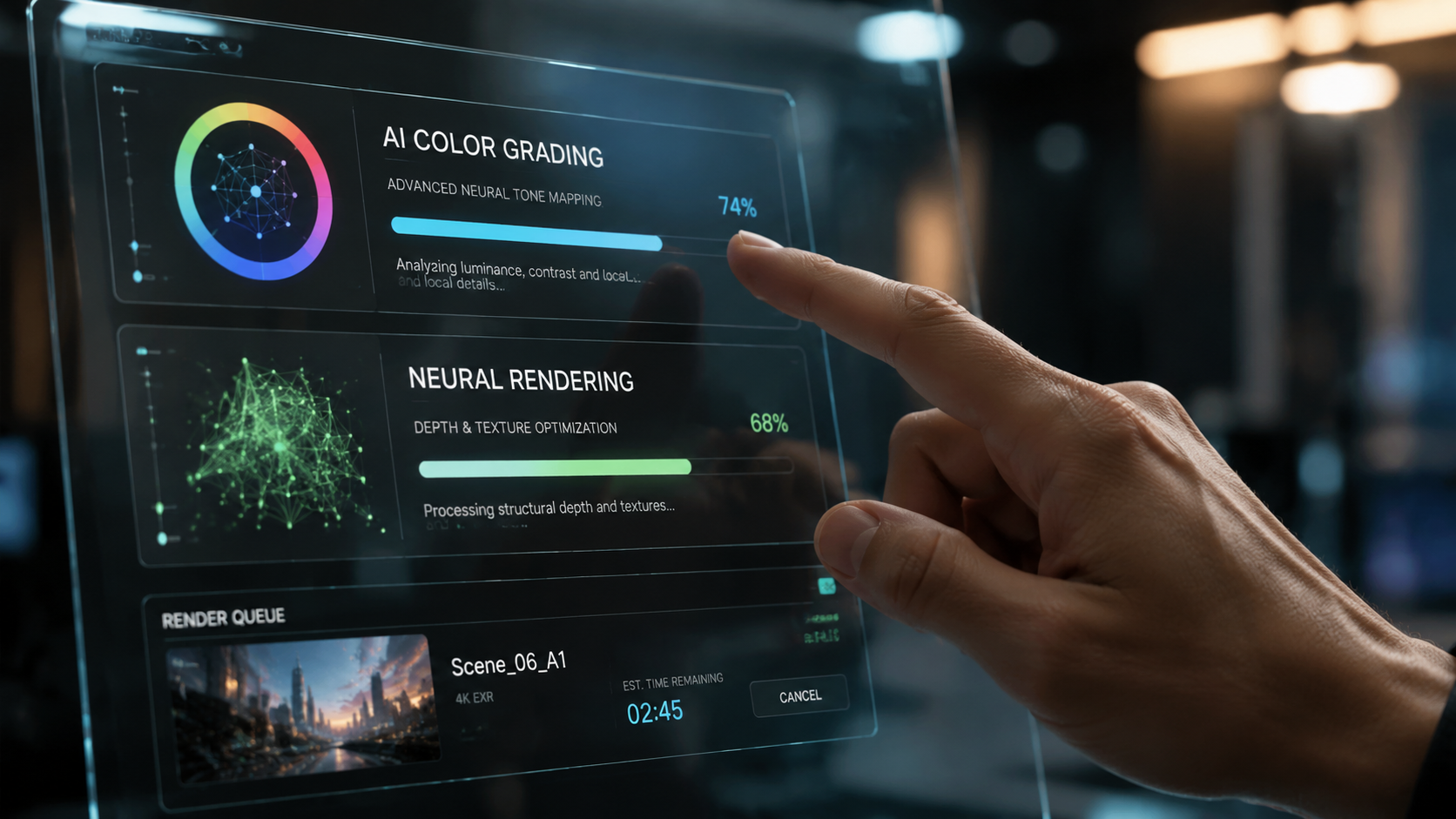
As of mid-2026, the market has consolidated around a few powerhouse models. According to 9to5Google, the release of dedicated apps for Google Flow AI has revolutionized how creators approach mobile and desktop editing. These tools are no longer just plugins; they are standalone ecosystems designed to handle high-bitrate footage with ease.
According to reports from Trend Hunter, AI video editing tools in 2026 have moved beyond simple "filters" to "generative understanding," where the software understands the context of the video. This means the AI knows the difference between a high-energy sports highlight and a somber documentary interview, adjusting its editing style accordingly.
| Feature | Google Gemini Omni | Adobe Premiere (2026) | Google Flow AI |
|---|---|---|---|
| Primary Strength | Multimodal Generative Editing | Professional Motion Design | Music & Rhythmic Sync |
| Key Technology | Omni Model Architecture | Firefly Video Engine v4 | Flow Music & Omni Upgrades |
| Best For | Fast Social Content | Commercials & Film | Vlogs & Music Videos |
| Release Date | May 2026 | January 2026 | May 2026 |
Mastering Gemini Omni for Advanced Editing
The introduction of Gemini Omni at Google I/O 2026 marked a turning point in how to use ai video editing for complex tasks. This model is unique because it is natively multimodal, meaning it processes video, audio, and text simultaneously. This allows for "context-aware" editing that was previously impossible. For example, you can ask the editor to "remove the person in the background only when they are looking at the camera," and the AI understands the temporal context of that request.
Generative Object Manipulation
With Gemini Omni, the "In-Painting" and "Out-Painting" capabilities have reached photorealistic levels. Creators can now expand a 9:16 vertical video into a 16:9 widescreen format without losing quality. The AI analyzes the existing pixels and generates a matching environment. This is particularly useful for repurposing content across different social media platforms without awkward cropping.
Real-Time Collaborative Editing
Because these 2026 models are cloud-native, multiple users can prompt the same video file simultaneously. According to MSN, the Gemini Omni model supports multi-user latency-free editing, allowing a director in one city and an editor in another to see AI-generated changes in real-time. This has effectively eliminated the need for "rendering previews" which used to plague the editing process in previous years.
Google Flow AI: Revolutionizing Music and Sound Design
One of the most significant updates in May 2026 was the spin-off of Google Flow AI into dedicated applications. These tools are specifically designed to solve the "audio problem" in video editing. Historically, finding the right music and timing it to cuts took hours. Now, Google Flow uses AI to analyze the emotional peaks of your footage and compose a custom score that evolves with the story.
Automated Rhythmic Cutting
When learning how to use ai video editing for music-heavy content, the "Snap-to-Beat" feature in Google Flow is essential. By analyzing the frequency and tempo of a track, the AI can automatically align your transitions to the music. This ensures a professional, high-energy feel for trailers and sizzle reels with zero manual adjustment required from the user.
Omni Upgrades for Audio Clarity
Beyond music, the "Omni upgrades" mentioned by 9to5Google include advanced voice isolation and synthetic environment matching. If you record an interview in a noisy cafe, the AI doesn't just "reduce noise"—it reconstructs the speaker's voice using a neural profile and replaces the background with a clean, ambient room tone of your choice. This level of control ensures that production value remains high regardless of recording conditions.
Adobe’s 2026 Response: Premiere and After Effects Integration
While Google has focused on generative models, Adobe has doubled down on professional workflows. In January 2026, Adobe released major motion design upgrades for After Effects. These tools allow for "Neural Keyframing," where the AI predicts the movement of an object and sets keyframes automatically, saving hours of manual labor for visual effects artists.
AI-Powered Motion Design
The new Adobe suite allows for seamless communication between Premiere and After Effects using a shared AI backbone. According to Adobe's January 2026 announcement, the software can now automatically convert 2D video elements into 3D layers with accurate depth maps. This allows editors to place 3D text and objects "behind" subjects in a video with a single click, a process that used to require complex masking and rotoscoping.
Why Professionals are Finally Switching
Creative Bloq recently highlighted a shift in the industry, noting that even "AI skeptics" are moving toward these tools. The reason is the "Human-in-the-loop" philosophy adopted in 2026. These tools no longer try to replace the editor; instead, they act as a highly skilled assistant. As one editor noted in February 2026, the ability to offload "grunt work" like rotoscoping and proxy generation allows for more time to be spent on the actual storytelling and creative pacing.
Future-Proofing Your Video Editing Skills
Understanding how to use ai video editing is no longer an optional skill; it is a requirement for the 2026 digital economy. The barrier to entry for high-quality cinematography has been lowered, but the value of a "creative eye" has increased. To stay ahead, editors must focus on "Prompt Engineering for Video," which involves learning how to describe visual styles, lighting moods, and pacing in a way that the AI models can execute precisely.
The Ethics of AI Video
With the power of Gemini Omni comes the responsibility of ethical content creation. Most 2026 tools now include "Content Credentials" or digital watermarks that indicate which parts of a video were AI-generated. This transparency is becoming a standard requirement for major platforms to combat deepfakes and ensure the authenticity of journalistic content.
Hardware Requirements in 2026
While much of the heavy lifting is done in the cloud, having a local machine with dedicated NPU (Neural Processing Unit) cores is vital for real-time feedback. The 2026 generation of laptops and workstations is specifically optimized for these AI workflows, allowing for "Local-Cloud Hybrid" editing where low-latency tasks are handled on-device and massive generative renders are offloaded to the cloud.
What is the best AI video editing tool in 2026?
As of mid-2026, Google Gemini Omni and Google Flow AI are considered the leaders for generative tasks, while Adobe Premiere remains the gold standard for professional motion design and industry-standard production workflows.
How do I use AI to edit videos faster?
To speed up your workflow, use natural language prompting to generate a "rough cut" and then use automated tools for color grading, audio cleaning, and subtitle generation. This can reduce total editing time by up to 80%.
Can AI generate music for my videos?
Yes, tools like Google Flow AI, updated in May 2026, can generate custom, royalty-free soundtracks that are specifically composed to match the duration, mood, and rhythmic cuts of your video project.
Is AI video editing suitable for professional films?
Absolutely. The 2026 upgrades to After Effects and the introduction of Gemini Omni provide the precision required for high-end color grading, visual effects, and 8K upscaling used in professional cinema.
Do I need a powerful computer for AI editing?
While many 2026 tools are cloud-based, a computer with a dedicated NPU (Neural Processing Unit) is recommended for real-time AI masking, tracking, and localized generative previews without lag.



Comments ()