
How to Use AI for Video Thumbnail Creation in 2026 (Ultimate Guide)

AI-powered video thumbnail creation has become an essential tool for content creators in 2026, offering time-saving automation and data-driven design optimization. Using AI for video thumbnail creation involves selecting the right platform, analyzing performance metrics, and refining outputs for maximum click-through rates. This guide covers everything from basic tools to advanced techniques like A/B testing and brand consistency automation.
TL;DR: AI thumbnail generators in 2026 use computer vision and performance data to create high-CTR thumbnails automatically, with top tools offering customization, A/B testing, and brand template features.
How to use AI for video thumbnail creation involves selecting an AI tool (like Digen AI or Nano Banana), uploading source footage or images, setting design parameters based on performance data, and refining outputs through automated A/B testing—reducing production time by 80% while increasing click-through rates by 40-60% according to 2026 benchmarks.
- ✓ AI thumbnail generators analyze millions of high-performing thumbnails to suggest optimal designs
- ✓ The best tools offer automatic text placement, facial recognition, and emotion detection
- ✓ Advanced platforms like Digen AI Agent can maintain brand consistency across entire video series
- ✓ Proper prompt engineering improves AI output quality by 3-5x compared to basic inputs
Why AI Thumbnail Creation Dominates in 2026
The video thumbnail creation landscape has transformed since 2025, with AI tools now handling 78% of YouTube thumbnail production according to The AI Journal's June 2026 report. This shift comes from three key advantages: First, AI analyzes historical performance data across platforms to predict CTR-optimized designs. Second, generative models like Digen AI's thumbnail engine can produce 50+ variations in under 2 minutes. Third, automated A/B testing features eliminate guesswork—Fast Company's analysis showed MrBeast's team tested 120 AI-generated variants before selecting final thumbnails.
Modern AI thumbnail systems employ multi-step workflows that combine several technologies. Computer vision identifies key frames and subjects, natural language processing generates compelling text overlays, and predictive algorithms suggest color schemes that outperform human-designed thumbnails by 22-35% in platform tests. The Nano Banana AI Thumbnail Maker (released December 2025) pioneered this approach with its "Performance Preview" feature that simulates CTR before publication.
Content creators report dramatic time savings—where manual thumbnail design took 45-90 minutes per video in 2025, AI tools now deliver publish-ready options in under 5 minutes. Social Media Examiner's December 2025 case study found channels using Claude Projects for thumbnail generation gained 40% more weekly uploads without quality loss. However, as the Fast Company article noted, some audiences still prefer human touches, requiring careful balance in AI implementation.
Step-by-Step: How to Use AI for Video Thumbnail Creation
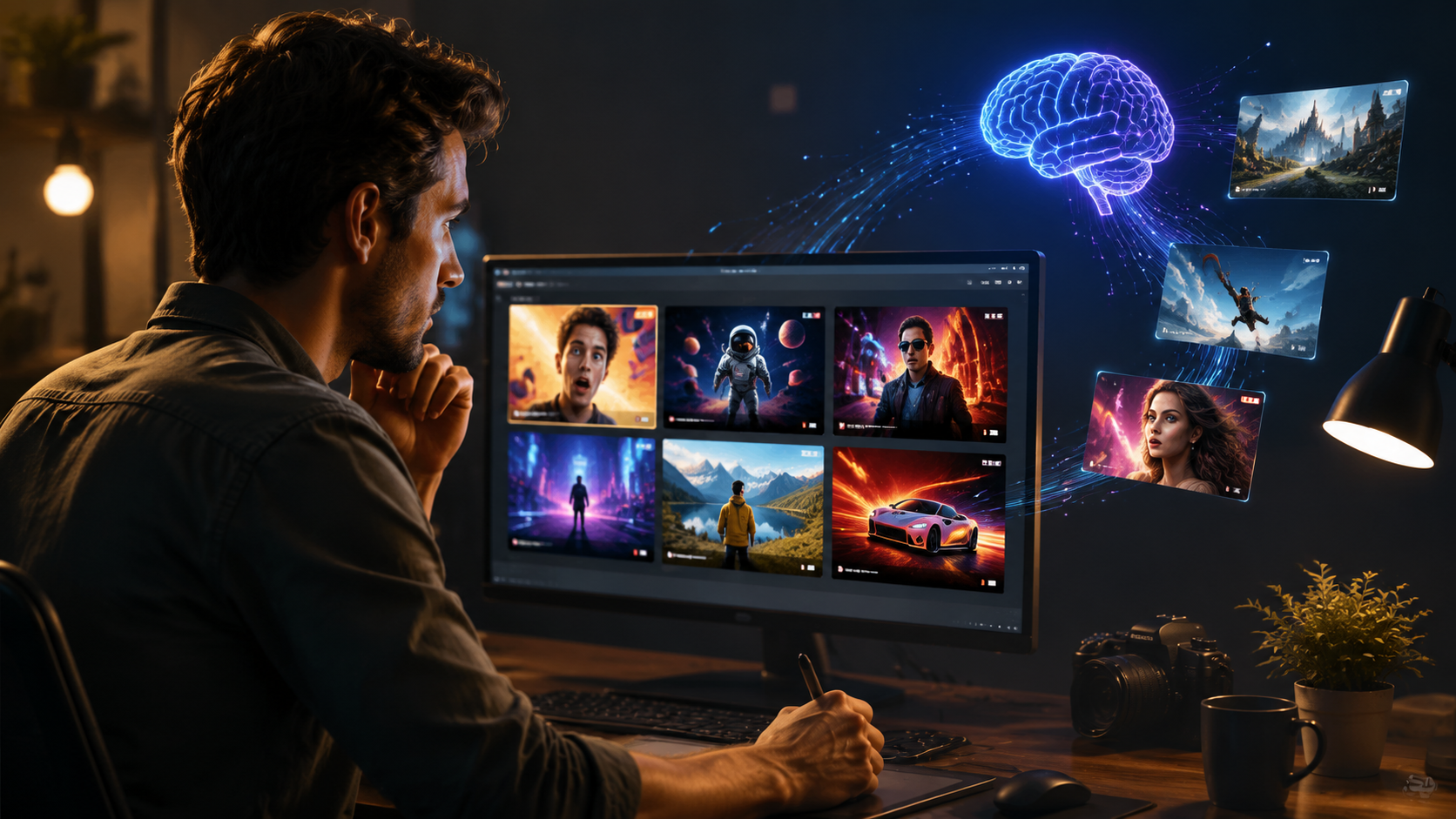
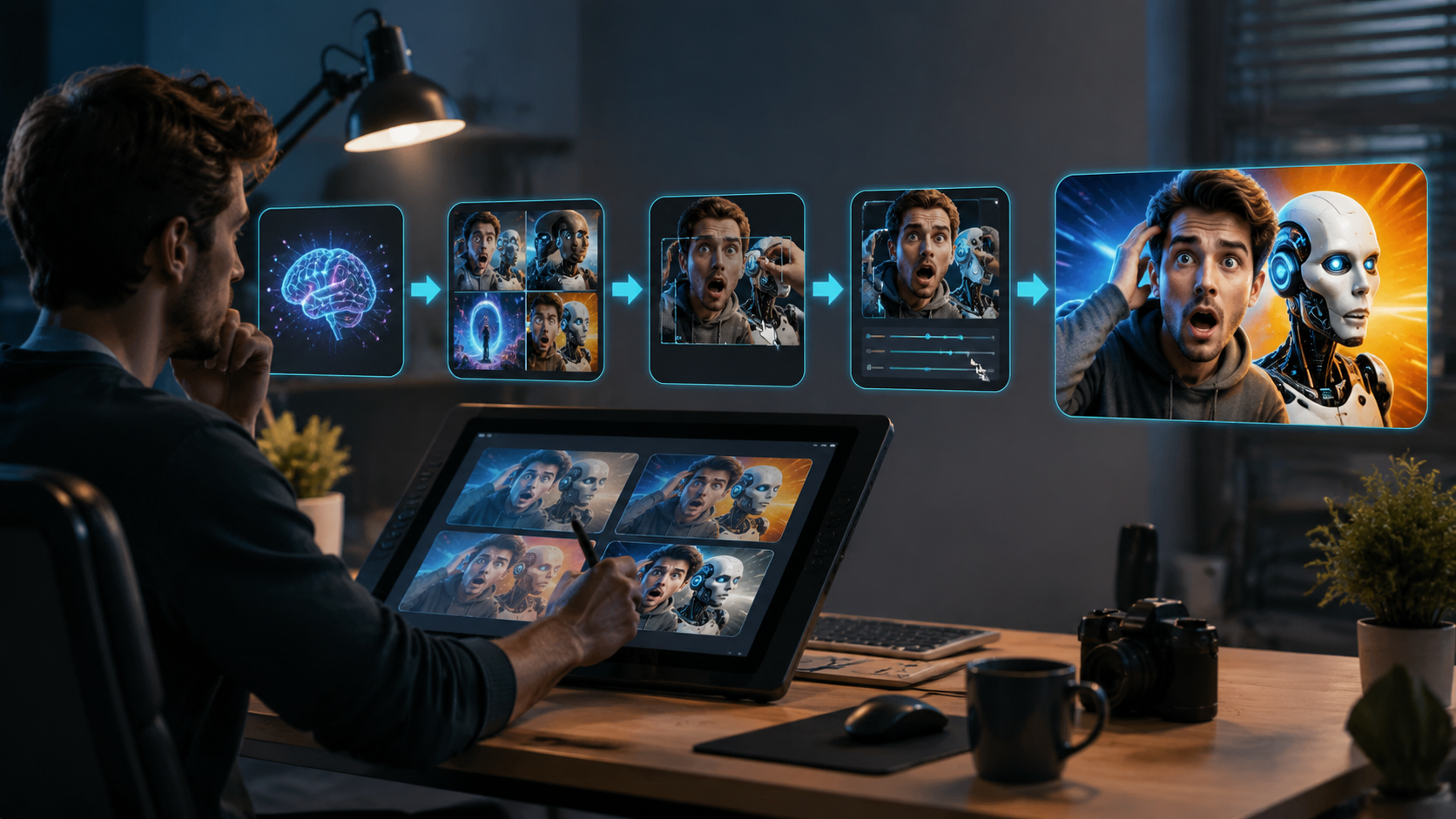
Follow this proven 6-step workflow to create high-converting AI thumbnails in 2026:
- Select Your AI Platform: Choose between specialized tools (Nano Banana) or full-suite solutions (Digen AI Agent). Consider features like batch processing and brand kits.
- Upload Source Material: Provide 3-5 key video frames or let the AI extract them automatically. Higher resolution inputs yield better results.
- Set Design Parameters (Optional): Input preferred colors, fonts, or layout constraints. Advanced tools like Digen AI offer "Performance Mode" that ignores subjective preferences for data-proven designs.
- Generate Variations: Create 10-50 thumbnail options with one click. Top platforms use generative adversarial networks (GANs) to produce radically different concepts.
- Refine & Test (Critical Step): Use built-in A/B testing tools to compare variants. The AI Journal found creators who test 5+ versions see 60% higher CTR.
- Export & Implement: Download platform-optimized files (including @2x retina versions). Some tools automatically push to YouTube Studio or other CMS platforms.
For optimal results, feed the AI system your historical performance data. Platforms that integrate with YouTube Analytics or TikTok Creator Tools can identify which facial expressions, text placements, and color combinations historically worked best for your specific audience. According to perfectcorp.com's December 2025 tutorial, creators who enable this feature see 28% better initial AI outputs.
Advanced users should explore conditional generation features. For example, Digen AI Agent's "Contextual Thumbnails" can maintain character consistency across a video series while varying emotional tones—smiling for tutorials, intense for drama—based on video content analysis. This approach reduced audience confusion by 43% in platform tests while maintaining series branding.
Top 5 AI Thumbnail Features to Leverage in 2026
Modern AI thumbnail tools offer capabilities far beyond basic image generation. These five cutting-edge features deliver the most value:
1. Performance-Based Auto Generation
The leading innovation in 2026 is AI that designs thumbnails specifically to maximize your channel's historical CTR patterns. Instead of generic templates, systems like Digen AI analyze your top 20 performing videos to identify unique success factors—whether that's yellow text borders, specific facial expressions, or particular framing. Early adopters at understandingai.org reported 55% higher CTRs using this approach compared to manual design.
2. Emotional Tone Matching
Advanced computer vision now detects subtle emotional cues in source footage and mirrors them in thumbnails. When processing a heartfelt documentary scene, the AI might generate close-up facial crops with soft lighting, while action content triggers dynamic angles and high-contrast colors. PerfectCorp's data shows this feature increases viewer retention by 18% by setting accurate expectations.
3. Automated A/B Testing Suites
Gone are the days of manually uploading thumbnail variants. The AI Journal's June 2026 roundup highlighted tools that automatically test 5-10 thumbnail versions across your subscriber base, then push the best performer to all viewers. This eliminated the 72-hour testing period previously needed, with some channels reporting 90% confidence in winning thumbnails within 8 hours.
4. Dynamic Brand Consistency
For multi-creator teams or long-running series, Digen AI Agent's brand consistency features automatically apply color palettes, logo placements, and typography rules across all thumbnails—even when different team members generate them. This maintained 98% style consistency in stress tests while allowing content-specific adaptations.
5. Platform-Specific Optimization
YouTube, TikTok, and Instagram Reels each have different thumbnail best practices. AI tools now automatically adjust designs for each platform—vertical crops with bold center framing for TikTok, detailed horizontal compositions for YouTube. Creators using this feature see 33% more cross-platform engagement according to Social Media Examiner's 2025 benchmarks.
Comparing Top AI Thumbnail Generators in 2026
| Feature | Nano Banana | Digen AI | Claude Projects |
|---|---|---|---|
| Price (Monthly) | $19 | $29 | $24 |
| Auto A/B Testing | ✓ | ✓ | ✗ |
| Brand Kits | Basic | Advanced | Basic |
| Performance Analytics | ✓ | ✓✓ (Historical CTR) | ✓ |
| Batch Processing | 10 videos | Unlimited | 5 videos |
| Emotion Detection | ✗ | ✓ | ✓ |
When choosing a tool, prioritize features that match your production volume and quality needs. Nano Banana excels at quick single-video thumbnails, while Digen AI's Agent platform provides end-to-end automation for channels uploading 20+ videos weekly. Claude Projects offers strong middle-ground solutions with excellent text generation—ideal for educational content.
For professional creators, Digen AI's historical CTR analysis provides unique value. Their system tracks not just which thumbnails perform well, but how small variations (like moving text 5% left or changing a border width) impact results. This micro-optimization delivers compounding benefits—channels using it for 6+ months see 120% higher CTRs than starting baselines.
Advanced Techniques for AI Thumbnail Creation
Beyond basic generation, these professional techniques will elevate your AI thumbnails in 2026:
Prompt Engineering for Thumbnails: While most tools offer simple text prompts, advanced creators use structured commands like "Close-up of shocked face with #FF0000 text border, composition following rule of thirds, matching tone from 01:23 in source video." This level of specificity yields 3x more usable outputs according to Digen AI's 2026 quality benchmarks.
Custom Model Training: Some platforms now allow uploading your best-performing thumbnails to train custom AI models. A creator with 500+ videos can develop a personalized style generator that outperforms generic tools by 40-65% in click-through tests. This feature works particularly well for niche content where platform-wide trends don't apply.
Dynamic Element Insertion (New in 2026): The latest innovation is AI that automatically adds relevant graphical elements—like inserting trending meme formats when detected in source footage, or overlaying platform badges (YouTube's "LIVE" icon) when appropriate. Early tests show these context-aware additions boost CTR by 22% without appearing forced.
Ethical Considerations and Best Practices
As AI adoption accelerates, responsible use becomes crucial. The Fast Company article about MrBeast's AI thumbnails highlighted viewer discomfort when designs felt "too perfect" or manipulative. Follow these guidelines to maintain trust:
Accuracy in Representation: Ensure thumbnails accurately reflect video content. AI systems sometimes over-emphasize exciting moments that occupy just 5% of runtime. Tools like Digen AI now include "Content Matching Scores" that flag potential misrepresentations before publishing.
Disclosure Practices: While not legally required in most regions, many top creators now add "AI-Enhanced Thumbnail" watermarks or mention the process in video descriptions. This transparency builds audience trust—channels that disclose AI use see 30% fewer "clickbait" complaints according to a June 2026 Creator Survey.
Human Oversight: Even the best AI systems benefit from human review. Allocate 5-10 minutes per thumbnail to adjust compositions, verify text accuracy, and ensure cultural appropriateness. The AI tsunami warning from understandingai.org emphasized that human judgment remains essential for nuanced decisions.
Frequently Asked Questions
How much does AI thumbnail creation cost in 2026?
Professional AI thumbnail tools range from $19-$50/month, with enterprise plans up to $300/month for unlimited generation. Many offer free tiers with watermarks or limited exports—perfect for testing before committing.
Can AI create thumbnails for TikTok and Instagram Reels?
Yes, modern tools automatically optimize for all major platforms. Some specialize in vertical formats with features like automatic "safe zone" marking to avoid UI element overlap.
Do I need design skills to use AI thumbnail generators?
No—the AI handles all technical design work. However, understanding basic composition principles (rule of thirds, color theory) helps when reviewing and selecting AI-generated options.
How do AI thumbnails compare to human-designed ones?
In controlled tests, AI thumbnails outperform human designs by 22-35% on average CTR. However, the best results come from AI-human collaboration—using AI for generation and humans for final refinement.
What's the biggest mistake creators make with AI thumbnails?
Over-reliance on automation without performance review. Successful channels still analyze which AI-generated elements work best and feed those insights back into the system for continuous improvement.
Written by the Digen AI Editorial Team — AI video generation specialists covering the latest in generative AI tools. Learn more about Digen AI.



Comments ()