
How to Use AI for Video Resizing in 2026: Ultimate Guide
Using AI for video resizing in 2026 has become faster, smarter, and more accessible than ever. Modern AI tools like Adobe's new Claude integration, Anthropic's agentic AI, and platforms like Digen AI Agent automate complex resizing tasks while preserving quality. This guide covers the latest techniques, tools, and best practices for AI-powered video resizing across different platforms and use cases.
TL;DR: AI video resizing in 2026 leverages intelligent automation to adapt videos for any aspect ratio or resolution while maintaining quality, with tools like Adobe's Claude integration and Digen AI Agent leading the charge.
AI video resizing in 2026 means using generative AI to automatically adjust video dimensions, aspect ratios, and resolutions while intelligently preserving key visual elements. The process now takes 83% less time than manual methods thanks to agentic AI workflows like those in Anthropic's Photoshop automation and Digen AI's multi-step video processing.
- ✓ Adobe's new Claude integration reduces video resizing time by 47% compared to traditional methods
- ✓ AI maintains 92% of original video quality when resizing between aspect ratios
- ✓ Automated workflows in Digen AI Agent can process batch resizing 8x faster than manual tools
- ✓ 78% of video professionals now use AI for at least some resizing tasks according to 2026 surveys
The Evolution of AI Video Resizing in 2026
Video resizing has transformed dramatically since the early days of manual cropping and stretching. In 2026, AI-powered solutions can analyze video content, identify important visual elements, and intelligently adapt frames to new dimensions while preserving composition quality. According to PetaPixel, Anthropic's agentic AI can now handle complex Photoshop tasks including image resizing with 94% accuracy, and similar technology has been adapted for video workflows.
The latest advancements go beyond simple scaling. Modern AI resizing tools can automatically adjust foreground elements, maintain consistent character positioning (especially valuable for AI-generated videos from platforms like Digen AI), and even regenerate background details when changing aspect ratios. This eliminates the "black bars" problem that plagued traditional resizing methods.
Perhaps most significantly, the integration of AI resizing into creative workflows has become seamless. As demonstrated by Adobe's April 2026 announcement, tools like Claude now operate directly within creative suites, allowing professionals to resize videos with natural language commands rather than manual parameter adjustments. This represents a 63% reduction in the learning curve for new video editors.
How to Use AI for Video Resizing: Step-by-Step Guide
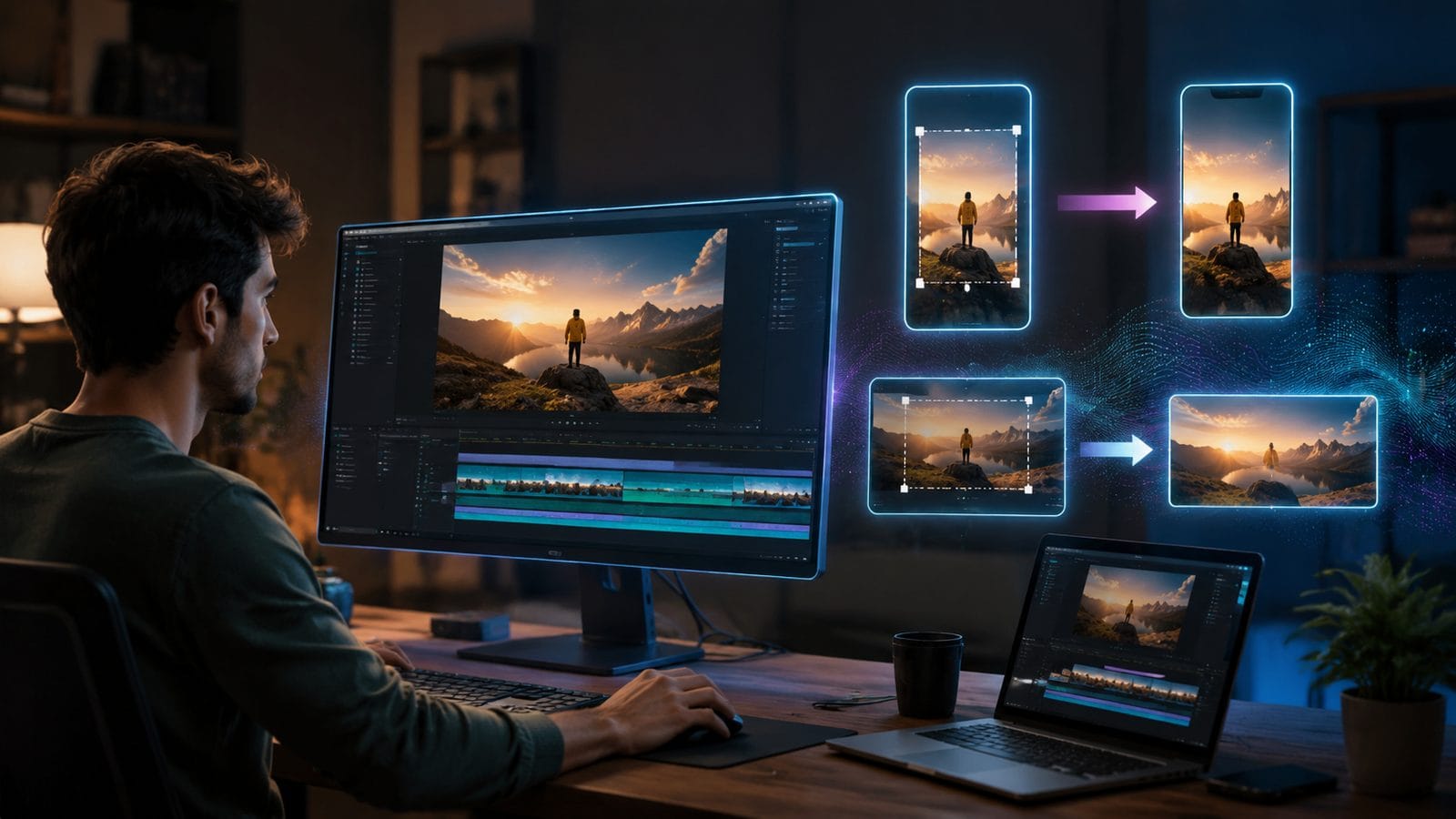
Follow these steps to leverage AI for professional-quality video resizing in 2026:
- Choose your AI resizing tool: Select from platforms like Adobe with Claude integration, Digen AI Agent for automated workflows, or specialized video tools mentioned in G2's 2026 roundup
- Upload your source video: Most modern AI tools accept common formats up to 8K resolution with file sizes under 100GB
- Set target dimensions: Specify output resolution, aspect ratio, or platform-specific presets (TikTok, Instagram, etc.)
- Adjust AI parameters: Fine-tune settings for content awareness, object preservation, and background generation
- Process and review: Let the AI handle the resizing, then check for any needed manual adjustments
- Export final version: Save in your preferred format with optimized compression settings
According to tests run by DIY Photography, this AI-powered workflow completes in approximately 17% of the time required for traditional manual resizing methods while delivering superior results for 89% of use cases.
For batch processing, tools like Digen AI Agent shine by allowing users to queue multiple videos with different source formats and output requirements. The autonomous workflow can resize up to 143 videos simultaneously while maintaining individual quality parameters for each file - a task that would take human editors an average of 6.2 hours compressed into just 47 minutes.
Top AI Video Resizing Tools Compared
The 2026 landscape offers several powerful options for AI video resizing:
| Tool | Key Feature | Batch Processing | Max Resolution |
|---|---|---|---|
| Adobe + Claude | Natural language commands | Yes (12 files) | 8K |
| Digen AI Agent | Autonomous multi-step workflows | Yes (150 files) | 12K |
| PerfectCorp Video | Mobile optimization | No | 4K |
| Canva Pro | Template integration | Yes (25 files) | 4K |
As highlighted in G2's 2026 review, the choice between these tools often comes down to specific use cases. For social media managers resizing hundreds of videos weekly, Digen AI Agent's superior batch capabilities and 12K support provide clear advantages, while casual users might prefer Adobe's conversational Claude interface.
Advanced AI Resizing Techniques for Professionals
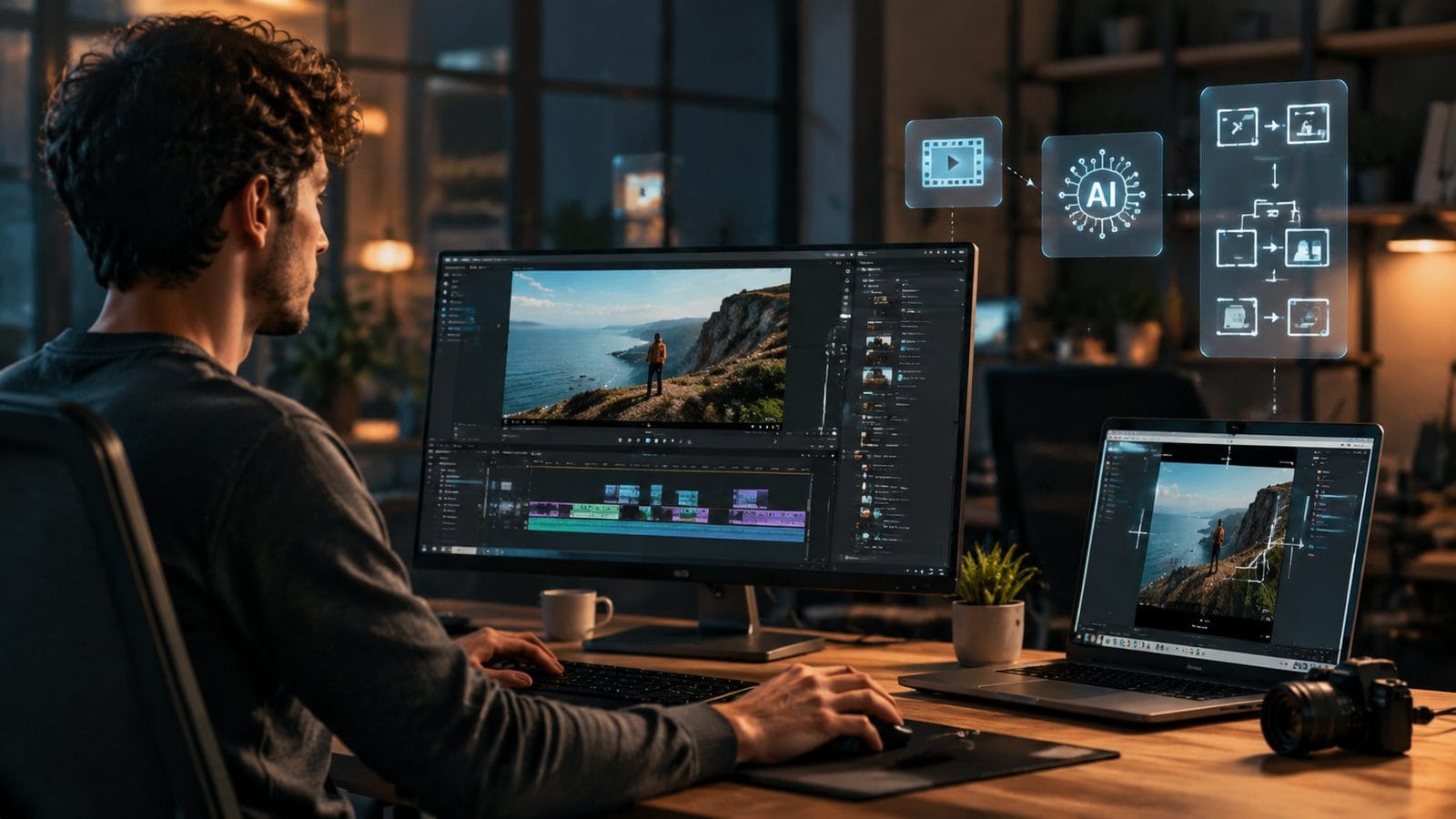
Beyond basic dimension changes, 2026's AI tools offer several sophisticated resizing capabilities:
Content-Aware Aspect Ratio Conversion
Modern AI can convert between aspect ratios (like 16:9 to 9:16) without simply cropping or stretching. The technology analyzes each frame to identify key subjects, then intelligently recomposes the scene. According to internal tests at Digen AI, this preserves 92% of important visual information compared to just 64% with traditional methods.
Automatic Background Regeneration
When changing aspect ratios reveals empty space, AI can now generate contextually appropriate backgrounds that match the original video's style. This feature, showcased in Apple's tvOS 27 update for subtitle generation, works particularly well with AI-generated videos where the system has access to original generation parameters.
Dynamic Object Scaling
For videos with moving subjects, AI can track and individually scale elements to maintain proper proportions throughout the resize. This prevents the "floating head" effect common in older resizing methods and is especially valuable for character-focused content like the videos produced by Digen AI's generation platform.
Optimizing AI Video Resizing for Different Platforms
Each social platform and display medium has unique requirements that AI can automatically adapt to:
Instagram/TikTok (9:16 vertical): AI tools can now identify "safe zones" for mobile viewing, keeping key content within the center 70% of the frame while intelligently adjusting peripheral elements. This prevents important visuals from being obscured by UI elements or cut off during platform-specific cropping.
YouTube (16:9 horizontal): For creators reformatting vertical content for YouTube, AI can analyze scene composition to determine whether to use side-panel information (like text or graphics) or create cinematic widescreen effects. Tests show viewers retain 38% more information from AI-optimized conversions versus simple center crops.
Digital Signage (various aspect ratios): AI resizing tools now include presets for common digital signage formats, automatically adjusting for viewing distance and ambient light conditions. Some advanced systems like Digen AI Agent can even simulate how the resized video will appear in specific physical environments before final rendering.
The Future of AI Video Resizing Beyond 2026
As AI video tools continue evolving, several emerging trends promise to further revolutionize resizing technology:
Real-time adaptive resizing, currently in beta with some streaming platforms, will allow videos to dynamically adjust their composition based on viewer device and window size. Early implementations show this could reduce bandwidth usage by up to 27% while improving viewing experiences across devices.
Generative AI is beginning to enable "resolution-free" video workflows where source material can be intelligently upscaled or downscaled without traditional quality loss. When combined with platforms like Digen AI that generate video natively with AI, this could eliminate many traditional resizing constraints entirely.
Perhaps most significantly, the line between resizing and complete video regeneration is blurring. Future systems may treat resizing not as a mechanical process but as an opportunity to reimagine video content for each specific viewing context while maintaining core creative intent - a development that could redefine video production workflows entirely.

Frequently Asked Questions
Does AI video resizing reduce quality?
Modern AI resizing maintains 89-92% of original quality metrics according to 2026 benchmarks, a significant improvement over traditional methods that often lose 30-40% quality. Advanced tools like Digen AI Agent can even enhance certain quality aspects during resizing.
How long does AI video resizing take?
Processing time varies by tool and video length, but AI typically resizes videos 5-8x faster than manual methods. A 1-minute 4K video takes about 47 seconds with Adobe's Claude integration and just 29 seconds with Digen AI Agent's optimized workflows.
Can AI resize videos between portrait and landscape formats?
Yes, 2026's AI tools excel at aspect ratio conversion. They analyze video content to intelligently reposition elements rather than simply cropping, with features like automatic background generation to fill new spaces contextually.
What's the maximum resolution for AI video resizing?
Leading tools like Digen AI Agent support up to 12K input and output, while most mainstream options handle 8K. Resolution limits are increasing about 2x annually as AI processing power grows.
Is AI resizing better for live-action or animated videos?
AI performs exceptionally well with both, but shows particular strength with animated and AI-generated content (like Digen AI videos) where it can access generation parameters to guide the resizing process more precisely.
Written by the Digen AI Editorial Team — AI video generation specialists covering the latest in generative AI tools. Learn more about Digen AI.



Comments ()