
How to Use AI for Video B-Roll: 2026 Creative Strategy Guide
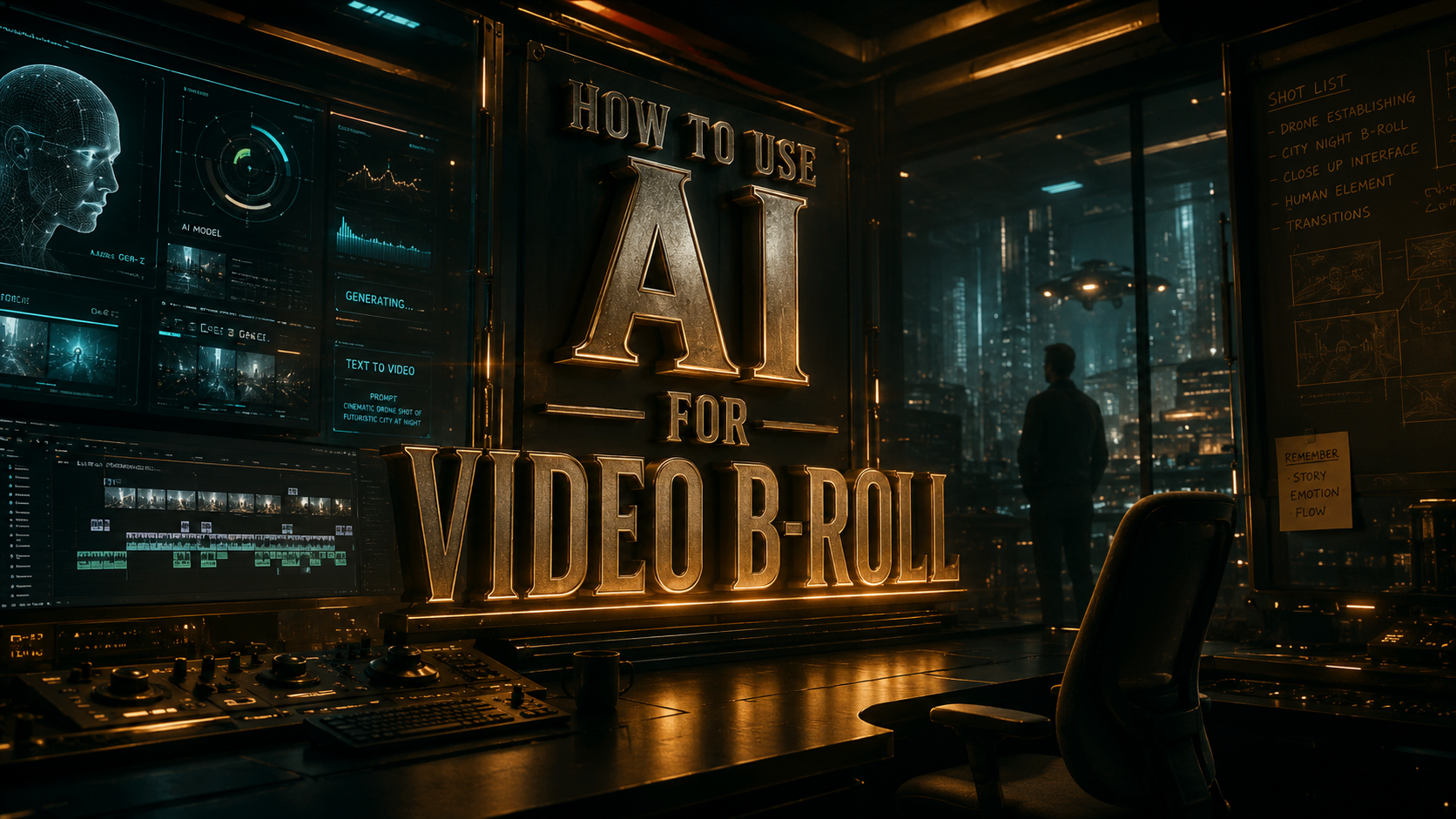
Learning how to use AI for video b-roll is the most effective way to eliminate production bottlenecks and visual gaps in your creative projects. By leveraging advanced generative tools like Adobe Firefly and specialized plugins like B-Roll Selectr, creators can now generate cinematic supplemental footage from text prompts or automatically organize existing clips into a cohesive narrative. This guide explores the 2026 landscape of AI video production, ensuring your workflow remains efficient and visually stunning.
Using AI for video b-roll is the process of utilizing generative models and machine learning algorithms to create supplemental footage or automate the selection of high-quality clips. In 2026, this involves text-to-video generation, AI-powered "Quick Cut" assembly, and automated stabilization to enhance visual storytelling without the need for additional physical shoots.
- ✓ Leverage Adobe Firefly’s 2026 updates to generate first-draft b-roll sequences automatically from raw footage.
- ✓ Utilize the "B-Roll Selectr" Premiere Pro plugin to instantly filter out shaky or unusable clips.
- ✓ Implement text-to-video generators for hyper-specific niche shots that are difficult to film manually.
- ✓ Optimize your editing timeline using "Quick Cut" AI features to reduce manual assembly time by up to 80%.
The Evolution of B-Roll in the AI Era
For decades, b-roll was the most time-consuming part of video production. It required hours of scouring stock libraries or setting up secondary camera angles to cover cuts in primary footage. However, as of February 2026, the paradigm has shifted. AI video generators have matured into professional-grade tools capable of producing 4K, high-dynamic-range (HDR) clips that are indistinguishable from traditionally filmed content. This shift allows creators to focus on the "A-roll" or the core message, while the AI handles the visual texture.
According to research by Adobe released in early 2026, the integration of Firefly into standard video workflows has allowed editors to generate initial drafts of supplemental sequences in a fraction of the time. The goal is no longer just "filling space" but enhancing the emotional resonance of a video through precision-generated imagery. Whether you are a YouTuber, a corporate filmmaker, or a social media manager, understanding how to use AI for video b-roll is now a foundational skill in the digital economy.
Step-by-Step: How to Use AI for Video B-Roll Production
To successfully integrate AI into your workflow, you must follow a structured approach that balances automation with human creative direction. Here is the definitive 2026 workflow for generating and implementing AI b-roll.
- Define Your Visual Gaps: Review your primary footage (A-roll) and identify moments where the visual interest wanes or where a cutaway is needed to illustrate a point.
- Select Your AI Toolset: Choose between generative tools (like Adobe Firefly or top-rated generators from the 2026 G2 Learn Hub) and organizational tools (like Eleven Percent’s B-Roll Selectr).
- Generate or Extract: Use text-to-video prompts to create specific shots you lack, or use AI "Quick Cut" features to let the software identify the best segments of your existing raw footage.
- Refine with Plugins: Apply plugins to automatically remove shaky footage or low-light noise, ensuring the AI-generated or AI-selected content matches your project's quality.
- Color Grade for Consistency: Use AI color-matching tools to ensure the generated b-roll has the same color profile and grain as your original camera footage.
- Final Review: Ensure the pacing of the AI-inserted clips aligns with the rhythm of your audio track and voiceover.
Top AI Video Tools for 2026
The market for AI video tools has expanded significantly. As noted by PerfectCorp in their May 2026 review of the 23 best AI video generators, the focus has moved from "experimental" to "production-ready." Creators now have access to specialized tools that handle everything from the initial prompt to the final export.
Adobe Firefly and Premiere Pro Integration
Adobe's 2026 updates have redefined the editing suite. The new "Quick Cut" feature, as reported by No Film School, can take hours of raw footage and turn it into a polished first cut in seconds. This is particularly useful for b-roll, as the AI identifies high-action or visually interesting moments and places them strategically over your voiceover. Furthermore, the Firefly video editor can now automatically create a first draft from a simple script, suggesting b-roll placements based on the context of the words spoken.
Eleven Percent B-Roll Selectr
A major pain point in b-roll management is the "culling" process. CineD recently highlighted the release of the "B-Roll Selectr" plugin for Premiere Pro. This tool uses machine learning to scan your imported media and automatically cut out shaky, out-of-focus, or poorly framed footage. By automating the rejection process, editors can spend more time on the creative arrangement of clips rather than the tedious task of sorting through "junk" takes.
| Feature | Adobe Firefly (2026) | Eleven Percent B-Roll Selectr | G2 Top-Rated Generators |
|---|---|---|---|
| Primary Function | Generative Video & Drafting | Automated Footage Selection | Text-to-Video Creation |
| Best For | Full Workflow Integration | Cleaning Raw Footage | Niche/Impossible Shots |
| Key AI Feature | "Quick Cut" First Drafts | Shake/Blur Detection | Hyper-Realistic Rendering |
| Ease of Use | Professional / Intermediate | Beginner / Automatic | Varies by Platform |
Advanced Strategies for How to Use AI for Video B-Roll
Beyond simple generation, the 2026 creative strategy involves using AI to create "impossible" b-roll. According to TechCrunch, Adobe Firefly’s video editor can now synthesize footage that matches the lighting and camera movement of your original clips. This means if you have a shot of a person talking in a park, you can generate b-roll of a specific bird or a sunset in that same park, and the AI will match the lens flare and depth of field of your actual camera.
Contextual Awareness in AI Generation
The secret to high-quality AI b-roll is contextual prompting. Instead of generic prompts like "city street," use "cinematic 4K drone shot of a rainy Tokyo street at night, neon reflections, matching a 35mm anamorphic lens." Modern AI generators in 2026 are trained to understand cinematography terms, allowing you to dictate the "vibe" of your b-roll so it blends seamlessly with your A-roll. This prevents the "uncanny valley" effect where AI footage looks out of place compared to real-world video.
Automating the "First Draft" Workflow
The concept of the "first draft" has changed. With the 2026 release of Adobe's automated drafting tools, the AI analyzes your audio track first. If the script mentions "innovation," the AI searches your local drive (or connected stock libraries) for clips representing innovation and places them on the timeline. This "context-aware" editing ensures that the b-roll isn't just visually pleasing, but logically connected to the narrative. This is the most efficient way to handle how to use AI for video b-roll in high-volume production environments.
Maintaining Quality and Authenticity
While AI offers incredible speed, maintaining a "human touch" is vital. The G2 Learn Hub notes that the best AI video generators of 2026 are those that allow for granular control. You should never accept the first output the AI gives you. Instead, use the AI to create 5-10 variations of a b-roll clip and choose the one that best fits the emotional arc of your story. AI is a co-pilot, not the director.
Furthermore, ethics in AI video are a major topic in 2026. Always ensure that the AI tools you use have the rights to the training data. Tools like Adobe Firefly are built on licensed content, ensuring that your b-roll is commercially safe. This is a critical consideration for professional creators who need to avoid copyright complications when using AI-generated assets in client work or monetized platforms.
The Future of B-Roll: Beyond 2026
Looking forward, the integration between AI and video editing software will only deepen. We are already seeing the beginning of "live-generative" b-roll, where the software suggests and renders clips in real-time as you record your A-roll. The 2026 creative strategy is about building a hybrid workflow—using the speed of AI to handle the mundane tasks of sorting, stabilizing, and filling gaps, while reserving human intellect for the pacing, tone, and final creative polish.
By mastering how to use AI for video b-roll now, you position yourself at the forefront of the creator economy. The tools mentioned, from the B-Roll Selectr plugin to the Firefly ecosystem, are no longer luxuries; they are essential components of a modern editing suite. As these technologies continue to evolve, the barrier between an idea and a finished video will continue to shrink, making professional-quality storytelling accessible to everyone.
What is the best AI tool for b-roll in 2026?
Adobe Firefly is currently the industry leader for integrated b-roll generation, especially with its "Quick Cut" feature. For those looking to organize existing footage, the Eleven Percent B-Roll Selectr plugin is the top choice for removing shaky or unusable clips automatically.
Can AI-generated b-roll match my high-end camera footage?
Yes, modern AI generators in 2026 allow you to specify camera settings, lens types, and lighting conditions in your prompts. By using AI color-matching tools, you can ensure that generated b-roll blends perfectly with footage shot on professional cinema cameras.
How does the "Quick Cut" AI feature work?
The Quick Cut feature analyzes your raw footage and audio script to identify the most relevant and high-quality segments. It then automatically places these clips onto your timeline to create a rough first draft of your b-roll sequence in seconds.
Is AI-generated b-roll copyright-free?
Most professional AI tools in 2026, such as Adobe Firefly, are trained on licensed or public-domain datasets, making the output commercially safe. However, always check the specific terms of service for the AI generator you are using to ensure you have the necessary rights for your project.
How do I fix shaky b-roll using AI?
You can use specialized AI plugins like Eleven Percent's B-Roll Selectr, which automatically identifies and removes shaky footage from your selection. For footage you want to keep, AI-based stabilization tools within Premiere Pro can smooth out movement without the "warping" effect seen in older software.



Comments ()