
How to Use AI for Color Grading: 2026 Professional Guide
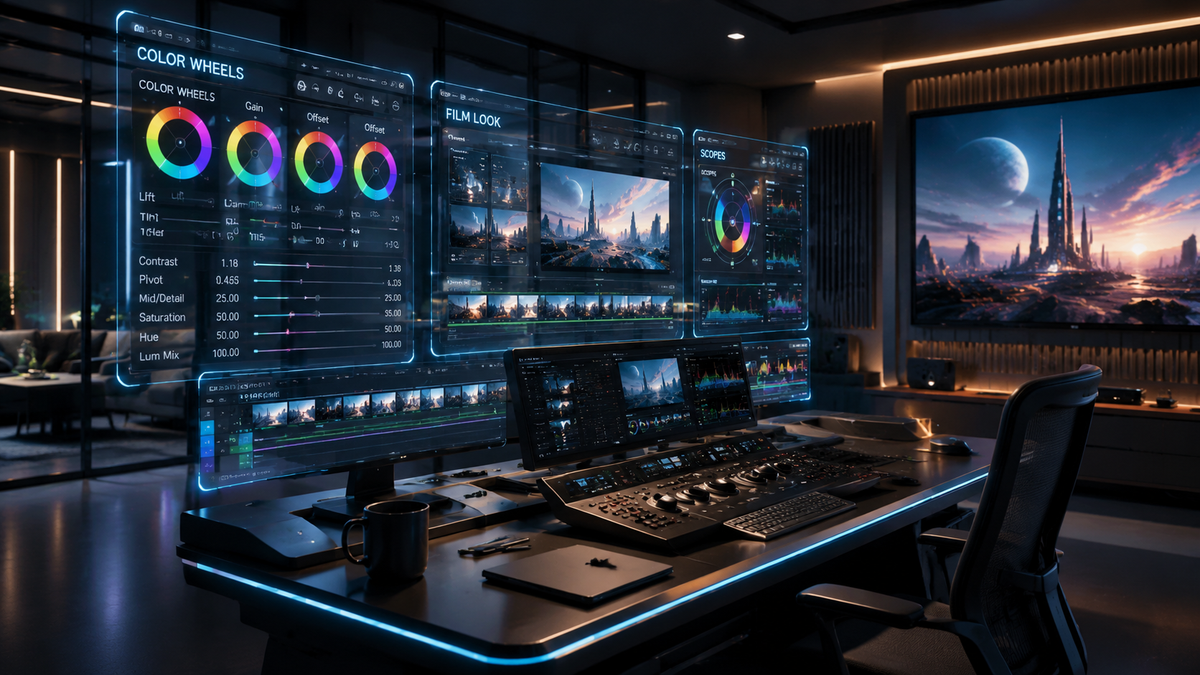
Learning how to use AI for color grading involves leveraging machine learning algorithms to automate color matching, shot balancing, and creative look application within your video editing workflow. To use AI for color grading effectively in 2026, you must integrate specialized plugins like Imagen Video or native tools in Adobe Premiere Pro and DaVinci Resolve that utilize neural engines to analyze luma and chroma data across multiple clips instantly.
AI color grading is a process where generative and adaptive algorithms analyze video frames to perform automated color correction, skin tone preservation, and cinematic look application. It functions by comparing your footage against high-quality reference datasets, allowing editors to achieve professional-grade visual consistency in a fraction of the time required for manual grading.
- ✓ Use adaptive AI models to match color profiles across different camera sensors automatically.
- ✓ Leverage NVIDIA GPU acceleration for real-time AI color processing in Adobe Premiere Pro.
- ✓ Implement LUT-driven AI workflows to maintain creative control while automating repetitive tasks.
- ✓ Utilize the latest Nik Collection 9 and Imagen Video tools for advanced filter application and grain management.
Step-by-Step: How to Use AI for Color Grading in 2026
The landscape of post-production has shifted toward "adaptive" workflows. No longer are we simply applying a static filter; we are now teaching the software to understand the context of our footage. Whether you are working on a high-budget commercial or a social media reel, the following steps represent the modern professional standard for AI-assisted grading.
- Import and Analyze: Load your footage into an AI-enabled NLE (Non-Linear Editor). Use the "Analyze Scene" function to let the AI identify lighting shifts and subject matter.
- Apply Adaptive Color Correction: Select your primary clip and use a tool like Imagen Video to establish a baseline. The AI will adjust exposure, contrast, and white balance across the entire timeline based on this reference.
- Enable GPU Acceleration: Ensure your hardware settings are optimized. According to the NVIDIA Blog (April 2026), the new Adobe Premiere Color Grading Mode is specifically accelerated on NVIDIA GPUs, reducing render times for AI effects by up to 70%.
- Fine-tune Skin Tones: Use AI masking tools to isolate subjects. The software will automatically track the subject and maintain consistent skin saturation even as lighting conditions change.
- Export AI-Generated LUTs: Once satisfied, use the AI to generate a custom LUT (Look-Up Table) that can be applied to future projects, ensuring brand consistency.
The Evolution of AI Color Grading Tools in 2026
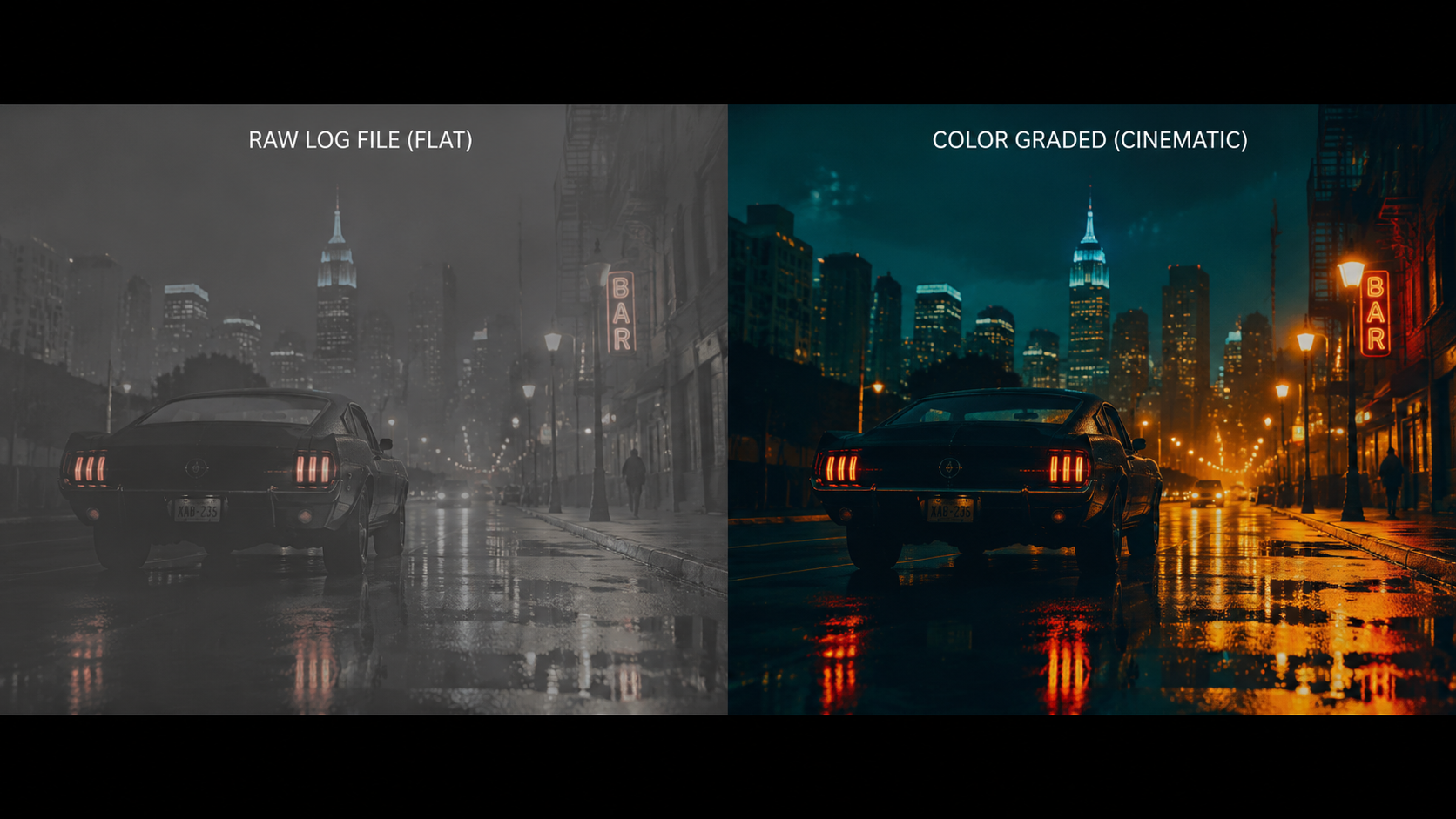
As of April 2026, the industry has seen a massive influx of "intelligent" tools that have moved past beta testing into full professional deployment. A major milestone was reached when CineD reported that Imagen AI introduced "Adaptable AI Color Grading," allowing editors to feed the AI their own historical grading style so the machine learns their unique aesthetic. This shift from "generic" AI to "personal" AI is what defines the current professional era.
Furthermore, the release of Nik Collection 9 (April 21, 2026) has introduced advanced AI filters that can simulate complex film stocks with grain structures that respond dynamically to the light in the shot. This means the AI isn't just "painting" over the video; it is mathematically reconstructing how light would have interacted with physical film grain, providing a level of realism that was previously impossible to automate.
Adobe Premiere Pro and NVIDIA Integration
Adobe has remained a leader by integrating deep-learning capabilities directly into the Lumetri Color panel. The latest update, released in mid-April 2026, features a dedicated "AI Color Mode." This mode utilizes NVIDIA’s latest Tensor cores to process frame-by-frame adjustments without the need for pre-rendering. This allows editors to see the final "graded" look in real-time, even when working with 8K RAW footage.
Imagen Video and Professional NLEs
Another breakthrough comes from SLR Lounge, which highlighted Imagen Video’s new LUT-driven workflow. This tool bridges the gap between Premiere Pro and DaVinci Resolve, allowing users to create an AI profile in one and export it seamlessly to the other. This interoperability is crucial for high-end colorists who may need to switch environments during different stages of production.
Comparing Top AI Color Grading Software in 2026
Choosing the right tool depends on your specific needs, whether you require speed, deep creative control, or hardware-specific optimization. Below is a comparison of the leading AI color grading solutions available today.
| Software/Tool | Key AI Feature | Best For | Hardware Optimization |
|---|---|---|---|
| Adobe Premiere Pro (2026 Update) | Adaptive AI Color Mode | Fast-turnaround commercial work | NVIDIA GPU Accelerated |
| Imagen Video | LUT-Driven Adaptive Grading | Consistency across large batches | Cloud & Local Processing |
| Nik Collection 9 | AI Dynamic Filters & Grain | Stylized, cinematic film looks | Multi-core CPU/GPU |
| DaVinci Resolve 19+ | Neural Engine Magic Mask | High-end feature film grading | Blackmagic Cloud & GPU |
| New AI Tool (via No Film School) | Automated Shot Matching | Independent filmmakers | Cross-platform optimization |
How to Use AI for Color Grading for Skin Tone Accuracy
One of the most difficult aspects of color grading has always been maintaining natural skin tones while applying heavy stylistic grades. In 2026, AI has effectively solved this through "semantic segmentation." The AI identifies the human skin in a frame and creates a virtual protection mask. This allows you to push the blues in the shadows or the oranges in the highlights without turning your actors' skin into an unnatural shade.
According to ephotozine.com, the new Imagen Video update brings "Adaptive AI Color Grading" specifically designed for professional video editors who struggle with multi-camera skin tone matching. By analyzing the spectral data of the skin, the AI can match a subject filmed on a Sony camera with the same subject filmed on a RED or Arri, ensuring that the "human element" remains consistent throughout the film.
Automated Shot Matching
Shot matching used to take hours of manual labor, squinting at vectorscopes and waveforms. Now, the process is nearly instantaneous. By selecting a "Hero" shot and a "Target" shot, the AI analyzes the color distribution and applies a transformation to the target. This isn't just a simple match; it accounts for the dynamic range and noise floor of the specific camera sensor used, thanks to the deep integration of camera metadata in 2026 software versions.
The Impact of NVIDIA GPU Acceleration on Workflow
The technical bottleneck for AI has always been processing power. However, the recent NVIDIA Blog (April 15, 2026) announcement regarding accelerated color grading modes has changed the game. Editors no longer have to wait for "background analysis" to complete. The AI now runs as a live layer. This allows for a "What You See Is What You Get" (WYSIWYG) experience that significantly reduces the friction of the creative process.
For professionals, this means the ability to iterate faster. You can test five different "AI Looks" in the time it used to take to manually balance a single clip. This speed doesn't just save time; it allows for more creative exploration, as the cost of "trying something new" is now virtually zero in terms of production hours.
The Rise of "Left Beta" Tools
As reported by No Film School (April 21, 2026), a highly anticipated AI editing tool has just left its beta phase and is now a direct competitor to established giants like Premiere and Resolve. This tool focuses entirely on "Generative Grading," where the user can describe a look using natural language—such as "1970s warm Kodak film with high contrast"—and the AI builds the node tree or effect stack automatically. This accessibility is democratizing high-end color grading for creators who may not have a decade of experience in color science.
Best Practices for AI-Enhanced Color Grading
While AI is powerful, it is most effective when used as a "co-pilot" rather than an "auto-pilot." Professionals in 2026 still maintain a high level of oversight to ensure the AI doesn't over-process the image or introduce artifacts in the shadows.
Maintaining Creative Intent
The biggest risk with AI is the "averaging" effect, where every video starts to look the same because the AI is trained on similar datasets. To avoid this, always use the AI's output as a starting point. Once the AI has balanced the shots and matched the colors, go back in and add your "creative grain" or "signature tint." Tools like Nik Collection 9 are perfect for this, as they offer AI filters that are highly customizable.
Monitoring Your Scopes
Even though the AI says a shot is "correct," your scopes (Waveform, Parade, Vectorscope) never lie. Always double-check that the AI hasn't accidentally clipped your highlights or crushed your blacks beyond the point of recovery. The "Adaptive" nature of modern AI tools generally prevents this, but a professional eye is still the final gatekeeper of quality.
How do I use AI to match colors between two different cameras?
In 2026, you can use the "Shot Match" feature in Adobe Premiere or Imagen Video. Simply select your reference clip and your target clip; the AI will analyze the metadata and visual data to align the color science of both sensors automatically.
Is AI color grading better than manual grading?
AI color grading is significantly faster and more accurate for technical tasks like balancing and matching. However, manual grading is still preferred for high-level artistic decisions where a specific, non-standard emotional "feel" is required for a story.
What hardware do I need for AI color grading in 2026?
According to recent industry updates, an NVIDIA GPU with dedicated Tensor cores is highly recommended. The latest Adobe Premiere updates are specifically optimized for NVIDIA hardware to allow for real-time AI processing without lag.
Can I use AI to color grade for free?
Many tools, including Imagen AI, have offered free beta access or trial periods as of late 2025 and early 2026. Additionally, many NLEs include basic AI color features in their standard subscription packages.
Does AI color grading work on mobile video?
Yes, many mobile editing suites have integrated "Lite" versions of these AI algorithms. However, for professional-grade results and GPU acceleration, desktop platforms like Premiere Pro and Resolve remain the industry standard.



Comments ()