
How to Use AI for B-Roll: 2026 Guide to AI Video Editing
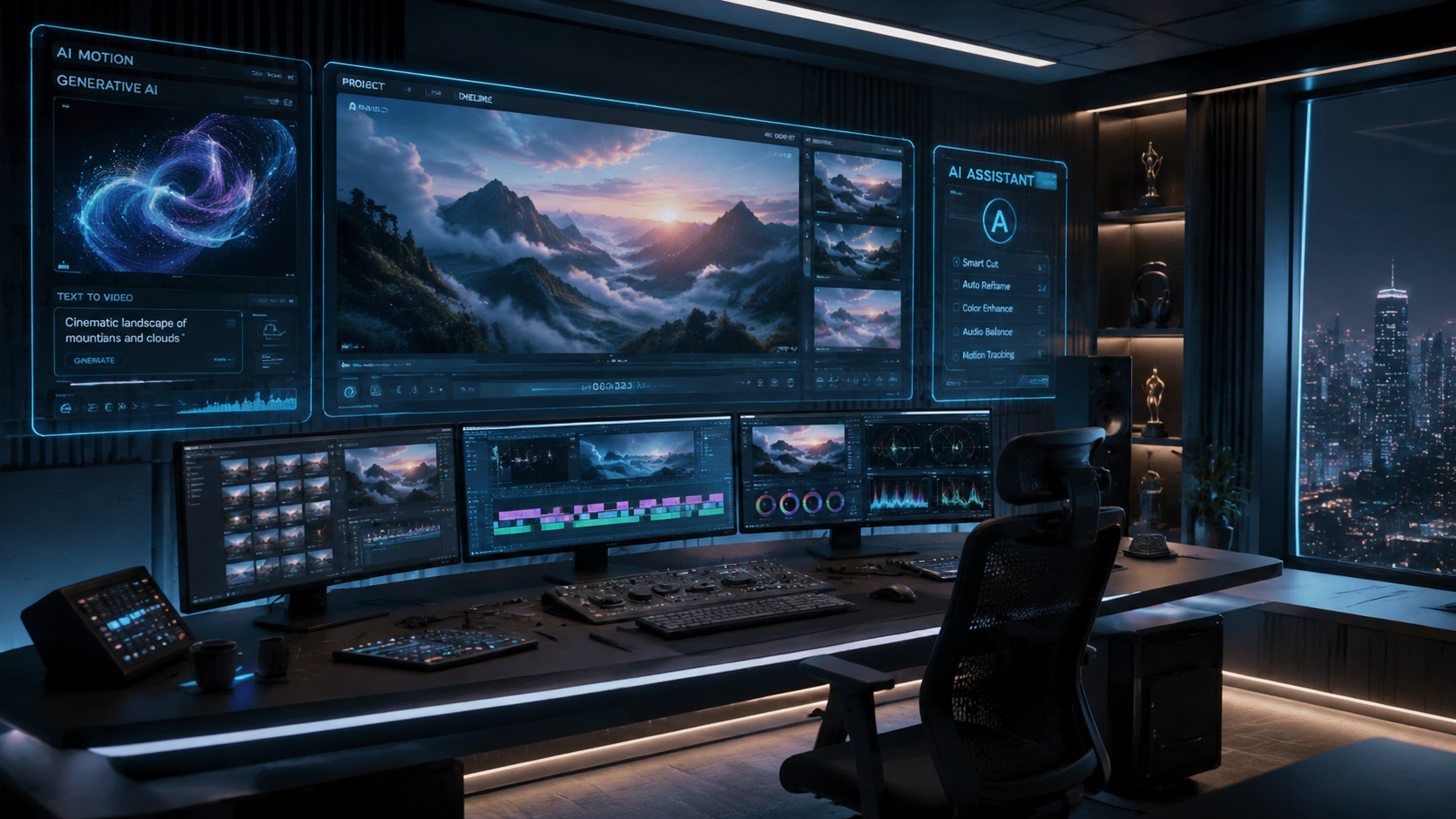
Learning how to use AI for B-roll is the most effective way to eliminate the "B-roll time sink" and accelerate your video production workflow in 2026. By leveraging generative AI and automated selection tools, editors can now generate cinematic supplemental footage from text prompts or automatically extract the best clips from hours of raw footage. This guide explores the latest advancements in AI-driven B-roll integration, including new releases from Adobe, Blackmagic Design, and specialized plugin developers.
Using AI for B-roll is the process of employing artificial intelligence to either generate synthetic supplemental footage from text prompts or to automatically identify, trim, and categorize existing raw footage for seamless insertion into a primary timeline. In 2026, this is primarily achieved through tools like Adobe Firefly, DaVinci Resolve’s AI selection engine, and specialized plugins like Eleven Percent’s B-Roll Selectr.
- ✓ AI can now generate a complete first draft of a video from raw footage using tools like Adobe Firefly (released February 2025/2026).
- ✓ Specialized plugins like Eleven Percent’s B-Roll Selectr can automatically remove shaky or unusable footage from your bins.
- ✓ DaVinci Resolve’s 2026 updates include a dedicated tool specifically designed to eliminate the "B-roll time sink" by matching B-roll to transcript keywords.
- ✓ Generative AI video generators have reached cinematic quality in 2026, allowing for the creation of niche B-roll that is difficult or expensive to film manually.
Step-by-Step: How to Use AI for B-Roll Integration
The transition from manual searching to AI-assisted editing requires a shift in workflow. Whether you are using generative tools to create new clips or organizational tools to sort your existing library, the goal is to reduce the hours spent scrolling through thumbnails. According to The AI Journal, AI tools are currently revolutionizing video production by bridging the gap between initial concept and the final cut through automated asset management.
- Analyze Your Script or Transcript: Use an AI transcription tool to identify key themes and visual cues. Modern NLEs (Non-Linear Editors) now highlight "B-roll opportunities" based on the density of specific keywords in your primary dialogue.
- Select Your AI Method: Decide if you need to generate new footage using a text-to-video tool like Adobe Firefly or organize existing footage using a plugin like B-Roll Selectr.
- Automate the Selection Process: If using raw footage, run an AI "culling" pass. Tools like the Eleven Percent plugin (released January 28, 2026) automatically detect and remove shaky, out-of-focus, or repetitive clips.
- Generate Missing Visuals: For gaps where you lack footage, input a descriptive prompt into a generative AI engine. Ensure you specify lighting, camera angle, and lens type to match your primary A-roll.
- Sync and Refine: Use AI-powered "Match Cut" features to align the pacing of your B-roll with the beat of your background music and the cadence of the speaker.
The Evolution of AI Video Editing in 2026
As of 2026, the landscape of video editing has shifted from manual manipulation to high-level orchestration. Editors no longer spend days tagging clips; instead, they oversee AI systems that handle the heavy lifting of asset categorization. The introduction of major motion design upgrades in After Effects and new AI-powered tools in Premiere Pro (announced January 20, 2026) has made it possible to treat B-roll as a dynamic, searchable database rather than a folder of random files.
According to Adobe, their latest Firefly video integration allows editors to automatically create a first draft from raw footage. This feature, which debuted in late February 2026, analyzes the audio track and visual metadata to place relevant B-roll clips over the A-roll without human intervention. This has reduced the initial assembly time by up to 70% for documentary and corporate video editors.
Automated Culling and Selection Tools
One of the most significant hurdles in any production is sorting through hours of "safety shots" to find the perfect five-second clip. The Eleven Percent "B-Roll Selectr" Premiere Pro plugin, released in January 2026, has solved the problem of shaky footage. By using computer vision, it analyzes every frame for stability and focus, automatically tagging or hiding clips that don't meet professional standards. This allows editors to focus only on the "hero" B-roll.
Eliminating the "B-Roll Time Sink" in DaVinci Resolve
Blackmagic Design has also made waves in 2026 with its latest DaVinci Resolve toolset. As reported by No Film School in March 2026, the software now includes a feature specifically aimed at helping editors avoid the "B-roll time sink." This tool uses semantic search to let editors type a phrase like "sunset over a city" and instantly see every relevant clip in their media pool, even if the files weren't manually tagged with those keywords.
Comparing Top AI Tools for B-Roll in 2026
With so many options available, choosing the right tool depends on whether you need to manage your own footage or generate new assets from scratch. The following table compares the leading solutions released or updated in early 2026.
| Tool Name | Primary Function | Key 2026 Feature | Best For |
|---|---|---|---|
| Adobe Premiere Pro | NLE Integration | Firefly First-Draft Automation | Professional Workflow Speed |
| B-Roll Selectr (Plugin) | Footage Culling | Automatic Shaky Footage Removal | Documentary & Event Editors |
| DaVinci Resolve | Semantic Search | AI Time-Sink Eliminator | Colorists & High-End Post |
| Adobe Firefly Video | Generative AI | Text-to-B-Roll Generation | Missing Footage Gaps |
| G2 Top 7 AI Generators | Asset Creation | Cinematic 8K Output | Creative & Abstract Visuals |
How to Use AI for B-Roll Generation from Text
Sometimes, the perfect B-roll shot doesn't exist in your library. In 2026, generative AI has matured to the point where "AI-generated B-roll" is indistinguishable from stock footage. According to G2 Learn Hub, the best AI video generators of 2026 now offer consistent character rendering and physics-based motion, making them ideal for creating supplemental shots on demand.
To use these tools effectively, you must master "visual prompting." Instead of simply typing "a man working," you should specify the camera movement (e.g., "slow dolly zoom"), the lighting (e.g., "golden hour rim lighting"), and the frame rate. This ensures the generated B-roll blends seamlessly with your high-quality A-roll footage. Most 2026 tools allow you to upload a "reference frame" from your actual shoot so the AI can match the color science and grain of your camera sensor.
Matching AI B-Roll to Your Brand Aesthetic
A common mistake when learning how to use AI for B-roll is ignoring visual consistency. In 2026, tools like Adobe Firefly allow you to apply "Style Kits." This ensures that any generated B-roll follows your specific brand guidelines, including color palettes and contrast ratios. By using these kits, you avoid the "uncanny valley" or the disjointed look often associated with early AI video attempts.
Advanced Techniques: AI-Powered Motion Design
B-roll isn't just static video; it often involves motion graphics and overlays. The January 2026 updates to After Effects introduced major motion design upgrades that allow AI to automate rotoscoping and object removal with 99% accuracy. This means you can take a standard B-roll clip and instantly remove a distracting background element or add a 3D data overlay that tracks perfectly with the camera movement.
These tools are particularly useful for corporate videos where "B-roll" might include screenshots or product demos. The AI can now "clean up" a screen recording, removing sensitive information and enhancing the resolution to 4K, ensuring that every piece of supplemental footage looks polished and professional. This level of automation was a manual, frame-by-frame process just a few years ago.
The Future of Video Production: Beyond 2026
The trajectory of AI in video editing suggests a future where the "editor" acts more like a "director of AI." As the AI Journal notes, the revolution is moving from simple task automation to full conceptual assistance. We are seeing the rise of "Context-Aware Editing," where the software understands the emotional arc of a story and suggests B-roll that enhances the specific mood of a scene—choosing warmer, slower clips for somber moments and high-energy, fast-cut clips for exciting sequences.
Furthermore, the integration of AI-powered audio and video means that B-roll can now be automatically synced to "sound-bed triggers." If your background music has a bass drop, the AI will automatically find a high-impact B-roll clip to match that specific timestamp. This level of synchronization is becoming the standard for social media content and high-end commercial work alike.
What is the best AI tool for B-roll in 2026?
The "best" tool depends on your needs; Adobe Premiere Pro is the leader for overall workflow automation, while Eleven Percent’s B-Roll Selectr is the best specialized plugin for culling shaky footage. For generating new footage from scratch, Adobe Firefly's video model is currently the industry standard for professional integration.
Can AI actually generate usable B-roll for professional films?
Yes, by 2026, generative AI tools have reached a level of cinematic quality that allows them to be used in professional productions. When prompted correctly with reference images and specific camera instructions, AI-generated B-roll can match the look and feel of high-end cinema cameras.
How does the AI B-Roll Selectr plugin work?
Released in January 2026, the B-Roll Selectr plugin uses computer vision to scan your media bins and identify clips with excessive camera shake or focus issues. It then automatically moves these clips to a separate folder or hides them, allowing the editor to only see usable, high-quality footage.
Does DaVinci Resolve have AI B-roll features?
Yes, DaVinci Resolve introduced a new tool in March 2026 specifically designed to eliminate the "B-roll time sink." It uses semantic search and transcript matching to automatically suggest the most relevant B-roll clips from your library based on the dialogue in your timeline.
Is AI-generated B-roll copyright-free?
Most professional AI tools in 2026, such as Adobe Firefly, are trained on licensed or public domain content and offer commercial indemnification. However, you should always check the specific terms of service for the tool you are using to ensure you have the rights for commercial distribution.



Comments ()