
How to Use AI for B-Roll Generation: 2026 Strategy Guide
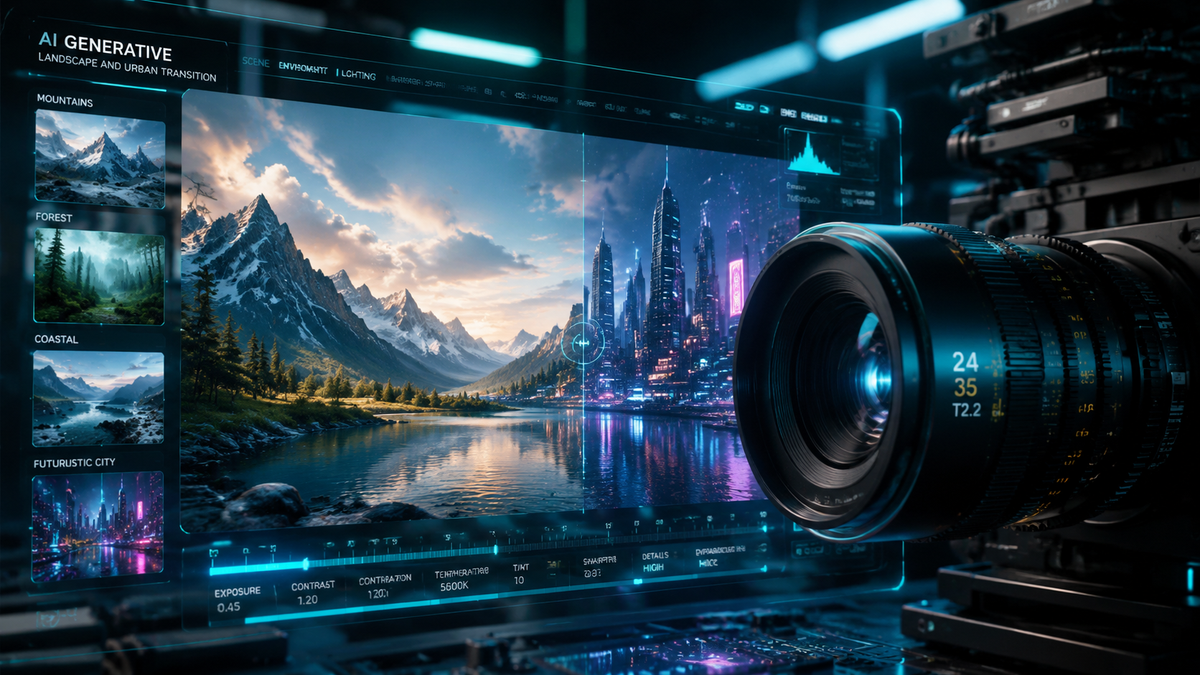
Learning how to use AI for b-roll generation involves selecting a generative video platform, inputting descriptive text or image prompts that match your primary footage, and refining the output using advanced controls like camera motion brushes. In 2026, the process has become seamless thanks to integration between creative suites like Adobe Firefly and professional NLEs (Non-Linear Editors) like Avid Media Composer, allowing creators to fill visual gaps in seconds rather than hours of stock footage searching.
AI b-roll generation is the process of using artificial intelligence models to create supplemental cinematic footage that supports a primary video narrative. By utilizing tools like Sora 2 (S2V), Adobe Firefly, or Google Gemini-powered plugins, editors can generate high-definition, contextually relevant clips from simple text descriptions, drastically reducing production costs and time.
- ✓ Use multimodal prompting (text + image) to ensure visual consistency between AI b-roll and live-action clips.
- ✓ Leverage direct NLE integrations, such as Avid’s Google Gemini tools, to generate footage directly on your timeline.
- ✓ Focus on "S2V" (Sora 2) technology for high-fidelity physics and realistic movement in generated b-roll.
- ✓ Always review AI-generated clips for temporal consistency to avoid "morphing" artifacts in professional projects.
Step-by-Step Guide: How to Use AI for B-Roll Generation
In 2026, the workflow for creating supplemental footage has shifted from "search and license" to "describe and generate." Whether you are a YouTuber or a corporate filmmaker, the following steps will help you master the art of how to use AI for b-roll generation effectively.
- Identify Narrative Gaps: Review your "A-Roll" (main interview or voiceover) and mark timestamps where visual coverage is missing or where a cutaway could enhance the storytelling.
- Select Your AI Video Engine: Choose a platform based on your needs. For cinematic realism, use Sora 2 (S2V); for commercial-safe assets, use Adobe Firefly Video Model; for rapid social content, Pollo AI is an excellent choice.
- Draft Detailed Prompts: Write prompts that include the subject, lighting (e.g., "golden hour"), camera movement (e.g., "slow drone orbit"), and depth of field. According to The AI Journal, descriptive prompts that include technical camera terminology yield 40% more usable footage.
- Apply Style References: Upload a frame from your primary footage as a "Style Reference." This ensures the AI matches the color grading and grain of your original video.
- Iterate and Upscale: Generate 4-second previews first. Once you find a clip that fits, use the "Extend" or "Upscale" feature to reach 4K resolution and the desired duration.
- Import to NLE: Drag the generated clip into your editor. If using Avid Media Composer, leverage the new Google Gemini integration to automate the color matching process.
The Evolution of AI Video Tools in 2026

The landscape of video production has been fundamentally altered by the release of next-generation models. As reported by Adobe in February 2026, the integration of Firefly Video into Premiere Pro has redefined the "idea-to-motion" pipeline, allowing editors to generate b-roll that is commercially safe and ethically trained. This shift ensures that professionals can use AI without the legal ambiguities that plagued earlier iterations of the technology.
Furthermore, the rise of "S2V" (Sora 2) has set a new benchmark for physical accuracy. Early hands-on reports from Geek Vibes Nation highlight that the S2V model has largely solved the "fluidity" issues of the past, making it nearly impossible to distinguish generated b-roll from high-end stock footage. This level of realism is critical for creators who need to maintain a high production value without a Hollywood budget.
Adobe Firefly and Professional Integration
Adobe's strategy in 2026 focuses on "Content Credentials" and seamless workflow. By using Firefly for b-roll, editors are not just generating random clips; they are using a tool that understands layer depth and lighting. This is particularly useful for how to use AI for b-roll generation in corporate environments where brand safety is a top priority.
The Power of Sora 2 (S2V)
Sora 2 represents the pinnacle of generative video in 2026. Its ability to simulate complex physics—such as the way light refracts through a glass of water or how wind moves through different types of foliage—makes it the preferred choice for high-end cinematic b-roll. Creators often use S2V for establishing shots that would otherwise require expensive travel or drone permits.
Comparing the Best AI B-Roll Generators for 2026
Choosing the right tool is essential for a professional finish. Data from G2 Learn Hub suggests that the "best" tool often depends on the specific niche of the creator, whether they prioritize speed, realism, or integration.
| Tool Name | Primary Strength | Best For | Integration |
|---|---|---|---|
| Adobe Firefly | Commercial Safety | Corporate & Brand Video | Premiere Pro / After Effects |
| Sora 2 (S2V) | Hyper-Realism | Cinematic Films | Web / API Integration |
| Pollo AI | Creation Speed | Social Media / TikTok | Mobile & Web |
| Google Gemini (Avid) | Workflow Efficiency | Broadcast News & TV | Avid Media Composer |
Advanced Techniques for How to Use AI for B-Roll Generation
To get the most out of these tools, you must move beyond simple text prompts. In 2026, "multimodal prompting" is the industry standard. This involves feeding the AI a combination of a text description, a reference image, and even a "motion path" drawing. According to Fingerlakes1.com's review of Pollo AI, these advanced controls allow for a 70% reduction in the "trial and error" phase of generation.
Another critical technique is the use of "In-Painting" for b-roll. If you have a clip that is almost perfect but needs a different background, tools like Firefly allow you to mask the subject and regenerate only the environment. This is a game-changer for how to use AI for b-roll generation when you need to change the season or location of a shot while keeping the character consistent.
Using Motion Brushes for Precision
Motion brushes allow you to tell the AI exactly which parts of an image should move. For example, if you are generating a shot of a storefront, you can use a motion brush to ensure only the pedestrians move while the building remains perfectly still. This prevents the "warping" effect often seen in lower-quality AI videos.
Consistency and Seed Management
Maintaining visual consistency across multiple b-roll clips is vital. By using "Seed Numbers," you can tell the AI to use the same mathematical starting point for every generation, ensuring that colors, textures, and lighting remain identical across a series of clips. This is essential for creating a cohesive "montage" feel.
The Role of AI in Professional Post-Production
The professional sector has fully embraced AI as a collaborative partner. Red Shark News recently detailed how Avid has tapped into Google Gemini to add sophisticated AI tools to Media Composer. This integration allows the NLE to suggest b-roll clips based on the script or transcript of the A-roll, effectively acting as an automated assistant editor.
This shift isn't just about speed; it's about expanding creative possibilities. Editors can now experiment with visual metaphors that would have been too expensive to film. If a script mentions "time slipping through fingers," an editor can generate that specific, stylized b-roll in minutes. This democratizes high-concept visual storytelling, allowing small teams to compete with large agencies.
Automated B-Roll Sequencing
New AI plugins can now "read" a timeline's pacing. If your edit has a fast-paced beat, the AI can generate and trim b-roll to match the BPM (beats per minute) of your background music. This is a primary reason why learning how to use AI for b-roll generation has become a core skill for editors in 2026.
Color Matching and Upscaling
AI isn't just generating the pixels; it's perfecting them. Modern tools automatically upscale generated 1080p footage to 4K or 8K while matching the grain profile of the camera used for the primary footage (e.g., Arri Alexa or Sony Venice profiles). This ensures the AI b-roll doesn't "pop out" as being fake or lower quality.
Frequently Asked Questions
Is AI-generated b-roll legal for commercial use?
In 2026, most major platforms like Adobe Firefly and Sora 2 offer commercially indemnified models. However, you should always check the specific terms of service, as some "open" models may have restrictions on copyright and commercial licensing.
How do I make AI b-roll look less "fake"?
To achieve realism, use specific "Negative Prompts" to exclude common AI artifacts like "extra limbs" or "morphing." Additionally, adding a layer of real film grain over the AI footage in your editor helps blend it with live-action shots.
Can I use my own photos to generate b-roll?
Yes, most 2026 tools support "Image-to-Video" generation. By uploading a high-quality photo, you can use the AI to animate it, creating a b-roll clip that is perfectly consistent with your own photography or brand assets.
What is the average cost of AI b-roll generation?
Most professional tiers range from $30 to $100 per month, offering a set number of "credits." This is significantly cheaper than traditional stock footage sites, which often charge $80 to $200 per individual 4K clip.
Does Avid Media Composer support AI b-roll?
Yes, as of April 2026, Avid has integrated Google Gemini tools directly into Media Composer. This allows editors to generate, search, and categorize AI b-roll without ever leaving their project timeline.
Mastering how to use AI for b-roll generation is no longer a futuristic luxury—it is a standard requirement for the modern video professional. By leveraging the power of Sora 2, Adobe Firefly, and Gemini-integrated NLEs, you can produce higher-quality content at a fraction of the traditional cost and time. As we move further into 2026, the gap between "AI-assisted" and "traditional" video production will continue to close, making these tools indispensable for every storyteller.



Comments ()