
How to Upscale Video with AI: Best 2026 Tools & Methods
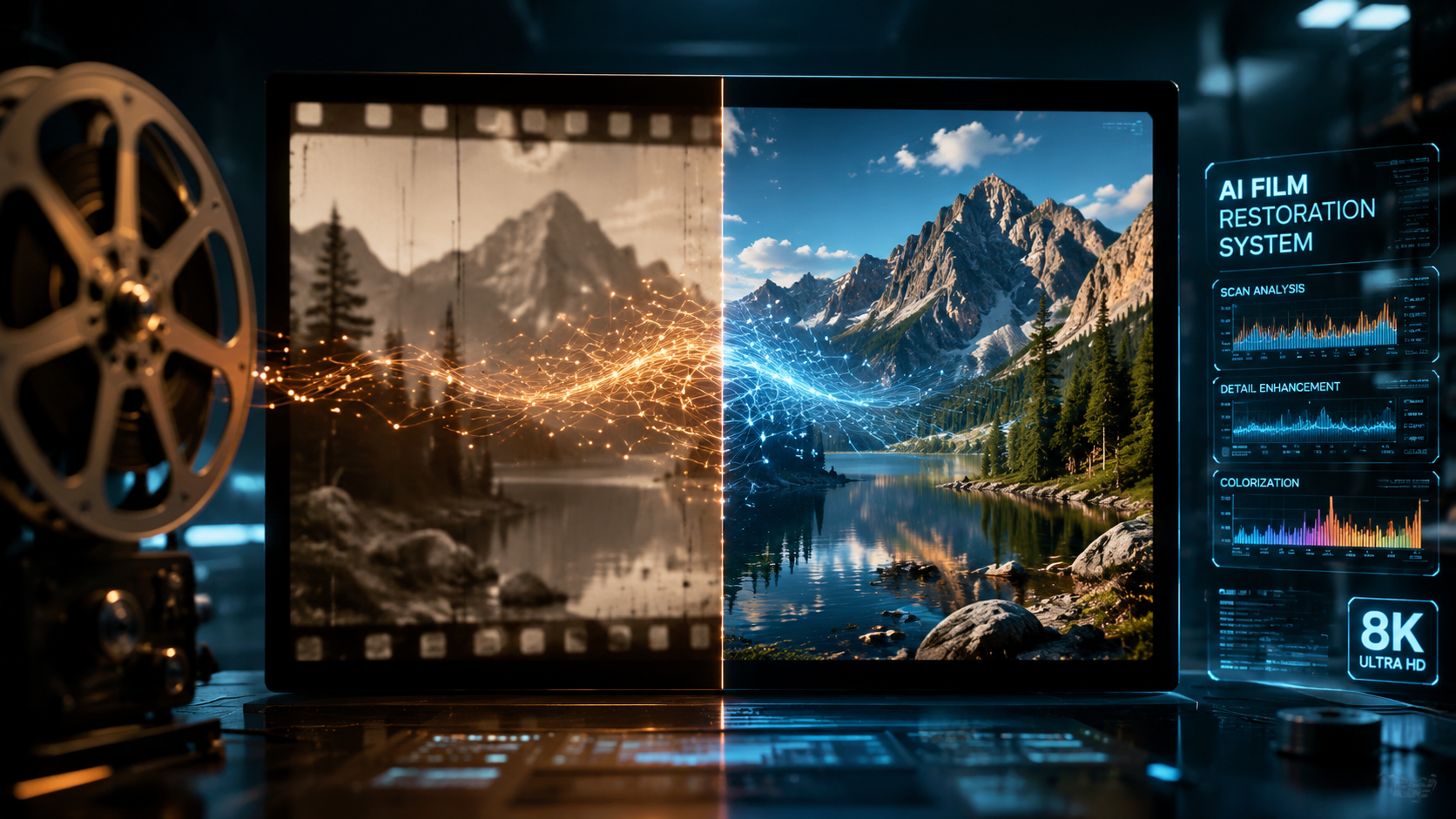
Learning how to upscale video with AI is the process of using artificial intelligence models to increase the resolution and visual quality of footage by intelligently predicting and filling in missing pixels. In 2026, this technology has reached a tipping point where you can transform 720p or 1080p content into stunning 4K or 8K clarity with minimal artifacts. Whether you are a professional filmmaker or a casual creator, AI upscaling now offers automated solutions that were once reserved for high-end post-production houses.
AI video upscaling is a machine-learning technique that reconstructs low-resolution video into high-definition formats. By analyzing patterns across multiple frames, modern AI tools like NVIDIA RTX Video and Adobe Firefly can enhance detail, remove noise, and increase resolution from 720p to 4K or higher, providing a much cleaner result than traditional linear interpolation.
- ✓ NVIDIA's RTX Video technology now enables seamless 720p to 4K upscaling for AI-generated and local content.
- ✓ Adobe Firefly has integrated unlimited AI video generation and enhancement tools as of late 2025.
- ✓ YouTube now automatically upscales low-resolution uploads using server-side AI processing.
- ✓ Open-source tools provide a "no-gimmicks" free alternative for high-quality local upscaling in 2026.
Step-by-Step Guide: How to Upscale Video with AI
Modern workflows have simplified the upscaling process significantly. Depending on whether you prefer a cloud-based solution or a local hardware-accelerated method, the steps remain relatively consistent. The following guide outlines the standard procedure for achieving professional-grade results using the latest 2026 standards.
- Select Your AI Tool: Choose between local software (like ComfyUI or NVIDIA RTX Video) for privacy and speed, or cloud-based suites like Adobe Firefly for convenience.
- Import Source Footage: Upload your low-resolution file (e.g., 720p or 1080p). Ensure the source is as clean as possible, as AI performs best when it doesn't have to fight heavy compression artifacts.
- Choose the Upscaling Model: Select a model optimized for your content type. Use "Cine" models for live-action footage and "Anime/Art" models for 2D or stylized AI-generated videos.
- Set Target Resolution: Define your output (e.g., 4K). According to recent reports from TweakTown, NVIDIA’s RTX Video now specializes in taking 720p AI-generated content directly to 4K with high temporal stability.
- Configure Enhancement Settings: Adjust parameters for "Denoising" and "De-blocking" to clean up the source before the AI adds new detail.
- Render and Export: Process the video. Local GPU-based rendering is significantly faster in 2026 thanks to optimized Tensor cores in the latest hardware.
The Evolution of Video Enhancement in 2026
The landscape of video quality has shifted dramatically over the past year. We are no longer just "stretching" pixels; we are generating them. In early 2026, the integration of generative AI into upscaling workflows has become the industry standard. This allows the software to understand the context of a scene—recognizing hair, skin textures, or architectural details—and recreating them with lifelike accuracy rather than just sharpening blurry edges.
One of the most significant shifts has been the move toward real-time upscaling. As reported by Engadget, YouTube has implemented automatic AI upscaling for low-res videos, meaning viewers see higher quality even if the original uploader didn't have access to professional tools. This server-side revolution ensures that the "how to upscale video with ai" question is often answered by the platform itself, though manual control still yields the best results for creators.
Adobe Firefly and Professional Creative Suites
Adobe's recent updates to Firefly in December 2025 have fundamentally changed the professional editing workflow. With new models and unlimited generations, creators can now use Firefly to not only generate video but also enhance existing clips within the Premiere Pro ecosystem. This integration means that upscaling is no longer a separate step but a continuous part of the color grading and finishing process.
NVIDIA RTX Video and Local Hardware Power
For those working locally, NVIDIA remains the dominant force. Their 2026 updates to RTX Video allow for real-time upscaling of streaming content and local files. According to NVIDIA's GDC 2026 announcements, their collaboration with ComfyUI has streamlined local AI video generation and upscaling, making it easier for game developers and indie filmmakers to produce 4K assets from lower-resolution base renders without the need for massive server farms.
Comparing the Top AI Video Upscaling Methods of 2026
Choosing the right method depends on your budget, hardware, and technical expertise. The following table compares the leading approaches available this year.
| Method/Tool | Best For | Cost | Key Feature (2026) |
|---|---|---|---|
| NVIDIA RTX Video | Local PC Users / Gamers | Included with GPU | 720p to 4K real-time upscaling |
| Adobe Firefly | Professional Editors | Subscription | Unlimited AI video generations & enhancements |
| Open-Source (e.g. Video2X) | Privacy & Customization | Free | No-gimmicks, local processing |
| YouTube Auto-Upscale | General Viewers | Free | Automatic server-side enhancement |
| ComfyUI + NVIDIA | Developers / Power Users | Free (Open Source) | Streamlined local AI video workflows |
Why You Should Learn How to Upscale Video with AI Now
The demand for high-resolution content has never been higher, yet much of our historical and even modern AI-generated content is limited by bandwidth or compute power. Learning how to upscale video with AI allows you to bridge the gap between "good enough" and "broadcast quality." In 2026, the "uncanny valley" of upscaling has largely been solved by temporal consistency—the ability for AI to ensure that details don't "flicker" between frames.
Furthermore, the cost of entry has plummeted. As noted by No Film School in March 2026, there are now high-quality, "no-gimmicks" open-source upscalers that rival paid software. These tools provide a transparent way to improve footage without recurring monthly fees, making high-end video production accessible to everyone from students to non-profit organizations.
The Role of Temporal Consistency
In previous iterations of upscaling, "shimmering" or "boiling" artifacts were common. In 2026, the latest models use multi-frame analysis. Instead of looking at one frame at a time, the AI looks at a sequence of 5 to 10 frames to ensure that a detail added in frame one stays in the exact same spot in frame two. This is critical for professional-grade "how to upscale video with ai" workflows.
Impact on AI-Generated Content
Most AI video generators still struggle to output native 4K due to the massive VRAM requirements. Therefore, upscaling is a mandatory second step. By using tools like NVIDIA RTX Video, creators can generate a base video at 720p—which is faster and cheaper—and then upscale it to 4K for the final delivery. This "hybrid workflow" is the most efficient way to produce high-end AI cinema in 2026.
Technical Requirements for AI Upscaling
While cloud tools handle the heavy lifting, local upscaling requires specific hardware. To effectively use the methods mentioned in recent TweakTown reports, a modern GPU is essential. Most 2026 software is optimized for dedicated AI accelerators (Tensor cores), which allow the complex mathematical operations of a neural network to run in a fraction of the time it would take a traditional CPU.
According to data from NVIDIA, local AI video generation and upscaling are now up to 4x faster on 2026-era hardware compared to two years ago. This efficiency means that a minute of video can often be upscaled in less than a minute of real-time, making it viable for long-form content like documentaries or feature films.
Cloud vs. Local: Making the Choice
Cloud-based upscaling (like Adobe Firefly) is ideal for users who do not want to invest in expensive hardware. It offers "unlimited generations" and uses powerful server-side GPUs. However, local upscaling (like ComfyUI or Open-Source tools) is preferred for those handling sensitive footage or those who want granular control over the specific AI models being used. In 2026, the gap in quality between cloud and local has narrowed, leaving the choice primarily to workflow preference.
Frequently Asked Questions
Can I upscale 720p video to 4K without losing quality?
Yes, using AI upscaling tools like NVIDIA RTX Video, you can increase resolution from 720p to 4K while actually improving perceived quality. Unlike traditional methods, AI generates new pixels based on learned patterns to fill in details that were missing in the original file.
Is there a free way to upscale video with AI in 2026?
Absolutely. As reported by No Film School, there are several "no-gimmicks" open-source upscalers available in 2026 that provide professional results for free. Additionally, YouTube now provides automatic AI upscaling for all low-resolution videos uploaded to its platform.
How long does it take to upscale a video using AI?
The time depends on your hardware and the target resolution. With 2026-era GPUs and optimized software like ComfyUI, many users can upscale video in near real-time, meaning a 60-second clip takes roughly 60 seconds or less to process.
Does Adobe Firefly support video upscaling?
Yes, as of the December 2025 update, Adobe Firefly includes advanced AI video tools that allow for the creation and enhancement of video content. It offers a streamlined experience for Creative Cloud subscribers with the benefit of unlimited generations in the latest 2026 models.
What is the best AI model for upscaling animation?
For animation, you should look for models specifically trained on high-contrast edges and flat colors. Most 2026 upscaling software includes a dedicated "Anime" or "CGI" mode that prevents the "painterly" look that sometimes occurs when using standard cinematic AI models on 2D art.
Conclusion
Mastering how to upscale video with AI is an essential skill in an era where 4K is the baseline and 8K is becoming the standard for high-end displays. With the advancements made by Adobe, NVIDIA, and the open-source community through 2025 and into 2026, these tools are more accessible, faster, and more accurate than ever before. Whether you are revitalizing old family memories or polishing the latest AI-generated masterpiece, the right upscaling workflow ensures your content looks its absolute best on any screen.



Comments ()