
How to Upscale Video Using AI: 2026 Ultimate Guide
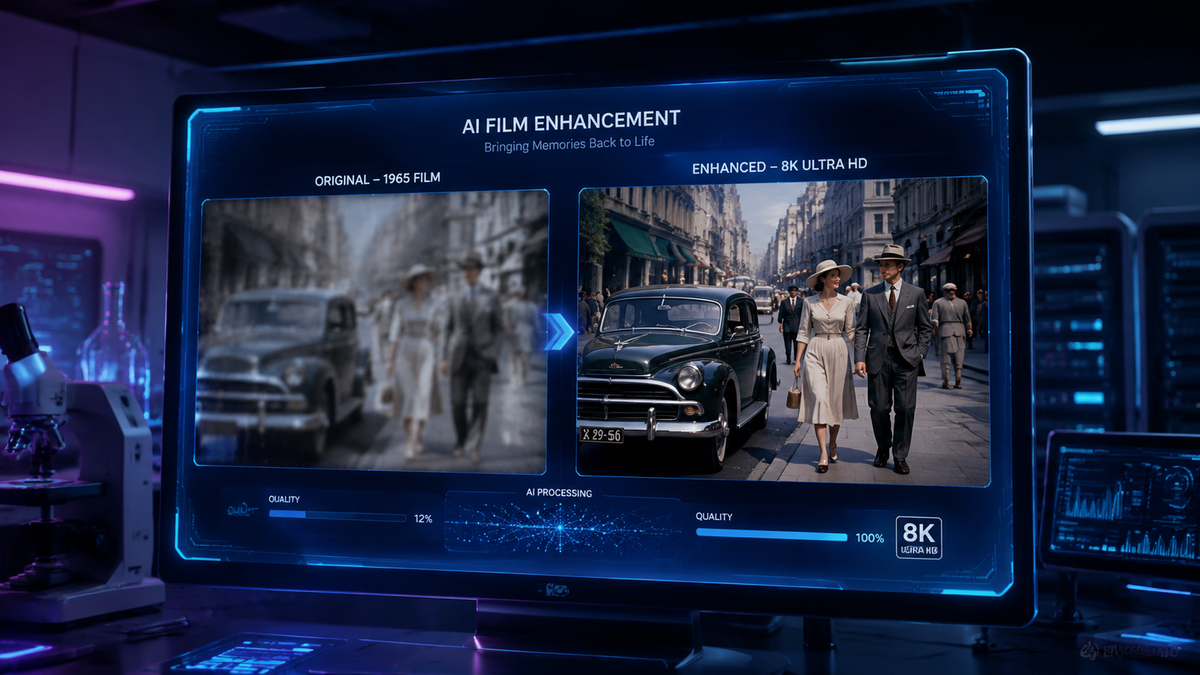
Learning how to upscale video using ai is the process of using artificial intelligence models to increase the resolution and visual fidelity of low-definition footage. By leveraging deep learning algorithms to predict and generate missing pixels, AI video upscaling transforms 480p or 720p content into crisp 4K or 8K imagery while simultaneously reducing noise and motion blur. In 2026, this technology has reached a tipping point where real-time upscaling is now available for both creators and casual viewers through platforms like YouTube and NVIDIA's RTX ecosystem.
AI video upscaling is a machine-learning-based technique that enhances video resolution by intelligently filling in pixel data. Unlike traditional interpolation, AI models analyze frame context to reconstruct textures and edges, allowing users to convert legacy media or low-res AI generations into high-quality 4K video with professional-grade clarity.
- ✓ AI upscaling uses neural networks to "hallucinate" missing details for 4K and 8K output.
- ✓ New 2026 updates from NVIDIA and Adobe allow for real-time and local AI video enhancement.
- ✓ YouTube now automatically upscales low-resolution legacy content for modern 4K television displays.
- ✓ Modern tools can simultaneously fix blur, reduce compression artifacts, and increase frame rates.
The Step-by-Step Guide on How to Upscale Video Using AI
In 2026, the workflow for enhancing video has been streamlined by advancements in local hardware acceleration and cloud-based processing. Whether you are a professional editor or a hobbyist, the process generally follows a standardized path to ensure the highest quality output without introducing unwanted "hallucinations" or artifacts.
- Select Your AI Upscaling Software: Choose between local applications like NVIDIA RTX Video for real-time playback, Adobe Firefly for creative integration, or specialized Mac enhancers for offline processing.
- Import and Analyze Source Footage: Load your 720p or 1080p file. The AI will analyze the grain, noise levels, and motion vectors to determine the best enhancement model.
- Choose an AI Model: Select a model based on your content type. Use "Cine-Realism" for live-action footage or "Animation/CG" for upscaling AI-generated videos.
- Set Output Resolution and Frame Rate: Define your target (e.g., 4K). Many 2026 tools also offer "Frame Interpolation" to increase the smoothness of the video alongside the resolution.
- Configure Enhancement Parameters: Adjust sliders for noise reduction, face recovery, and sharpening. According to recent reports from AppleInsider, modern Mac enhancers now allow for specific "Blur Fix" toggles that target lens-out-of-focus issues.
- Render and Export: Process the video. Depending on your GPU (such as an NVIDIA RTX series), this can now be done in near real-time for shorter clips.
Why 2026 is the Breakthrough Year for Video Enhancement
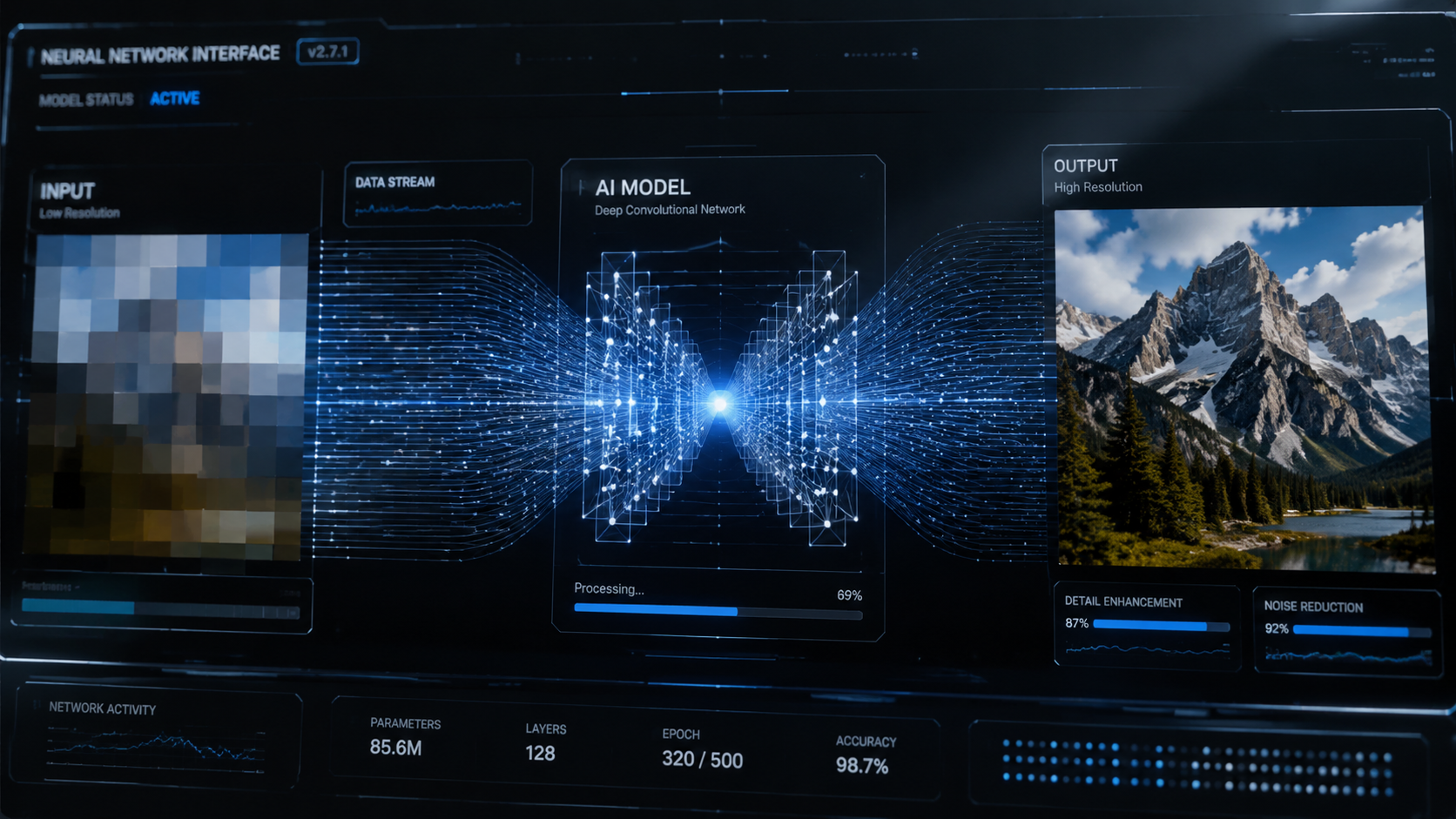
The landscape of digital media has changed significantly this year. We are no longer limited to simple "bicubic" upscaling which merely stretched pixels and created a blurry mess. As of early 2026, generative AI models have become sophisticated enough to understand the "intent" of a scene. This means if the AI sees a low-resolution eye, it doesn't just make the pixels bigger; it understands the structure of an iris and reconstructs it with anatomical accuracy.
According to Forbes, the surge in living room viewing has forced major platforms to adopt these technologies at scale. With more users watching YouTube on 85-inch 8K televisions, the demand for high-fidelity content has never been higher. This has led to the deployment of server-side AI that cleans up 15-year-old viral videos to look as though they were shot on modern digital cinema cameras.
The Integration of Adobe Firefly and Creative Workflows
Adobe has revolutionized the creative suite in late 2025 and early 2026. With the latest updates to Adobe Firefly, creators now have access to "unlimited generations" and specialized AI video tools. This integration allows editors to upscale video directly within their timeline. The power of Firefly lies in its ability to maintain temporal consistency—ensuring that the details the AI adds in frame one stay consistent through frame one hundred, avoiding the "shimmering" effect common in earlier AI versions.
NVIDIA RTX Video and Local Hardware Power
For those wondering how to upscale video using ai without waiting for cloud renders, local hardware is the answer. As reported by TweakTown in January 2026, NVIDIA’s RTX Video has set a new benchmark, allowing users to upscale AI-generated videos from 720p to 4K instantly. This is particularly useful for game developers and creators who use tools like ComfyUI. By offloading the mathematical heavy lifting to the Tensor Cores found in RTX GPUs, the upscaling process is now a background task rather than a day-long render.
Comparing Top AI Video Upscaling Technologies in 2026
Choosing the right tool depends on your operating system, hardware, and specific needs. The following table compares the leading solutions available in the current market.
| Feature | NVIDIA RTX Video | Adobe Firefly Video | YouTube AI (Server-Side) | Mac AI Enhancer |
|---|---|---|---|---|
| Primary Use | Real-time playback & local dev | Professional post-production | Consumer streaming | General video repair |
| Max Resolution | 4K / 8K | 4K | 4K (Optimized for TV) | 4K |
| Key Strength | Local GPU Speed | Temporal Consistency | Automatic & Free | Noise & Blur Fix |
| Platform | Windows / Linux | Cloud / Windows / Mac | Web / Smart TV | macOS (M-Series) |
| Latest Update | March 2026 (GDC) | December 2025 | November 2025 | December 2025 |
Advanced Techniques in How to Upscale Video Using AI
Beyond simple resolution bumps, 2026 technology allows for specific types of restoration. One of the most significant advancements is "Face Recovery." Older videos often suffer from "blocky" artifacts around human features. Modern AI models use a reference library of facial structures to rebuild these areas, making them look natural even when the source material is heavily compressed.
Another critical technique is "De-interlacing" combined with AI. Many videos from the late 20th century were recorded in interlaced formats (like 1080i). Standard upscalers often struggle with the "comb" lines this creates. However, the latest AI video enhancers for Mac and PC utilize deep learning to de-interlace and upscale in a single pass, resulting in a smooth, progressive 4K image that looks native to modern screens.
Upscaling AI-Generated Content
As AI video generation tools (like Sora or Kling) become mainstream, a new challenge has emerged: these tools often output at lower resolutions like 720p to save on compute costs. Learning how to upscale video using ai is now a mandatory second step for AI artists. NVIDIA and ComfyUI have streamlined this workflow, as seen at GDC 2026, allowing creators to generate a low-res preview and then "super-resolve" it to 4K for final delivery. This "latent upscaling" is much more efficient than generating high-res video from scratch.
Fixing Motion Blur and Sensor Noise
Low-light footage often contains "grain" or "noise" that becomes even more distracting when upscaled. The 2026 generation of AI enhancers includes "Spatial-Temporal Denoisers." These look at the frames before and after the current one to distinguish between actual moving detail and random sensor noise. According to AppleInsider, the latest Mac-based tools are particularly effective at this, utilizing the Neural Engine in M-series chips to fix blur and reduce noise without losing the texture of the original scene.
The Impact of AI Upscaling on Streaming and Media
The implications of this technology extend far beyond individual creators. Major media companies are using AI to revitalize their archives. Lifehacker recently noted that YouTube is now using AI to upscale low-res videos automatically, ensuring that legacy content remains watchable as display technology outpaces original recording formats. This move by YouTube democratizes high-quality viewing, making sure that historical moments captured on early digital cameras aren't lost to pixelation.
Furthermore, the "Living Room Surge" mentioned by Forbes indicates that as 4K and 8K TVs become the standard, the "upscaling gap" is being filled by AI. Modern smart TVs are now being manufactured with dedicated AI chips that perform these tasks in real-time as the stream reaches the device. This reduces the bandwidth required for high-quality streaming; a platform can send a 1080p signal, and the user's hardware handles the how to upscale video using ai portion to present it in 4K.
Frequently Asked Questions
Can AI upscale a 480p video to 4K?
Yes, modern AI upscalers can increase resolution by up to 800%. While a 480p to 4K jump is significant, AI models in 2026 are capable of reconstructing textures and edges to make the output look remarkably clear, though results depend on the quality of the original source.
Does upscaling video with AI take a long time?
Processing time depends on your hardware and the video length. With an NVIDIA RTX GPU and the latest March 2026 drivers, real-time upscaling is possible for playback, while high-quality rendering for export typically takes 2-5 times the length of the video clip.
Is AI upscaling better than traditional upscaling?
Absolutely. Traditional upscaling (like bicubic or bilinear) simply stretches existing pixels, leading to blurriness. AI upscaling generates new pixel data based on learned patterns, resulting in sharper edges, more detail, and less noise.
Can I upscale video on a Mac?
Yes, there are several AI video enhancers specifically optimized for macOS. These tools leverage the Apple Silicon M-series Neural Engine to fix blur, reduce noise, and upscale footage to 4K efficiently.
Is YouTube's AI upscaling available for all users?
As of late 2025 and 2026, YouTube has begun deploying server-side AI upscaling for legacy and low-resolution content, particularly for users viewing on 4K and 8K television sets to improve the "living room" experience.
As we move further into 2026, the barriers to high-quality video are collapsing. Whether you are utilizing Adobe Firefly for professional creative work or relying on NVIDIA RTX Video for local enhancements, the ability to transform low-quality footage into cinematic 4K is now accessible to everyone. By following the steps outlined in this guide, you can ensure your video content remains future-proof and visually stunning on any display.



Comments ()