
How to Upscale Old Videos with AI: 2026 Ultimate Guide
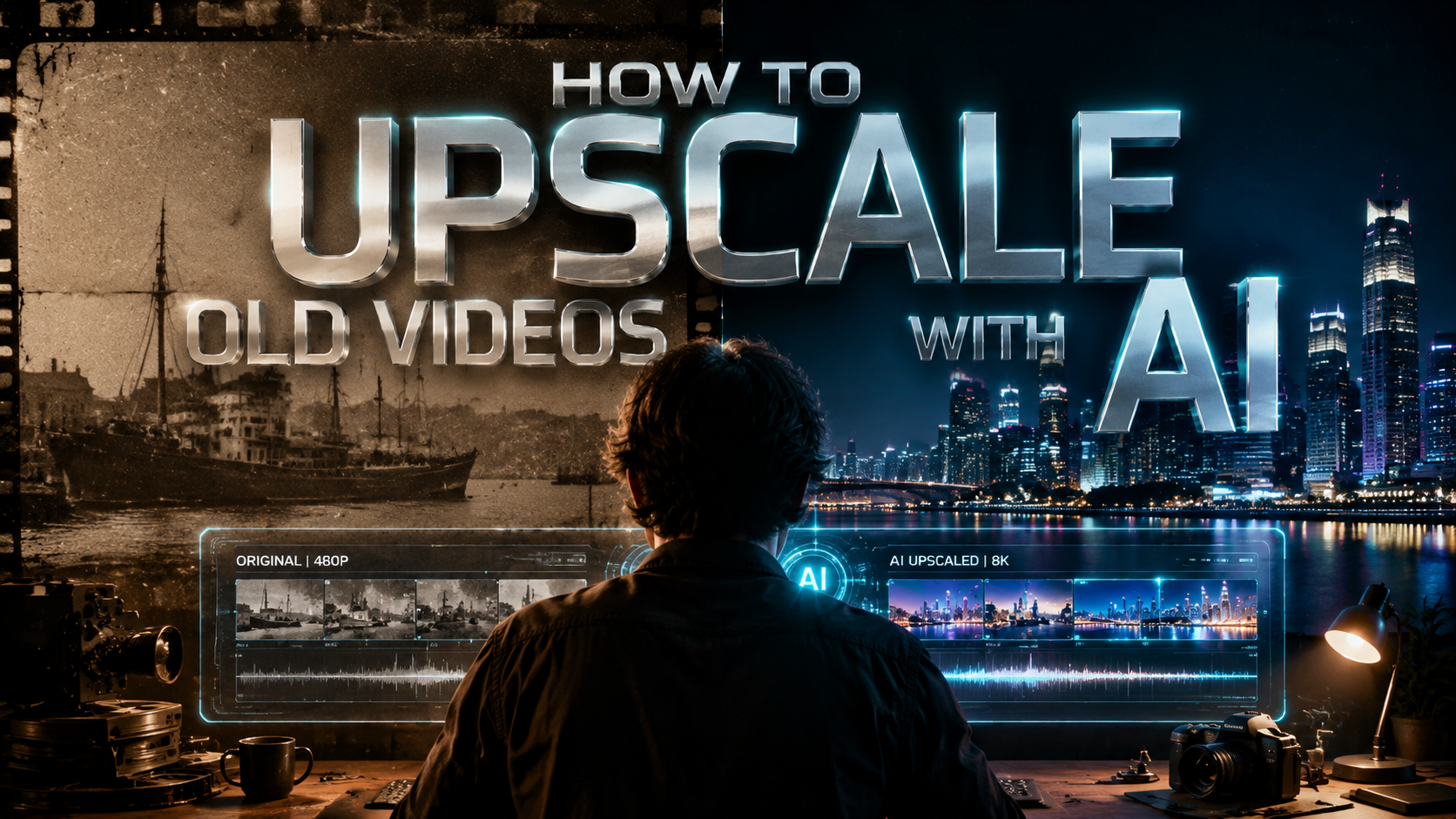
To learn how to upscale old videos with AI, you must use deep learning algorithms that analyze low-resolution footage and predict missing pixels to create a sharper, high-definition output. By utilizing tools like VideoProc Converter AI or platform-integrated features, you can transform grainy, standard-definition content into 4K masterpieces while simultaneously stabilizing shaky footage and removing visual noise.
AI video upscaling is a generative process where neural networks reconstruct low-resolution video frames into higher resolutions like 4K or 8K. Unlike traditional interpolation, AI analyzes patterns in the footage to add realistic detail, reduce motion blur, and stabilize frame rates, making it the definitive solution for restoring legacy media in 2026.
- ✓ AI upscaling uses generative models to "fill in" missing data rather than just stretching pixels.
- ✓ Modern tools like VideoProc Converter AI now offer integrated stabilization and denoising in a single workflow.
- ✓ YouTube has officially integrated server-side AI upscaling to enhance low-res content for 4K television viewing.
- ✓ Creators now have the option to opt-out of automatic AI enhancements on major streaming platforms.
Step-by-Step: How to Upscale Old Videos with AI in 2026
The landscape of video restoration has shifted dramatically in 2026. What used to require a dedicated server farm can now be accomplished on a standard desktop or even via cloud-based automation. Whether you are preserving family memories or professional archival footage, the process follows a standardized workflow designed to maximize clarity without introducing "uncanny valley" artifacts.
- Select Your AI Upscaling Software: Choose a tool that fits your hardware capabilities. For local processing, VideoProc Converter AI is a leading choice for 2026, while cloud-based options are available for those without high-end GPUs.
- Import and Analyze: Load your low-resolution (360p or 480p) file. The AI will analyze the grain structure and motion vectors.
- Choose an Upscaling Model: Select a model based on the content type (e.g., "Real-life" for home movies or "Anime/CGI" for digital art).
- Configure Output Settings: Set your target resolution to 4K and choose your desired frame rate. In 2026, most tools also offer "AI Frame Interpolation" to turn 24fps footage into a smooth 60fps.
- Render and Export: Run the AI enhancement process. High-quality upscaling typically takes longer than standard encoding due to the billions of calculations performed per frame.
The Evolution of AI Video Enhancement Technology
As of early 2026, the technology behind upscaling has moved beyond simple resolution bumping. According to a recent report by Cult of Mac, modern tools like VideoProc Converter AI are now capable of transforming shaky, handheld footage into stable 4K masterpieces. This is achieved through a multi-pass process where the AI first stabilizes the "camera" movement in a virtual 3D space before it begins the pixel-density enhancement.
Furthermore, the integration of AI into global platforms has reached a tipping point. Forbes reports that YouTube has recently deployed massive AI clusters to upscale old videos specifically for TV viewing. As living room viewing surges, the demand for high-fidelity content on large 4K and 8K screens has forced platforms to upgrade legacy SD content server-side, ensuring that even videos uploaded a decade ago look modern to the end-user.
Super-Resolution and Generative Filling
The "Super-Resolution" models of 2026 are significantly more advanced than the basic filters of the past. These models are trained on millions of high-quality images, allowing the software to recognize what a human eye, a blade of grass, or a fabric texture should look like. When the AI encounters a blurry patch in an old video, it doesn't just guess; it references its training data to reconstruct the texture with surgical precision.
AI Denoising and Deinterlacing
Old videos, particularly those from VHS or early digital camcorders, suffer from "noise" and "interlacing" lines. Modern AI upscaling handles these issues simultaneously. By identifying the difference between intentional detail and sensor noise, the AI can scrub away the grain while keeping the edges of the subject sharp. This is a critical step in the "how to upscale old videos with ai" workflow that ensures the final 4K output doesn't just look larger, but significantly cleaner.
Comparing Top AI Upscaling Solutions in 2026
Choosing the right tool depends on your technical expertise and the volume of video you need to process. The following table compares the leading methods for video enhancement based on the latest 2026 industry data.
| Feature | VideoProc Converter AI | YouTube AI (Server-Side) | Professional Desktop Suites |
|---|---|---|---|
| Primary Use | Personal & Prosumer Restoration | Automated Platform Viewing | Film Studio Archiving |
| Max Resolution | 8K Ultra HD | 4K Optimized for TV | 16K / IMAX Scale |
| Stabilization | Advanced AI Motion Tracking | Basic Software Level | Manual & AI Hybrid |
| User Control | High (Custom Models) | Low (Automatic) | Total (Frame-by-Frame) |
| Processing Cost | One-time License / Free Trial | Free (Platform Integrated) | High Subscription/Hardware |
Platform Integration: YouTube’s AI Upscaling Revolution
One of the most significant developments in 2026 is the democratization of upscaling through major video platforms. According to Lifehacker, YouTube will now use AI to upscale low-res videos automatically, specifically targeting content that was originally uploaded in standard definition. This ensures that the surge in "living room viewing"—where users watch YouTube on 65-inch 4K televisions—doesn't result in a pixelated experience.
However, this move has sparked a conversation about creative intent. The Verge notes that YouTube will let creators opt out of AI upscaling on low-res videos. This is crucial for filmmakers who want to preserve the "vintage" look of their work, such as the specific grain of 16mm film or the aesthetic of 90s camcorder footage. PCWorld confirms that unless creators opt out, YouTube will default to upscaling SD videos to 4K to meet modern hardware standards.
Why Platform-Level Upscaling Matters
For the average user, the ability to see old music videos or historical documentaries in 4K without the creator having to re-upload the file is a game-changer. It utilizes the platform's massive computing power to perform tasks that would take a home computer days to finish. This server-side enhancement represents the most widespread application of "how to upscale old videos with ai" seen to date.
The Opt-Out Movement
As AI becomes the default, the "opt-out" feature is becoming a standard for digital rights and artistic integrity. Creators who have spent years mastering a specific lo-fi aesthetic are now able to flag their content to prevent the AI from "fixing" what isn't broken. This balance between technological advancement and artistic preservation is a hallmark of the 2026 digital landscape.
Advanced Techniques for Professional Results
If you are looking for the absolute best results when learning how to upscale old videos with ai, you must look beyond the "one-click" solutions. Professional restoration in 2026 involves a multi-layered approach that addresses color science as much as it does pixel count.
AI Color Restoration and HDR Mapping
Upscaling the resolution is only half the battle. Many old videos suffer from color fading or were recorded in a limited dynamic range. Modern AI tools can now perform "Inverse Tone Mapping," which analyzes the lighting in an old SDR (Standard Dynamic Range) video and expands it into HDR (High Dynamic Range). This makes the highlights brighter and the shadows deeper, providing a visual punch that matches modern cinematography.
Frame Rate Expansion (Motion Smoothing)
Old videos often look "choppy" because they were recorded at 15 or 24 frames per second. Using AI Frame Interpolation, software can generate entirely new frames between the existing ones. According to MensXP, the best AI tools in 2026 can intelligently predict the movement of objects, allowing for a smooth 60fps output that looks natural rather than artificial. This is particularly effective for sports footage or high-action family videos.
Hardware Requirements for AI Upscaling in 2026
While the software has become more efficient, the computational demands of upscaling old videos with AI remain significant. To process 4K video at home, a modern GPU with dedicated AI cores (such as Tensor cores) is highly recommended. Without hardware acceleration, a 10-minute video could take over 24 hours to upscale; with a modern 2026-era graphics card, that same task can often be completed in under an hour.
For users without powerful hardware, cloud-based AI upscaling services have become a viable alternative. These services allow you to upload your footage to a remote server, where industrial-grade GPUs handle the heavy lifting. This "SaaS" (Software as a Service) model for video restoration has made professional-grade tools accessible to everyone from hobbyist genealogists to small business owners.
The Future of AI Restoration: Beyond 2026
We are entering an era where "low resolution" is a choice rather than a limitation. The tools discussed—from VideoProc Converter AI to YouTube's internal systems—are just the beginning. In the coming years, we expect to see real-time AI upscaling built directly into television hardware, where the TV itself upscales any incoming signal to 8K or 16K using local neural processors.
As reported by MensXP, the "Best AI Tool to Enhance Video Quality" is no longer just about resolution; it’s about the holistic improvement of the viewing experience, including sound restoration and the removal of physical film damage like scratches and dust. The goal of upscaling old videos with AI is ultimately to bridge the gap between our memories and the high-definition reality of today's screens.
Can AI really turn a 360p video into 4K?
Yes, AI can significantly enhance 360p footage by using generative neural networks to reconstruct lost detail. While it won't be as perfect as native 4K, the results in 2026 are remarkably sharp and suitable for large-screen viewing.
Is there a free way to upscale old videos with AI?
Many tools offer free trials, and platforms like YouTube now provide automatic AI upscaling for uploaded content at no cost. However, for professional-grade control and privacy, paid desktop software is usually required.
Will AI upscaling make my videos look fake?
Modern AI tools include "strength" sliders that allow you to balance sharpness and natural texture. By adjusting these settings, you can avoid the "plastic" look and maintain the original character of the film.
How long does it take to upscale a video?
Processing time depends on your hardware and the video length. On a modern 2026 PC, upscaling a 5-minute clip from SD to 4K typically takes between 15 and 45 minutes.
Can I upscale videos directly on my phone?
While mobile AI chips are improving, most high-quality 4K upscaling still requires the thermal management and processing power of a desktop computer or a specialized cloud service.



Comments ()