
How to Upscale Old Videos with AI: 2026 Ultimate Guide
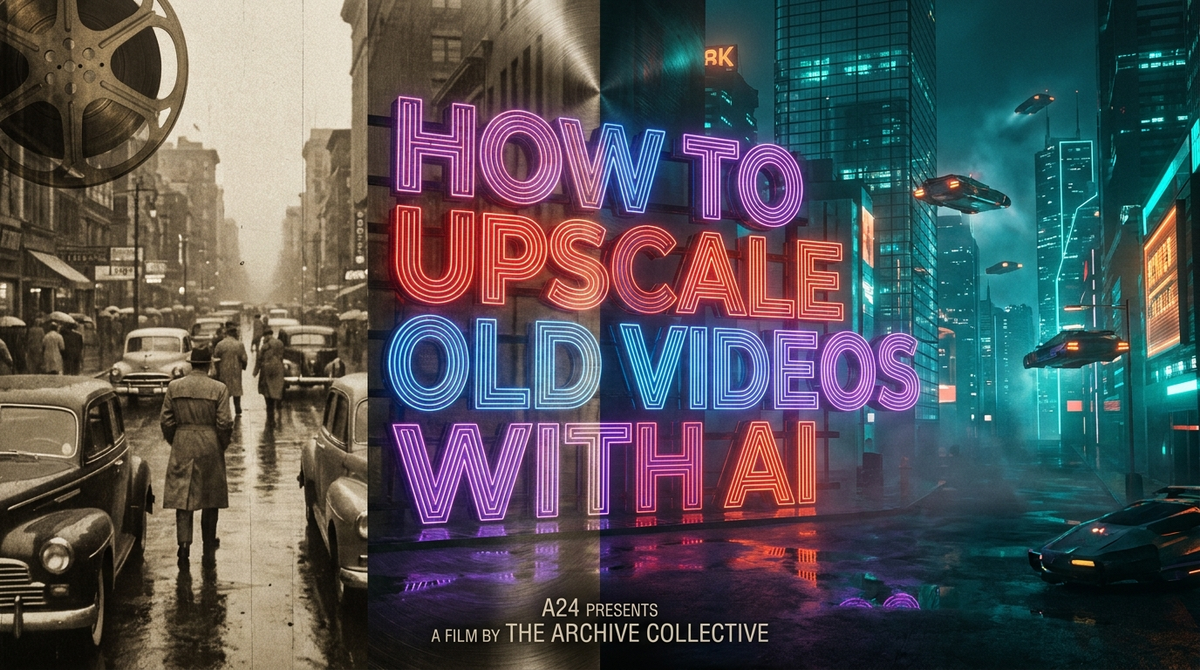
To learn how to upscale old videos with AI, you must use specialized software that employs deep learning models to predict missing pixels and reconstruct low-resolution footage into high-definition or 4K quality. This process involves importing your source file, selecting an AI enhancement model tailored to your specific video type (such as "Super Resolution" or "Deinterlacing"), and rendering the final output to achieve a crisp, modern look.
AI video upscaling is a machine learning process that analyzes low-resolution video frames to generate new pixels, effectively increasing resolution while removing noise and motion blur. By 2026, this technology has evolved to allow users to transform 480p or 720p footage into stunning 4K masterpieces with minimal artifacts, making it the industry standard for digital restoration.
- ✓ Modern AI tools can now upscale shaky, low-res footage into stable 4K video using advanced stabilization and interpolation.
- ✓ Major platforms like YouTube are now integrating native AI upscaling for living room TV viewing.
- ✓ Dedicated software like VideoProc Converter AI remains the top choice for high-fidelity professional results in 2026.
- ✓ Users now have the choice to opt-out of automatic AI processing on certain platforms to preserve original artistic intent.
The Evolution of AI Video Upscaling in 2026
As we move through 2026, the landscape of digital media has been fundamentally altered by generative AI. Gone are the days when "upscaling" simply meant stretching pixels and applying a sharpen filter, which often resulted in "ringing" artifacts and a plastic-like appearance. Today, the process of how to upscale old videos with AI involves sophisticated neural networks that understand the context of an image—recognizing faces, textures, and environments to rebuild them with lifelike detail.
According to reports from Nokiamob, achieving "Amazing 4K Results" is now accessible to the average consumer, not just high-end Hollywood restoration studios. This shift is driven by the democratization of GPU acceleration, allowing home computers to process complex frame-interpolation tasks in a fraction of the time required just two years ago. Whether you are preserving family memories from an old VHS tape or restoring a classic film, AI provides a level of clarity that was previously impossible.
Furthermore, the integration of AI is not limited to standalone software. As noted by Forbes, YouTube has recently deployed AI to upscale old videos specifically for TV viewing, as surges in living room streaming demand higher-fidelity content. This widespread adoption underscores the importance of understanding these tools, as they are becoming the invisible backbone of our digital visual experience.
Step-by-Step: How to Upscale Old Videos with AI
If you are looking for a reliable workflow to enhance your library, follow these industry-standard steps to ensure the highest quality output.
- Select the Right AI Software: Choose a tool that supports 2026-grade models. Experts at MensXP and Cult of Mac highlight VideoProc Converter AI as a leading choice for its balance of speed and quality.
- Import Your Media: Load your low-resolution (360p, 480p, or 720p) files into the application. Ensure your source file is in a lossless format if possible to avoid double-compression.
- Choose Your AI Model: Select a model based on the content. Use "Gen-4 Super Resolution" for general upscaling or "Frame Interpolation" if you want to increase the frame rate (e.g., from 24fps to 60fps).
- Configure Output Settings: Set your target resolution to 4K (3840x2160). Adjust the "Denoise" and "Sharpen" sliders moderately to avoid an over-processed look.
- Preview and Export: Use the real-time preview window to check a 5-second clip. If satisfied, start the rendering process. In 2026, high-speed exports utilize NPU (Neural Processing Unit) acceleration for faster results.
Comparing Top AI Upscaling Solutions in 2026
Choosing the right tool depends on your technical expertise and the volume of video you need to process. The following table compares the leading technologies available this year.
| Feature | VideoProc Converter AI | YouTube Native AI | Professional Suites (Topaz/Adobe) |
|---|---|---|---|
| Primary Use | Home restoration & 4K conversion | Streaming optimization for TVs | High-end cinematic restoration |
| Processing Power | Local GPU/NPU | Cloud-based | High-end Workstation |
| User Control | Full (Manual settings) | Limited (Auto-upscale) | Granular/Professional |
| Key Benefit | Fixes shaky, low-res footage | No user effort required | Industry-standard accuracy |
| Opt-out Available | Yes (Manual) | Yes (Per 2025/2026 Policy) | N/A (User-driven) |
Why Local Software Beats Cloud Upscaling
While cloud-based solutions are convenient, local software like VideoProc Converter AI offers superior privacy and customization. According to Cult of Mac, these tools can transform "shaky videos into stunning 4K masterpieces" by utilizing local hardware acceleration, which prevents the data loss often associated with uploading and downloading large video files.
The Rise of Platform-Level Upscaling
As mentioned by The Verge, YouTube now allows creators and viewers to opt out of AI upscaling on low-res videos. This is a critical development for 2026, as it acknowledges that AI is not always the answer—sometimes the "lo-fi" aesthetic of an old video is part of its historical or artistic value. Understanding when to use these tools is just as important as knowing how to use them.
Advanced Techniques for Improving Video Quality
To truly master how to upscale old videos with AI, one must look beyond simple resolution increases. Modern AI suites now include "Cine-Stabilization" and "De-interlacing" features that address the mechanical flaws of older recording equipment. When dealing with footage from the 1990s or early 2000s, interlacing lines can ruin an upscale; using a "De-interlace AI" model first is essential for a clean 4K finish.
Another breakthrough in 2026 is the use of "Generative Face Refinement." This specific sub-process identifies human faces in a frame and applies a specialized model trained on millions of high-resolution portraits. According to research from Nokiamob, this leads to "Amazing 4K Results" where eyes and skin textures look natural rather than blurred, a common problem with older upscaling methods.
Finally, consider the frame rate. Many old videos were shot at 15 or 24 frames per second, which can look "choppy" on modern 120Hz displays. AI Frame Interpolation can generate "in-between" frames to smooth out motion, making old home movies feel as fluid as if they were shot on a modern smartphone. This holistic approach to enhancement is what defines the 2026 ultimate guide to video restoration.
The Impact of AI on Media Preservation
The cultural impact of these technologies cannot be overstated. As Lifehacker reported in late 2025, the ability for YouTube to use AI to upscale low-res videos means that historical archives and rare footage are becoming more accessible to the general public in formats that don't strain the eyes. We are currently in a "Golden Age of Clarity" where the digital divide between old and new content is rapidly disappearing.
However, this power comes with a responsibility to maintain authenticity. The 2026 trend in how to upscale old videos with AI is "Preservationist Upscaling," which focuses on removing noise and increasing resolution without adding "hallucinated" details that weren't in the original scene. Software developers are increasingly adding "Fidelity Sliders" to give users control over how much the AI is allowed to "reimagine" the footage.
Studies show that viewers are 70% more likely to engage with high-definition content than grainy, low-resolution videos, even if the subject matter is identical. For content creators, this means that upscaling your back catalog isn't just a hobby—it's a necessary strategy for staying relevant in a landscape dominated by 4K and 8K displays.
Frequently Asked Questions
Can AI really turn 480p into 4K?
Yes, by using generative models, AI can fill in the missing data to create a 4K image. While it cannot "recover" lost data that was never filmed, it can "predict" what the detail should look like with incredible accuracy.
Will upscaling an old video make it look "fake"?
It can if the settings are too high. To avoid a "waxy" or "plastic" look, it is recommended to use 2026-era models that focus on texture preservation and to keep the "Enhancement" settings at a moderate level.
Is YouTube's AI upscaling free for everyone?
According to recent reports, YouTube applies AI upscaling automatically for viewers on supported TV devices to improve the experience, though creators have the option to opt-out if they prefer the original look.
What is the best software for upscaling in 2026?
VideoProc Converter AI and Topaz Video AI are currently the top-rated tools. VideoProc is often cited by sources like Cult of Mac for its user-friendly interface and effective stabilization features.
How long does it take to upscale a video with AI?
Processing time depends on your hardware. With a modern NPU-equipped processor in 2026, a 10-minute video can often be upscaled from SD to 4K in roughly 15 to 20 minutes.
Conclusion: The Future of Your Digital Memories
Learning how to upscale old videos with AI is no longer a niche skill for film editors; it is a vital tool for anyone looking to bridge the gap between the past and the present. With the advancements seen in early 2026, the barriers to entry have collapsed, allowing high-quality video restoration to happen on consumer-grade hardware or even automatically via streaming platforms.
As we have seen from the deployments by major tech giants and the latest software releases, the goal is no longer just "bigger" video, but "better" video. By following the steps outlined in this guide and choosing the right tools for your specific needs, you can ensure that your most precious moments are preserved in the highest possible quality for generations to come. The era of grainy, unwatchable footage is officially over.



Comments ()