
How to Upscale Old Videos Using AI: 2026 Ultimate Guide
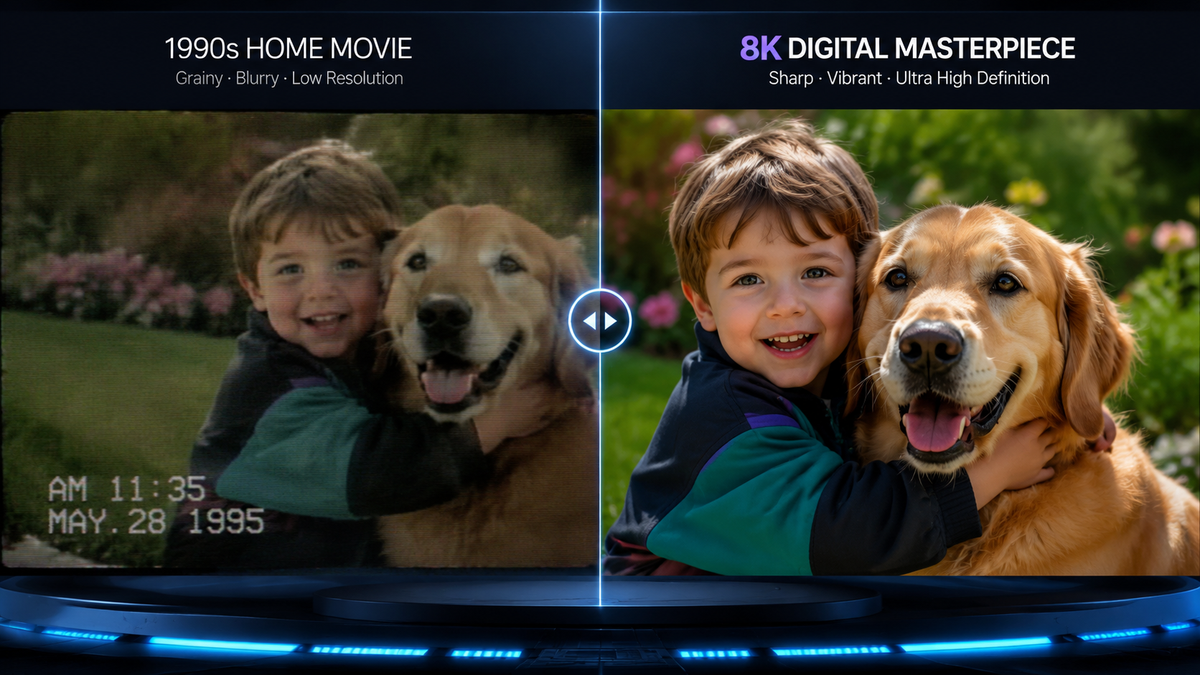
Learning how to upscale old videos using AI is the most effective way to transform low-resolution, grainy footage into crisp 4K or 8K content. By using deep learning algorithms to predict and generate missing pixels, AI video enhancers can restore details that were previously lost to time or poor recording equipment. Today, in 2026, this process has become automated, allowing anyone from casual users to professional editors to breathe new life into vintage memories or low-quality digital files.
AI video upscaling is the process of using neural networks to increase video resolution while simultaneously denoising and sharpening the image. Unlike traditional interpolation, AI analyzes patterns across multiple frames to reconstruct realistic textures, effectively turning 480p or 720p footage into high-definition 4K content with minimal artifacts.
- ✓ Modern GPUs now come with built-in AI upscaling features that work automatically on local files.
- ✓ Specialized tools like VikPea and Artguru offer dedicated denoising and restoration models.
- ✓ YouTube has integrated server-side AI upscaling to improve viewing experiences on large-screen TVs.
- ✓ Most 2026 AI tools allow for one-click restoration, making professional-grade editing accessible to beginners.
Step-by-Step: How to Upscale Old Videos Using AI
The landscape of video restoration has shifted dramatically. While it used to require expensive studio hardware, the software available in 2026 makes the process intuitive. Whether you are working with a family video from the 90s or a low-res clip from an early smartphone, the following steps will help you achieve the best results.
- Select Your AI Upscaling Software: Choose a tool based on your hardware. For local processing, tools like HitPaw’s VikPea are industry leaders. For cloud-based needs, Artguru provides a seamless browser experience.
- Import and Analyze: Upload your file. The AI will typically perform an initial scan to determine the level of grain, motion blur, and compression artifacts present in the original footage.
- Choose an AI Model: Select a specific model tailored to your content. Use a "Face Model" for portraits, a "General Denoise Model" for landscape or street scenes, and a "Colorize Model" if you are working with black-and-white footage.
- Set Output Resolution: Select your target resolution (e.g., 1080p, 4K, or 8K). According to recent technical reviews by MakeUseOf, modern GPUs can now handle these tasks natively through pre-installed driver features.
- Preview and Export: Generate a short preview to ensure the sharpening isn't too aggressive. Once satisfied, render the final video to your desired format.
The Evolution of AI Video Enhancement in 2026
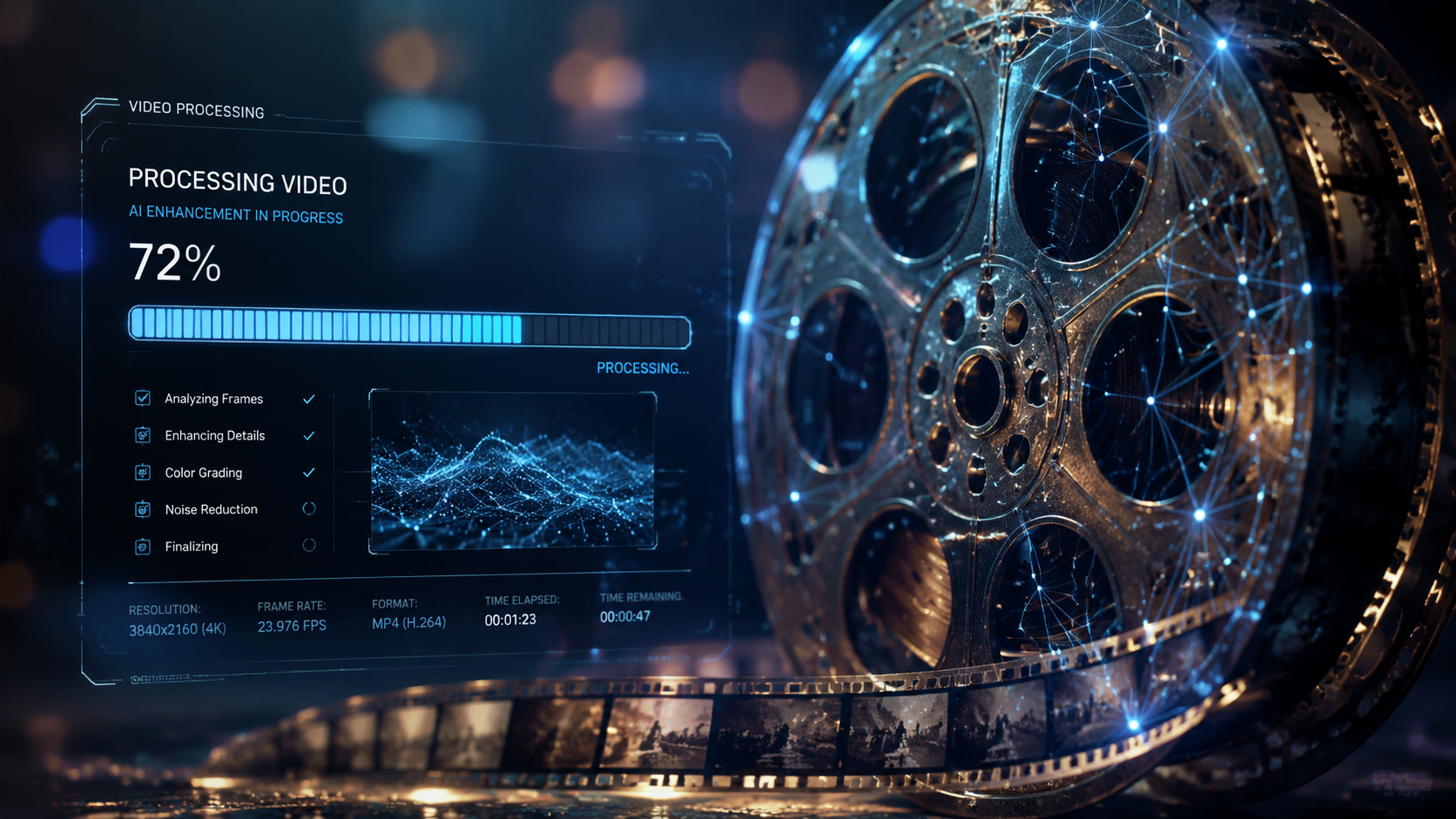
As we move through 2026, the technology behind video enhancement has moved from "experimental" to "standard." The primary driver of this change is the integration of AI directly into the hardware we use daily. According to a report by MakeUseOf in May 2026, many users already have high-end upscaling features installed on their systems via their GPU drivers, often without realizing it. This allows for real-time sharpening of old videos during playback, eliminating the need for lengthy rendering times for casual viewing.
Furthermore, the "intelligence" of these systems has improved. Earlier versions of AI upscaling often created a "waxy" look on human skin or distorted fine textures like grass or hair. The 2026 generation of generative models uses temporal consistency, meaning the AI looks at the frames before and after the one it is currently processing to ensure that the added detail remains stable and doesn't flicker. This is a crucial advancement for anyone looking at how to upscale old videos using AI for professional archival purposes.
The Rise of Native GPU Upscaling
One of the most significant shifts this year is the democratization of the technology. You no longer need a dedicated subscription for basic enhancement. Major GPU manufacturers have integrated AI-driven super-resolution directly into their control panels. This feature can take a standard-definition video stream and upscale it to 4K in real-time, which is particularly useful for streaming older content from platforms that haven't yet updated their libraries.
Comparing Top AI Video Upscalers of 2026
When deciding which tool to use, it is important to balance processing speed, cost, and the specific features offered. Some tools are better at "denoising" (removing the grain), while others excel at "restoration" (fixing tears or scratches in old film). Below is a comparison of the leading solutions currently available.
| Tool Name | Primary Strength | Platform | Best For |
|---|---|---|---|
| VikPea (HitPaw) | Multi-model Denoising | Windows/Mac | Professional Restoration |
| Artguru | All-in-One Accessibility | Web-based/Mobile | Quick Social Media Edits |
| Native GPU Drivers | Real-time Playback | Local Hardware | Streaming & Local Viewing |
| YouTube AI | Server-side Scaling | Cloud/TV App | Living Room Viewing |
As noted by Beebom in their February 2026 review, tools like VikPea have introduced specialized "General Denoise" and "Face Restoration" models that operate independently. This allows users to target specific problems in a video—such as a blurry face in a crowd—without over-processing the rest of the environment. This level of granular control is what separates modern 2026 tools from the blunter instruments of previous years.
YouTube’s Impact on Video Quality Standards
In a massive move for the industry, YouTube recently deployed AI to upscale its vast library of legacy content. As reported by Forbes in late 2025, this deployment was driven by the surge in "living room viewing," where users watch YouTube on large 4K and 8K television sets. Low-resolution videos that looked acceptable on a phone screen in 2010 appear pixelated and unwatchable on a 75-inch TV. By using AI to upscale these videos server-side, YouTube ensures a consistent quality level across its platform.
However, this move has not been without its nuances. Lifehacker reported in October 2025 that YouTube's AI specifically targets low-res videos to bring them up to modern standards automatically. For purists who prefer the original look of vintage media, The Verge noted that YouTube has included an "opt-out" feature for creators. This allows filmmakers to preserve the "lo-fi" aesthetic of their work if the AI's sharpening interferes with their artistic vision. This balance between automated improvement and creative control is a hallmark of the 2026 tech ecosystem.
Cloud vs. Local AI Processing
When considering how to upscale old videos using AI, you must choose between cloud-based and local processing. Cloud tools like Artguru are excellent because they don't require a powerful computer; the heavy lifting is done on remote servers. Conversely, local software utilizes your own GPU. According to industry experts, local processing is generally preferred for sensitive or private family videos, as the data never leaves your machine, and it often provides more customization options for the final output.
Advanced Techniques: Denoising and Color Restoration
Upscaling is only one part of the restoration puzzle. Old videos often suffer from "noise"—the grainy, dancing dots that appear in low-light footage—and color fading. Modern AI enhancers now include dedicated modules for these specific issues. The Hans India highlighted Artguru as a leading "all-in-one" enhancer that handles both images and videos, making it a versatile choice for users who have a mix of old media to digitize.
Denoising Without Losing Detail
The challenge with denoising has always been the loss of sharpness; in the past, removing grain often meant making the video look blurry. In 2026, AI models use "spatial-temporal" analysis. This means the AI identifies what is actual noise and what is a fine detail (like the texture of a brick wall) by comparing it across multiple frames. If a "dot" appears in only one frame, the AI identifies it as noise and removes it. If it persists across frames, the AI recognizes it as a detail and preserves it.
AI Colorization for Vintage Film
For videos from the pre-color era, AI colorization has reached a point of startling realism. Instead of just "painting" colors onto a scene, the AI uses a massive database of historical images to identify objects. If it sees a 1940s car, it knows the common paint colors of that era and applies them accurately. This adds a layer of immersion to old videos that was previously impossible without a massive Hollywood budget.
Hardware Requirements for AI Upscaling in 2026
While AI has become more efficient, it still demands significant computational power. If you are looking to upscale a full-length feature film or hours of home movies, your hardware will play a major role in how long the process takes. Most software in 2026 is optimized for Neural Processing Units (NPUs) and modern GPUs. A dedicated graphics card with at least 8GB of VRAM is recommended for 4K upscaling to ensure the process doesn't take days to complete.
According to MakeUseOf, the latest drivers for consumer GPUs now include "Video Super Resolution" features that can be toggled on in the settings menu. This is the easiest way for the average user to experience AI upscaling without purchasing specialized software. It works by intercepting the video signal and applying a sharpening and upscaling filter before the image reaches your monitor. While not as powerful as a dedicated restorer like VikPea, it is a significant step forward for general usability.
Frequently Asked Questions
Can AI turn 480p video into true 4K?
While AI cannot "create" data that was never there, it uses generative models to fill in gaps with highly accurate estimations. The result is a video that looks significantly sharper and closer to 4K quality than traditional upscaling methods could ever achieve.
How long does it take to upscale a video with AI?
Processing time depends on your hardware and the video length. A 10-minute clip might take 30 minutes to upscale to 4K on a modern 2026 GPU, whereas cloud-based services might process it faster depending on your subscription tier.
Is there a free way to upscale old videos using AI?
Yes, many GPU manufacturers include free upscaling features in their driver software. Additionally, some open-source tools and limited free trials of platforms like Artguru allow users to test the technology without upfront costs.
Does upscaling an old video remove scratches and flickering?
Yes, specialized AI models like those found in VikPea are designed specifically to detect and remove physical film artifacts, such as scratches, dust, and the rhythmic flickering common in old 8mm or 16mm film transfers.
Can I upscale videos directly on my phone?
Mobile AI technology has advanced significantly in 2026. Many high-end smartphones now feature "AI Gallery" tools that can enhance and upscale short video clips directly on the device using the onboard NPU.
Conclusion: The Future of Our Digital Past
The ability to upscale old videos using AI has fundamentally changed how we interact with history. In 2026, the barriers to entry have vanished. Whether it is YouTube automatically enhancing its library for our 8K televisions or powerful local tools like HitPaw’s VikPea allowing us to restore family legacies, the technology is more powerful and accessible than ever. As AI continues to evolve, the line between "old" and "new" footage will continue to blur, ensuring that our most precious memories remain as clear as the day they were captured.



Comments ()