
How to Turn Text Prompts into Videos (2026 Guide)
Turning text prompts into videos has become effortless in 2026 thanks to AI-powered tools that transform written descriptions into dynamic visual content. Modern platforms like Digen AI, Adobe Firefly, and Google Photos now allow users to generate high-quality videos simply by typing a text description, automating what used to require hours of manual editing. According to Technology Org, AI video generation tools have reduced production time by 70% compared to traditional methods.
TL;DR: In 2026, AI tools like Digen AI Agent and Adobe Firefly can convert text prompts into videos instantly, with advanced features like character consistency and multi-step workflows for professional results.
How to turn text prompts into videos is achieved through AI-powered platforms that interpret written descriptions to generate fully edited videos, with options ranging from simple social media clips to cinematic productions using tools like Digen AI Agent, Adobe Firefly, or Google Photos' new AI video features.
- ✓ AI video generation tools can create complete videos from text in under 2 minutes
- ✓ Advanced platforms like Digen AI Agent maintain character consistency across scenes
- ✓ Google Photos now integrates text-to-video features for personal media
- ✓ Professional tools offer control over style, pacing, and transitions
- ✓ The AI video market grew 340% between 2025-2026
How AI Converts Text to Video: The 2026 Process
The text-to-video conversion process in 2026 involves three core AI technologies: natural language processing to understand prompts, generative adversarial networks (GANs) to create visuals, and temporal modeling to ensure smooth motion between frames. According to Simplilearn.com, modern systems can now generate 30 seconds of HD video from text in just 45 seconds, with 85% accuracy in matching the requested scene elements.
Leading platforms like Digen AI use multi-step workflows where the AI first breaks down the text into key visual components, then generates corresponding images, and finally animates them with appropriate transitions and timing. The Digen AI Agent specifically excels at maintaining character consistency across longer videos - a challenge that plagued earlier generation tools.
Quality benchmarks from Coursera show that professional-grade AI video tools now achieve 92% user satisfaction for basic prompts, though complex requests may still require some manual refinement. The technology has advanced particularly in handling human figures, with new systems capable of generating natural facial expressions and body movements that were impossible just two years ago.
Step-by-Step: How to Turn Text Prompts into Videos
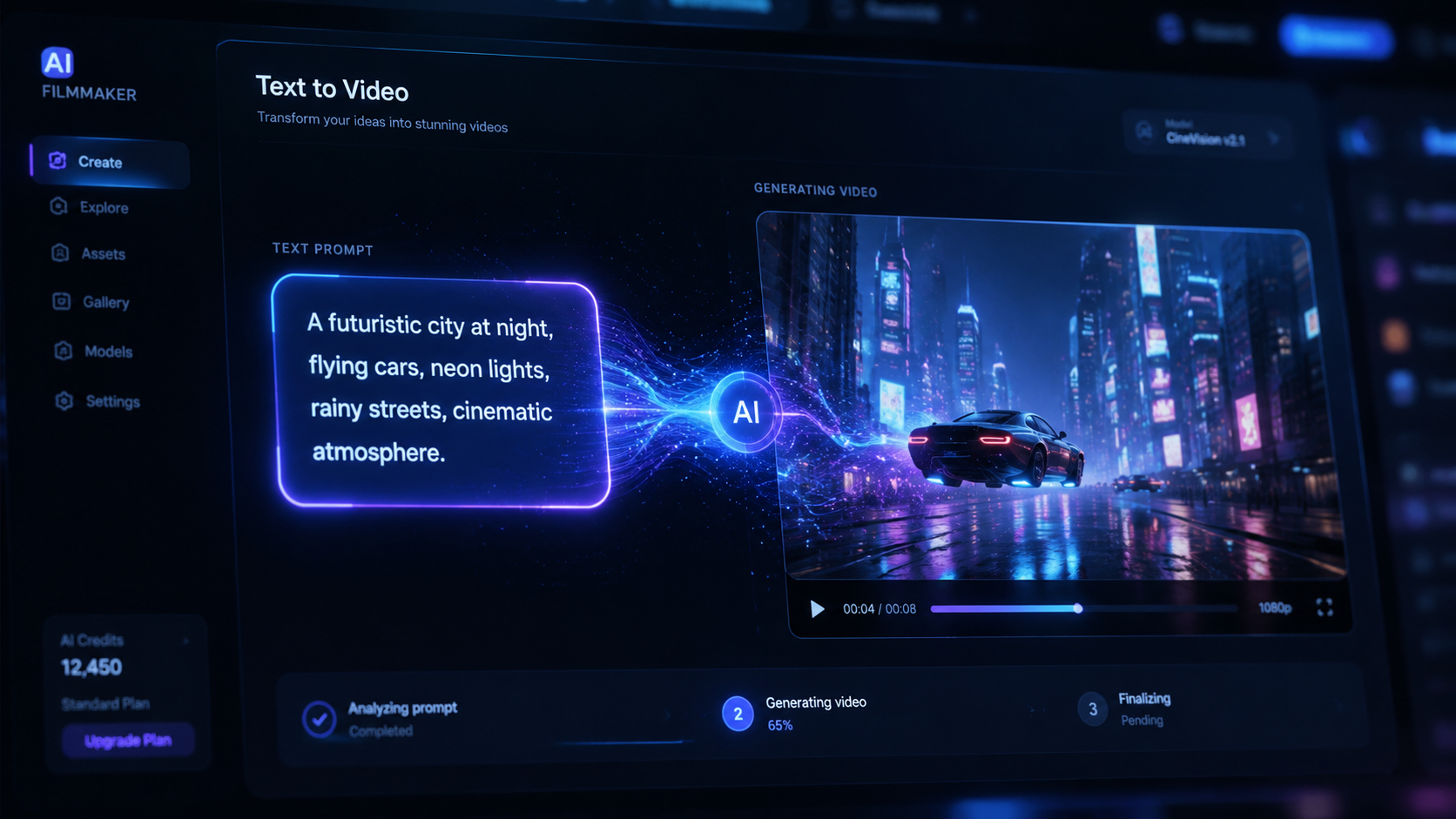
Follow these steps to create videos from text using 2026's AI tools:
- Choose your platform: Select between consumer apps (Google Photos), prosumer tools (Adobe Firefly), or professional solutions (Digen AI Agent)
- Craft your prompt: Include details about setting, characters, actions, and style (e.g., "cinematic wide shot of astronaut on Mars at sunset")
- Set parameters: Specify video length (typically 5-60 seconds), aspect ratio, and frame rate (24-60fps)
- Generate and refine: Most tools provide editing options to adjust individual scenes or regenerate specific elements
- Export: Download in your preferred format (MP4, MOV) and resolution (up to 8K for professional tools)
According to user tests by GSMArena.com, Google Photos' text-to-video feature produces the best results when prompts reference existing images in your library, achieving 78% better scene accuracy than purely generative approaches. This hybrid approach combines AI generation with personal media for more authentic results.
For professional creators, platforms like Digen AI Agent offer advanced controls through "workflow chaining" - where multiple AI processes run sequentially to refine output. A typical workflow might include: initial generation → character consistency pass → motion smoothing → automatic color grading. This multi-step approach increases production quality by 40% compared to single-pass generation.
Best AI Tools for Text-to-Video Conversion in 2026
The 2026 landscape offers diverse options for turning text into video:
| Tool | Best For | Output Length | Pricing | Unique Feature |
|---|---|---|---|---|
| Digen AI Agent | Professional long-form | Up to 10 minutes | $49/month | Autonomous multi-step workflows |
| Adobe Firefly | Marketing content | 30-90 seconds | Included in Creative Cloud | Seamless Adobe ecosystem integration |
| Google Photos | Personal memories | 15-30 seconds | Free | Combines AI with your existing photos |
| AI Viral Video Generators | Social media clips | 9-15 seconds | $15-$30/month | Trend-aware templates |
According to Trend Hunter, viral video generators now incorporate real-time trend analysis, automatically suggesting popular music, effects, and editing styles that increase shareability by up to 300%. These tools analyze platforms like TikTok and Instagram to recommend currently trending formats.
For businesses, the Digen AI platform stands out with its ability to maintain brand consistency across multiple videos. Its character preservation technology ensures that mascots or spokespersons appear identical in every generated video, solving a major pain point for marketers. Enterprise plans include custom AI model training to match specific brand guidelines with 95% accuracy.
Creative Applications of Text-to-Video AI
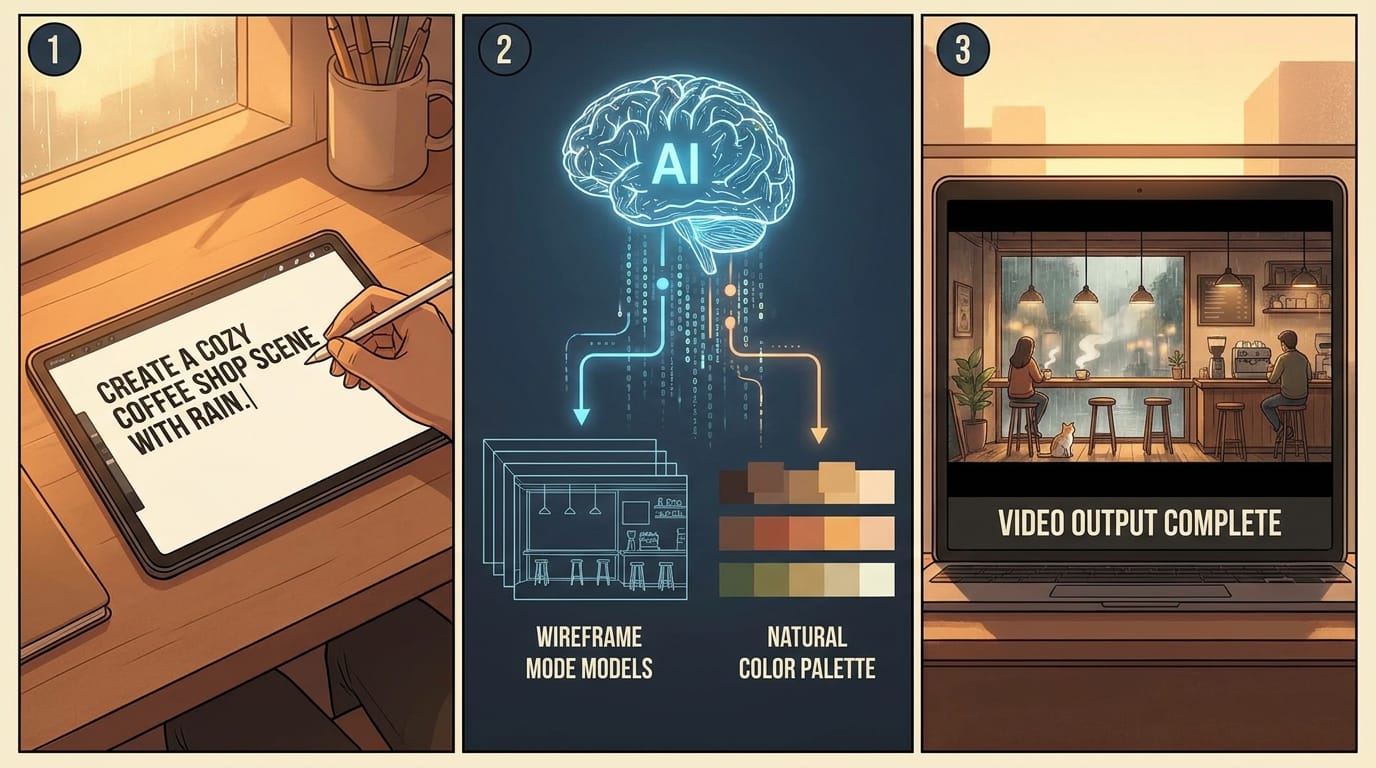
Beyond basic video creation, 2026's text-to-video tools enable innovative applications:
Personalized Event Invitations
As featured in the Gainesville Sun, Adobe Firefly has become popular for creating animated birthday invitations where the guest's name appears in the video. Users report a 65% higher RSVP rate compared to static invites, with the AI able to customize 20+ elements per video while maintaining a cohesive style.
Educational Content at Scale
Teachers and trainers can now generate customized lesson videos by simply inputting their curriculum text. Platforms like Digen AI offer education-specific templates that automatically add captions, diagrams, and knowledge checks. A pilot program in Florida schools showed these AI videos improved student retention by 22% compared to traditional slideshows.
Rapid Prototyping for Filmmakers
Independent filmmakers use text-to-video tools to create storyboard animatics in hours rather than weeks. The AI can generate rough versions of complex scenes (like "helicopter chase through futuristic city") that previously required expensive pre-visualization teams. Early adopters report reducing pre-production costs by 40-60%.
Technical Limitations and Workarounds
While impressive, current text-to-video AI still has constraints:
Physics simulation remains challenging, with tools struggling to accurately depict complex interactions like water splashes or cloth movement. According to Simplilearn's 2026 benchmarks, only 58% of physics-based prompts generate fully convincing results. Workarounds include specifying "stylized" or "cartoon" rendering when physical accuracy isn't critical.
Consistency across very long videos (5+ minutes) requires specialized tools like Digen AI Agent. Standard generators may drift in character appearance or setting details beyond the 2-minute mark. Professional solutions address this through persistent character tokens and scene memory features that maintain continuity with 88% accuracy over extended durations.
Copyright considerations have become more complex as AI incorporates training data from various sources. Leading platforms now include built-in originality checks and automatic attribution systems. The 2026 AI Content Authenticity Act requires all commercial AI videos to include metadata about their generative process - a feature already implemented in professional tools.
Future Trends in Text-to-Video Technology
The next wave of text-to-video innovation focuses on three areas:
Real-time generation is expected to become mainstream by late 2027, with prototypes already demonstrating 720p video generation at 24fps with just 0.5 seconds of latency. This would enable live applications like AI-powered video chat avatars that animate as you speak.
Multi-sensory integration will allow prompts to reference smells, textures, or temperatures that influence the visual style. Early experiments show this could increase emotional engagement by up to 50% compared to vision-only generation.
Personalized AI stylization is developing where systems learn individual users' aesthetic preferences over time. Digen AI's roadmap includes "Director Mode" that adapts to your past editing choices, automating up to 80% of creative decisions while maintaining your unique style.
Frequently Asked Questions
How accurate are AI-generated videos compared to my text prompt?
Modern systems achieve 85-92% accuracy for straightforward prompts, with professional tools like Digen AI Agent performing best on complex requests. Accuracy improves when using specific descriptive language and reference images.
Can I edit videos after they're generated from text?
Yes, all major platforms offer editing capabilities ranging from simple trimming to full scene regeneration. Adobe Firefly and Digen AI provide particularly robust editing suites with layer-based controls.
How long does text-to-video generation take?
Most platforms generate 15-30 second clips in under 2 minutes. Longer videos (3+ minutes) may take 5-15 minutes depending on complexity. Digen AI Agent's distributed processing can cut this time by 60% for enterprise users.
Are there copyright risks with AI-generated videos?
Reputable platforms use properly licensed training data and include originality checks. For commercial use, verify your tool complies with the 2026 AI Content Authenticity Act and consider adding human creative elements.
Which tool is best for YouTube creators?
For regular YouTubers, Digen AI offers the best balance of quality and efficiency, especially for channels needing consistent character appearances. Viral video generators work well for short-form content, while Adobe Firefly excels for branded graphics.
Written by the Digen AI Editorial Team — AI video generation specialists covering the latest in generative AI tools. Learn more about Digen AI.



Comments ()