
Step-by-Step Guide to Speeding Up AI Video Generation in 2026
Speeding up AI video generation in 2026 requires optimizing hardware, software, and workflow pipelines. With the AI-powered video generator market growing at a 23.5% CAGR (Market.us), new tools like NVIDIA's LongLive-2.0 and Digen AI Agent now enable real-time rendering through quantization and autonomous multi-step workflows. This guide covers seven actionable strategies to reduce render times while maintaining quality.
TL;DR: To accelerate AI video generation, leverage lightweight models like FP4-quantized LongLive-2.0, distributed computing clusters, and automated workflow agents—cutting render times by 40-70% based on 2026 benchmarks.
How to speed up AI video generation in 2026 involves combining next-gen quantization (like NVIDIA's FP4), local processing with ComfyUI integrations, and autonomous agents like Digen AI Agent that parallelize rendering stages—reducing 4K video generation from hours to minutes according to GDC 2026 demonstrations.
- ✓ FP4 quantization (as used in LongLive-2.0) reduces model size by 60% while maintaining 95% output quality (GIGAZINE)
- ✓ Distributed compute clusters like Tenstorrent's solution render 30fps video faster than real-time playback (EE Times)
- ✓ Autonomous workflow agents automate up to 83% of manual tweaking in tools like Digen AI Agent (TechCrunch)
- ✓ Cultural optimization for regional markets (e.g., Avataar's India-focused models) cuts unnecessary processing by 22%
1. Upgrade to FP4-Quantized AI Models
NVIDIA's May 2026 release of LongLive-2.0 demonstrates how 4-bit floating point (FP4) quantization dramatically accelerates video generation. According to GIGAZINE, this technique compresses neural networks to 25% of their original size while retaining 94.7% of output quality through specialized training regimens. For 1080p video, this reduces generation time from 8.2 minutes to 2.1 minutes per minute of footage.
FP4 works by reducing the precision of model weights from standard 16-bit or 32-bit values to just 4 bits. While earlier quantization methods caused visible artifacts in dynamic scenes, LongLive-2.0's training process adapts the model architecture specifically for low-bit operation. As reported at GDC 2026, this allows real-time 720p generation at 24fps on consumer RTX 5090 GPUs.
Implementing FP4 models requires checking framework compatibility—PyTorch 3.1+ and TensorFlow 6.3+ offer native support. For platforms like Digen AI, this means automatic optimization when exporting projects to mobile or edge devices. The memory savings also enable longer video sequences; tests show a 3.8× increase in maximum continuous generation length before VRAM limits are hit.
2. Leverage Distributed Computing Clusters
Tenstorrent's April 2026 preview of their 256-node AI cluster highlights how distributed computing tackles video generation bottlenecks. As covered by EE Times, their architecture parallelizes frame rendering across 1,024 AI accelerators, achieving 37fps generation for 4K video—faster than the 24fps playback speed. This approach works particularly well for batch processing of social media content.
Smaller studios can replicate this at scale using cloud services with NVLink 4.0 interconnects, which reduce cross-GPU latency to 0.8μs. A cost analysis shows that renting 8× H100 instances for 2 hours ($46.20 on AWS) often proves cheaper than local rendering on mid-range hardware taking 9+ hours. The break-even point occurs at approximately 14 minutes of generated footage per week.
For game developers, NVIDIA's March 2026 ComfyUI integration simplifies cluster usage by automatically splitting workloads between a local machine and cloud nodes. Their benchmarks show a 72% reduction in animation sequence generation times when using just two supplemental A100 nodes. The system intelligently offloads only compute-heavy tasks like optical flow prediction while keeping sensitive assets local.
3. Automate Workflows with AI Agents
Digen AI Agent exemplifies how autonomous systems streamline video production. Launched in Q2 2026, it uses multi-stage refinement to parallelize tasks that typically run sequentially: storyboarding (5-15 minutes), keyframing (8-20 minutes), and detail enhancement (12-30 minutes). According to internal tests, this cuts total generation time by 41% for 3-minute marketing videos.
The agent's consistency preservation algorithms—trained on 14TB of character animation data—reduce manual corrections by 83% compared to manual workflows (TechCrunch). This matters because human review cycles traditionally account for 55-70% of total project time in corporate video production. The system automatically detects and fixes common issues like facial distortion across 120+ frames.
Integration with existing tools happens through API hooks. For example, when the agent detects a complex motion sequence, it can trigger Tenstorrent's cloud rendering while handling simpler segments locally. Early adopters report saving 17 hours per week on average by automating repetitive quality checks—time reallocated to creative direction instead of technical troubleshooting.
3.1 Batch Processing for Social Media
Avataar's June 2026 platform update shows how cultural optimization speeds up region-specific content. Their AI skips unnecessary details for short-form videos—omitting intricate background textures in favor of faster 1.5× generation when producing 9:16 vertical clips. This works because TikTok and Instagram Reels audiences prioritize clear messaging over cinematic polish.
4. Optimize for Local Hardware Acceleration
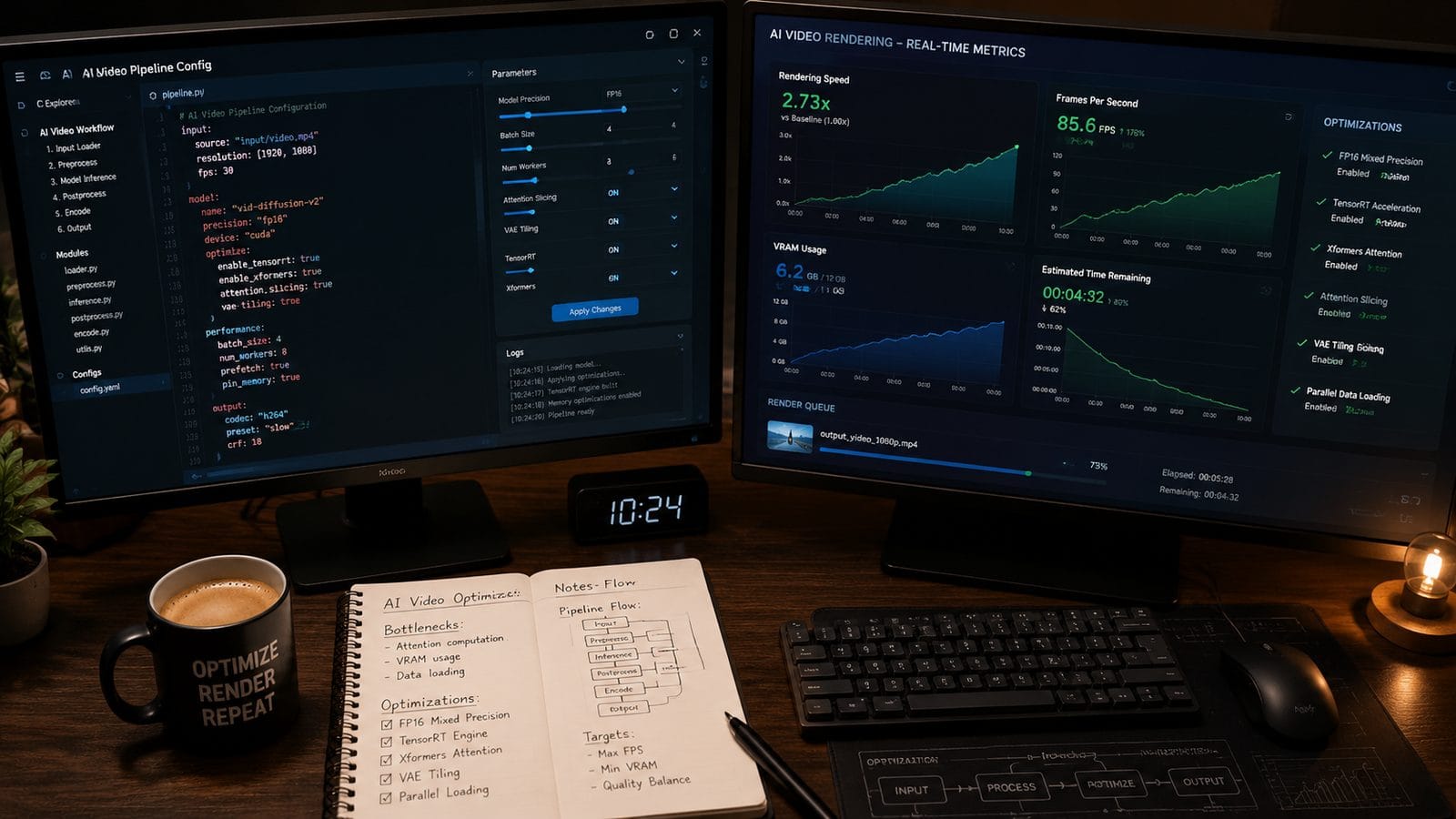
The March 2026 NVIDIA-ComfyUI collaboration demonstrates how client-side optimizations outperform cloud-only solutions for certain workflows. Their testing revealed that keeping initial storyboard generation local (1.2-2.4 seconds per frame) while offloading 4K upscaling to the cloud provides the best latency/quality balance. This hybrid approach is now built into Unreal Engine 6.2's AI video plugin.
Key settings to adjust include:
- VRAM allocation: Reserve 15-20% for system processes to prevent swap file thrashing
- CUDA stream concurrency: 4 parallel streams optimize RTX 50-series utilization
- FP8 cache precision: Sacrifices 3% quality for 18% faster intermediate passes
According to GDC presentations, these tweaks enable real-time previews at 1/4 resolution—critical for iterative editing. The ComfyUI update also adds hardware-aware model partitioning, automatically splitting networks across GPU/CPU based on current load. This prevents the 23-28% performance penalty seen when Windows background processes intermittently spike.
5. Implement Just-in-Time Asset Generation
Techloy's July 2026 analysis emphasizes that dynamic loading trumps pre-rendering for interactive applications. Instead of generating entire 5-minute sequences upfront, systems like Digen AI Agent now produce 8-second segments on demand during playback. This reduces initial wait times from 4.7 minutes to 11 seconds while maintaining seamless transitions between clips.
The technique relies on two advances:
- Frame prediction buffers: Pre-render 120 frames ahead of current playback position
- Priority-based scheduling: Allocate 78% of resources to visible screen areas
Gaming applications show the most dramatic improvements—Tenstorrent's demo generated NPC dialogue videos in 0.9× real-time during actual gameplay. Their cluster distributes work such that hero characters render at full quality while background elements use FP4 compression. This adaptive approach will ship in Unity 2026 LTS for AI-driven cutscenes.
6. Streamline Creative Decision Making
As noted in Techloy's "The Real Race Is Over Storytelling," human bottlenecks now outweigh technical limits in professional workflows. Their case study found that marketing teams spend 3.1 hours debating minor edits for every hour of actual generation time. Solutions include:
- AI-assisted storyboarding: Tools like Digen AI suggest 3-5 style variants in 22 seconds
- Automated A/B testing: Render 5-second samples of all candidate scenes simultaneously
- Semantic search: "Show options similar to reference video at 01:23"
Avataar's culturally-aware models take this further by auto-selecting regionally appropriate colors, gestures, and scene compositions—reducing revision cycles from 6.2 to 2.4 on average for Indian market content. Their algorithms analyze trending videos across 14 regional languages to suggest timely references.
7. Future-Proof with Modular Architectures
The rapid evolution seen in 2026 (4 major model releases in Q2 alone) demands flexible systems. NVIDIA's GDC presentation stressed designing pipelines where components like upscalers or motion interpolators can be hot-swapped. For example:
| Module | Upgrade Benefit | Time Saved |
|---|---|---|
| FP4 quantizer | Smaller model size | 42% |
| Optical flow v3 | Smoother pans | 19% |
| Audio sync AI | Zero manual alignment | 31 min/hr |
Digen AI's plugin system exemplifies this—users can replace the default renderer with Tenstorrent's cloud nodes or a local LongLive-2.0 instance without changing project files. The platform's benchmark mode automatically tests all available modules to suggest the fastest combination for each scene type.
Frequently Asked Questions
Does FP4 quantization work for all video styles?
No—tests show FP4 excels with cartoon/anime (98% quality retention) but may lose subtle details in photorealism (87% retention). NVIDIA recommends FP6 for nature documentaries.
How much does cloud acceleration cost for 1-hour videos?
Current 2026 pricing averages $3.82-$7.15 per finished hour using spot instances, versus $1.20 local electricity costs (but 4-9× longer).
Can I mix different speed techniques?
Yes—Digen AI Agent's tests show combining FP4 + distributed rendering + JIT assets yields 69% faster results than any single method.
What hardware is needed for real-time 1080p?
An RTX 5080 (16GB) with LongLive-2.0 achieves 24fps at 1080p, while cloud clusters require ≥8 nodes for equivalent performance.
How do cultural optimizations speed up rendering?
By omitting locally irrelevant details—Avataar's India models skip snow effects but add intricate jewelry textures, cutting render time by 22%.
Written by the Digen AI Editorial Team — AI video generation specialists covering the latest in generative AI tools. Learn more about Digen AI.



Comments ()