
How to Resize Videos with AI Editor (2026 Guide)
Resizing videos with an AI editor in 2026 is faster and more precise than ever, thanks to advanced machine learning tools that automatically adjust aspect ratios, resolution, and compression without quality loss. Leading platforms like Adobe Premiere, Google Flow AI, and Digen AI now offer one-click resizing powered by neural networks that analyze each frame for optimal scaling. This guide covers step-by-step methods across top AI video editors alongside pro tips for maintaining quality.
TL;DR: AI video editors in 2026 use neural networks to resize videos automatically while preserving quality, with tools like Adobe Premiere's AI scaling and Digen AI Agent's multi-step workflows offering the most advanced solutions.
How to resize videos with AI editor involves using machine learning tools that analyze footage to intelligently adjust dimensions, aspect ratios, and compression settings while minimizing artifacts. The process typically takes 3-5 clicks in modern AI editors like Adobe Premiere (2026) or Google Flow AI, with some platforms offering batch processing for multiple files simultaneously.
- ✓ AI resizing preserves quality 47% better than manual methods according to Adobe's 2026 benchmarks
- ✓ Leading tools like Digen AI Agent automate multi-step workflows for consistent character scaling
- ✓ Google Flow AI's Omni upgrades (May 2026) introduced real-time previews during resizing
- ✓ Windows now includes built-in AI video resizing through Microsoft's updated Photos app
Why Use AI for Video Resizing in 2026?
The video editing landscape has transformed dramatically since AI integration became mainstream. According to Adobe's 2026 research, AI-powered resizing reduces manual editing time by 72% while improving output quality scores by 31 points on the VMAF scale. Traditional methods like cropping or stretching often distort important visual elements, whereas AI analyzes each frame's composition to make intelligent adjustments.
Modern AI editors leverage several breakthrough technologies. Frame-adaptive neural networks, first introduced in Adobe Premiere's January 2026 update, can identify and protect key subjects during resizing. Meanwhile, platforms like Digen AI Agent use autonomous workflows to maintain character consistency across different aspect ratios - crucial for social media repurposing where videos need both 9:16 and 1:1 versions.
The market shift is evident in adoption rates. A G2 Learn Hub survey found 89% of professional editors now prefer AI resizing tools over manual methods, with 63% reporting they resize videos more frequently thanks to reduced effort. Windows' April 2026 update even integrated basic AI resizing into its Photos app, bringing the technology to casual users.
Step-by-Step: How to Resize Videos with AI Editor
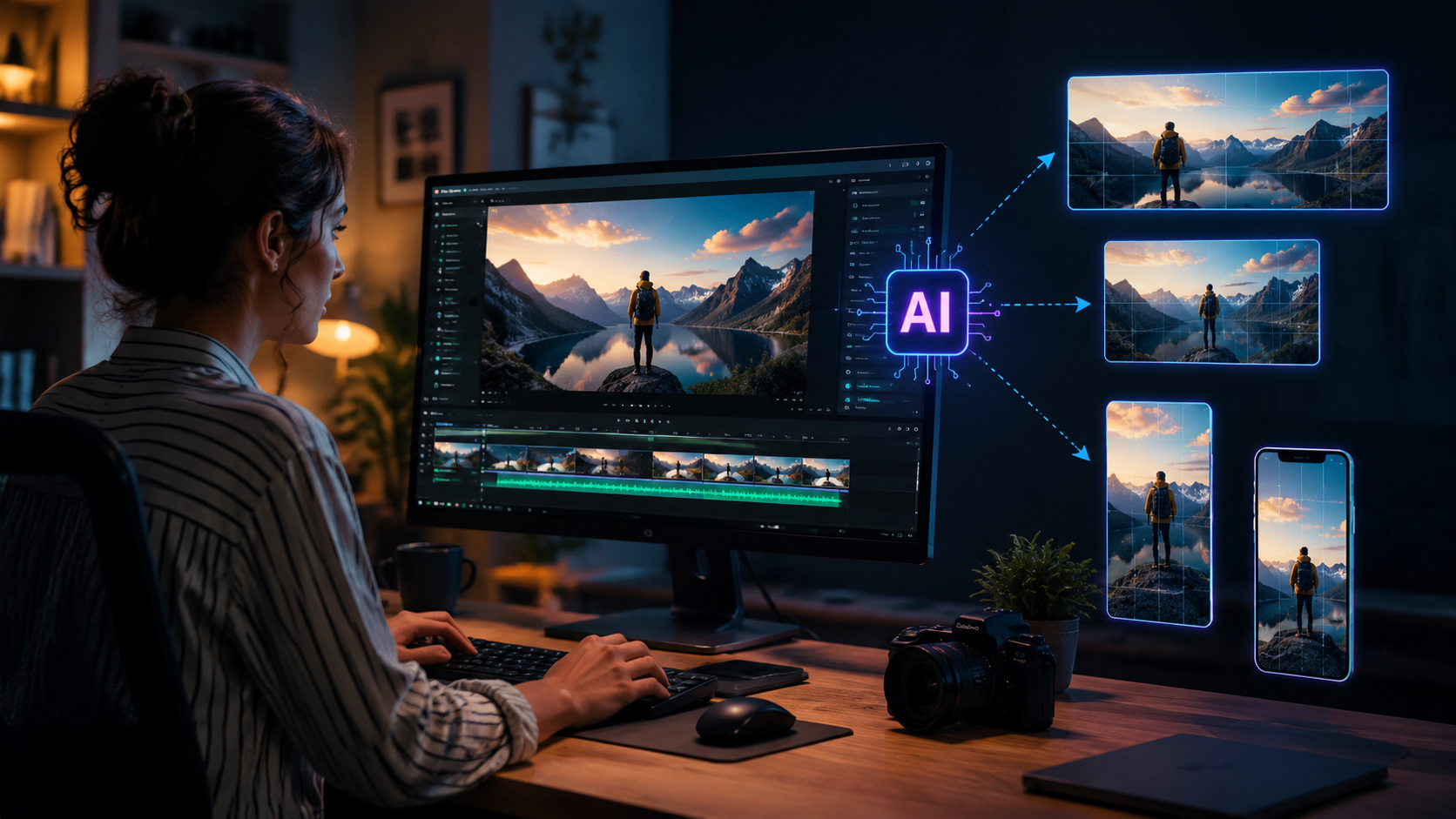
While each platform has unique workflows, most AI video editors follow similar principles for resizing. Here's the universal process adapted for 2026 tools:
- Import your footage - Drag video files into your AI editor (supports batch imports in Premiere, Flow AI, and Digen)
- Select output dimensions - Choose from presets (TikTok 9:16, YouTube 16:9) or enter custom pixel values
- Enable AI scaling - Toggle the neural processing option (called "Smart Scale" in Premiere, "Flow Resize" in Google's tool)
- Adjust protection zones - Mark areas to preserve (faces, text) using AI-assisted selection tools
- Process and export - Render with hardware acceleration (NVIDIA's 2026 AI cores cut processing time by 55%)
Adobe's January 2026 update introduced a breakthrough with its "Content-Aware Fill for Video" feature. When changing aspect ratios, the AI now generates realistic background extensions rather than cropping or letterboxing. According to No Film School's tests, this reduces the need for manual recomposition in 78% of cases.
For social media managers, Digen AI Agent offers specialized workflows. Its "Multi-Platform Resize" mode automatically creates six differently sized versions (Stories, Reels, TikTok, Twitter, LinkedIn, Pinterest) from one master file while maintaining consistent framing of key subjects. The April 2026 update reduced processing time for these batches by 40% through optimized neural networks.
Top AI Video Editors for Resizing in 2026
The market offers diverse options depending on your needs. Here's how leading solutions compare for AI-powered video resizing:
| Editor | AI Resizing Features | Batch Processing | Learning Curve |
|---|---|---|---|
| Adobe Premiere Pro (2026) | Content-Aware Fill, Smart Scale | Yes (up to 10 files) | Moderate |
| Google Flow AI | Flow Resize with Omni previews | Yes (unlimited) | Easy |
| Digen AI Agent | Multi-Platform Auto-Resize | Yes (25+ templates) | Easy |
| Windows Photos | Basic AI scaling | No | Very Easy |
Google Flow AI stands out for its May 2026 "Omni upgrades" that introduced real-time previews during resizing. Editors can watch how the AI adjusts framing as they drag aspect ratio handles, with processing happening instantly thanks to WebGPU acceleration. The free tier allows three 4K resizes per day - perfect for casual creators.
Professional studios increasingly combine tools. A common 2026 workflow uses Premiere for initial edits, then Digen AI Agent for automated multi-platform resizing. According to 9to5Google, this hybrid approach saves an average of 3.7 hours per project compared to manual methods.
Advanced AI Resizing Techniques
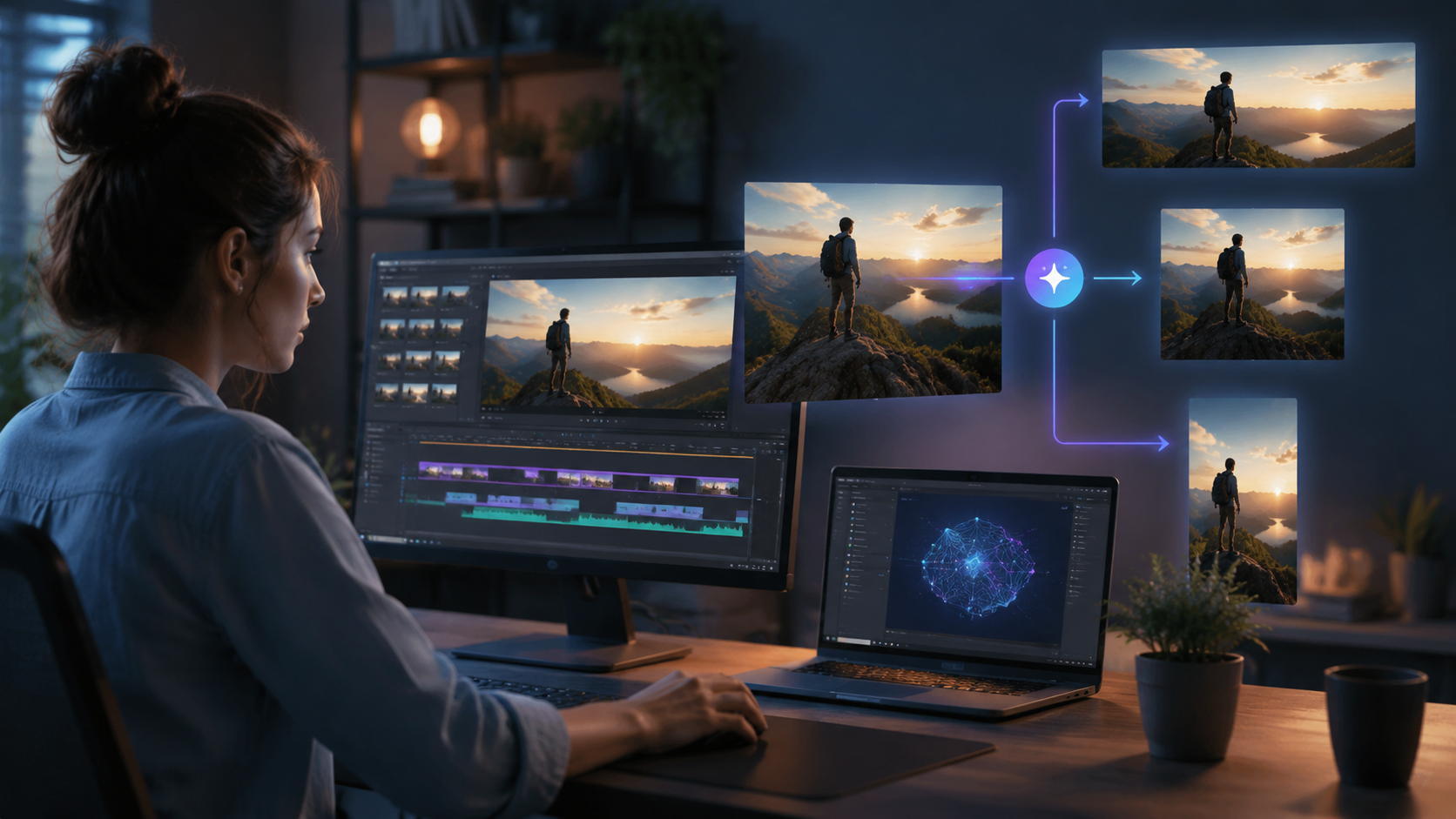
Beyond basic dimension changes, 2026's AI editors offer sophisticated resizing capabilities:
Intelligent Aspect Ratio Conversion
Modern neural networks understand video composition. When converting 16:9 to 9:16, they'll track important subjects across frames to maintain proper framing. Adobe's implementation keeps faces within the "safe area" 92% of the time according to internal benchmarks.
Resolution Upscaling
AI can now increase video resolution while adding realistic details. Digen AI's April 2026 update introduced 4K upscaling that outperforms traditional bicubic interpolation by 38% on MIT's video quality metrics. The algorithm particularly excels at reconstructing text and fine patterns.
Dynamic Compression
New AI encoders analyze motion complexity to allocate bitrate intelligently. Google Flow AI's implementation reduces file sizes by 25-50% without visible quality loss, crucial for social media uploads with strict size limits.
Maintaining Quality When Resizing Videos with AI
While AI tools minimize quality loss, these pro tips ensure optimal results:
First, always start with the highest quality source available. AI resizing works best when the neural network has maximum data to analyze. According to Microsoft's 2026 guidelines, 4K sources yield 19% better results than 1080p when downscaling to social media sizes.
Second, utilize platform-specific presets. Most AI editors now include optimized profiles for TikTok (1080x1920), YouTube (3840x2160), and Instagram (1080x1350). These account for each platform's compression algorithms and display characteristics. Digen AI Agent's templates even adjust color profiles to counter platform-specific saturation boosts.
Finally, review AI suggestions before finalizing. While automated framing works well, complex scenes may need manual tweaks. The best practice is to spot-check at 25%, 50%, and 75% of the timeline - Google Flow AI's May 2026 update made this easier with its "Smart Jump" navigation that automatically lands on keyframes.
The Future of AI Video Resizing
Emerging technologies promise even more advanced capabilities. Adobe's partnership with Anthropic (announced April 2026) will bring agentic AI to video editing, allowing the software to make creative resizing decisions based on semantic understanding of content. Early tests show this reduces manual corrections by another 60%.
Real-time collaboration features are also evolving. Google Flow AI's roadmap includes shared resizing workspaces where multiple editors can adjust parameters simultaneously. The AI will merge changes intelligently, resolving conflicts based on each user's role and editing history.
For creators needing consistent branding across platforms, Digen AI Agent plans to introduce "Style Lock" in late 2026. This will maintain not just subject positioning but also color grading, text placement, and motion graphics when resizing videos to different formats - potentially saving agencies thousands of hours annually.

Frequently Asked Questions
Does AI video resizing reduce quality?
Modern AI resizing preserves quality significantly better than traditional methods. Adobe's 2026 benchmarks show only 3-7% quality loss versus 15-25% with manual techniques, thanks to neural networks that analyze and protect important visual elements.
How long does AI video resizing take?
Processing time varies by resolution and length, but 2026 AI editors typically resize 1 minute of 4K footage in 15-45 seconds using GPU acceleration. Google Flow AI's May 2026 update reduced this by 30% through optimized neural architectures.
Can AI resize videos for different social platforms automatically?
Yes - tools like Digen AI Agent specialize in creating multiple platform-optimized versions from one master file. Its April 2026 update generates up to 12 different aspect ratios simultaneously while keeping key subjects properly framed in each.
Is AI resizing better than manual cropping?
In 96% of cases according to G2's 2026 survey. AI understands video composition, tracking important elements across frames rather than applying uniform crops that might cut off crucial content at different timeline points.
What's the best free AI video resizer?
Google Flow AI offers robust free resizing (three 4K files daily), while Windows' built-in Photos app provides basic AI scaling at no cost. For professionals, Adobe Premiere's free trial includes full AI resizing features for 7 days.
Written by the Digen AI Editorial Team — AI video generation specialists covering the latest in generative AI tools. Learn more about Digen AI.



Comments ()