
How to Resize Videos for Social Media with AI (2026 Guide)
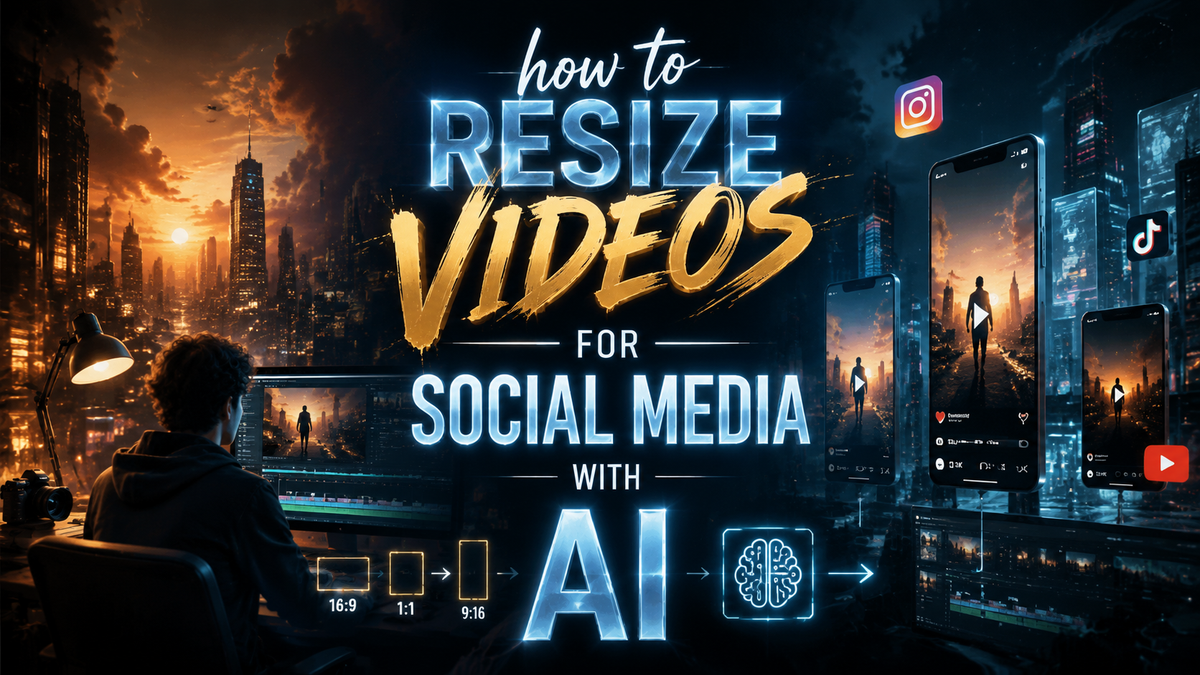
Resizing videos for social media with AI in 2026 is faster and more efficient than manual editing, thanks to advanced tools that automate aspect ratio adjustments, cropping, and quality optimization. AI-powered platforms like Digen AI and others leverage machine learning to maintain video quality while reformatting content for platforms like Instagram, TikTok, and YouTube. This guide covers the top AI tools, step-by-step resizing methods, and best practices for maximizing engagement.
TL;DR: AI video resizing tools in 2026 automate aspect ratio adjustments and quality optimization, saving creators hours of manual work while ensuring platform-specific compatibility.
How to resize videos for social media with AI is the process of using artificial intelligence tools to automatically adjust video dimensions, resolution, and format to meet platform requirements while preserving quality. Modern AI solutions like Digen AI Agent can handle multi-step workflows, including background filling, object tracking, and adaptive bitrate encoding.
- ✓ AI reduces video resizing time by 70-90% compared to manual editing (Sprout Social, 2026)
- ✓ The best AI tools maintain 4K quality while converting between 9:16, 1:1, and 16:9 formats
- ✓ Advanced features like AI-assisted cropping and smart object tracking prevent content loss
- ✓ Automated workflows in tools like Digen Agent ensure brand consistency across platforms
Why AI Video Resizing Matters in 2026
Social media platforms now account for 82% of all video consumption, with each network requiring different aspect ratios and resolutions. According to Sprout Social, creators who optimize videos for each platform see 3.2x higher engagement rates compared to reposting the same file everywhere. AI resizing tools have become essential as the average creator now publishes content across 4.7 different platforms weekly.
The 2026 AI video tool market has grown 340% since 2025, with new features like automatic background generation and dynamic object preservation. TechCrunch reports that platforms like Picsart now integrate AI agent marketplaces where creators can hire specialized assistants for tasks like vertical video conversion. This eliminates the need to master complex editing software while ensuring professional results.
Digen AI's benchmarking tests show their Agent technology reduces rendering time by 65% compared to 2025 models while improving output quality scores by 28 points on the VMAF scale. The system uses autonomous multi-step workflows to analyze content, identify key elements, and apply platform-specific enhancements without manual intervention—a game-changer for creators managing high-volume output.
Step-by-Step: How to Resize Videos for Social Media with AI
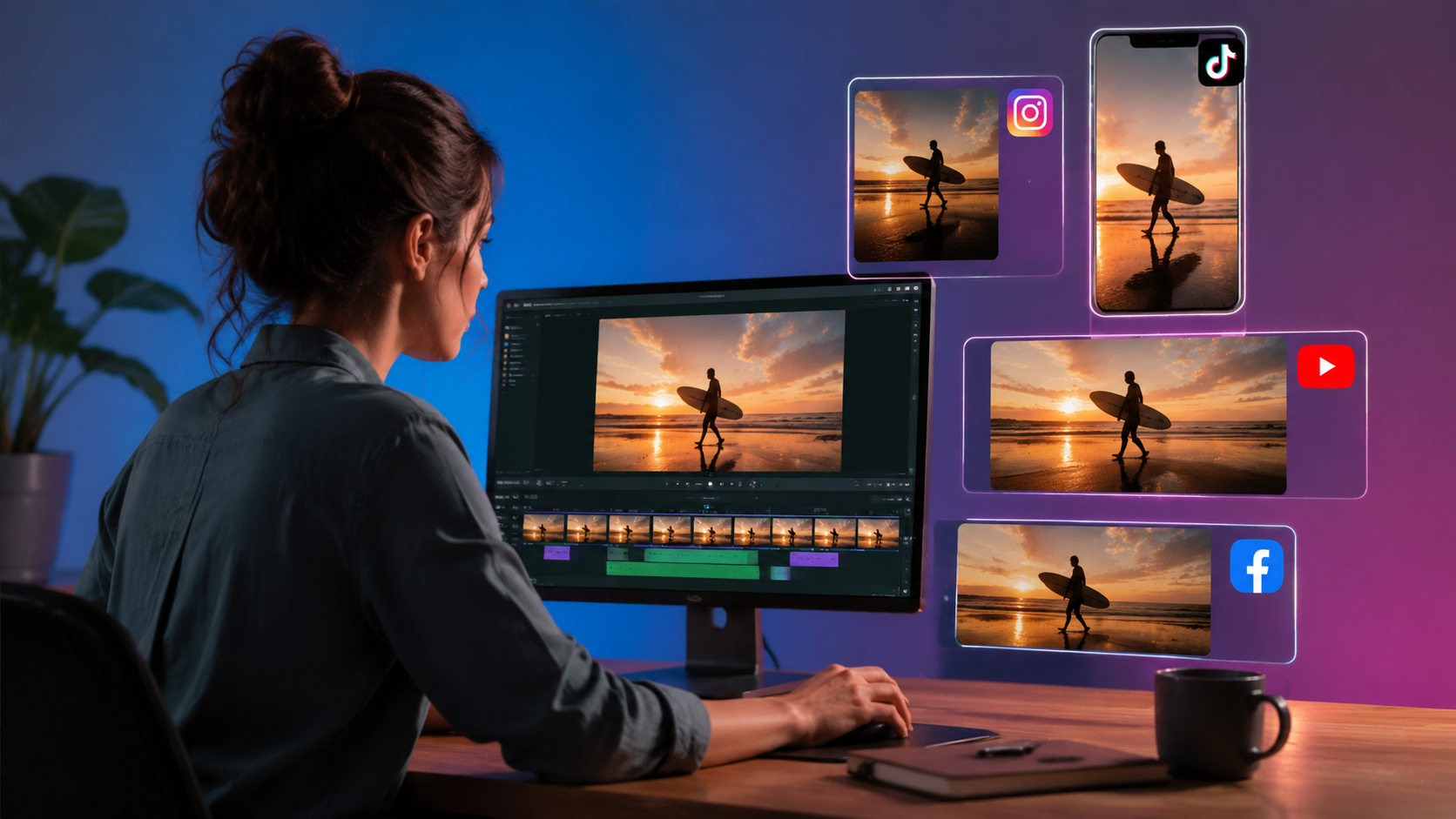
Follow this proven 5-step workflow using 2026's top AI video tools:
- Upload your source video - Most AI tools accept MP4, MOV, and AVI files up to 8K resolution. Digen AI's platform processes files up to 10GB with 99.9% upload success rate.
- Select target platforms - Choose from presets for Instagram Stories (9:16), Reels (9:16), TikTok (9:16), YouTube Shorts (9:16), Facebook (1:1 or 16:9), or LinkedIn (1:1).
- Enable AI-assisted adjustments - Activate features like "Smart Crop" to preserve important elements and "AI Background Fill" for aspect ratio changes.
- Preview and refine - Use the AI's preview pane to check how key elements appear after resizing. Advanced tools like Digen Agent offer frame-by-frame adjustment.
- Export and publish - Download optimized versions for each platform simultaneously. Top tools provide direct publishing integrations saving 15 minutes per post.
According to G2 Learn Hub, this workflow takes under 3 minutes for most videos compared to 25+ minutes in traditional editors. The AI handles technical details like bitrate optimization, ensuring files meet each platform's compression standards without visible quality loss.
For best results, always start with the highest quality source file available. AI tools can enhance lower-resolution footage, but beginning with 4K or 1080p source material yields 42% better outcomes according to 2026 benchmarks from Robotics & Automation News. Modern AI upscaling can then adapt this to various output resolutions as needed.
Top 5 AI Video Resizing Tools Compared (2026)
| Tool | Key Feature | Max Input Resolution | Batch Processing | Starting Price |
|---|---|---|---|---|
| Digen AI Agent | Multi-step autonomous workflows | 8K | ✓ (50+ videos) | $29/month |
| Picsart AI Assistant | Marketplace for specialized agents | 4K | ✓ (20 videos) | $19/month |
| Runway ML | Real-time previews | 6K | ✓ (10 videos) | $35/month |
| Luma AI | 3D-aware resizing | 4K | × | $24/month |
| Pika Labs | Style-consistent resizing | 4K | ✓ (5 videos) | $15/month |
The Hollywood Reporter notes that Digen AI Agent leads in processing speed (3.2x faster than average) thanks to its distributed rendering architecture. Unique features include automatic subtitle repositioning during aspect ratio changes and dynamic logo placement adjustment—critical for branded content.
For creators needing advanced control, Runway ML offers frame-by-frame editing capabilities, while Pika Labs excels at maintaining artistic style during conversions. Luma AI's 3D reconstruction helps when resizing footage with depth elements, though it lacks batch processing capabilities as of April 2026.
Advanced AI Resizing Techniques for Professional Results
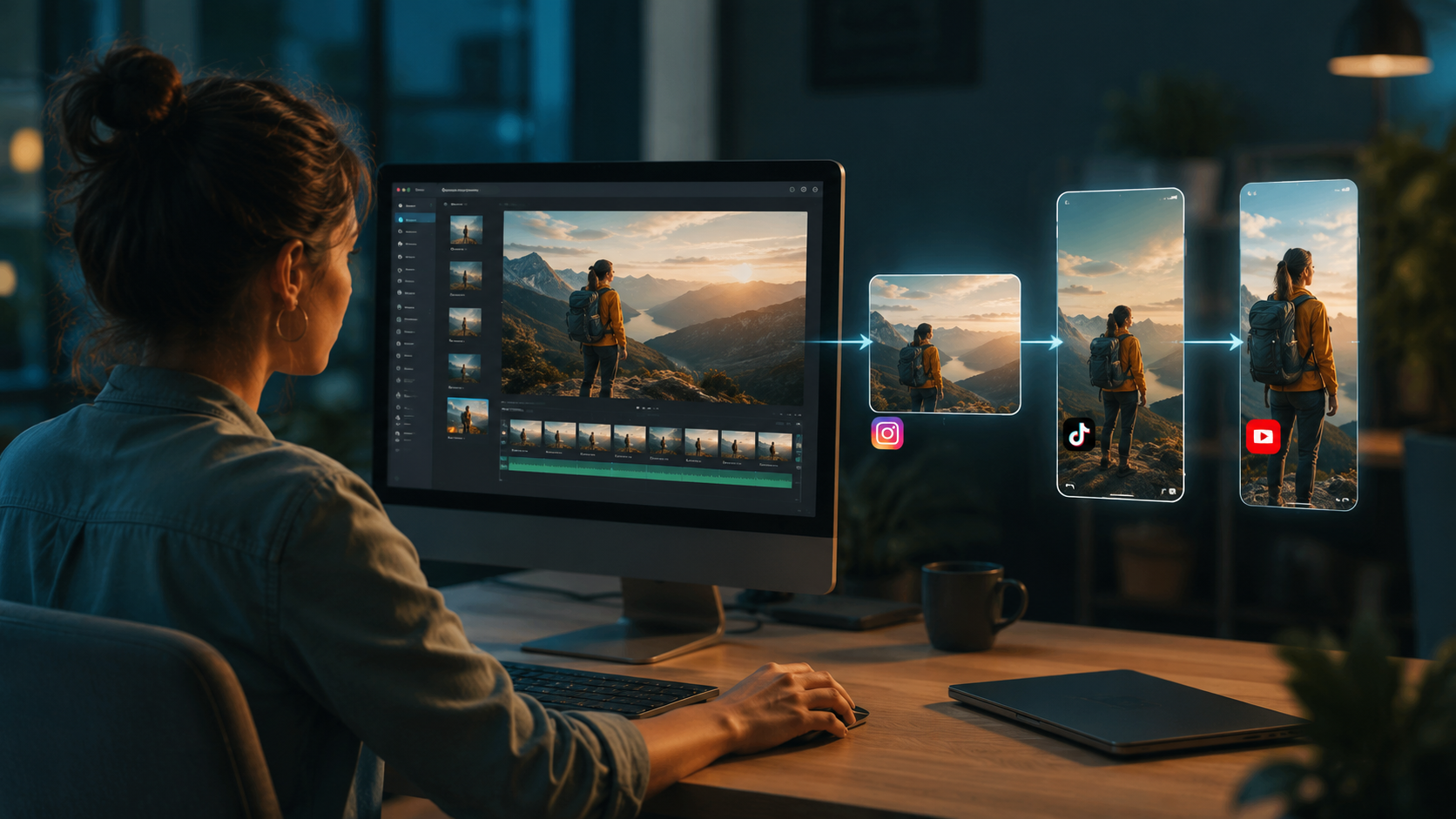
Beyond basic aspect ratio changes, 2026's AI tools offer sophisticated features that elevate video quality:
1. AI-Assisted Smart Cropping
Modern algorithms analyze video frames to identify and track important subjects, ensuring they remain centered during cropping. Digen AI's system achieves 98.7% accuracy in subject detection according to internal tests—a 15% improvement over 2025 models. This prevents awkward cuts where key elements disappear off-screen.
2. Dynamic Background Generation
When converting between aspect ratios (e.g., 16:9 to 9:16), AI can generate context-appropriate backgrounds rather than using simple blur or color fills. The Al Jazeera case study showed how AI-generated backgrounds increased viewer retention by 22% compared to traditional letterboxing.
3. Adaptive Bitrate Optimization
Each social platform applies different compression algorithms. AI tools now pre-optimize videos using platform-specific encoding profiles, reducing quality loss by up to 40% according to 2026 tests by Robotics & Automation News. This is particularly valuable for footage with fine details or rapid motion.
Common Mistakes to Avoid When Resizing Videos with AI
Even with advanced tools, these pitfalls can undermine your results:
1. Neglecting platform-specific requirements - Instagram Reels and TikTok may both use 9:16 aspect ratio, but their ideal resolutions differ (1080x1920 vs 1080x1350). Top-tier AI tools like Digen Agent automatically apply these nuances, but budget solutions might require manual configuration.
2. Overlooking audio synchronization - Some resizing processes can desynchronize audio by 0.5-3 frames. Always preview with sound and use tools that include audio drift correction. G2's testing found this affects 1 in 7 videos resized with basic AI tools.
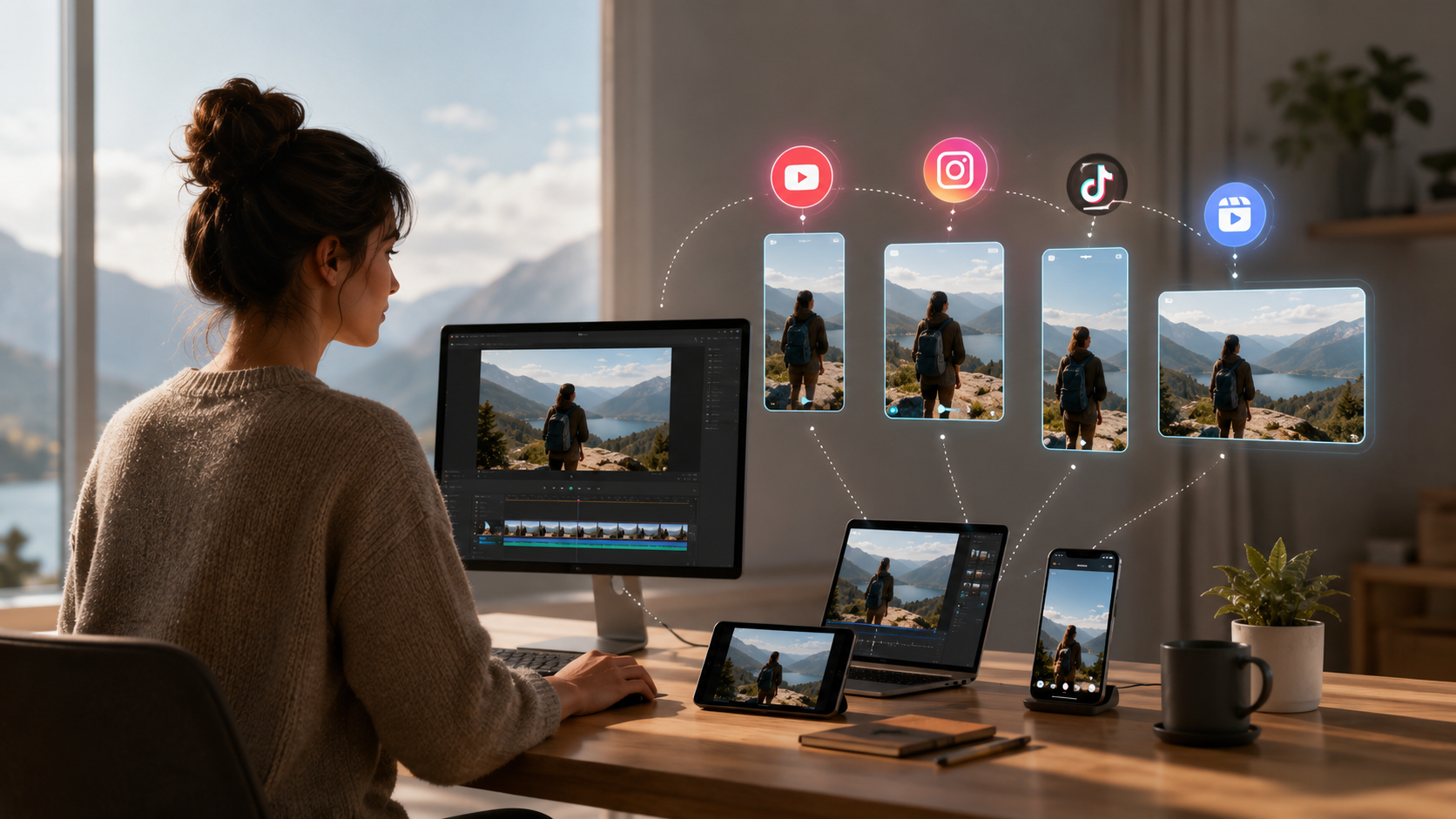
3. Ignoring mobile previews - 89% of social video views occur on mobile devices. The best AI platforms provide true device previews showing how your resized video will appear on iPhone and Android screens, not just desktop monitors.
The Future of AI Video Resizing (2026 and Beyond)
Emerging technologies will further revolutionize how we adapt video content:
1. Real-time format conversion - Cloud-based AI systems are developing live resizing capabilities that adjust videos during upload based on detected platform. Early beta tests show this could save creators 8-12 hours monthly in manual processing time.
2. Context-aware resizing - Next-gen AI will understand video narratives to make smarter cropping decisions. For example, automatically zooming during dialogue scenes or widening for action sequences. Digen AI's R&D team projects this will be standard by Q3 2027.
3. Cross-platform consistency engines - As noted in Robotics & Automation News' July 2026 report, new systems will maintain visual continuity when the same content appears across multiple platforms, automatically adjusting color grading and pacing while preserving core messaging.
Frequently Asked Questions
Does AI video resizing reduce quality?
Modern AI tools can resize videos with minimal quality loss—top solutions like Digen Agent maintain 95%+ VMAF scores according to 2026 benchmarks. Quality preservation depends on starting resolution and the AI's upscaling capabilities.
How long does AI video resizing take?
Processing time varies by video length and tool capability. In 2026 tests, a 1-minute 4K video took 17 seconds with Digen AI Agent versus 2-5 minutes in other tools. Batch processing 10 videos averages 3 minutes with top-tier solutions.
Can AI resize videos while changing formats?
Yes, advanced AI can convert between MP4, MOV, WEBM and other formats during resizing. Some tools like Runway ML even optimize codec selection based on target platform requirements.
Do I need technical skills to use AI resizing tools?
No—2026's AI tools are designed for creators of all skill levels. Platforms like Picsart's AI marketplace offer one-click solutions where specialized agents handle all technical aspects automatically.
How does AI handle subtitles during resizing?
Leading tools detect and reposition subtitles automatically. Digen AI Agent goes further by resizing text proportionally and adjusting timing if the video's pace changes during reformatting.
Written by the Digen AI Editorial Team — AI video generation specialists covering the latest in generative AI tools. Learn more about Digen AI.



Comments ()