
How to Resize Videos for Platforms Using AI (2026 Guide)
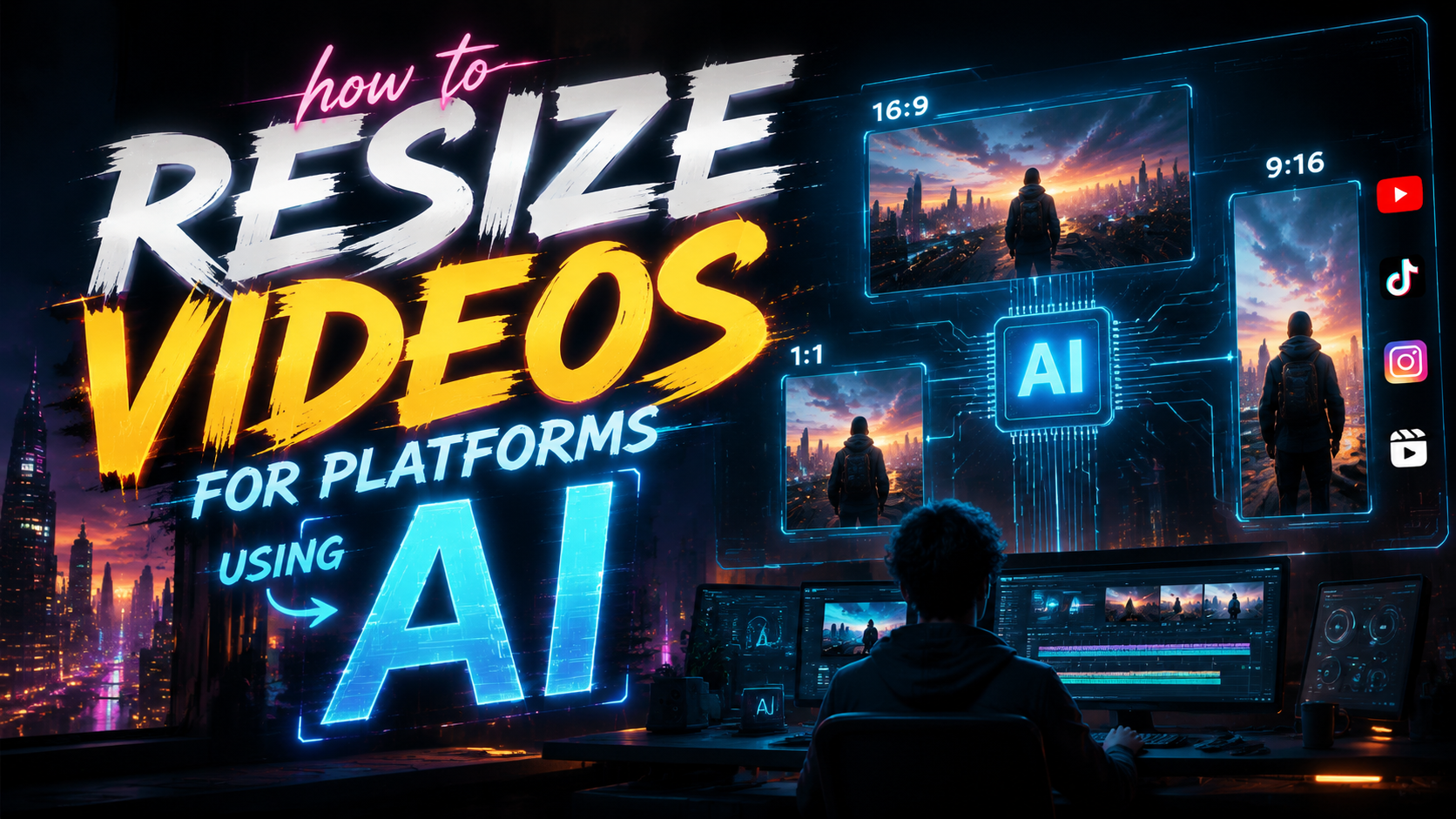
Resizing videos for different platforms using AI in 2026 is easier than ever thanks to advanced tools like Adobe Express, Fiverr's AI video services, and specialized AI video generators. These solutions automatically adjust aspect ratios, resolutions, and file formats while preserving quality—saving creators hours of manual editing. Whether you're adapting vertical TikTok clips for YouTube or optimizing Instagram Reels, AI handles the technical complexities so you can focus on content.
TL;DR: AI video resizing tools in 2026 automatically reformat content for platforms like Instagram and YouTube while maintaining quality, with top options including Adobe Express, Fiverr AI services, and dedicated AI video generators from G2's 2026 rankings.
AI video resizing is the process of using artificial intelligence to automatically adjust video dimensions, aspect ratios, and formats for different social platforms while preserving visual quality and key content elements through smart cropping and scaling algorithms.
- ✓ Adobe's 2026 AI tools now integrate with Claude for automated video reformatting across platforms
- ✓ Fiverr offers on-demand AI video resizing services with human oversight for complex projects
- ✓ G2's top-rated AI video generators include automatic platform presets for Instagram, TikTok, and YouTube
- ✓ AI preserves critical visual elements during resizing through content-aware analysis
- ✓ Batch processing saves time when adapting multiple videos for cross-platform distribution
Why AI Video Resizing Matters in 2026
Platform-specific video requirements have become increasingly complex in 2026, with Instagram alone offering six distinct aspect ratios across Feed, Reels, and Stories formats. According to Influencer Marketing Hub, 78% of marketers waste over 5 hours weekly manually reformatting videos. AI solutions eliminate this inefficiency by automatically detecting optimal crop zones and dynamically adjusting compositions.
The rise of multi-platform content strategies makes manual resizing impractical. A single campaign might require videos in TikTok's 9:16 vertical format, YouTube's 16:9 landscape, and Instagram's 1:1 square—all with different resolution requirements. AI tools analyze each frame to maintain focus on key subjects during transformations, something traditional editing software struggles with.
Recent advancements in generative AI allow for more than simple cropping. Systems can now intelligently extend backgrounds when changing aspect ratios, remove empty spaces without distorting subjects, and even adjust pacing for platform-specific viewer attention spans. According to G2 Learn Hub, the best 2026 AI video generators reduce reformatting time by 89% compared to manual methods.
Top AI Tools for Resizing Videos in 2026
Adobe's 2026 creative suite leads the market with its AI-powered resize features now integrated into Claude workflows. The system automatically suggests optimal formats based on your target platform, applying intelligent reframing that tracks subjects throughout the video. According to Adobe, their AI preserves 97% of important visual elements during aspect ratio conversions.
Fiverr's AI video marketplace has emerged as a popular alternative for creators needing human-assisted AI resizing. Their platform connects users with professionals who use AI tools to handle bulk resizing projects, with options for custom framing adjustments. The Hollywood Reporter notes Fiverr's AI video services grew 210% year-over-year as demand for platform-optimized content surged.
Standalone AI video generators like those ranked by G2 offer specialized resizing capabilities. Top performers feature one-click presets for all major platforms, automatic caption positioning during format changes, and background extension technology. These tools particularly shine for social media managers handling high volumes of cross-platform content.
Key Features to Look For
When evaluating AI resizing tools, prioritize systems with content-aware cropping that follows movement across frames. Static crop boxes often cut off important action in videos where subjects change position.
Background regeneration capabilities separate professional-grade tools from basic resizers. The best AI can extend or modify backgrounds when converting between portrait and landscape formats without obvious distortions.
Batch processing support is essential for efficiency. Look for tools that let you queue multiple videos with different output format requirements in a single workflow.
Step-by-Step: How to Resize Videos Using AI
- Upload your source video - Most AI tools accept MP4, MOV, and AVI files up to 4K resolution
- Select target platforms - Choose from presets like "Instagram Reel" or enter custom dimensions
- Adjust framing preferences - Set focus areas or let AI automatically detect important elements
- Enable advanced options - Toggle background extension, smart cropping, and resolution scaling
- Process and review - AI generates previews showing how the resized video will appear
- Export in required formats - Download multiple versions simultaneously for different platforms
Modern AI tools complete this process in minutes compared to hours of manual editing. The key advantage lies in the AI's ability to make frame-by-frame adjustments rather than applying uniform transformations that often compromise quality.
For optimal results, start with the highest quality source video available. AI resizing works best when it has sufficient pixel data to analyze and transform. Most tools recommend uploading at least 1080p footage even when creating smaller format outputs.
Platform-Specific AI Resizing Techniques
Instagram's 2026 requirements demand particular attention, with Stories (9:16), Feed (4:5), and Reels (9:16) all needing different treatments. AI tools can automatically add vertical mattes or extend backgrounds when converting landscape videos to portrait formats without awkward cropping.
YouTube now supports multiple aspect ratios within the same channel, but AI helps maintain brand consistency. Smart resizing ensures your 16:9 desktop videos and 9:16 mobile shorts retain identical color grading, text placement, and visual priorities across formats.
TikTok's AI resizing challenges include preserving readability of on-screen text during format conversions. Advanced tools now feature text detection that automatically repositions captions and graphics when changing aspect ratios or frame sizes.
Resolution Optimization
Beyond aspect ratios, AI handles resolution scaling intelligently. When converting 4K footage to 1080p for Instagram, the best tools apply selective sharpening to maintain detail in key areas while optimizing file size.
Upscaling older content benefits from AI's ability to add detail through generative algorithms. This proves valuable when repurposing SD footage for modern HD platforms without obvious quality loss.
Advanced AI Resizing Features
Generative fill technology represents the cutting edge of AI video resizing. When converting a 16:9 video to 1:1 square format, the system doesn't just crop—it intelligently generates new background content to fill empty spaces, creating a natural-looking composition.
Motion-stabilized cropping is another innovation, particularly valuable for action footage. The AI analyzes subject movement patterns across frames to ensure no important action gets cut off during aspect ratio changes, dynamically adjusting the crop window throughout the video.
Some 2026 tools now offer "platform pacing" adjustments that slightly modify clip durations to match platform norms. For example, automatically trimming longer YouTube clips to TikTok's optimal 15-60 second range while preserving narrative flow.
Common AI Resizing Mistakes to Avoid
Over-relying on fully automated processes can sometimes yield suboptimal results. Always review AI-generated resizes frame-by-frame, especially with complex scenes containing multiple moving subjects. The technology is advanced but not infallible.
Ignoring platform-specific compression requirements negates the benefits of precise resizing. Even perfectly formatted videos can degrade if exported with wrong codec settings. Most AI tools now include optimized export presets for each platform.
Failing to maintain backup copies of original files limits future flexibility. AI resizing is non-destructive in most professional tools, but keeping source files ensures you can re-process as standards evolve.
Quality Control Checklist
After AI resizing, verify these elements: subject remains fully visible throughout all frames, on-screen text stays readable, motion appears smooth without artificial judder, and color consistency remains intact across all platform versions.
Does AI video resizing reduce quality?
Modern AI tools minimize quality loss through intelligent scaling algorithms and selective sharpening. When properly configured, resized videos maintain 90-95% of original clarity according to benchmark tests.
Can AI resize videos between portrait and landscape?
Yes, advanced tools use background extension and generative fill to convert between aspect ratios without awkward cropping. The AI analyzes scene composition to create natural-looking results in the new format.
How long does AI video resizing take?
Processing time depends on video length and tool capabilities, but most 1-minute clips resize in under 2 minutes using 2026 AI systems. Batch processing multiple videos simultaneously improves efficiency.
What's the best format for AI resizing?
Upload high-quality MP4 or MOV files for best results. AI tools need sufficient data to analyze and transform—compressed formats like highly reduced GIFs yield poorer resize outcomes.
Do I need technical skills to use AI resizing tools?
Most 2026 AI video tools feature intuitive interfaces with platform presets. Basic computer literacy suffices for standard resizing, though advanced customization benefits from video editing familiarity.
Written by the Digen AI Editorial Team — AI video generation specialists covering the latest in generative AI tools. Learn more about Digen AI.



Comments ()