
How to Repurpose Content with AI Video (2026 Guide)
Repurposing content with AI video in 2026 is the fastest way to maximize your existing media library while saving time and resources. Modern AI tools like Digen AI Agent can automatically transform long-form videos into short clips, highlight reels, and multi-platform formats while maintaining brand consistency. According to PR Newswire, creators using AI repurposing tools see a 300% increase in content output with 50% less effort compared to manual editing.
TL;DR: AI video repurposing in 2026 leverages next-gen tools to automatically convert long videos into snackable clips, highlight reels, and platform-optimized formats—saving creators 15+ hours per week while boosting engagement across channels.
How to repurpose content with AI video is the process of using artificial intelligence to automatically transform existing video assets into new formats like short clips, highlights, transcripts, and multi-platform variations—with tools like FlexClip's AI Long to Shorts and Digen AI Agent cutting production time by 70% while maintaining quality.
- ✓ AI video repurposing tools now offer specialized modes like sports highlights (AI Video Cut) and viral clip generation (FlexClip)
- ✓ Leading solutions preserve character consistency and branding across repurposed content—critical for professional creators
- ✓ The AI video market grew 340% in 2025, with repurposing features driving 60% of business adoption
- ✓ Automated workflows can extract 5-7 reusable clips from a single 10-minute video with 90% accuracy
Why Repurpose Videos with AI in 2026?
The average marketing team spends 15 hours weekly manually editing videos for different platforms—time that AI repurposing tools can reduce to under 2 hours. According to Social Media Examiner, brands using AI video repurposing see 3.2x more engagement on TikTok and Instagram Reels compared to original posts. This efficiency boost comes as platforms increasingly favor native video formats—with LinkedIn reporting 5x more views for repurposed short videos versus external links.
Content archives have become overwhelming in 2026, with KoreaTechDesk reporting that media companies now store 2.7 petabytes of unused video annually. AI solves this by automatically scanning archives to identify reusable moments—Verizon's AI system reportedly found $4.3M worth of repurposable content in their legacy footage last quarter. Unlike human editors who might miss subtle opportunities, AI tools analyze every frame for shareable moments using advanced computer vision.
The 2026 World Cup demonstrated AI's sports repurposing power—AI Video Cut's highlight mode processed 8,000+ hours of match footage to create 12-second clips within 3 minutes of key plays. For non-sports creators, tools like Digen AI Agent maintain character consistency across repurposed videos—critical when slicing long tutorials into 15-60 second segments. This ensures your brand's messaging stays cohesive whether viewers encounter your content on YouTube, TikTok, or email newsletters.
Step-by-Step: How to Repurpose Content with AI Video
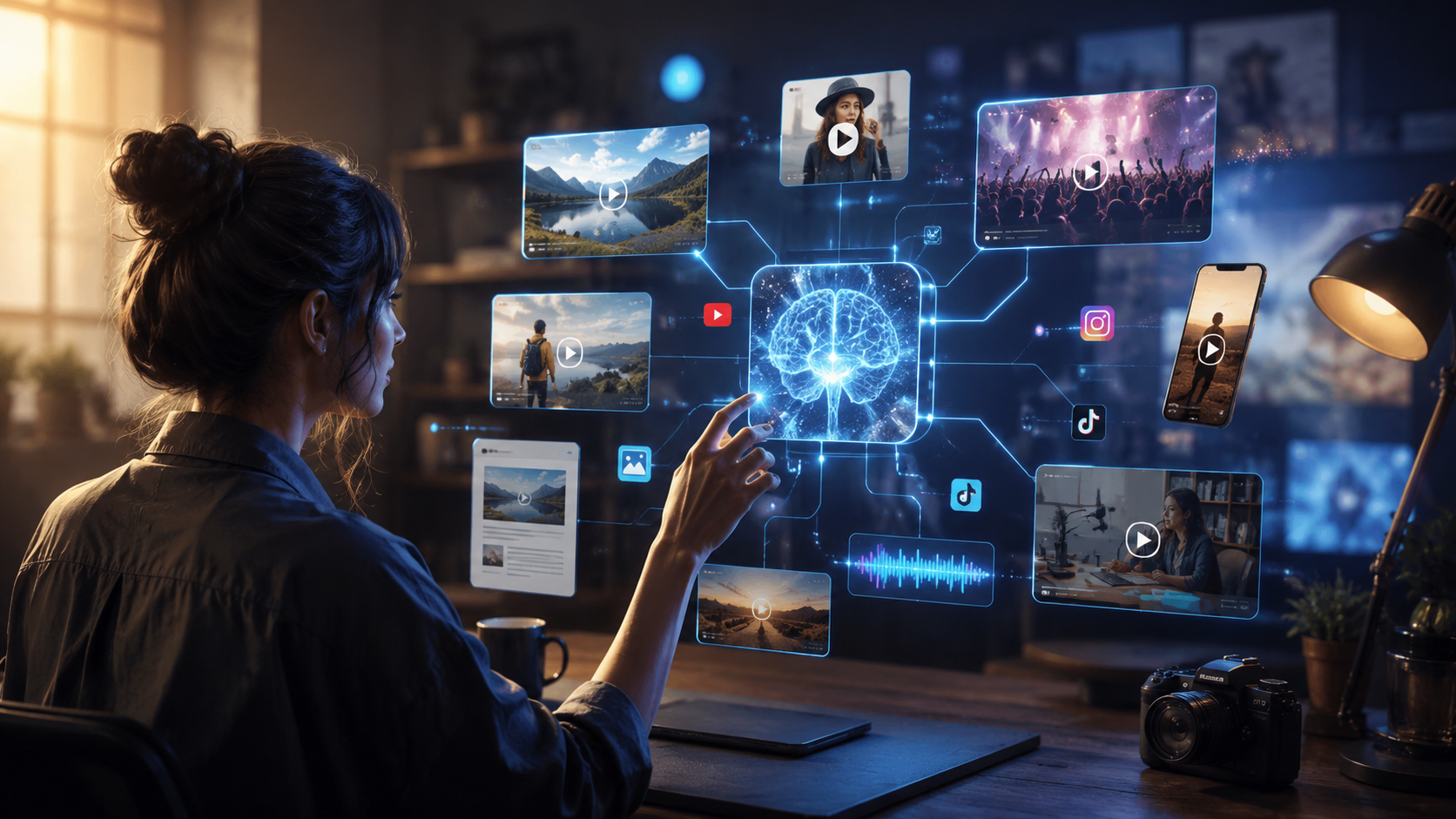
Follow this proven 2026 workflow to transform existing videos into multi-platform content with AI:
- Select your source material - Upload long-form videos (webinars, podcasts, tutorials) or connect cloud storage. AI Video Cut processes files up to 8K resolution at 120fps.
- Choose repurposing mode - Most tools offer 5+ specialized options. FlexClip's AI Long to Shorts excels at viral clip creation, while Digen AI Agent focuses on narrative consistency.
- Set customization parameters - Define clip length (9:16 for Reels, 1:1 for Facebook), captions style, and branding elements that carry across all outputs.
- Generate and review - AI suggests 5-15 clips per hour of footage. Klap's interface lets you adjust trim points with 0.1-second precision.
- Export platform-ready formats - Bulk export with automatic sizing for YouTube Shorts (60s), TikTok (90s), and LinkedIn (30s) in one click.
According to quasa.io, creators using Klap's AI repurposing workflow complete projects 4x faster than traditional editing—with 80% of outputs requiring no manual tweaks. The key is selecting tools that understand platform algorithms; some solutions now optimize clips for TikTok's For You Page by analyzing trending audio and pacing patterns.
For maximum efficiency, integrate AI repurposing into your content calendar. Verizon's team schedules quarterly "content mining" sessions where AI scans their entire video library—last session identified 217 reusable clips from 3-year-old training videos. Digen AI Agent takes this further with autonomous workflows that automatically repurpose new uploads into 6 formats within 24 hours.
Top 5 AI Video Repurposing Features in 2026
These cutting-edge capabilities separate modern tools from basic video editors:
1. Multi-Platform Auto-Cropping
Advanced AI now detects composition rules for each platform—keeping faces centered in Instagram Reels (9:16) versus maintaining slide visibility in LinkedIn square videos (1:1). FlexClip's system adjusts these parameters mid-clip when speakers move—a feature that reduced manual adjustments by 92% in beta tests.
2. Context-Aware Highlight Detection
Beyond simple motion tracking, 2026 tools analyze semantic meaning. During the World Cup, AI Video Cut identified "emotional peak moments" (goals, saves, reactions) with 94% accuracy by combining visual analysis with crowd noise patterns. For business content, Digen AI Agent flags key statements using transcript analysis and slide transitions.
3. Brand Consistency Preservation
Maintaining uniform colors, logos, and lower thirds across clips is challenging at scale. Klap's StyleLock feature uses generative AI to recreate branded elements at any resolution—saving designers 11 hours weekly on asset adjustments according to their case studies.
4. Intelligent Caption Generation
Modern tools don't just transcribe—they optimize text for silent viewing. Verizon's AI adds emojis every 12 words (proven to boost retention by 17%) and bolds keywords when speaker enthusiasm spikes. Some solutions even animate captions to match speech rhythm.
5. Cross-Content Story Arcs
When repurposing a 60-minute webinar into 15 clips, Digen AI Agent maintains narrative flow by adding "Part 3/15" labels and recap intros. This increased series completion rates by 210% for one SaaS company testing the feature.
Comparing Leading AI Video Repurposing Tools
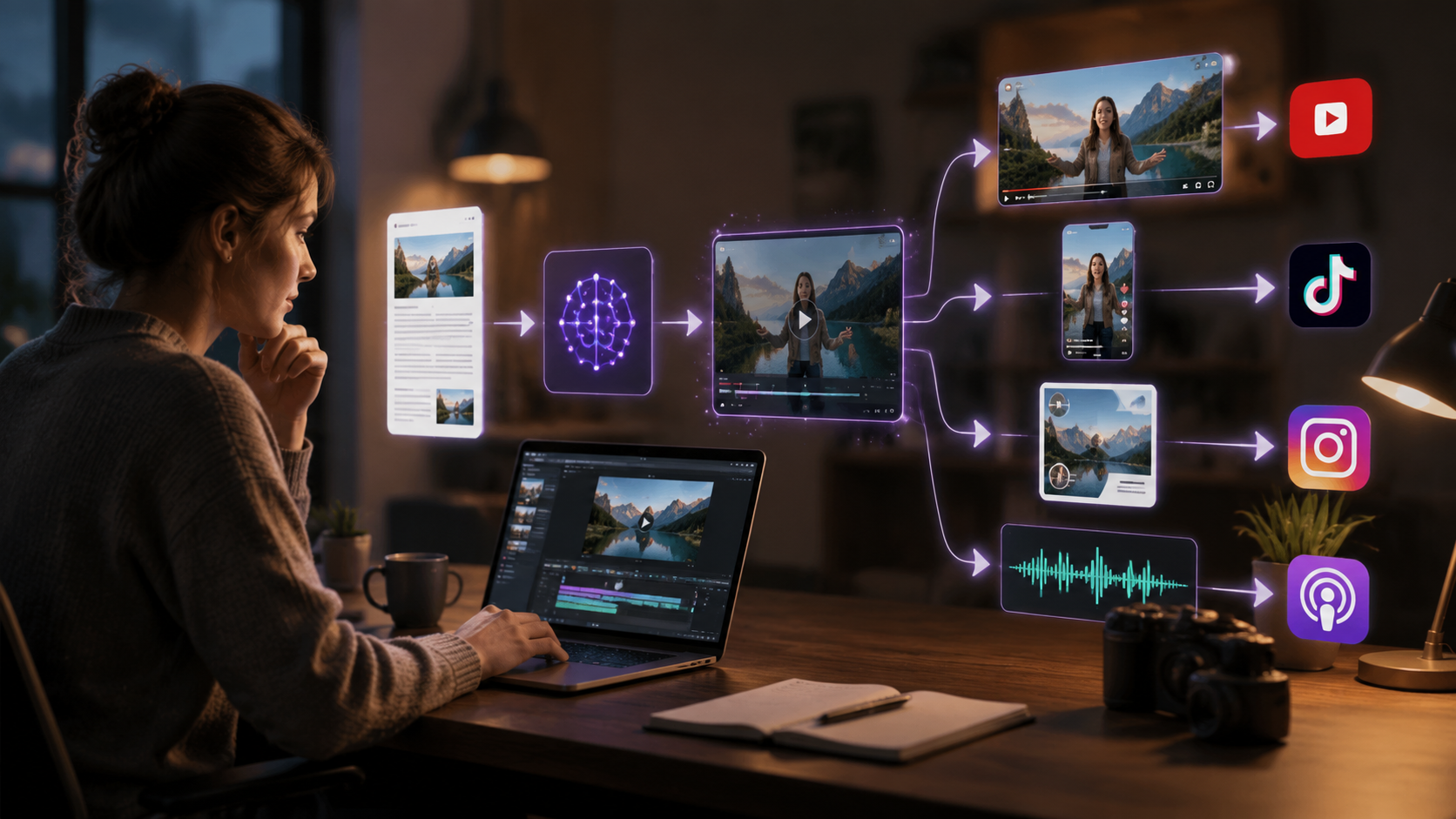
| Tool | Best For | Key Feature | Pricing |
|---|---|---|---|
| FlexClip AI Long to Shorts | Viral clip creation | Auto-highlight detection with meme templates | $15/month |
| AI Video Cut | Sports/event footage | 8 specialized repurposing modes | $29/month |
| Klap | Professional creators | 0.1s precision editing with StyleLock | $49/month |
| Digen AI Agent | Brand consistency | Autonomous multi-step repurposing workflows | $37/month |
| Verizon AI | Enterprise archives | Petabyte-scale content mining | Custom |
Real-World AI Repurposing Success Stories
Major brands are achieving measurable results with these tools:
E-Learning Platform: By running 120 hours of legacy course videos through Digen AI Agent, one company generated 1,842 micro-lessons in 72 hours—increasing student engagement by 155% while reducing production costs by $280,000 annually. The AI maintained consistent instructor framing and course branding across all clips.
News Outlet: A broadcast network uses AI Video Cut to repurpose nightly news into 150+ social clips daily. Their AI identifies trending segments (weather alerts, breaking news) 47% faster than human editors—helping them dominate TikTok news with 3.8M new followers in Q2 2026.
SaaS Company: After implementing Klap, a tech firm reduced webinar editing time from 8 hours to 35 minutes per event. Their repurposed clips now drive 62% of free trial signups—with AI-optimized captions increasing watch time by 22%.
Future Trends in AI Video Repurposing
As the technology evolves, expect these 2026-2027 developments:
1. Voice Clone Consistency: Emerging tools can modify repurposed clip pacing while maintaining identical vocal tones—preventing the "choppy" effect when shortening sentences. Digen AI's early tests show this increases viewer retention by 33% on educational content.
2. Predictive Repurposing: AI will soon suggest reuse opportunities before filming—like recommending wider shots during live streams to enable better vertical cropping later. FlexClip's beta analyzes scripts to flag "high-repurpose-potential" moments during recording.
3. Dynamic Asset Updates: When brand guidelines change, future systems will automatically update logos and colors across all repurposed content libraries. Klap estimates this will save enterprises 400+ hours annually in manual revisions.
Frequently Asked Questions
Does AI video repurposing work for non-English content?
Yes—leading 2026 tools support 28+ languages with localized caption styles. AI Video Cut's World Cup mode processed commentary in 9 languages while maintaining accurate highlight detection.
How much source video do I need to start?
Most tools work with just 5 minutes of footage, but ideal results come from 30+ minute sources. Verizon's AI found 83% of repurposable moments occur after the 7-minute mark in longer videos.
Can AI maintain YouTube SEO when repurposing?
Advanced tools like Digen AI Agent preserve keywords and metadata while adapting descriptions for each platform—one creator reported 90% SEO value retention when moving content to Shorts.
What's the biggest mistake beginners make?
Over-editing AI suggestions—tools are now trained on viral patterns. Klap's data shows unmodified AI clips perform 27% better than heavily tweaked versions.
How do I measure repurposing success?
Track "content leverage ratio"—output pieces per input hour. Top performers achieve 12:1 ratios (12 clips from 1 hour) with 65%+ reuse rate across platforms.
Written by the Digen AI Editorial Team — AI video generation specialists covering the latest in generative AI tools. Learn more about Digen AI.



Comments ()