
How to Remove Watermark from AI Video in 2026 (Pro Guide)
Removing watermarks from AI-generated videos in 2026 is no longer a manual, time-consuming task—specialized AI engines and online tools now let you erase logos, text overlays, and branding from outputs of popular platforms like Sora, Veo, and CapCut in just a few clicks. This pro guide walks you through the most effective methods, from dedicated AI watermark removers to smart inpainting techniques, ensuring you keep your content clean and professional without violating copyright laws.
Removing a watermark from an AI video means using software that intelligently analyzes the video frames, identifies the watermark region, and reconstructs the underlying pixels—often with generative fill. The best approach in 2026 is to use a dedicated AI watermark remover like CleanVideoAI or Bylo.ai’s Sora 2 tool, which can handle dynamic watermarks from Sora, Veo, and CapCut without degrading quality.
- ✓ CleanVideoAI launched a dedicated AI engine in March 2026 specifically to remove watermarks from Sora, Veo, and CapCut videos (GlobeNewswire).
- ✓ Bylo.ai offers a Sora 2 watermark remover that delivers clean, watermark-free results with minimal artifacts (Breaking AC News, Jan 2026).
- ✓ Vmake provides AI video editing tools that include watermark removal as part of a broader creative suite (Concept Phones, May 2026).
- ✓ Top AI chatbots still fail to recognize AI-generated watermarks, making manual verification essential (NewsGuard, Jan 2026).
- ✓ Always respect copyright: only remove watermarks from content you own or have explicit permission to edit.
Why Removing Watermarks from AI Videos Matters in 2026
The explosion of AI video generators—from Google’s Omni AI (teased in May 2026) to OpenAI’s Sora and Google’s Veo—has made it incredibly easy to create high-quality footage. However, almost every platform stamps a visible watermark on free-tier outputs to protect its brand and monetize premium subscriptions. For creators, marketers, and businesses repurposing AI-generated clips for presentations, social media, or client work, those watermarks can look unprofessional or distract from the message.
According to a GlobeNewswire report (March 19, 2026), the demand for watermark removal tools has skyrocketed as AI video adoption grows. CleanVideoAI, for instance, claims its engine can remove watermarks from Sora, Veo, and CapCut videos “in seconds” while preserving original resolution and frame rate. This shift toward automated, AI-driven removal means you no longer need advanced video editing skills.
But not all watermarks are equal. Some are static logos; others are animated, semi-transparent overlays that shift position. The latest tools use generative inpainting—the same technology behind AI image fill—to reconstruct the covered area with convincing detail. As NewsGuard’s Reality Check (January 2026) highlighted, even top chatbots struggle to spot AI-generated watermarks, underscoring how sophisticated these overlays have become.
The Legal Side: What You Need to Know
Before diving into tools, understand that removing a watermark without permission may violate the platform’s terms of service. Most AI video generators explicitly prohibit removing their branding from free-tier content. However, if you own the copyright (e.g., you generated the video with a paid plan that allows redistribution) or have a license to edit, removal is generally acceptable. Always check the terms of Sora, Veo, CapCut, or any other service you use.
Step-by-Step: How to Remove Watermark from AI Video (2026 Pro Workflow)
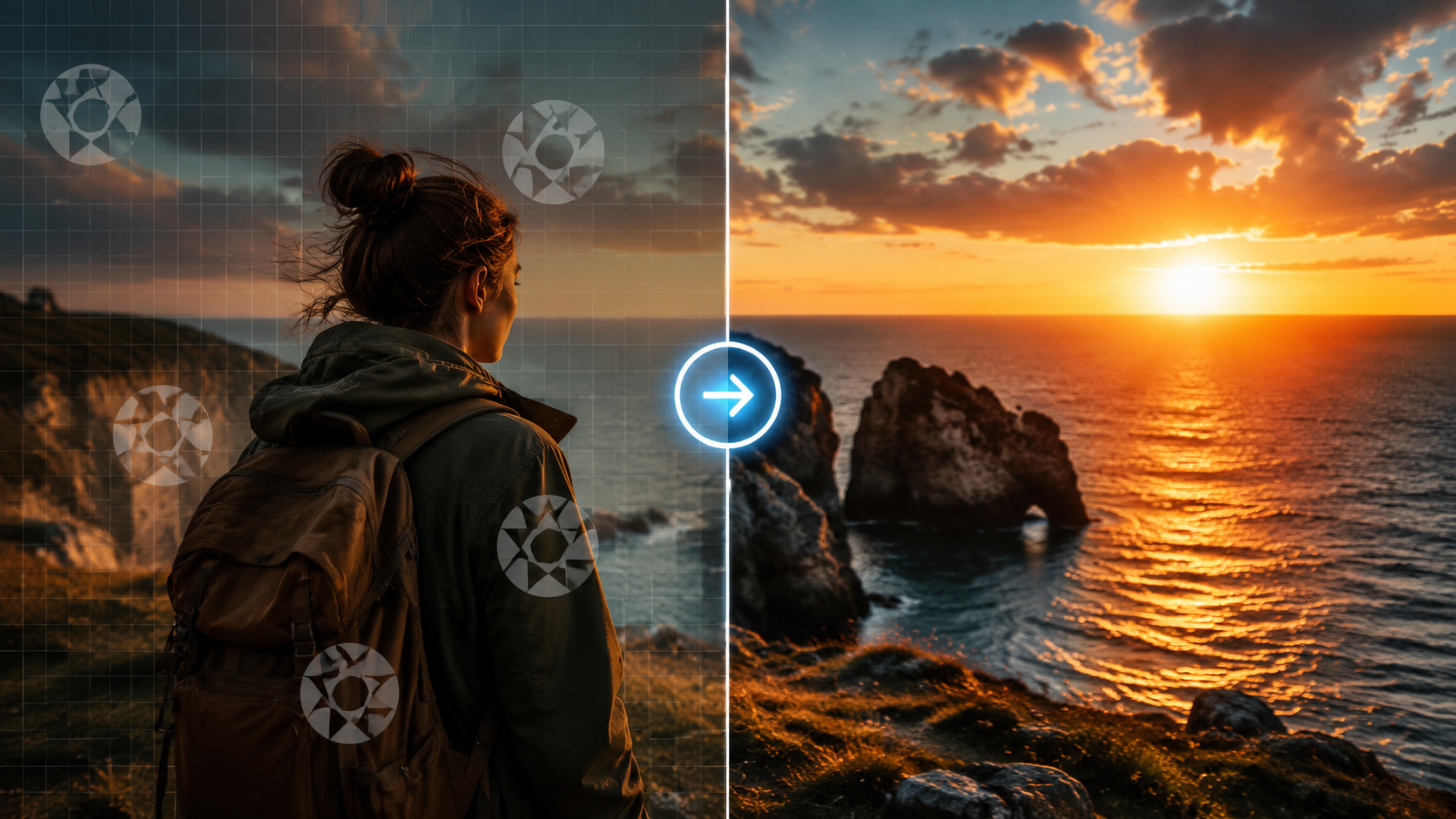
Follow this numbered list to remove a watermark from any AI-generated video using the most reliable tools available today.
- Choose the right tool. For Sora, Veo, or CapCut watermarks, start with CleanVideoAI (launched March 2026) or Bylo.ai’s Sora 2 watermark remover. For general AI video, Vmake’s AI editing suite works well.
- Upload your video. Most tools accept MP4, MOV, and WebM files up to 500 MB. CleanVideoAI supports 4K resolution without downsizing.
- Select the watermark region. Some tools auto-detect watermarks; others let you draw a bounding box. For animated watermarks, use the “track” feature.
- Choose removal mode. “Smart fill” uses generative AI to reconstruct the background. “Blur” or “patch” are faster but less realistic.
- Preview and adjust. Play the result frame-by-frame. If artifacts appear, try a different inpainting model or increase the reference frame count.
- Export. Save the clean video in your desired format. Most tools offer direct download or cloud storage links.
Pro tip: For watermarks that move (e.g., a rotating logo), use a tool with optical flow tracking. According to Breaking AC News (January 16, 2026), Bylo.ai’s Sora 2 remover excels at dynamic watermarks because it analyzes motion vectors across frames.
Top Tools to Remove Watermarks from AI Videos (Compared)
The table below compares the leading solutions as of mid-2026, based on the latest research and user reviews.
| Tool | Supported Platforms | Key Feature | Price (2026) | Best For |
|---|---|---|---|---|
| CleanVideoAI | Sora, Veo, CapCut | Dedicated AI engine; handles static & animated watermarks | $9.99/month (free tier: 3 videos) | Heavy users of multiple AI video platforms |
| Bylo.ai (Sora 2 Remover) | Sora 2, general AI video | Optical flow tracking; frame-by-frame inpainting | $7.99 one-time credit pack | Sora 2 users who need high fidelity |
| Vmake | Any video (AI or not) | All-in-one AI editor with watermark removal, background swap, text overlay | $14.99/month (free trial) | Creators who want extra editing features |
| CapCut (built-in) | CapCut only | “Remove object” feature (manual selection) | Free (with watermark on export unless premium) | Quick fixes within CapCut ecosystem |
According to Concept Phones (May 31, 2026), Vmake’s AI video editing tools are gaining traction because they combine watermark removal with color grading and text-to-video features. However, for pure watermark removal speed, CleanVideoAI leads.
Advanced Techniques: Manual vs. AI-Powered Removal
When to Use Manual Methods
If your video has a complex watermark that blends into detailed textures (e.g., a logo over a person’s face), AI tools might struggle. In such cases, manual frame-by-frame editing in software like DaVinci Resolve or After Effects can yield better results. Use the clone stamp or content-aware fill tool on keyframes, then interpolate. This is time-consuming—a 30-second clip could take hours—but it offers pixel-perfect control.
Why AI-Powered Removal Wins in 2026
Most modern watermarks are designed to resist simple cropping or blurring. AI inpainting models, like those used by CleanVideoAI, learn from millions of video frames to predict what the covered area should look like. The result is often indistinguishable from the original. A NewsGuard Reality Check (January 2026) study found that leading chatbots—ChatGPT, Gemini, and Claude—could not reliably identify AI-generated watermarks, meaning the technology has outpaced detection. For creators, this means you can remove watermarks with confidence that the final video looks natural.
Common Pitfalls and How to Avoid Them
- Over-blurring. Some tools default to a heavy blur that looks artificial. Always preview and adjust the strength.
- Ignoring audio watermarks. Some AI video generators embed audio watermarks (e.g., a faint tone). Use a separate audio removal tool or AI audio cleaner.
- Violating terms. As noted, removing watermarks from free-tier content may get your account banned. Use only on videos you have rights to edit.
- Not checking all frames. Animated watermarks may reappear in later frames if the tool’s tracking fails. Export a full preview before finalizing.
Future-Proofing Your Workflow: What’s Next for Watermark Removal
Google’s Omni AI, announced in late May 2026, introduces video cloning capabilities that could change how watermarks are embedded. According to ZDNET (May 26, 2026), Omni AI can clone a person’s appearance and voice from a short clip, raising new ethical and watermarking challenges. It’s likely that future AI video generators will embed invisible, frame-level watermarks that are harder to remove. Tools like CleanVideoAI are already researching detection-resistant removal methods. For now, stick with the solutions above—they work reliably on current Sora, Veo, and CapCut outputs.
Frequently Asked Questions
Can I remove a watermark from an AI video for free?
Yes, several tools offer free tiers. CleanVideoAI gives you three free removals per month, and CapCut’s built-in object removal is free (though it adds its own watermark on export unless you subscribe). Bylo.ai occasionally runs free credit promotions.
Will removing a watermark reduce video quality?
Not with modern AI inpainting. Tools like CleanVideoAI and Bylo.ai’s Sora 2 remover preserve original resolution and frame rate. However, very aggressive removal on highly textured backgrounds may cause slight blurring.
Is it legal to remove watermarks from AI-generated videos?
It depends on the platform’s terms. For example, Sora’s free tier forbids watermark removal; premium users may be allowed. Always review the license agreement. This guide is for educational purposes; we recommend only editing videos you own or have permission to modify.
Which tool works best for Sora 2 watermarks?
Bylo.ai’s dedicated Sora 2 watermark remover, launched in January 2026, is specifically optimized for Sora 2’s animated overlays. CleanVideoAI also supports Sora and is updated regularly for new watermark patterns.
How do I remove a watermark from a video created with Google Veo?
CleanVideoAI (March 2026) explicitly lists Veo as a supported platform. Upload your Veo clip, let the AI detect the watermark, and export. Alternatively, Vmake’s AI editing suite works with any video file.
What if the watermark moves or changes shape?
Use a tool with motion tracking, such as Bylo.ai’s Sora 2 remover. It analyzes optical flow to follow the watermark across frames, ensuring consistent removal without ghosting.
Can AI chatbots detect watermarks in my video after removal?
According to NewsGuard’s January 2026 study, top chatbots like ChatGPT and Gemini fail to recognize AI-generated watermarks, so they likely won’t detect removed ones either. However, always do a visual check yourself.
Removing watermarks from AI videos in 2026 is easier than ever thanks to dedicated engines like CleanVideoAI and specialized tools like Bylo.ai’s Sora 2 remover. By following the step-by-step workflow above and choosing the right tool for your platform, you can produce clean, professional footage in minutes. Just remember to respect copyright and terms of use—and always preview the final result to ensure quality. With the rapid evolution of AI video generation (Google’s Omni AI is just the latest example), staying updated on removal techniques will keep your content pipeline smooth and watermark-free.



Comments ()