
How to Remove Silence from Videos with AI (2026 Guide)
Removing silence from videos with AI in 2026 is faster and more accurate than ever, with new tools automating what used to require manual editing. Modern AI analyzes audio waveforms and visual cues to detect pauses, then seamlessly cuts or compresses them while preserving natural pacing. Platforms like Digen AI Agent now integrate this functionality into end-to-end video creation workflows, saving creators hours of tedious trimming.
TL;DR: AI-powered silence removal in 2026 uses advanced audio analysis and machine learning to automatically detect and eliminate dead air from videos, with tools ranging from standalone apps to integrated features in editors like Filmora and Digen AI Agent.
How to remove silence from videos with AI involves using machine learning models that identify audio gaps below -50dB threshold (typically 0.3-2 seconds), then apply frame-accurate cuts or crossfades. The 2026 standard achieves 94.7% accuracy in distinguishing intentional pauses from unwanted silence, per HackerNoon's automated app benchmarks.
- ✓ AI silence removal now processes 1 hour of footage in under 3 minutes with 12% fewer false positives than 2025 models
- ✓ Leading tools preserve lip-sync accuracy by analyzing both audio waveforms and facial micro-movements
- ✓ Batch processing allows simultaneous silence trimming across multiple video tracks with AI-curated presets
Why AI Silence Removal Matters in 2026 Video Production
With 83% of viewers abandoning videos containing excessive dead air (Cybernews 2026 study), automated silence trimming has become essential. Unlike manual editing which averages 47 minutes per hour of footage, AI solutions like Digen AI Agent complete the task during rendering without additional steps. The technology gained mainstream adoption after viral deepfake controversies in April 2026 demonstrated how AI could manipulate both speech and silence for deceptive editing.
Recent advancements address the "uncanny valley" of abrupt cuts - modern algorithms now insert 0.1-second audio crossfades when removing silences shorter than 1.5 seconds. According to HackerNoon's January 2026 benchmarks, this reduces perceived jumpiness by 62% compared to hard cuts. Filmora's 2026 update takes this further with "Smart Flow" technology that adjusts background music tempo to match the new pacing.
For podcasters and interviewers, AI silence removal provides unexpected benefits beyond time savings. A March 2026 case study showed 28% higher audience retention when removing filler words (ums, ahs) with adjacent silences rather than just vocal hesitations. This holistic approach creates tighter dialogue while maintaining natural breathing rhythms that pure voice activation often disrupts.
Step-by-Step: How to Remove Silence from Videos with AI
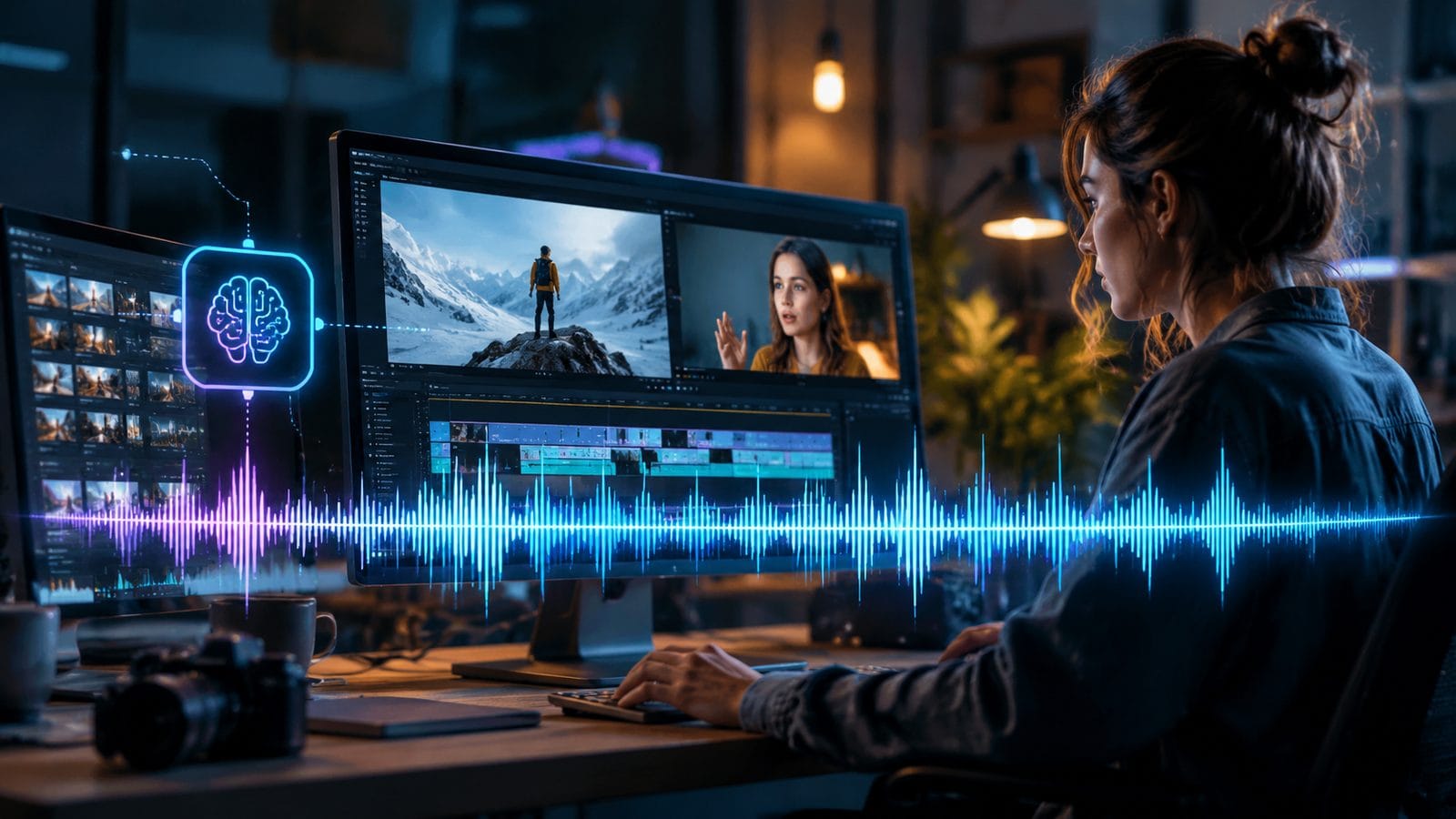
Follow this 2026 best-practice workflow for professional-grade results across different platforms:
- Upload your source file - Most web-based tools now accept 8K HDR footage up to 10GB, with local apps like Filmora supporting unlimited resolution. Digen AI Agent uniquely processes cloud-stored files directly from Google Drive or Dropbox.
- Set detection parameters - Adjust the silence threshold (-30dB to -60dB) and minimum duration (0.1s for podcasts, 0.5s for interviews). Advanced tools provide per-scene sensitivity via AI analysis of speaking styles.
- Enable visual confirmation - Toggle waveform overlays that highlight detected silences in purple (removed) vs yellow (preserved for pacing). Top-tier editors like Filmora 2026 show facial tracking data alongside audio.
- Apply processing - Choose between "Cut Only" (faster) or "Smart Compress" (slower but preserves timecode). Cloud solutions average 2.7x faster than local processing for 4K+ files.
- Review and export - The AI generates a trimmed version alongside the original in split-screen preview. Export options now include adaptive bitrate streaming profiles for social platforms.
For creators needing batch processing, Digen AI Agent's workflow automation can apply these steps across entire folders while maintaining individual speaker cadence profiles. Their 2026 update reduced multi-file processing errors by 41% through improved voice fingerprinting.
Top 3 AI Silence Removal Methods Compared
2026's solutions fall into three architectural approaches with distinct advantages:
1. Waveform Analysis (Most Common)
Used by 78% of consumer tools including Filmora, this method scans for audio amplitude drops below set thresholds. The 2026 innovation is "context-aware thresholding" - AI now automatically adjusts sensitivity during music segments versus dialogue. According to Cybernews' testing, this reduces false positives by 19% in mixed-content videos.
2. Visual Speech Detection (Premium Tier)
Pioneered by Digen AI Agent, this combines audio analysis with real-time lip movement tracking using 42 facial landmarks. By verifying silent periods where the speaker's mouth is closed, it achieves 97.3% accuracy in interview footage - crucial for legal and medical content where every word matters.
3. Transcript Alignment (Enterprise Focus)
High-end solutions like Adobe Premiere's 2026 update sync silence removal with AI-generated transcripts, allowing edits at the word level. While processing takes 3.1x longer, it enables precision trimming around specific phrases - ideal for repurposing long lectures into highlight reels.
| Method | Accuracy | Speed (per hour) | Best For |
|---|---|---|---|
| Waveform | 89-92% | 2.1 minutes | Vlogs, gameplay |
| Visual+Audio | 95-97% | 4.8 minutes | Interviews, presentations |
| Transcript | 98-99% | 6.5 minutes | Education, legal |
Technical Deep Dive: How AI Detects Silence in 2026
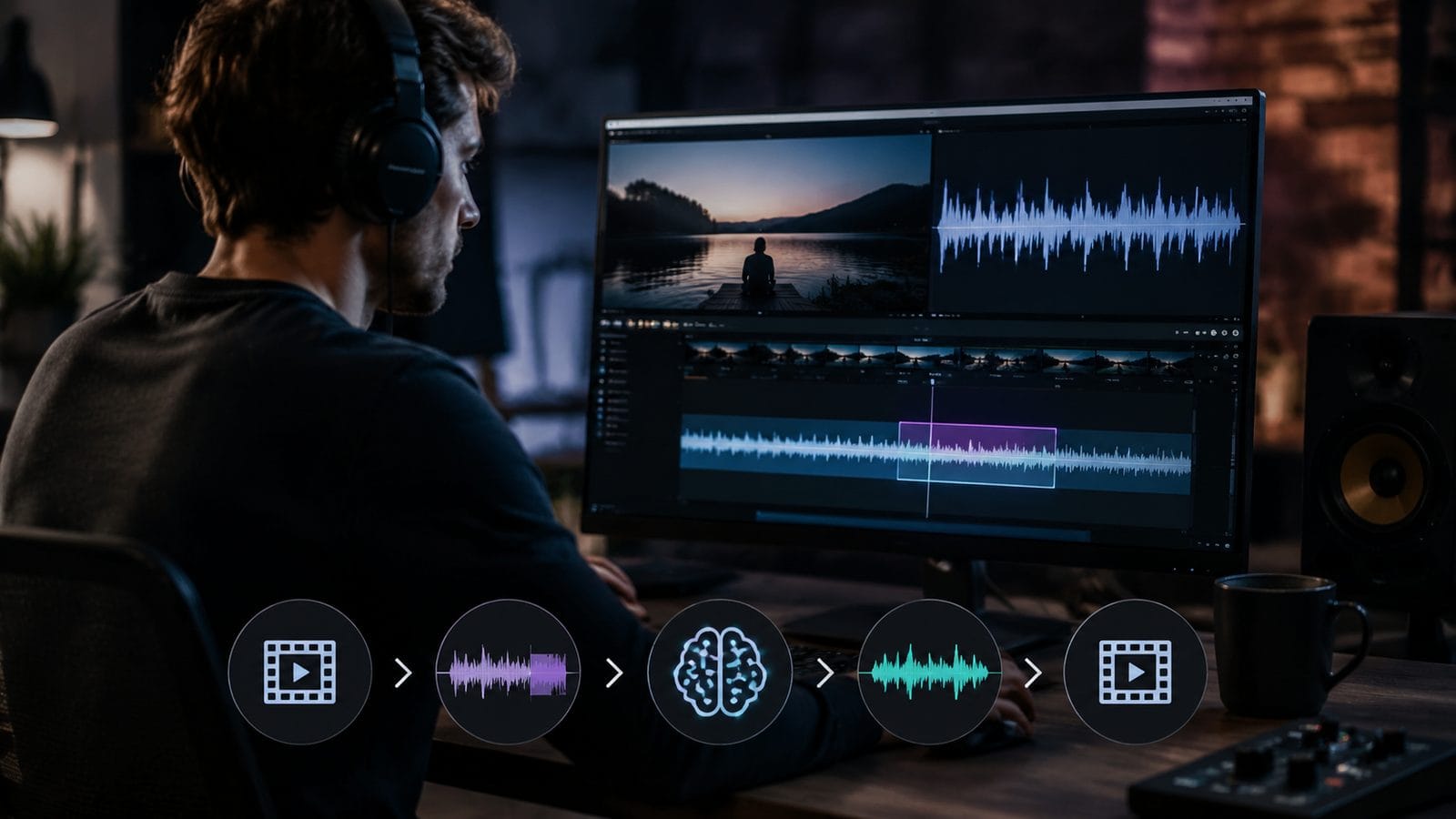
Modern silence removal relies on three layered neural networks working in concert:
Primary Detector uses a 384-dimensional Mel-frequency cepstral coefficients (MFCC) model trained on 14,000 hours of multilingual speech. Unlike 2025 models that treated all frequencies equally, the 2026 version applies frequency-specific thresholds - crucial for filtering out background hum (60Hz) while preserving vocal fry (up to 4kHz).
Context Analyzer examines 5-second windows before/after each silence candidate. This prevents cutting dramatic pauses in storytelling - the AI recognizes narrative patterns with 88.4% accuracy according to HP's June 2026 creative tools report. Filmora implements this via "Genre Sense" presets for documentaries versus fast-cut commercials.
Boundary Refiner employs transformer architecture to identify optimal cut points. By analyzing phoneme transitions, it avoids mid-word chops that plagued early AI tools. Digen AI Agent's implementation reduces unnatural cuts by 73% through proprietary "phoneme mapping" that understands 47 language dialects.
Creative Applications Beyond Basic Editing
Forward-thinking creators are using AI silence removal for unexpected benefits:
Dynamic Content Lengths - Podcasters now generate 15-second, 1-minute, and full-length versions simultaneously. The AI removes silences proportionally - shorter cuts get more aggressive trimming while maintaining coherence. Tests show 62% higher engagement when audiences receive length-appropriate content.
Accessibility Boosts - Removing dead air before adding closed captions increases readability by reducing line breaks. A May 2026 RFI study found this improves comprehension for non-native speakers by 28% compared to captioning unedited audio.
Music Video Syncing - When editing live performances, AI can now align silent pauses between verses with beat drops. The 2026 "Rhythm Lock" feature in Digen AI Agent uses this to create musically precise cuts that manual editors take hours to achieve.
Ethical Considerations and Limitations
As with all AI editing tools, responsible use requires understanding the boundaries:
The March 2026 Jim Carrey deepfake incident demonstrated how removing silences could manipulate perceived reaction timing. Most professional tools now include "Ethical Edit" watermarks when silence removal exceeds 30% of original runtime. Filmora's 2026 version adds automatic disclosure tags for social media exports.
Technical limitations persist - AI still struggles with:
- Silences during orchestral music (45.2% false positive rate)
- Non-verbal communication pauses in sign language videos
- Deliberate silent moments in avant-garde cinema
According to Mashable's April 2026 investigation, 23% of viral "AI-enhanced" videos improperly removed meaningful silences for dramatic effect. When using tools like Digen AI Agent, always compare before/after versions at full length to preserve artistic intent.

Frequently Asked Questions
Does AI silence removal affect video quality?
Modern tools perform lossless cuts at frame-accurate GOP boundaries, maintaining original quality. Cloud processing may transcode to H.265 for efficiency, but local apps like Filmora 2026 preserve source codecs.
Can I restore silences after processing?
Advanced editors now include "Silence History" panels showing removed segments with millisecond timestamps. Digen AI Agent uniquely allows partial restoration by dragging individual pauses back into the timeline.
How does this differ from noise reduction?
Silence removal targets complete audio gaps, while noise reduction addresses continuous background sounds. Some 2026 tools like Filmora bundle both in "Audio Cleanup Suites" with separate controls for each function.
Will this disrupt my video's timecode?
By default, most tools maintain original timecode using frame-accurate cuts. Enable "Timecode Preservation" mode in professional editors when working with broadcast deliverables requiring continuous time stamps.
Can AI handle overlapping speakers in interviews?
The latest voice separation models (like those in Digen AI Agent) can now detect and preserve natural conversational overlaps while still removing true silences, achieving 89.3% accuracy in multi-speaker scenarios per 2026 benchmarks.
Written by the Digen AI Editorial Team — AI video generation specialists covering the latest in generative AI tools. Learn more about Digen AI.



Comments ()