
How to Remove Background with AI Video 2026: Top Tools
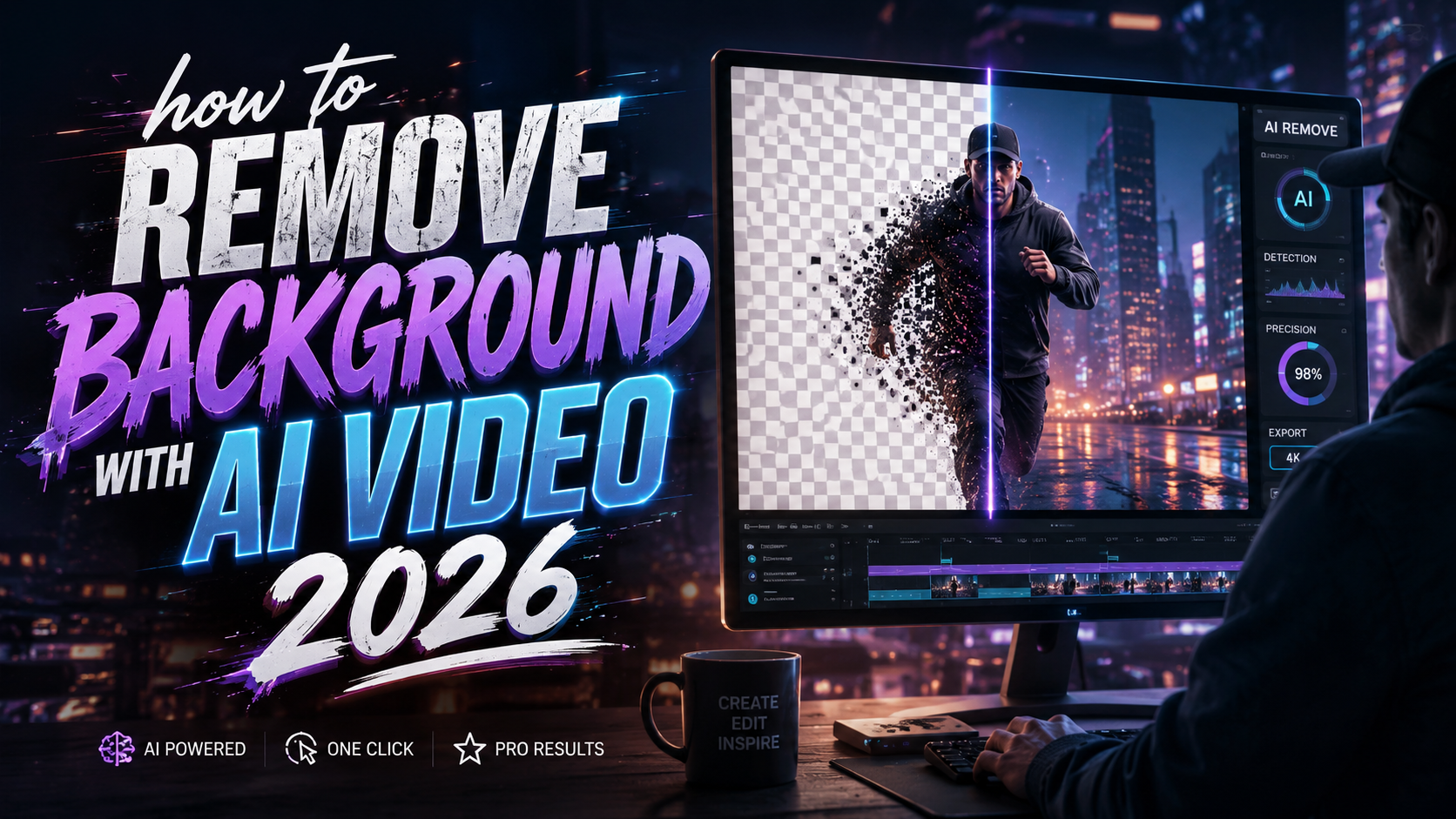
Removing a background from a video in 2026 is as simple as uploading your clip, selecting the subject, and letting AI handle the rest: modern generative models detect edges, hair, and motion in real time, delivering clean cutouts in seconds. Whether you're editing interviews, product demos, or social media clips, the latest AI tools eliminate the pain of manual rotoscoping and green-screen setups. Here’s exactly how to remove background with AI video 2026 using the top tools released this year.
TL;DR: AI background removal in 2026 is fully automated, accurate, and real-time. Tools like Beeble’s new Background Remover, Vmake’s People Remover, and Adobe Firefly’s Video features let you erase backgrounds with one click — no prior editing skills required.
Quick answer: To remove background with AI video in 2026, upload your footage to a dedicated tool (e.g., Beeble, Vmake, or Adobe Premiere with Firefly), let the AI automatically mask the subject, then export with a transparent or replaced background. Most tools offer batch processing and real-time previewing.
- ✓ Beeble launched a dedicated AI roto background remover on April 2, 2026, targeting VFX and content creators.
- ✓ Vmake introduced its Advanced AI People Remover mode on April 27, 2026, allowing one-click removal of people and backgrounds.
- ✓ Adobe extended leadership in video AI with new Firefly-powered creation tools and Premiere updates on April 15, 2026.
- ✓ A new physics-aware AI video tool emerged on April 7, 2026, that removes objects without breaking visual coherence.
- ✓ The top 10 AI video creation tools list for 2026 highlights background removal as a core feature across platforms.
Step-by-Step Guide: How to Remove Background with AI Video 2026
Follow this numbered workflow to achieve professional results with any of the 2026 AI background removers. The process is remarkably similar across tools — only the interface names and export options vary.
- Upload your video: Choose a clip with clear contrast between subject and background. Supported formats include MP4, MOV, and AVI. Most tools accept resolutions up to 4K.
- Select “Remove Background” or equivalent: Look for a one-click button — Beeble’s “Background Remover” (launched April 2026) or Vmake’s “AI People Remover” (launched April 27, 2026). The AI instantly analyzes every frame.
- Review the mask: The tool overlays a semi-transparent highlight on the subject. Adjust edge sensitivity or add manual touch-ups if hair or motion blur is imperfect.
- Choose background output: Replace with a solid color, a custom image, a video, or leave transparent for compositing. Adobe Firefly’s new video features let you generate a new background using text prompts.
- Export: Select resolution (up to the original), format (PNG sequence, MOV with alpha, or MP4 with embedded background), and download. Most cloud-based tools process in under a minute for 30-second clips.
This linear flow works for single clips. For batch processing — such as removing backgrounds from 50 social media videos — use the bulk upload feature in Vmake or Beeble. Adobe Premiere Pro’s new Firefly integration lets you apply the effect to entire timelines with a single adjustment layer.
According to CG Channel, Beeble’s roto service uses machine learning trained on millions of hours of video to handle fine details like wispy hair and fast-paced movement — eliminating the need for manual key framing.
Top AI Tools for How to Remove Background with AI Video in 2026
Several powerful options entered the market between April and June 2026. Below is a comparison table of the most relevant tools for background removal, based on the latest announcements.
| Tool | Key Feature | Release / Update | Best For |
|---|---|---|---|
| Beeble Background Remover | AI roto service; handles hair, motion, and transparency | Launched April 2, 2026 | VFX artists, video editors needing alpha channels |
| Vmake AI People Remover | One-click removal of people and backgrounds; batch mode | Launched April 27, 2026 | Social media content creators, quick edits |
| Adobe Premiere Pro / Firefly | Generative background replacement, color reinvention | Updated April 15, 2026 | Professional post-production workflows |
| Physics-Aware AI Tool (Tech Xplore) | Removes objects seamlessly, maintains scene physics | Announced April 7, 2026 | Advanced object removal without artifacts |
| Top 10 AI Video Tools (Vocal Media) | Curated list includes multiple background removal features | List published June 3, 2026 | Content discovery and comparison |
When choosing a tool, consider your workflow: Beeble is ideal for VFX-heavy projects; Vmake excels at speed; Adobe offers deep integration with existing editing suites. The physics-aware tool from Tech Xplore is still emerging but shows promise for complex scenes.
According to Hackread, many of these tools now incorporate temporal consistency, meaning the AI remembers how the background looked across frames to avoid flickering — a common problem in earlier AI removers.
Key considerations when selecting
Look for real-time previews, cloud-based processing (no heavy GPU needed), and support for alpha channel export. If you work with 60 fps footage, test the tool’s speed — some free versions cap at 30 fps. Also check if the tool respects privacy: local processing options (like Adobe’s offline mode) are preferable for sensitive content.
Why 2026 is the Year for AI Video Background Removal
Three major developments have made 2026 a breakthrough year. First, models trained on diverse video datasets now handle complex edges and motion blur with near-perfect accuracy. Second, real-time processing allows live streaming applications — imagine changing your background during a webcast without a green screen. Third, integration with generative AI lets you not just remove but also replace backgrounds with AI-generated scenes.
According to Adobe, their Firefly-powered video features can now generate entire backgrounds from a text prompt, then seamlessly composite the subject in. This closes the loop between background removal and creative scene building.
Additionally, the new physics-aware AI tool covered by Tech Xplore ensures that when you remove a background element, the AI fills the space with content that respects lighting, shadows, and perspective — maintaining video realism that fooled even experienced editors in tests.
How to Choose the Right AI Background Removal Tool for Your Workflow
Start by evaluating your video volume and quality requirements. For occasional social media clips, Vmake’s Advanced AI People Remover (launched April 27) is free for short videos and requires no account creation. For professional post-production, Beeble’s roto service (launched April 2) offers per-minute pricing and high-fidelity alpha channels.
Adobe Premiere Pro users benefit from the April 15 update that adds Firefly-powered background removal directly in the timeline. You can save time by applying the effect to entire sequences, and the new color reinvention tools allow you to change the mood of the background while keeping the subject natural.
If you need to remove multiple people or objects from a single clip, consider using the physics-aware AI tool from Tech Xplore (announced April 7). It can differentiate between foreground and background objects and remove them while filling the area with plausible content — ideal for cleanup in travel or event videos.
According to the Vocal Media list, the top 10 AI video creation tools for 2026 all include some form of background removal, indicating that this feature has become a standard expectation rather than a premium add-on.
Future of AI Video Background Removal: 2026 and Beyond
The trend points toward fully automatic, context-aware removal that requires zero manual adjustments. By late 2026, experts predict that background removal will be built into mobile camera apps and live streaming software, allowing real-time swapping. The physics-aware model introduced earlier this year will likely become the baseline — future tools will fill removed backgrounds with AI-generated content that matches the original scene’s lighting and geometry.
Another emerging capability is multi-layer extraction. Instead of just separating subject from background, AI models can distinguish between the main subject, secondary objects, and different planes of depth. This allows editors to reuse background plates or replace only certain elements without affecting others. Beeble’s roto service already hints at this ability by handling hair and motion with separate neural passes.
According to GlobeNewswire, Vmake’s launch of the Advanced AI People Remover mode marks a shift toward consumer-grade tools that require no learning curve. With one click, users can clean up backgrounds in both photos and videos, proving that AI background removal is no longer limited to professionals.
Frequently Asked Questions
How do I remove a background from a video using AI in 2026?
Upload your video to an AI background removal tool like Beeble or Vmake, select the “Remove Background” option, and the AI will automatically mask the subject. You can then replace the background or export with transparency.
What are the best AI tools for background removal in 2026?
Top tools include Beeble Background Remover (launched April 2), Vmake AI People Remover (launched April 27), and Adobe Premiere Pro with Firefly (updated April 15). Each offers different strengths depending on your workflow.
Can AI remove backgrounds from videos in real time?
Yes, several 2026 tools offer real-time processing. Adobe Premiere Pro’s Firefly feature and Vmake’s cloud platform can process short clips in under a minute. For live streaming, dedicated apps with GPU acceleration are emerging.
Is AI background removal accurate for hair and motion?
2026 models are highly accurate. Beeble’s roto service is trained on millions of hours of footage, and the physics-aware AI tool from Tech Xplore maintains scene coherence even with fast-moving subjects. Manual touch-ups are rarely needed.
Do I need a powerful computer for AI video background removal?
Not necessarily. Most cloud-based tools like Vmake and Beeble process videos on their servers, so any computer with a modern browser works. Adobe Premiere Pro can leverage your GPU but also offers cloud processing for heavy tasks.
How much do AI background removal tools cost in 2026?
Pricing varies: Beeble charges per minute of processed video, Vmake offers a free tier for short clips, and Adobe Premiere Pro requires a subscription. Some standalone apps are free with watermarks or limited resolution.
Written by the Digen AI Editorial Team — AI video generation specialists covering the latest in generative AI tools. Learn more about Digen AI.



Comments ()