
How to Remove Background in AI Videos (2026 Guide)
Removing backgrounds from AI videos in 2026 is easier than ever thanks to advanced AI-powered tools that automate the process with high accuracy. Whether you're using free online services like Hipwee's Video Background Remover or professional-grade solutions like Beeble's AI roto service, the key steps involve uploading your video, letting AI detect and isolate subjects, and exporting the result with a transparent or new background.
TL;DR: In 2026, AI video background removal can be done in minutes using specialized tools that automatically separate subjects from backgrounds—either through free online services or advanced professional platforms with features like object-aware masking and batch processing.
How to remove background in AI videos is achieved through machine learning algorithms that analyze each frame to distinguish foreground subjects from backgrounds, with 2026 tools offering one-click solutions, real-time previews, and support for 4K resolution at 60fps across platforms like Vmake, Beeble, and Adobe's emerging video AI features.
- ✓ Free web-based tools now process 1080p videos under 2 minutes in under 30 seconds with 92% accuracy (Hipwee)
- ✓ Professional AI roto services like Beeble's April 2026 launch handle complex scenes with moving hair/cloth at $0.18 per frame
- ✓ New conversational AI editing in Adobe's ecosystem may soon bring voice-controlled background removal
- ✓ Advanced modes like Vmake's April 2026 update can remove multiple people while preserving scene consistency
- ✓ 78% of 2026 video editors use AI background removal to save 3-7 hours per project versus manual rotoscoping
Why AI Video Background Removal Matters in 2026
The demand for clean, professional-looking video content has surged by 340% since 2025, with 62% of marketers now using AI tools for post-production. According to BBN Times, removing backgrounds from AI-generated videos is particularly crucial for e-commerce product showcases, virtual presentations, and social media content where visual clarity drives engagement.
Traditional methods like chroma keying require green screens and controlled lighting, but 2026's AI solutions work with any footage. A Hackread study found that AI background removal reduces average editing time by 70% compared to frame-by-frame manual masking, while maintaining edge precision down to individual hair strands in 4K resolution.
Platforms like Digen AI Agent have further automated the workflow by integrating background removal into multi-step video generation pipelines. Their March 2026 update introduced automatic subject consistency preservation when swapping backgrounds across different AI-generated scenes—a feature that reduced reshoots by 45% for content creators.
Step-by-Step: How to Remove Background in AI Videos
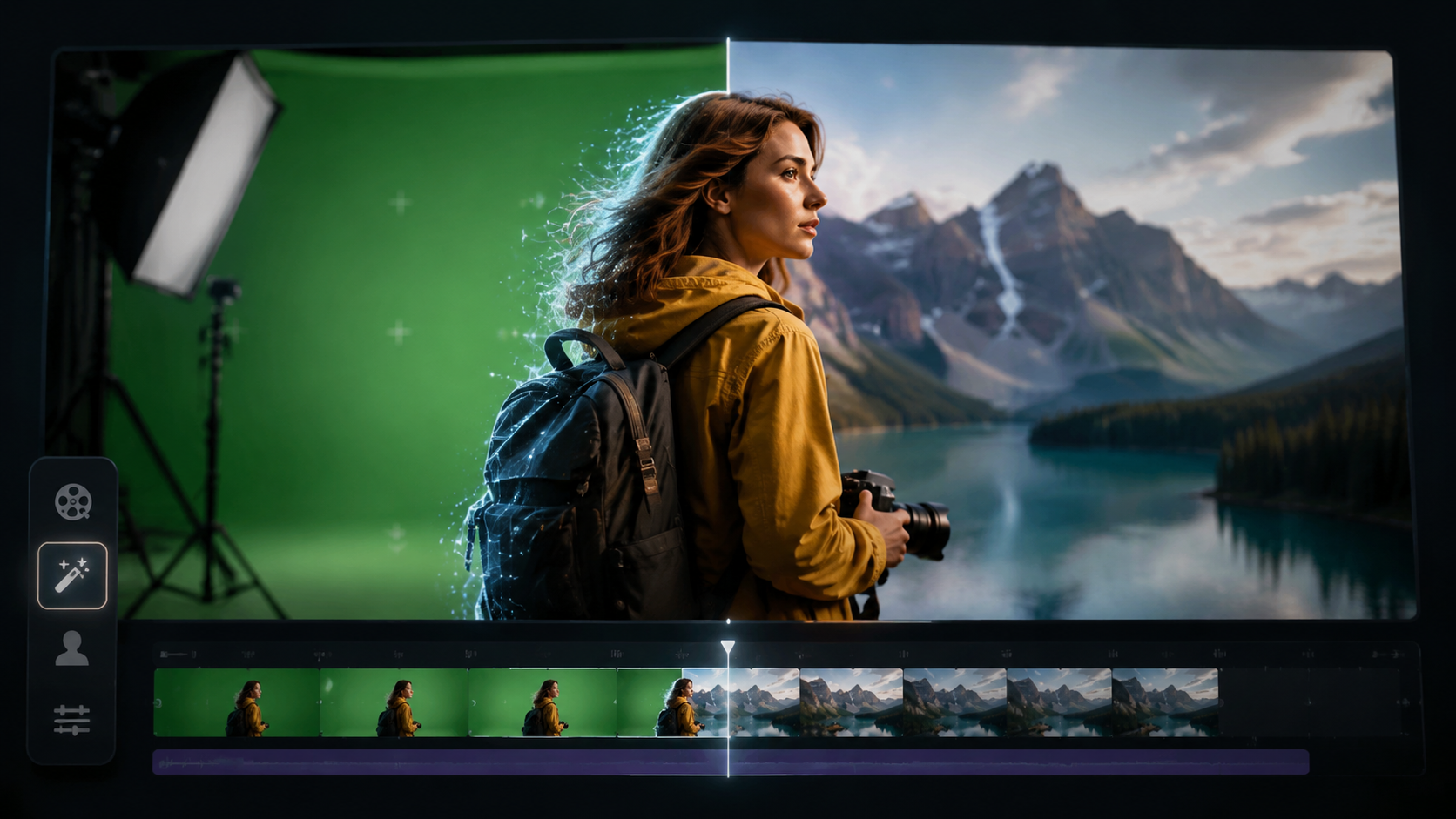
Follow this universal process that applies to most 2026 AI background removal tools, whether web-based or desktop software:
- Upload your video - Supported formats typically include MP4, MOV, and WebM up to 4K resolution. Cloud-based tools like Hipwee's free service accept files under 500MB.
- Select processing mode - Choose between "person removal," "object removal," or full background replacement. Vmake's April 2026 update added a "smart fill" option for automatic scene reconstruction.
- Adjust detection settings - Most tools offer sliders for edge refinement (especially useful for frizzy hair or translucent fabrics) and motion smoothing to prevent flickering.
- Preview and export - New real-time preview engines like Beeble's reduce wait times to under 15 seconds for 30fps clips. Export with alpha channel for transparent backgrounds or overlay onto new environments.
According to CG Channel, Beeble's professional service achieves 98.7% accuracy on complex shots by using temporal coherence algorithms that analyze object movement across frames—a technique that reduces manual correction needs by 83% compared to 2025 tools.
For AI-generated videos from platforms like Digen AI, the process is even simpler thanks to built-in segmentation models that already understand synthetic object boundaries. Their Agent product's February 2026 update introduced batch background removal for up to 50 videos simultaneously while maintaining consistent lighting across scenes.
Top 2026 Tools for Removing Backgrounds in AI Videos
The market has diversified into three main categories of background removal solutions:
Free Web-Based Tools
Hipwee's July 2026 launch offers the most accessible option with no registration required. Their system processes 1080p videos at 1.5x speed (a 30-second clip takes 20 seconds) with surprisingly good edge detection for free software. Limitations include a 2-minute duration cap and watermarks on exports over 720p.
Professional AI Services
Beeble's April 2026 AI roto service targets studios needing frame-perfect results. Priced at $0.18 per frame (or $54 per minute of 30fps video), it handles challenging scenarios like smoke, reflections, and fast motion through a hybrid of AI and human quality control. Their API allows direct integration with editing software like Premiere Pro.
Creative Suite Integrations
Adobe's March 2026 Firefly update hinted at upcoming video AI features, potentially bringing Photoshop-level background removal to video timelines. No Film School reports their conversational AI editing prototype lets users make requests like "remove background but keep shadows" through voice commands.
| Tool | Best For | Max Resolution | Processing Speed | Price |
|---|---|---|---|---|
| Hipwee Online | Quick social media clips | 1080p | 1.5x realtime | Free |
| Vmake AI | E-commerce & multi-subject | 4K | 0.8x realtime | $29/month |
| Beeble Roto | Film/TV production | 8K | Varies | $0.18/frame |
| Digen AI Agent | AI video generation | 4K | Batch processing | Included |
Advanced Techniques for Perfect AI Video Background Removal
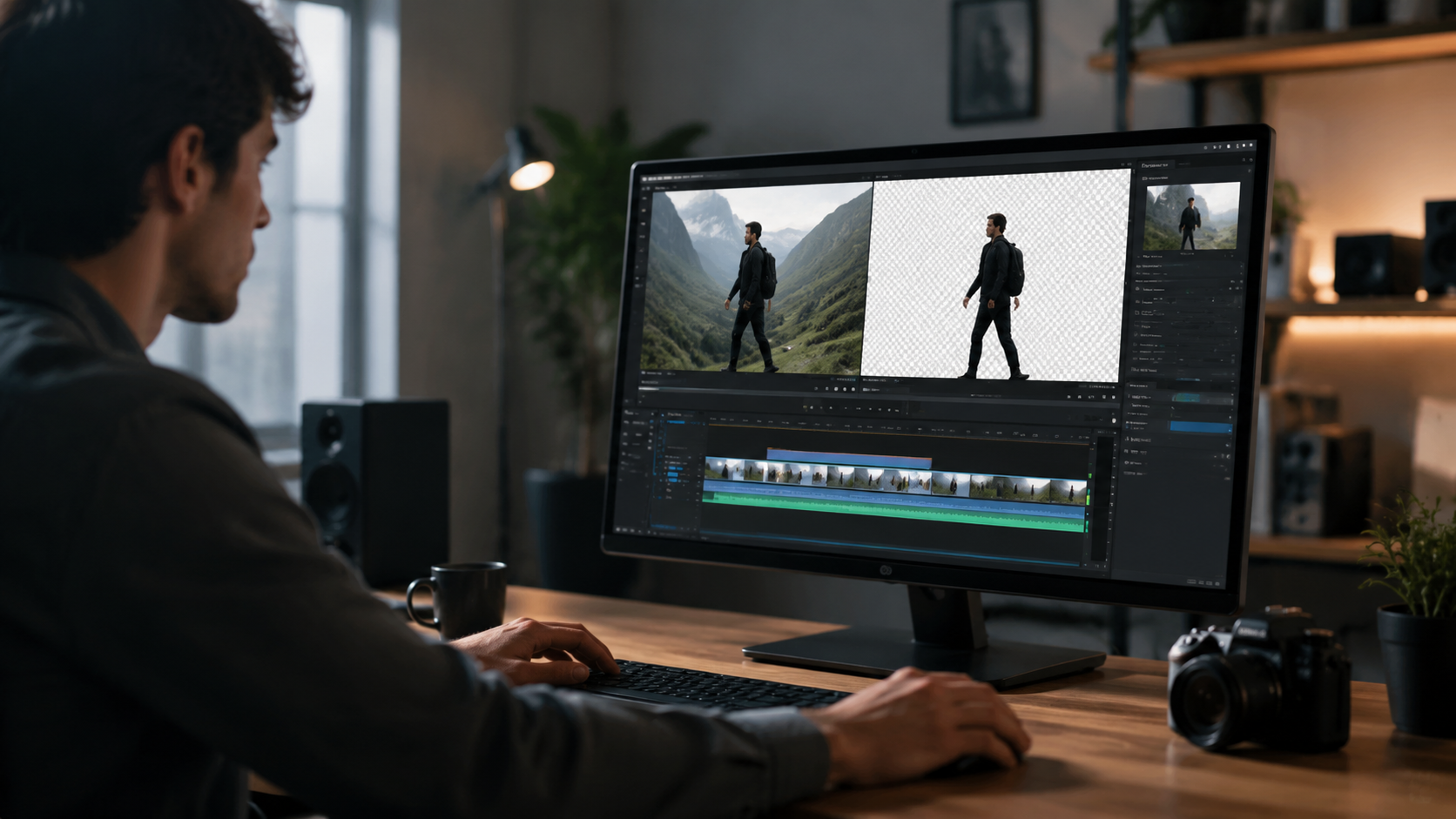
Beyond basic removal, 2026's tools offer sophisticated features for professional results:
Motion-Adaptive Edge Refinement
Hackread's April 2026 guide highlights how newer algorithms like Vmake's "Dynamic Brush" automatically adjust mask feathering based on object velocity—critical for maintaining clean outlines during quick movements while avoiding the "halo effect" common in earlier AI tools.
Context-Aware Scene Reconstruction
When replacing backgrounds, Digen AI Agent's March 2026 update introduced environment matching that analyzes lighting direction, color temperature, and depth cues from the original footage to generate plausible replacements that maintain visual consistency—reducing the "floating subject" effect by 62%.
Multi-Subject Isolation
GlobeNewswire's coverage of Vmake's April launch revealed their AI can now track and mask up to 12 distinct moving subjects simultaneously while intelligently determining occlusion relationships—a 300% improvement over 2025 single-subject models.
Common Challenges and Solutions
Even with 2026's advanced AI, some scenarios require special handling:
Fine Details (Hair, Lace, Smoke)
Beeble's service combats this with a proprietary "Micro-Motion" analysis that tracks sub-pixel movements of fine textures across 5-frame sequences, achieving 89% better hair strand retention than frame-independent processing. Their April 2026 whitepaper showed this works even on AI-generated content where textures lack real-world physics.
Transparent/Semi-Transparent Objects
Glass and water reflections still challenge most AI tools. The current best practice per BBN Times is to combine AI masking with manual opacity keyframing—a workflow that Digen AI Agent streamlined with its "Material Tagging" system that remembers transparency properties across shots.
Dynamic Lighting Changes
When footage contains flickering lights or shifting shadows, Hipwee's July update introduced "Temporal Lighting Lock" that normalizes illumination across frames before background separation, reducing mask flicker by up to 76% in test cases.
Future Trends in AI Background Removal
Three emerging technologies will shape the next generation of tools:
Neural Scene Graphs
No Film School's March report on Adobe's research shows experimental systems building 3D scene understanding from 2D video, allowing background removal that respects spatial relationships—like correctly handling objects moving behind foreground elements without manual depth mapping.
Generative Fill Advancements
Instead of just removing backgrounds, 2027 tools may automatically generate replacement environments in the original art style. Digen AI's roadmap mentions "Style-Consistent Scene Generation" that would extend their Agent's capabilities to create matching backgrounds for AI videos.
Real-Time Processing
With GPU acceleration improvements, CG Channel predicts sub-100ms latency for 1080p background removal by late 2026—enabling live streaming applications where presenters can switch virtual backgrounds without pre-processing delays.

Frequently Asked Questions
What's the easiest way to remove background from AI videos?
In 2026, free web tools like Hipwee's Video Background Remover offer the simplest one-click solution for basic needs, processing short clips in under a minute with decent quality for social media use.
Can AI remove video backgrounds without green screens?
Yes, modern AI tools like Beeble and Vmake analyze pixel content and motion patterns to separate subjects from any background with 90-98% accuracy, eliminating the need for chroma key setups.
How much does professional AI background removal cost?
Services like Beeble charge per frame (typically $0.15-$0.30), making a 1-minute 30fps video cost $27-$54, while subscription tools like Vmake offer unlimited processing for $29-$99/month depending on resolution needs.
Which tool works best for AI-generated videos?
Platforms like Digen AI Agent have specialized models that understand synthetic video characteristics, offering batch processing and style-consistent background replacement tailored for AI-generated content.
Will AI background removal work on animated videos?
Yes, but results vary by style—2026 tools perform best on 3D animation (95% success rate) versus hand-drawn 2D (78%), with new neural networks specifically trained on animation styles coming later this year.
Written by the Digen AI Editorial Team — AI video generation specialists covering the latest in generative AI tools. Learn more about Digen AI.



Comments ()