
How to Prompts for AI Video: 2026 Master Guide & Tips
Learning how to prompts for ai video effectively is the most critical skill for digital creators in 2026, as generative models have shifted from simple clip generation to complex, multi-modal editing. To master this, you must combine descriptive cinematic language with technical parameters that guide the AI's physics engine and lighting consistency. By understanding the specific syntax required by the latest 2026 models like Gemini Omni and ByteDance's restricted toolsets, you can transform a simple sentence into a high-fidelity, professional-grade sequence.
How to prompts for ai video is the process of using natural language instructions to generate, edit, or stylize motion content through generative models. In 2026, this involves using "Omni-style" prompting which includes camera direction, lighting specs, and temporal consistency commands to ensure high-quality, jitter-free video output across platforms like Google Gemini and open-source game engines.
- ✓ Use the "Subject-Action-Environment-Camera" formula for consistent 2026 video outputs.
- ✓ Leverage new "Omni" editors like Google's Gemini to edit existing clips using text-only commands.
- ✓ Maintain ethical boundaries to avoid triggering safety filters on platforms like ByteDance.
- ✓ Integrate AI music prompts or direct video-to-audio tools like Sonilo for a complete production.
The Step-by-Step Guide on How to Prompts for AI Video
In the current landscape of 2026, the complexity of video models requires a structured approach. No longer can you simply type "a cat running" and expect cinematic results. The models now analyze the physics of motion and the ray-tracing of light, meaning your prompt must provide these details to avoid the "hallucination" effects seen in earlier iterations of the technology.
- Define the Core Subject: Start with a detailed description of the character or object, including textures and materials (e.g., "A weathered astronaut in a matte carbon-fiber suit").
- Specify the Action and Physics: Describe the movement in detail. Use verbs that imply weight and resistance to help the AI calculate motion paths correctly.
- Set the Cinematic Environment: Detail the lighting (e.g., "golden hour," "cyberpunk neon," or "volumetric fog") and the specific location.
- Add Camera Instructions: Use professional cinematography terms like "dolly zoom," "low-angle tracking shot," or "handheld 35mm aesthetic" to dictate the perspective.
- Refine with Technical Parameters: Input resolution targets (e.g., 8K), frame rates (e.g., 60fps), and motion scales to finalize the output quality.
The Evolution of Prompting in 2026: From Text to Omni-Editing
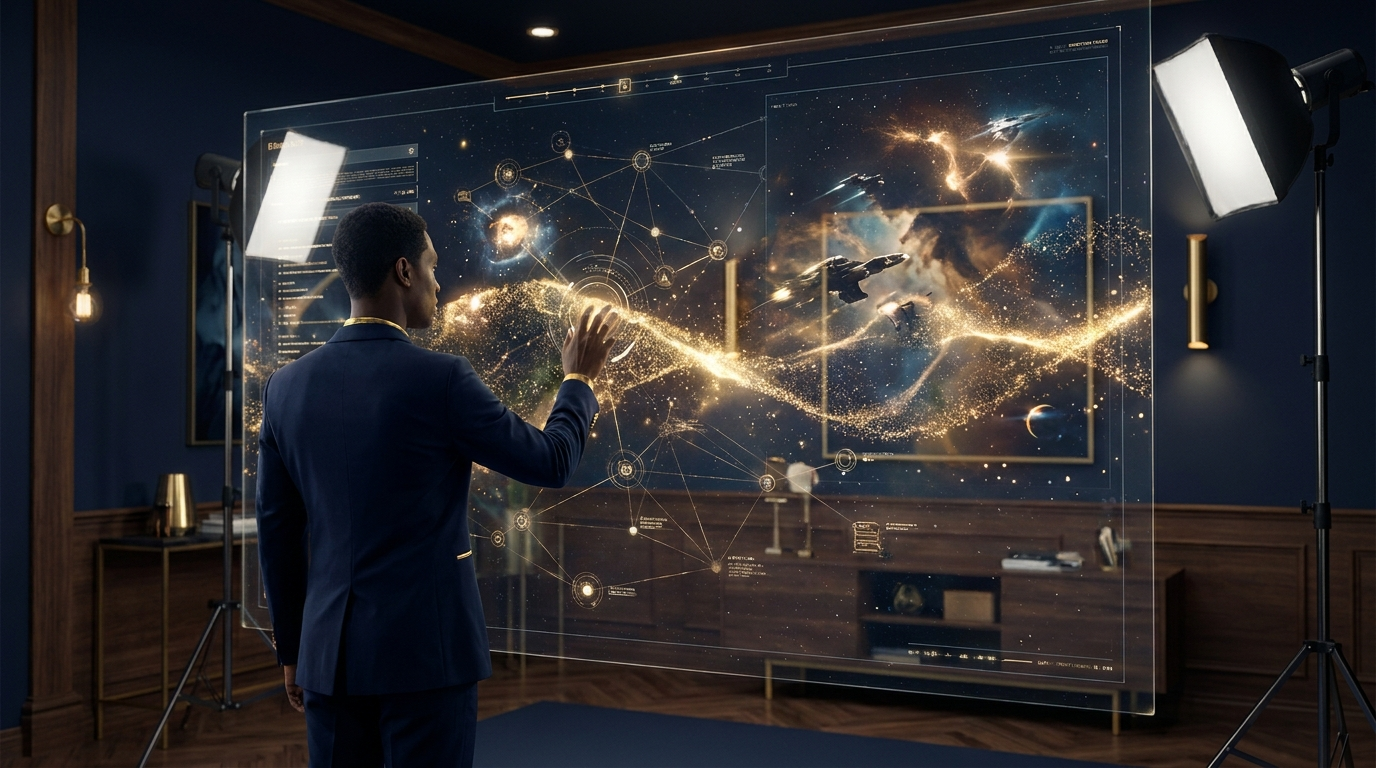
As of May 2026, the industry has seen a massive shift in how we interact with video AI. According to India Today, Google has officially launched its Gemini Omni video editor in India, allowing users to perform complex video edits using nothing but text prompts. This marks a transition from "generative" prompting (creating something from nothing) to "instructive" prompting (modifying existing footage). For example, a user can now prompt, "Change the color of the actor's shirt to crimson and add a cinematic lens flare," and the AI executes the edit pixel-perfectly.
However, this power comes with increased scrutiny. Sixth Tone reports that ByteDance has recently been forced to limit its new AI video tools following a series of viral deepfake demos that bypassed initial safety filters. This means that when learning how to prompts for ai video on major platforms, creators must now navigate "Safety-Aware Prompting." If your prompt contains restricted keywords or implies the likeness of a protected public figure, the model will return a "Policy Violation" error rather than a video.
Advanced Prompting Structures for 2026
The most successful creators in 2026 use a "Modular Prompting" system. This involves breaking the prompt into segments that the AI's neural network can process independently before synthesizing. Instead of a long run-on sentence, use brackets or separators to define the scene's attributes. This prevents the "bleeding" of colors or themes where the background accidentally influences the subject's appearance.
Another major breakthrough this year is the integration of video-to-game engines. As reported by Creative Bloq, experimental open-source AI models now allow users to turn text prompts into playable environments based on famous franchises like Marvel or Star Wars. This requires a specific type of "Spatial Prompting," where you describe the boundaries and interactive elements of a scene rather than just a linear timeline of events.
Comparison of Leading 2026 AI Video Platforms
Choosing the right tool depends on whether you are generating new footage, editing existing clips, or creating interactive media. The following table compares the top features based on the latest May 2026 data.
| Platform | Primary Strength | Prompting Style | Key 2026 Feature |
|---|---|---|---|
| Google Gemini Omni | Seamless Video Editing | Natural Language/Conversational | Text-to-Edit functionality launched in India |
| ByteDance AI Video | High-Fidelity Realism | Technical/Descriptive | Strict safety limits to prevent deepfakes |
| Sonilo | Audio-Visual Sync | Direct Video Analysis | Eliminates text prompts for soundtracks |
| Open-Source "Omni-Game" | Interactive Environments | Spatial/Architectural | Turns prompts into playable 3D games |
Mastering Technical Nuance: How to Prompts for AI Video Quality
The "quality" of an AI video is often determined by the specific technical keywords used at the end of a prompt. In 2026, models are trained on high-end cinema metadata. According to eWeek, the best AI video editing prompts now focus on "temporal consistency"—the ability of the AI to keep the same face and background across multiple shots. To achieve this, you should include phrases like "consistent seed," "locked-frame geometry," and "high-bitrate render."
Furthermore, avoid "vague aesthetics." In the past, users would add "4K" or "highly detailed" to every prompt. In 2026, these are considered "empty tokens" that take up space without providing direction. Instead, use specific technical descriptors like "Shot on Arri Alexa, 80mm lens, f/1.8" to trigger the model's understanding of depth of field and color science. This level of specificity is what separates professional content from the "uncanny valley" outputs that often frustrate users.
Avoiding Common Pitfalls in Video Prompting
One of the biggest challenges remains "visual coherence." A recent report by Polygon highlighted a viral backlash from Hideo Kojima fans regarding an AI-generated Prada video, which viewers described using colorful metaphors like "diarrhea from a butt" due to its fluid, melting visuals. This happens when a prompt is too contradictory or lacks "Physics Anchors." To avoid this, always specify the "weight" of objects. For example, instead of "a person walking," use "a person walking with heavy boots on a concrete surface." This gives the AI the necessary context to calculate gravity and friction correctly.
Integrating Sound: The New Frontier of Video Prompting
A video is only half-complete without a soundtrack, but the way we prompt for audio is changing rapidly. AiThority reports that a new tool called Sonilo has effectively eliminated the need for text prompts in AI music generation. Instead of typing "dramatic orchestral music," Sonilo analyzes the video frames directly to generate a soundtrack that matches the pacing and mood of the visuals.
However, for those still using text-to-audio, the "how to prompts for ai video" workflow must now include "Audio-Visual Sync" tags. When you generate your video, you should note the "BPM" (beats per minute) of the visual movement so that your music prompt can match it perfectly. This creates a cohesive sensory experience that feels intentional rather than randomly generated.
The Role of "Negative Prompting" in 2026
Negative prompting—telling the AI what *not* to include—has become more sophisticated. In 2026, negative prompts are used to filter out specific artifacts common in AI video, such as "limb merging," "flickering background," or "morphing textures." Including a standard block of negative prompts in your workflow is essential for maintaining professional standards. A typical negative prompt in 2026 might look like: "[low-res, morphing, extra limbs, floating objects, inconsistent lighting, watermarks, text overlays]."
Future-Proofing Your Video Prompting Skills
As we move through 2026, the barrier between "video" and "real-time simulation" is blurring. With the advent of AI models that can turn prompts into playable games (as seen with the Marvel and Harry Potter game experiments), the skill of prompting is becoming more like "world-building." You aren't just directing a camera; you are defining the laws of a digital universe.
To stay ahead, creators must practice "Iterative Prompting." This is the process of generating a low-resolution "draft" video, identifying the flaws, and then using an "Omni" editor like Gemini to fix specific segments. This multi-stage workflow is significantly more efficient than trying to get the perfect 20-second clip in a single prompt. By mastering the ability to "talk" to the video as it develops, you ensure that your creative vision is never compromised by the limitations of the model.
What is the best formula for an AI video prompt in 2026?
The most effective formula is [Subject] + [Action] + [Environment] + [Lighting/Style] + [Camera Angle]. For example: "A robotic hawk (Subject) diving through a neon canyon (Action/Environment) with volumetric blue lighting (Style) in a high-speed tracking shot (Camera)."
How do I fix "morphing" or "melting" in my AI videos?
Morphing usually occurs due to a lack of physics descriptions. To fix this, use "Physics Anchors" in your prompt, such as "rigid body," "consistent anatomy," or "fixed skeletal structure," and ensure you aren't asking for two contradictory actions at once.
Can I use AI to edit existing videos with text?
Yes, tools like Google's Gemini Omni, released in May 2026, allow users to upload existing footage and use text prompts to change colors, swap backgrounds, or add objects without manual frame-by-frame editing.
Why are some AI video tools being limited by companies like ByteDance?
As reported by Sixth Tone, companies are limiting tools to prevent the creation of harmful deepfakes and misinformation. This means prompts involving real people or sensitive events are often blocked by automated safety filters.
Do I still need to prompt for music separately in 2026?
Not necessarily. New tools like Sonilo can now generate soundtracks by analyzing the video content directly, though traditional text-to-audio prompting is still useful for specific stylistic control over the score.



Comments ()