
AI Video Generator Prompts: 2026 Techniques
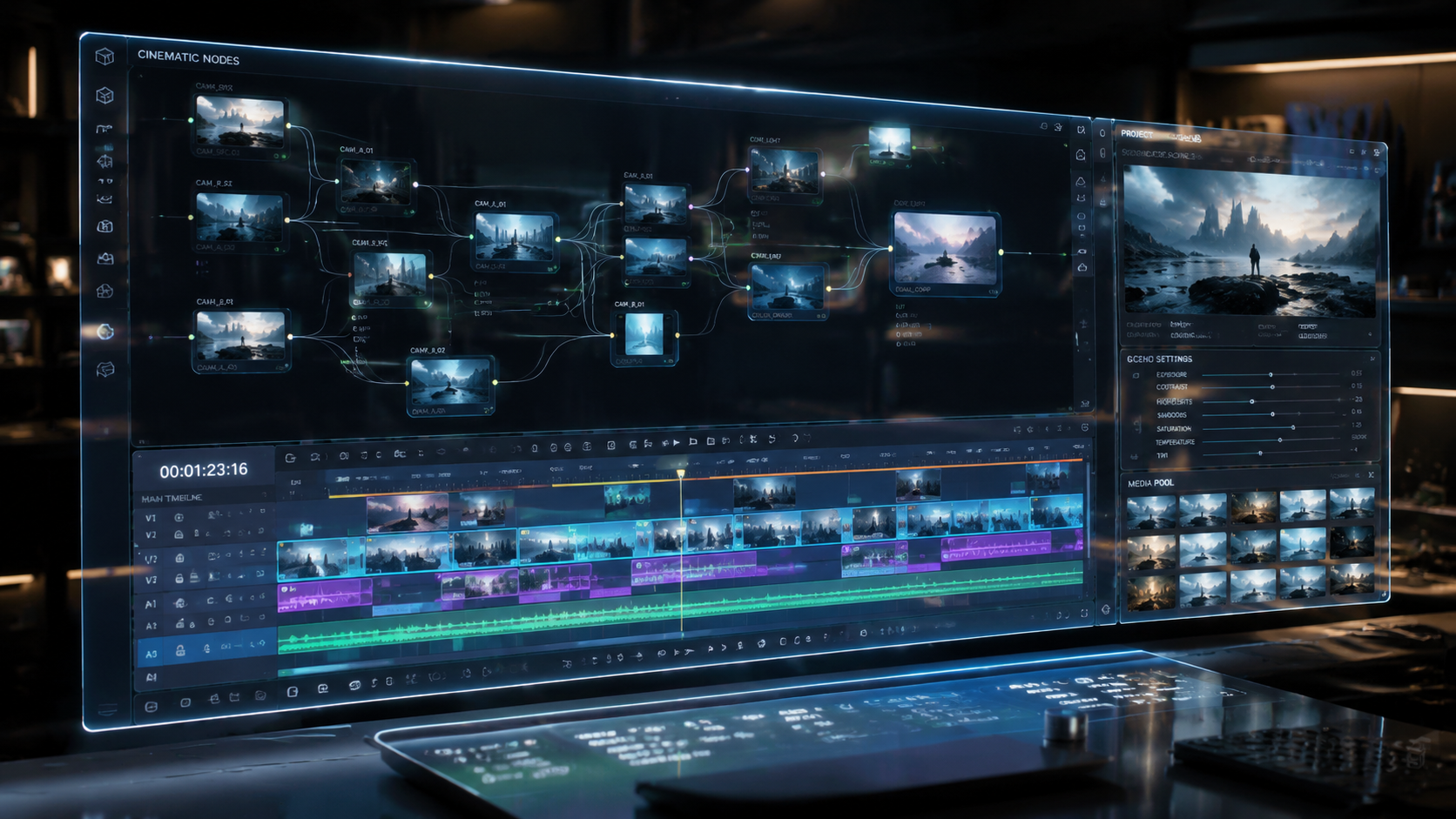
To learn how to prompt ai video generators effectively in 2026, you must combine descriptive cinematic language with technical parameters like camera movement, lighting style, and frame rate. The process involves crafting a structured text string that defines the subject, the environment, and the specific motion dynamics to guide the generative model toward a high-fidelity output. By mastering the balance between creative intent and algorithmic constraints, creators can produce professional-grade video content in seconds.
AI video prompting is the process of using natural language instructions to direct generative models like Sora or Mango AI to create motion sequences. In 2026, this involves multi-modal inputs where text prompts are supplemented by style references and motion brushes to ensure temporal consistency and photorealistic detail across every frame.
- ✓ Use the "Subject-Action-Setting-Cinematography" framework for consistent results.
- ✓ Leverage new 2026 features like "Motion Brushes" and "Directorial Controls" for precision.
- ✓ Incorporate specific technical keywords like "4K resolution," "8K textures," and "Global Illumination."
- ✓ Reference real-world lighting (e.g., "Golden Hour") to enhance realism in tools like Sora.
- ✓ Utilize negative prompts to exclude unwanted artifacts or distorted movements.
The Core Framework: How to Prompt AI Video Generators Successfully
In the rapidly evolving landscape of 2026, understanding the architecture of a perfect prompt is the difference between a blurry mess and a cinematic masterpiece. Modern generative engines have moved beyond simple keyword recognition; they now interpret intent, physics, and emotional subtext. When you are learning how to prompt ai video generators, you should treat the AI as a director, cinematographer, and lighting technician all at once.
According to recent analysis by PCMag Middle East, the best AI video generators of 2026 now prioritize "temporal coherence," which means the AI remembers what happened in the first second of the video to ensure it matches the last. To take advantage of this, your prompts should be structured chronologically. Start with the foundational subject, move to the specific action they are performing, and then layer on the environmental details that ground the scene in reality.
Step-by-Step Guide to Crafting Your First Video Prompt
- Define the Subject: Be specific about who or what is the focus (e.g., "A weathered astronaut in a white ceramic suit").
- Describe the Action: Use active verbs to dictate movement (e.g., "slowly kneeling to pick up a glowing blue crystal").
- Set the Scene: Detail the background and atmosphere (e.g., "on a desolate lunar surface with Earth rising in the background").
- Apply Cinematic Style: Specify camera angles and lighting (e.g., "Cinematic wide shot, low angle, dramatic rim lighting, 35mm film grain").
- Add Technical Parameters: Include resolution and motion intensity (e.g., "--ar 16:9 --motion 5 --seed 12345").
Comparing Top AI Video Platforms of 2026
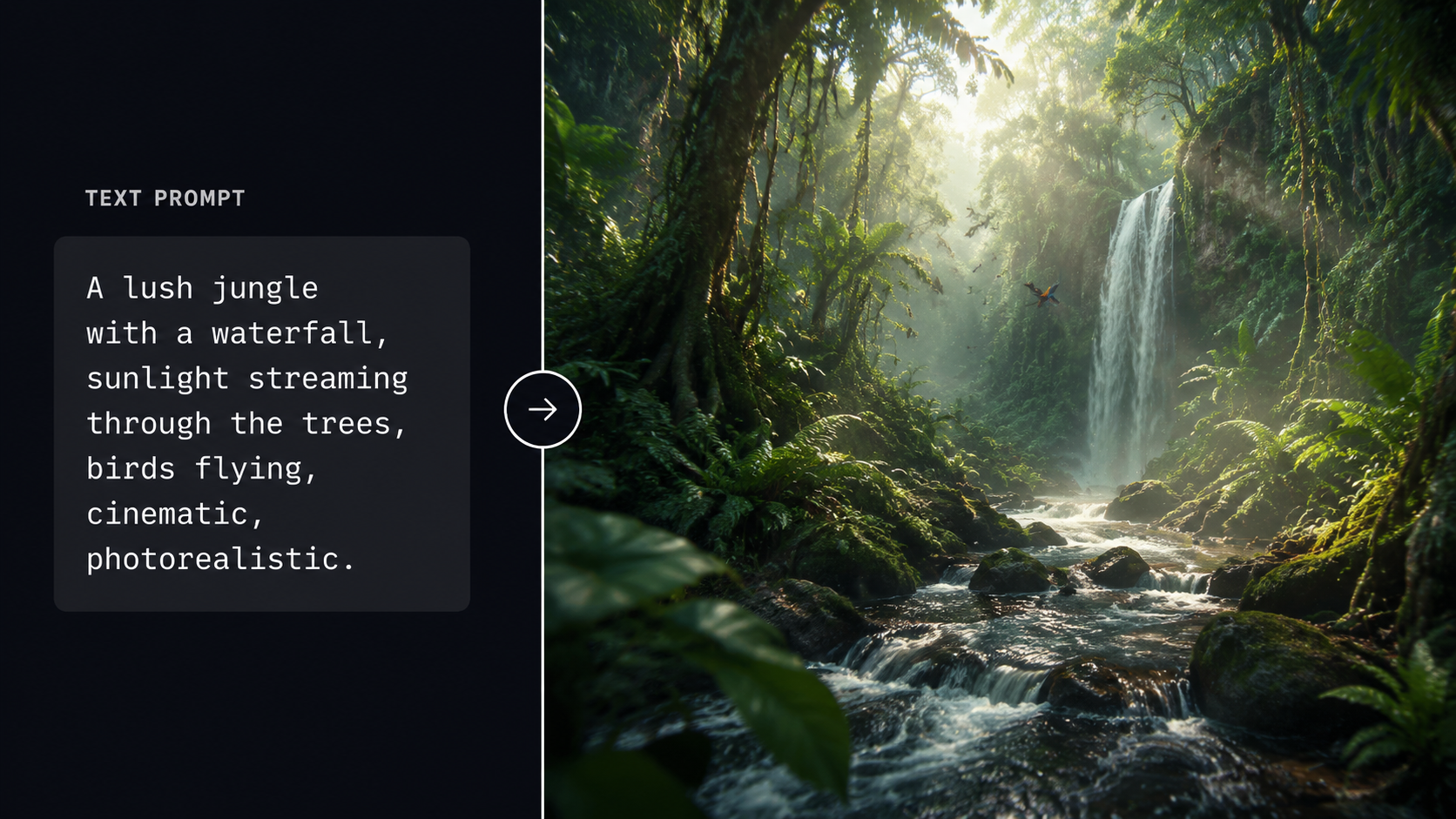
Choosing the right tool is just as important as the prompt itself. As reported by CNET in their 2026 review and ranking of video generators, different models excel at different tasks. Some are designed for hyper-realistic physics, while others, like Mango AI, focus on effortless creation for social media and marketing. Understanding the strengths of each platform allows you to tailor your prompting style to the specific "logic" of that engine.
For instance, OpenAI’s Sora continues to lead the market in complex scene understanding, while newer competitors offer specialized "Text to Video" free tiers that are more accessible for casual creators. When you are determining how to prompt ai video generators for specific platforms, remember that some engines prefer long-form descriptive paragraphs, while others respond better to comma-separated tags and technical shorthand.
| AI Video Tool (2026) | Primary Strength | Best Prompting Style | Target Audience |
|---|---|---|---|
| OpenAI Sora | Physics & Realism | Descriptive Narrative | Filmmakers & Pro-Creators |
| Mango AI | Ease of Use | Simple Keywords | Social Media Managers |
| Luma Dream Machine v3 | High Motion Action | Technical Directives | Action Content Creators |
| Runway Gen-4 | Artistic Control | Hybrid (Text + Image) | VFX Artists |
Advanced Techniques: Using Directorial Language
To truly master how to prompt ai video generators, you must speak the language of cinema. In 2026, AI models have been trained on vast libraries of film history. Using terms like "Dolly Zoom," "Chiaroscuro lighting," or "Dutch Angle" triggers specific visual patterns that the AI can replicate with startling accuracy. According to eWeek, using these 10 AI video prompt templates can improve output quality by up to 40% compared to basic descriptions.
Don't just say "the camera moves." Instead, prompt for "A slow tracking shot following the character from behind, creating a sense of suspense." This level of detail tells the AI not just what to show, but how the viewer should feel. In 2026, "emotional prompting"—where you describe the mood of the scene—has become a viable way to influence the color grading and pacing of the generated video.
Mastering Lighting and Texture Prompts
Texture and lighting are the two elements that prevent your video from looking "uncanny" or fake. When prompting, use specific light sources. Instead of "bright light," try "volumetric sunlight filtering through dusty window panes." This gives the AI's rendering engine specific instructions on how to calculate shadows and light bounce. For textures, specify materials: "brushed aluminum," "damp cobblestones," or "iridescent silk" help the generator apply the correct shaders to the 3D space it is simulating.
The Rise of Viral AI Content: Sports and Trends
One of the biggest trends in 2026 is the use of AI to create "impossible" sports moments. As highlighted by India Today, creators are currently obsessed with generating trending IPL 2026 stadium photos and viral videos. These prompts often combine real-world celebrities with surreal environments, such as "Virat Kohli playing cricket on a floating pitch in the clouds, hyper-realistic 8K, stadium crowd cheering in the background."
When creating content for trending topics, the key is to include "cultural markers" in your prompt. This includes specific team colors, recognizable stadium architecture, and current event references. These markers help the AI ground the generated content in a specific time and place, making it more likely to go viral on platforms like TikTok or Instagram, where authenticity—even in AI—is highly valued by the algorithm.
How to Prompt AI Video Generators for Social Media Virality
For social media, shorter is often better. Focus on a singular, high-impact visual hook. A prompt like "A cat wearing neon sunglasses DJing at a futuristic rave, vibrant colors, fast-paced editing style" is more effective for a 5-second reel than a complex 200-word paragraph. Use "style descriptors" that match current aesthetic trends, such as "Cyberpunk 2077 aesthetic," "Wes Anderson symmetry," or "Studio Ghibli hand-drawn style."
Troubleshooting and Refining Your AI Video Prompts
Even the best prompt doesn't always work on the first try. The iterative process is a core part of how to prompt ai video generators in 2026. If the movement is too jittery, try reducing the "motion scale" parameter. If the faces are distorted, use a "Character Reference" (Cref) if the tool supports it, or add "highly detailed facial features, symmetrical eyes" to your text string.
According to PR Underground, new tools like the Mango AI Text to Video Generator Free offer "one-click refinements" that allow users to fix common errors without rewriting the entire prompt. However, for those using professional-grade tools like Sora, manual refinement remains the gold standard. Watch for "hallucinations"—where the AI adds extra limbs or impossible physics—and use negative prompts like "--no extra limbs, --no morphing, --no blur" to clean up the final render.
Common Prompting Mistakes to Avoid
- Over-prompting: Adding too many conflicting instructions can confuse the model.
- Neglecting Aspect Ratio: Always specify if you want vertical (9:16) for phones or cinematic (2.35:1) for film.
- Vague Verbs: Avoid "is doing." Use "is sprinting," "is whispering," or "is shattering."
- Ignoring the Background: A detailed subject against a blank wall looks amateur; always define the environment.
The Future of Video Prompting: Beyond Text
As we move through 2026, the definition of "prompting" is expanding. We are seeing the rise of "Multi-Modal Prompting," where you provide a text description, a rough sketch, and an audio clip of the desired background music. The AI integrates all these inputs to create a cohesive video. This holistic approach reduces the reliance on perfect word choice and allows for more intuitive creative expression.
Studies show that by late 2026, nearly 70% of digital video content will involve some level of AI generation. Learning how to prompt ai video generators today is not just a niche skill; it is becoming as fundamental as knowing how to use a smartphone or a search engine. By staying updated with the latest model releases from OpenAI, Mango AI, and others, you ensure that your creative toolkit remains at the cutting edge of the digital revolution.
What is the best AI video generator in 2026?
According to CNET and PCMag, OpenAI's Sora remains the leader for photorealism and complex physics, while Mango AI is highly ranked for user-friendliness and free accessibility. The "best" tool depends on whether you need professional cinematic output or quick social media content.
How long should an AI video prompt be?
In 2026, the ideal prompt length is between 40 and 70 words. This provides enough detail for the AI to understand the scene without being so long that the model loses track of the primary subject or action.
Can I generate AI videos for free?
Yes, several platforms like Mango AI have unveiled "Text to Video Generator Free" versions in 2026. These typically offer a set number of credits per month or allow for shorter video lengths with a watermark.
How do I stop AI videos from looking "weird" or glitchy?
To reduce glitches, use technical keywords like "high temporal consistency" and "physically accurate motion." Additionally, applying negative prompts to exclude "morphing" and "warping" helps maintain the structural integrity of the objects in the video.
What are "Motion Brushes" in AI video prompting?
Motion Brushes are a 2026 feature where you can highlight a specific area of an image and prompt only that area to move. This provides much higher control than text-only prompting, allowing for precise animations like a single candle flickering in a still room.



Comments ()