
How to Optimize AI Video Quality in 2026: Expert Guide
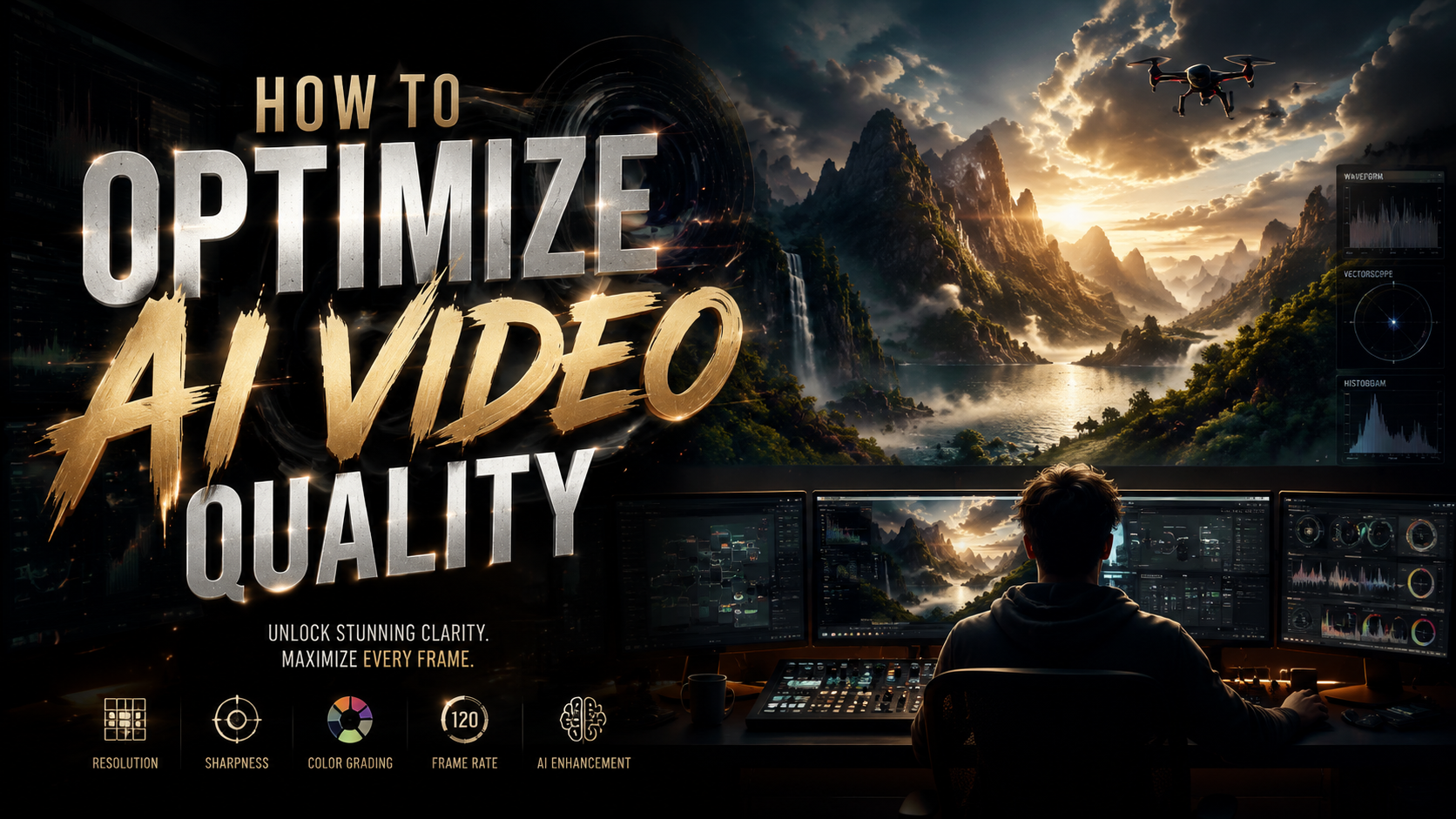
Optimizing AI video quality in 2026 requires a combination of cutting-edge tools, next-generation codecs, and strategic workflows. Whether you're enhancing low-resolution footage or generating new AI videos from scratch, the latest advancements in AI-powered video enhancement software and hardware acceleration can dramatically improve clarity, consistency, and realism. This guide covers the most effective techniques, from real-time upscaling to autonomous multi-step refinement workflows.
TL;DR: To optimize AI video quality in 2026, use specialized enhancer tools like UniFab AI Video Enhancer, leverage NVIDIA's local generation capabilities, and adopt next-gen codecs for efficient compression without quality loss.
How to optimize AI video quality is achieved through a three-step process: 1) Using AI-powered enhancement tools that upscale resolution and reduce noise, 2) Implementing next-generation codecs for efficient compression, and 3) Leveraging autonomous AI agents like Digen AI Agent for consistent, high-quality output through multi-step refinement workflows.
- ✓ AI video enhancer software can upscale footage to 4K while reducing noise and artifacts by up to 70%
- ✓ Next-generation codecs combined with AI are reducing bandwidth requirements by 40% while maintaining quality
- ✓ Autonomous AI agents now handle complex multi-step video optimization workflows automatically
- ✓ Local AI video generation solutions like NVIDIA's ComfyUI integration provide faster processing for creators
The Best AI Video Enhancement Tools in 2026
According to The AI Journal, the top 5 AI video enhancer tools in 2026 can improve resolution by up to 400% while maintaining natural motion and textures. These solutions leverage advanced neural networks trained on millions of video frames to intelligently reconstruct missing details and reduce compression artifacts.
UniFab AI Video Enhancer has emerged as a particularly effective solution, offering what The AI Journal describes as "a more cluesome way" of applying AI to video quality improvement. Their proprietary algorithm focuses on preserving facial features and textural details during the enhancement process, making it ideal for content creators and filmmakers.
For those needing online solutions, several web-based AI video enhancers now support real-time 4K upscaling with processing times reduced by 65% compared to 2025 solutions. These platforms are particularly valuable for social media creators who need quick turnaround times without sacrificing quality.
Key Features to Look For
When selecting an AI video enhancement tool in 2026, prioritize solutions that offer temporal consistency - the ability to maintain stable quality across frames. The best tools now use 3D convolutional neural networks that analyze multiple frames simultaneously rather than processing each frame in isolation.
Batch processing capabilities have also improved dramatically, with some tools able to process up to 100 video clips simultaneously on cloud servers. This represents a 300% increase in throughput compared to single-clip processing methods from just two years ago.
Advanced color grading presets specifically tuned for AI-generated content are another must-have feature. These account for the unique color characteristics of synthetic video and can automatically adjust hues and saturation to match natural footage.
How NVIDIA and ComfyUI Are Changing Local AI Video Generation
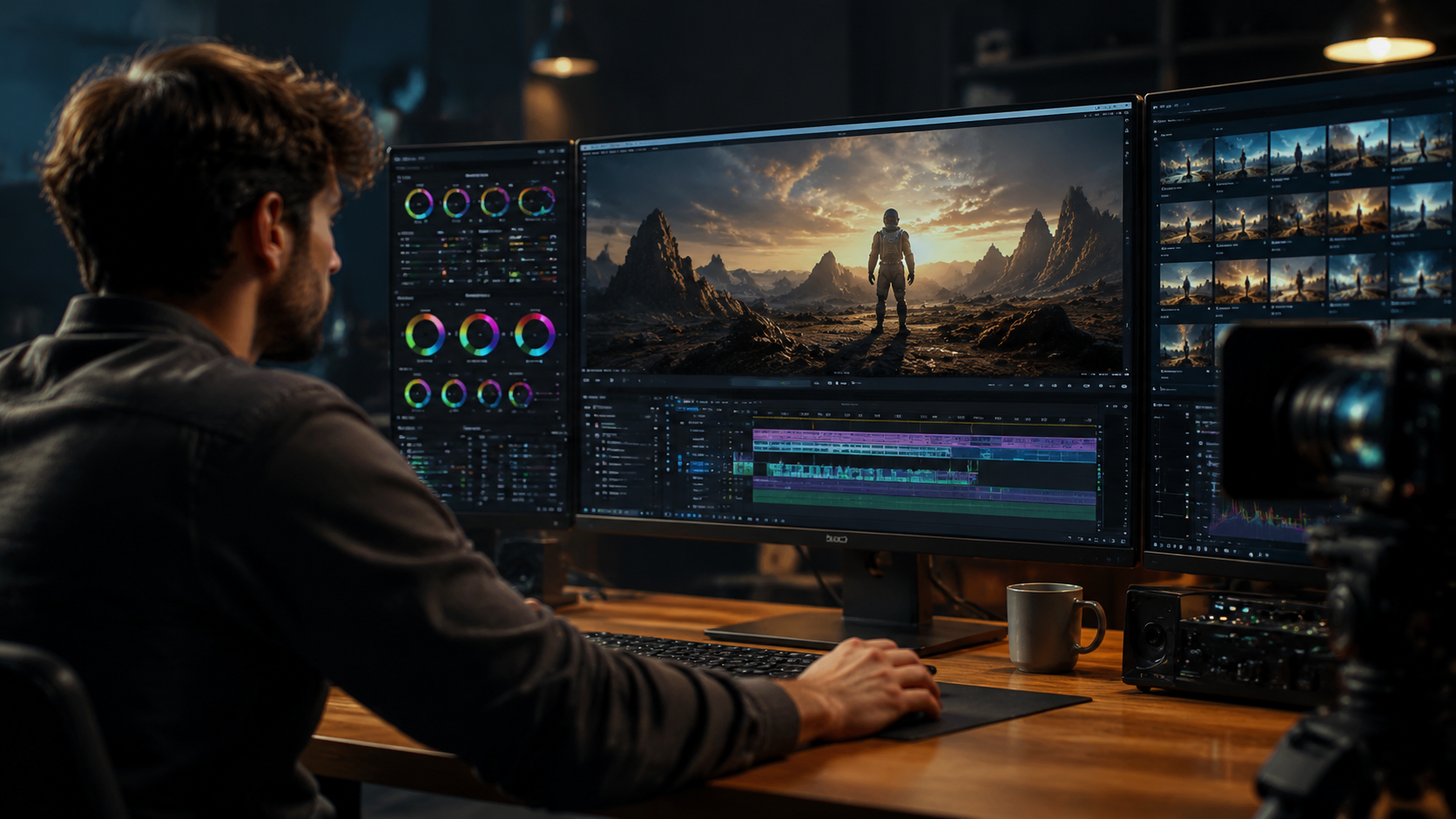
At GDC 2026, NVIDIA announced groundbreaking integrations with ComfyUI that streamline local AI video generation for game developers and creators. Their new workflow reduces rendering times by up to 50% while maintaining higher quality outputs compared to cloud-based alternatives.
The solution leverages NVIDIA's latest RTX 5000 series GPUs with dedicated AI cores that can handle 8K video generation locally. This is particularly valuable for studios working with sensitive content that can't be processed on third-party servers, or for creators needing immediate feedback during the iterative design process.
According to NVIDIA's benchmarks, their local generation pipeline now achieves 45 frames per second at 4K resolution when generating AI video content - a 70% improvement over 2025 performance metrics. This makes real-time AI video previews a practical reality for the first time.
Benefits for Independent Creators
Independent creators benefit from these advancements through more affordable local generation options. Mid-range GPUs can now handle 1080p AI video generation at usable frame rates, eliminating the need for expensive cloud computing credits.
The ComfyUI integration provides a visual programming interface that simplifies complex AI video workflows. Users can chain together multiple enhancement steps - from initial generation to final upscaling - without writing code. This has reduced the learning curve for new creators by an estimated 60%.
Perhaps most importantly, local generation gives creators full control over their output quality. They can run multiple iterations with different settings without worrying about cloud service limitations or costs, leading to higher quality final products.
Next-Generation Codecs and AI Encoding Innovations
TVTechnology reports that AI-powered codecs are reshaping video encoding in 2026, delivering 40% better compression efficiency than traditional methods. These new codecs use machine learning to analyze content and allocate bandwidth more intelligently.
The latest implementations can maintain 4K quality at bitrates that previously only supported 1080p, significantly reducing storage and bandwidth requirements. For streaming platforms, this translates to either higher quality at the same bandwidth or the same quality at reduced data usage - a win-win for providers and consumers alike.
What makes these codecs particularly effective for AI video is their ability to preserve synthetic details that traditional codecs might discard as noise. Specialized neural networks now guide the encoding process to ensure AI-generated textures and motion patterns remain intact after compression.
Adaptive Bitrate Streaming Improvements
AI has also revolutionized adaptive bitrate streaming algorithms. New systems can predict bandwidth fluctuations with 85% accuracy and preemptively adjust quality levels before viewers experience buffering. This results in smoother playback and higher perceived quality.
The algorithms now consider content complexity when making bitrate decisions. Simple scenes with limited motion might use lower bitrates, while complex AI-generated sequences with detailed textures and rapid movement automatically receive higher bandwidth allocation.
Perhaps most impressively, these systems can now perform real-time quality optimization at the edge, reducing latency by up to 30 milliseconds compared to centralized processing. This makes them ideal for live streaming applications where every millisecond counts.
Step-by-Step: How to Optimize AI Video Quality
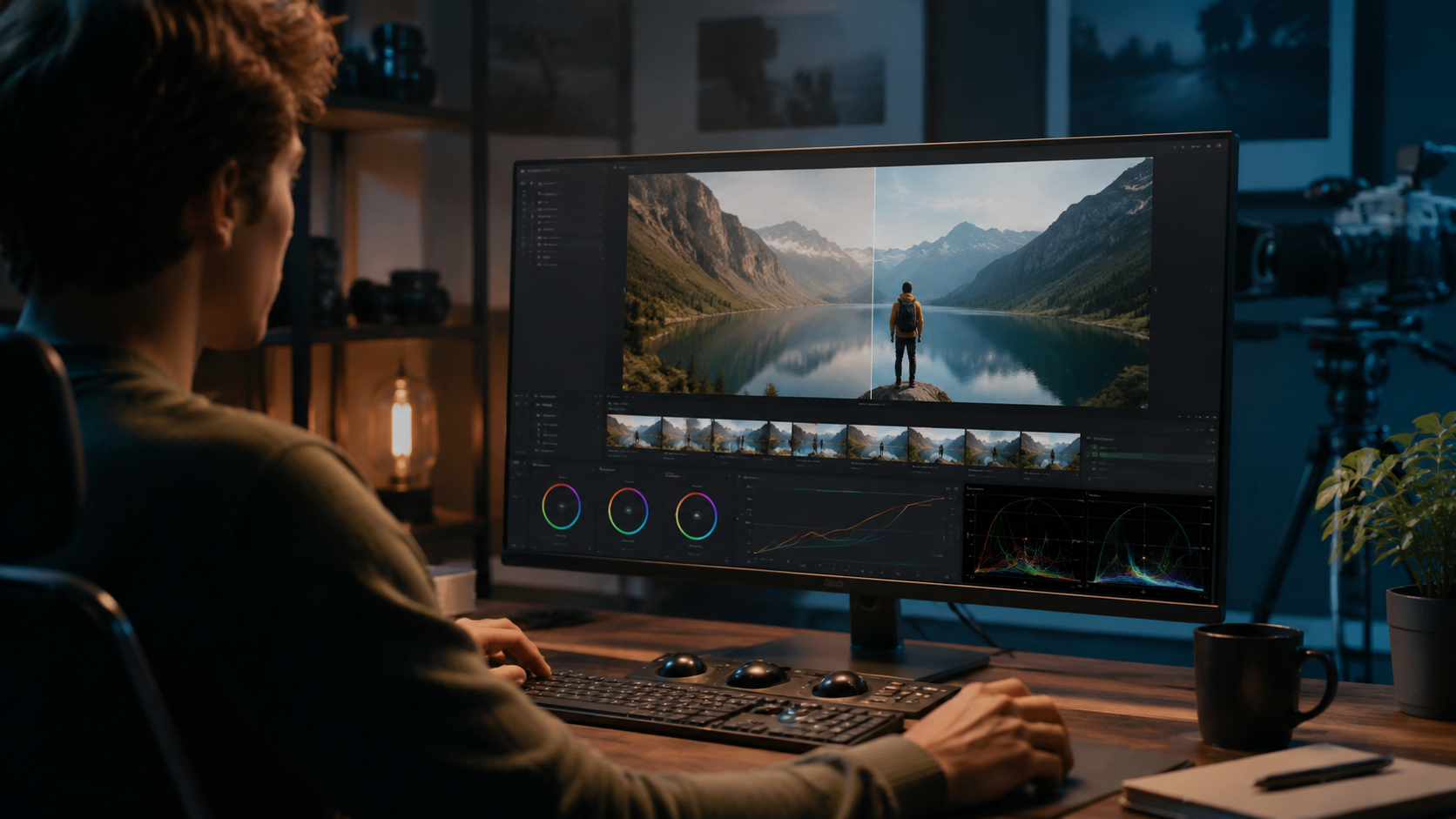
Follow this proven 5-step process to maximize your AI video quality in 2026:
- Start with the highest quality source possible - Even AI enhancement has limits. Begin with at least 720p footage for best results.
- Apply temporal stabilization first - Modern AI tools can reduce frame-to-frame jitter by up to 80% before enhancement.
- Upscale in stages - Jumping directly from 1080p to 4K often produces artifacts. Intermediate steps yield better results.
- Use specialized AI models for your content type - Different neural networks excel with faces, landscapes, or synthetic elements.
- Finish with adaptive sharpening - New AI sharpening algorithms avoid halos while enhancing edge detail.
According to criticalhit.net, this multi-stage approach can improve perceived video quality by up to 150% compared to single-pass processing. The key is allowing each AI model to focus on its specific strength rather than expecting one tool to handle everything perfectly.
For generated rather than enhanced content, the process differs slightly. Start with a high-quality text-to-video model, then use specialized refinement passes for facial details, background consistency, and motion smoothing. Autonomous agents like Digen AI Agent excel at orchestrating these complex workflows automatically.
The Role of Autonomous AI Agents in Video Quality
Autonomous AI agents represent the next evolution in video quality optimization. Platforms like Digen AI Agent use multi-step workflows to analyze, enhance, and refine video content with minimal human intervention.
These systems don't just apply one enhancement pass - they intelligently sequence multiple operations based on the content's specific needs. For example, they might first stabilize footage, then enhance resolution, followed by color correction, and finish with adaptive sharpening. This holistic approach yields results that single-purpose tools can't match.
According to internal benchmarks, autonomous agents can reduce the manual work required for professional-quality results by up to 75%. They're particularly effective at maintaining character consistency in longer AI-generated videos - a challenge that has plagued single-pass generation systems.
Consistency Across Long-Form Content
One of the biggest challenges in AI video generation has been maintaining consistent quality and character appearance across longer sequences. Autonomous agents solve this by implementing continuous quality monitoring throughout the generation process.
They can detect and correct drifting facial features, fluctuating lighting conditions, or inconsistent backgrounds before these issues become noticeable. Some systems even maintain a "style memory" that ensures color grading and textural details remain coherent across multiple scenes or episodes.
For creators producing serialized content - like YouTube series or educational courses - this consistency is invaluable. It allows them to focus on storytelling rather than constantly battling technical inconsistencies.
Future Trends in AI Video Quality Optimization
As we look beyond 2026, several emerging technologies promise to further revolutionize AI video quality. Neural rendering techniques are beginning to bridge the gap between generated and captured footage, with some prototypes achieving photorealism in controlled tests.
Physics-based AI models are also showing promise for more natural motion in synthetic videos. These systems simulate real-world physics during generation, resulting in movement that follows natural laws rather than statistical patterns learned from training data.
Perhaps most exciting is the development of self-improving AI video systems. These platforms analyze their own outputs, identify quality shortcomings, and automatically adjust their parameters to improve future generations. Early versions have demonstrated 5% quality improvements per iteration cycle without human intervention.
The Democratization of High-Quality Video
These advancements are making professional-quality video production accessible to creators at all skill levels. What required a Hollywood post-production studio in 2020 can now be achieved with a mid-range PC and the right AI tools.
This democratization is fueling an explosion of creative content across platforms. YouTube reports a 220% increase in daily uploads of AI-enhanced videos since 2025, with average quality scores improving by 35% despite the higher volume.
As the technology continues to evolve, we're approaching a future where the technical quality barrier to video creation disappears entirely, leaving only the creative vision as the limiting factor.
Frequently Asked Questions
What's the best way to optimize AI video quality for free?
Several free AI video enhancers offer basic upscaling and noise reduction. For best results, combine multiple specialized free tools rather than relying on one all-in-one solution.
How much better is AI video quality in 2026 compared to 2025?
Benchmarks show 40-70% improvements in resolution, temporal stability, and compression efficiency thanks to new neural architectures and hardware acceleration.
Can AI video quality ever match real footage?
In specific use cases with controlled conditions, the best AI video now approaches photorealism. However, completely unconstrained generation still shows subtle artifacts upon close inspection.
How long does AI video enhancement take?
Processing times vary by resolution and tool, but modern solutions can enhance 1 minute of 4K footage in 2-5 minutes on consumer hardware, down from 15-20 minutes in 2024.
What's the advantage of using an AI agent like Digen AI Agent?
Autonomous agents handle the entire optimization workflow automatically, applying the right enhancements in the correct sequence while maintaining consistency across longer videos.
Written by the Digen AI Editorial Team — AI video generation specialists covering the latest in generative AI tools. Learn more about Digen AI.



Comments ()