
How to Make Text to Video with AI in 2026: Complete Guide
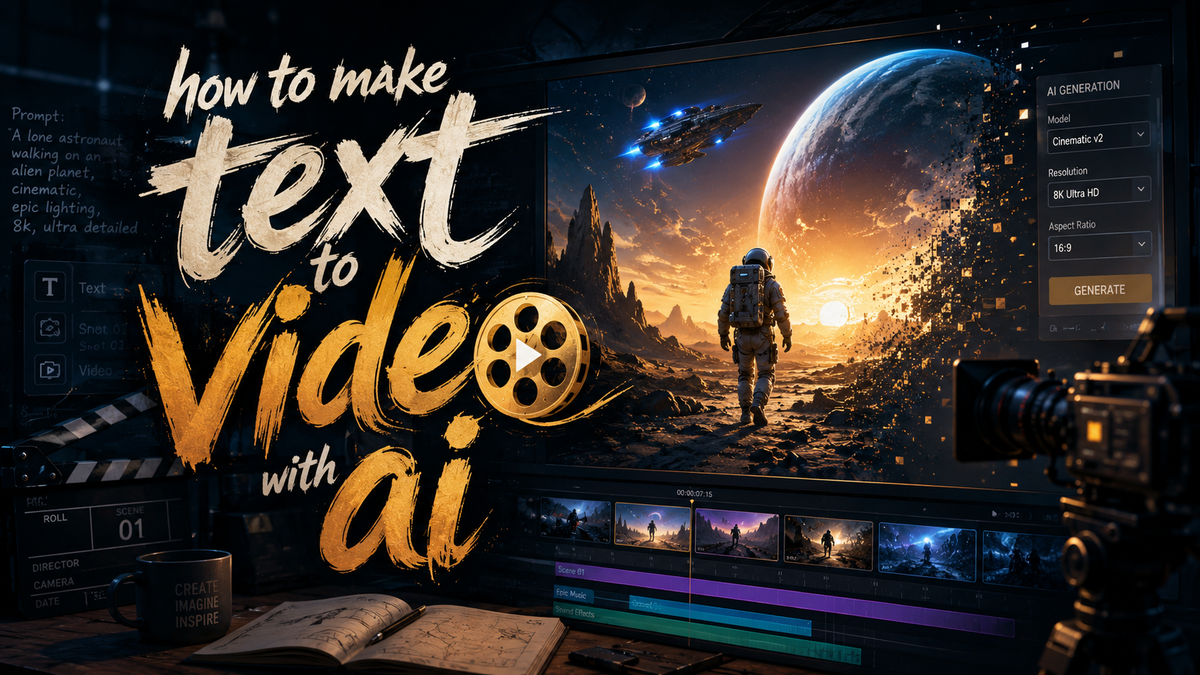
To make text to video with AI in 2026, you need to choose a capable generator, craft a detailed prompt, select visual and audio parameters, and let the model process your script into a full-motion clip. The process typically involves writing a description, tweaking style settings, generating a preview, and exporting the final video. With tools like Google’s Gemini Omni, which can blend images, audio, and text into video, or emerging Chinese AI platforms pulling ahead in motion realism, anyone can now turn a few sentences into professional-grade footage in minutes.
Making text to video with AI in 2026 is a straightforward process: you input a written description, select a style, choose length and resolution, and the AI generates a video clip that matches your prompt. Leading tools include Google Gemini Omni, Mango AI (free tier available), Runway, Kling, and Grok, each offering unique strengths in realism, speed, or customization. The key is writing clear, detailed prompts and iterating on outputs.
- ✓ Google Gemini Omni now converts text, images, and audio into seamless video, setting a new benchmark for multimodal generation.
- ✓ Chinese AI groups, as reported by the Financial Times in May 2026, have pulled ahead of US rivals in video generation quality and speed.
- ✓ Mango AI released a free text-to-video generator in May 2026, making the technology accessible to non-professionals.
- ✓ A curated list of the 23 best AI video generators for 2026 (tested and reviewed) helps users select the right platform.
- ✓ Hollywood is increasingly being left out of AI video’s future, with startups like Grok, Kling, and Runway leading the charge.
What You Need to Get Started with AI Text-to-Video
Before diving into the step-by-step guide, it’s helpful to understand the core requirements. In 2026, most AI video generators work through cloud-based platforms—no special hardware is needed beyond a decent internet connection. You’ll need an account on a supported service (many offer free trials or free tiers, like Mango AI’s recently unveiled free generator). You’ll also need to prepare your text input: a clear, descriptive script that the AI can interpret.
The technology has advanced significantly. As of May 2026, Google’s Gemini Omni can accept not just text, but also images and audio files, and combine them into a coherent video. Meanwhile, Chinese competitors, according to the Financial Times, now lead in motion coherence and scene stability, pushing US rivals to catch up. Regardless of the tool, the process remains similar: text in, video out—but the quality of your prompt determines the quality of your result.
Choosing the Right AI Video Generator
With at least 23 tested options in 2026, selection can feel overwhelming. For beginners, Mango AI offers a free tier unveiled in early May, perfect for experimentation. For high-realism and cinematic output, Runway, Grok, and Kling are industry leaders. Google’s Gemini Omni stands out for its ability to blend multiple input types. Always check the latest reviews—like the comprehensive list from perfectcorp.com—to see performance benchmarks.
Step-by-Step Guide: How to Make Text to Video with AI
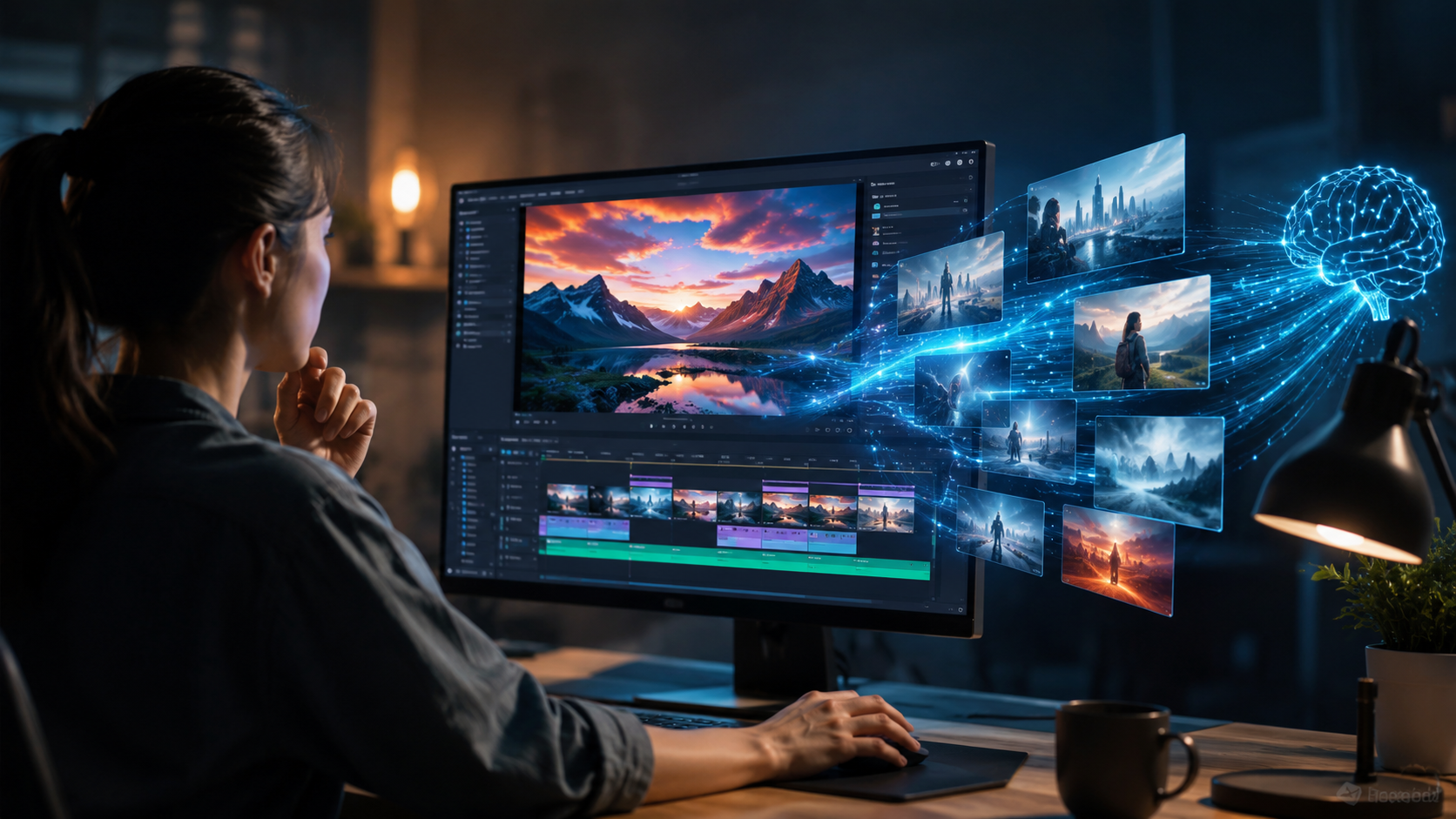
Follow these steps to create a video from text in 2026. The process works across most major platforms, with slight variations in interface.
- Write a detailed script or description. Include subject, action, setting, mood, camera angle, and lighting. Example: “A golden retriever runs through a meadow at sunset, camera follows from the side, warm light, shallow depth of field.”
- Choose your AI video generator. Select a platform that matches your needs—free (Mango AI), cinematic (Runway, Kling), or multimodal (Gemini Omni).
- Select style and parameters. Most tools let you choose resolution (e.g., 1080p or 4K), aspect ratio (16:9, 9:16), duration (up to 60 seconds typically), and artistic style (realistic, anime, photorealistic, etc.).
- Generate a preview. Submit your prompt and wait for the AI to process—anywhere from 15 seconds to 2 minutes depending on complexity and platform load.
- Review and refine. Check the video for coherence, motion quality, and adherence to your description. Adjust your prompt and regenerate if needed.
- Add optional enhancements. Many tools now allow you to add background music, voiceover, or text overlays directly within the platform.
- Export and download. Once satisfied, export the final video in your preferred format (MP4, MOV, etc.). Some platforms offer direct sharing to social media or cloud storage.
Comparison of Top AI Video Generators in 2026
The AI video landscape has changed dramatically. Below is a comparison of key platforms mentioned in recent news. This table incorporates findings from the May 2026 test reviews and industry reports.
| Tool | Input Types | Free Tier | Max Duration | Special Strengths |
|---|---|---|---|---|
| Google Gemini Omni | Text, image, audio | Limited free | ~60 seconds | Multimodal blending, high coherence |
| Mango AI | Text | Yes (free generator) | 30 seconds | Ease of use, no cost |
| Runway | Text, image | Free trial | 60 seconds | Cinematic quality, Hollywood-grade |
| Kling | Text, image | Freemium | 45 seconds | Motion realism, Chinese leader |
| Grok | Text, image | Freemium | 60 seconds | Fast generation, unique style |
According to the Financial Times report from May 16, 2026, Chinese AI groups such as the team behind Kling have pulled ahead of US rivals in the video generation race, particularly in maintaining consistent motion and scene transitions. TechCrunch’s article from May 19 highlights Gemini Omni as a game-changer because it can fuse all media types into one coherent video, a feature no other tool fully offers yet.
Expert Tips for Better AI-Generated Videos
Use Highly Descriptive Prompts
Generators in 2026 respond best to prompts that specify lighting, camera movement, speed of action, and even small details like “dust particles in the air.” A vague prompt yields a generic clip; specific prompts yield impressive results. For example, instead of “a car driving,” try “a red sports car speeds along a coastal highway at golden hour, camera follows from a drone overhead, tire smoke lingers in the air.”
Iterate and Refine
Rarely does the first generation match your vision. Most platforms allow you to regenerate with modified text. Use the “variation” or “re-roll” feature if available. Also consider generating multiple versions and splicing them together in a video editor—a technique professionals use to build longer narratives.
Leverage Audio Input Where Supported
Google’s Gemini Omni and some other tools now accept audio files as input. You can feed it a narrated script or a background track, and the AI will synchronize the video to the rhythm or dialogue. This is a huge leap from 2024–2025 models and opens up storytelling possibilities.
Common Questions About Making Text-to-Video with AI in 2026
Is it free to make text to video with AI in 2026?
Yes, several platforms offer free tiers. Mango AI launched a completely free text-to-video generator on May 8, 2026, as reported by PR Underground. Google Gemini Omni and others also provide limited free usage, but high-resolution or lengthy videos often require paid subscriptions.
How long does it take to generate a video from text?
Generation times vary. Most modern tools produce a 15–30 second clip in 30 seconds to 2 minutes. Factors include server load, resolution, and the complexity of the prompt. According to the 23 best AI video generators review from perfectcorp.com, some premium platforms offer near-real-time generation for short clips.
Can I use my own images or audio to guide the video?
Yes. Gemini Omni from Google is a standout for allowing text, images, and audio as inputs simultaneously. Other tools like Runway and Kling accept images as a starting frame or style reference, but full multimodal support remains rare.
What are the best AI video generators for Hollywood-quality results?
Runway, Grok, and Kling (a Chinese platform) are frequently cited as leaders in cinematic quality. The Ankler noted in early May 2026 that Hollywood itself feels left out as these tools advance faster than traditional studios can adopt them.
Can AI-generated videos be used commercially?
It depends on the platform’s terms of service. Many, like Mango AI and Runway, grant full commercial rights for videos created on their free or paid plans. Always check the specific license. For example, Kling’s freemium policy may restrict commercial use unless you purchase a pro subscription.
How do Chinese AI videos compare to US-made ones in 2026?
As reported by the Financial Times on May 16, 2026, Chinese AI groups have pulled ahead in the video generation race, particularly in motion coherence and realistic physics. US tools still lead in creative flexibility and multimodal integration (e.g., Gemini Omni), but Chinese platforms are closing the gap fast.
Final Thoughts: The Future of Text-to-Video AI
Making text to video with AI in 2026 is easier and more powerful than ever. The technology has moved from experimental gimmick to a practical tool for content creators, marketers, educators, and filmmakers. With free options like Mango AI, advanced multimodal models like Gemini Omni, and fierce global competition pushing quality higher, the barriers have never been lower. The key takeaway: start with a vivid prompt, test multiple tools, and don’t be afraid to iterate. The video you imagine can now be generated in minutes—no camera, crew, or budget required.



Comments ()