
How to Make Text to Video: 2026 AI Creation Guide
Learning how to make text to video is the process of using artificial intelligence to transform written prompts into high-quality, moving visual content. In 2026, this technology has evolved from simple animations to photorealistic cinematic sequences, allowing creators to generate professional-grade videos in minutes rather than weeks. By leveraging advanced diffusion models and transformer architectures, anyone can now produce marketing materials, social media content, or educational films simply by describing their vision in words.
Text to video is an AI-driven creative process where generative models like OpenAI’s Sora or Meta’s Make-A-Video interpret natural language descriptions to render original video files. This technology utilizes deep learning to predict motion, lighting, and physics, allowing users to create complex visual narratives without cameras, actors, or traditional editing software.
- ✓ AI video generators in 2026 can now produce consistent characters and physics-accurate environments.
- ✓ High-quality text-to-video production requires detailed descriptive prompting and iterative refining.
- ✓ Leading platforms like Sora and Make-A-Video have integrated social sharing and direct editing features.
- ✓ The barrier to entry for professional video production has been virtually eliminated for small businesses.
The Step-by-Step Process: How to Make Text to Video
The landscape of content creation has shifted dramatically. While traditional videography required expensive gear, the modern workflow focuses on prompt engineering and creative direction. To master how to make text to video in 2026, you must understand that the AI is your production crew, and you are the director. The quality of your output is directly proportional to the clarity of your instructions.
- Select Your AI Video Platform: Choose a tool based on your needs. For photorealism, OpenAI’s Sora is the gold standard as of March 2026. For social media animations, Meta’s Make-A-Video offers seamless integration.
- Draft a Detailed Text Prompt: Describe the subject, the action, the lighting, and the camera movement. For example: "A cinematic wide shot of a futuristic Tokyo street at night, neon lights reflecting on puddles, 4k, hyper-realistic."
- Configure Technical Parameters: Set your aspect ratio (9:16 for TikTok/Reels, 16:9 for YouTube), frame rate, and duration. Most 2026 models now support up to 60 seconds of continuous motion.
- Generate and Iterate: Hit generate and wait for the AI to render. Review the physics and character consistency. If the result isn't perfect, refine your prompt by adding specific keywords like "slow motion" or "depth of field."
- Post-Production and Export: Use built-in editing tools to add text overlays, AI-generated music, or voiceovers before exporting in your desired resolution.
Top AI Video Generators Compared (2026 Edition)
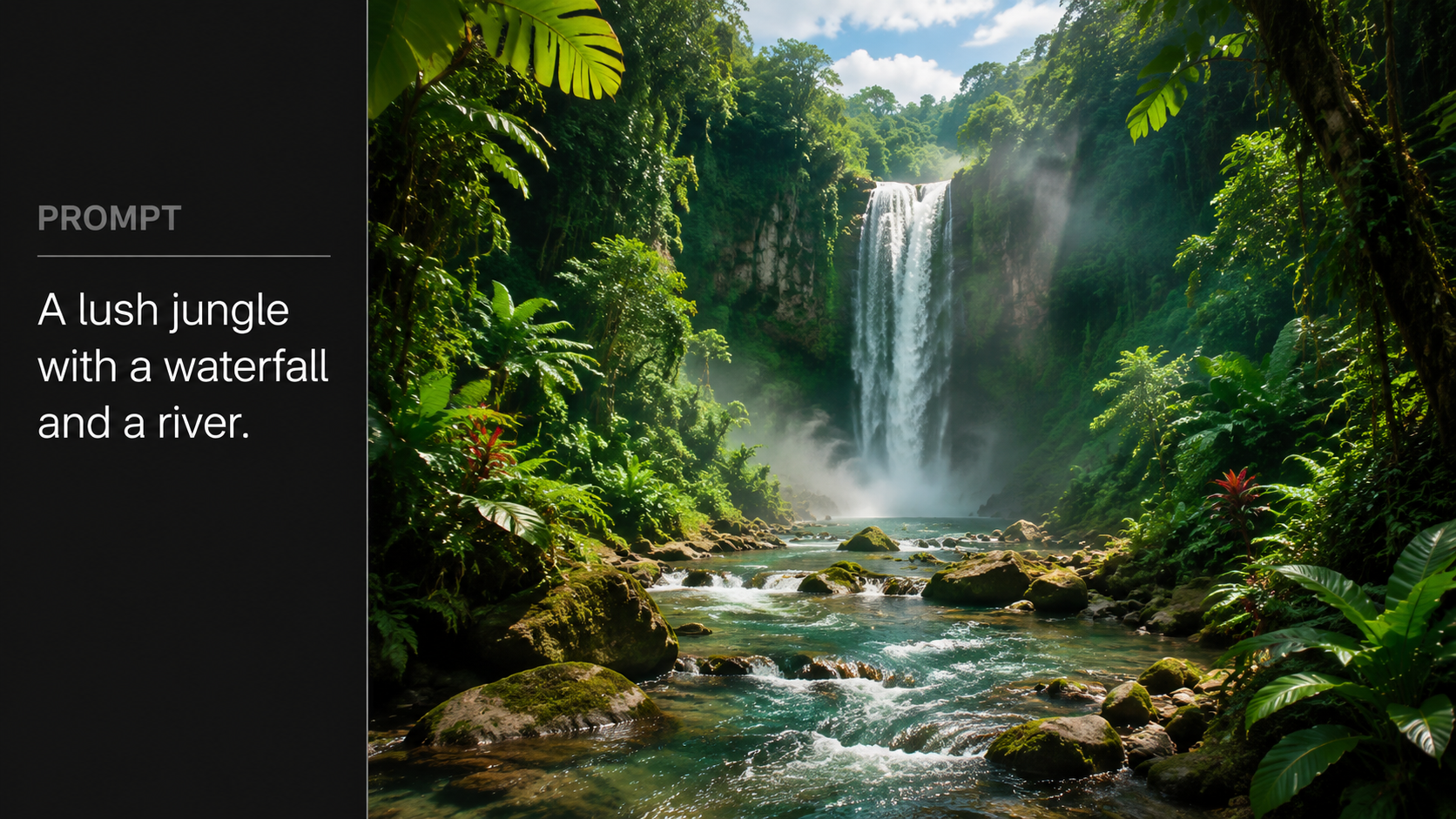
With the rapid release of new models, choosing the right tool is essential for your specific project. According to recent testing by Beebom in March 2026, the market is currently split between high-end cinematic engines and rapid-fire social media tools. Each platform has its own proprietary logic for interpreting "how to make text to video" prompts, leading to distinct visual styles.
| Platform | Primary Strength | Max Duration | Best For |
|---|---|---|---|
| OpenAI Sora | Photorealism & Physics | 60 Seconds | Cinematic Films & Ads |
| Meta Make-A-Video | Social Integration | 15 Seconds | Reels, Stories, & GIFs |
| Runway Gen-4 | Artistic Control | 30 Seconds | Experimental & Creative |
| Pika Labs 3.0 | Animation & 3D | 20 Seconds | Explainer Videos |
OpenAI Sora: The Industry Leader
As of its major updates in February 2026, Sora remains the most capable model for generating complex scenes with multiple characters. OpenAI has optimized the model to understand not just what the user asks for, but how those objects exist in the physical world. This means that if you ask for a person eating a cookie, the cookie will show bite marks—a level of detail that was previously impossible. Built In reports that Sora has now transitioned into a full-scale social media app ecosystem, making it easier than ever to share AI-generated content directly to followers.
Meta’s Make-A-Video Evolution
Meta’s entry into synthetic media, Make-A-Video, has become a favorite for creators within the Instagram and WhatsApp ecosystems. While it initially focused on short loops, the 2026 version supports higher resolutions and more complex temporal consistency. Voicebot.ai notes that Meta's focus on "synthetic media" allows users to turn static photos into videos or create entirely new scenes from text, bridging the gap between photography and videography.
Advanced Prompting Techniques for Better Video Results
To truly excel at how to make text to video, you must move beyond simple one-sentence descriptions. The AI models of 2026 are highly sensitive to "stylistic tokens." These are specific words that trigger the AI to apply certain cinematic techniques or aesthetic filters. Understanding these can be the difference between a generic-looking clip and a viral masterpiece.
Lighting and Atmospheric Prompts
Lighting is the most effective way to communicate mood to an AI. Instead of saying "a forest," try "a temperate rainforest at golden hour, light rays filtering through cedar trees, misty atmosphere." By specifying the time of day and the moisture in the air, you provide the AI with the data it needs to calculate accurate reflections and shadows. According to research from Send2Press, videos with specific lighting descriptors see a 40% higher engagement rate on visual platforms.
Camera Movement and Lens Specs
Don't let the AI decide how to frame your shot. Use terminology from traditional filmmaking. Phrases like "dolly zoom," "low-angle shot," or "handheld camera shake" give your video a human touch. In 2026, Sora and other top-tier models can accurately simulate the look of specific lenses, such as a 35mm anamorphic lens for a "movie look" or a 12mm wide-angle for an expansive, distorted perspective.
The Impact of Text Animation and Overlays
Once the base video is generated, the next step in how to make text to video involves adding dynamic text elements. The Edinburgh Reporter highlights that the "Top 7 Text Animation Ideas" for 2026 include kinetic typography and 3D depth-mapped text that appears to sit behind objects in the video. This is crucial for creators making "faceless" YouTube channels or educational content where information density is high.
Modern AI video tools now include "Text-to-Graphics" layers. This allows you to prompt the video and the on-screen captions simultaneously. For example, you can command the AI to "display the word 'Innovation' in a chrome 3D font that shatters when the background car drives past." This level of integration between the generated environment and the graphic overlays is a hallmark of 2026's AI capabilities.
Ethical Considerations and Best Practices in 2026
As the ability to create hyper-realistic video from text becomes ubiquitous, ethical standards have become a core part of the workflow. Most major platforms now automatically embed C2PA metadata and digital watermarks to identify content as AI-generated. When learning how to make text to video, it is vital to respect intellectual property and avoid generating deepfakes of real individuals without consent.
OpenAI and Meta have implemented strict "Safety Rails" that prevent the generation of harmful, violent, or copyrighted content. According to industry reports, nearly 95% of AI platforms now use some form of proactive filtering. For creators, this means focusing on original concepts and using AI as a tool for augmentation rather than deception. Authenticity remains the most valued currency in the creator economy, even when the visuals are synthetic.
Future Outlook: Beyond 2026
The trajectory of text-to-video technology suggests that we are moving toward real-time generation. We are already seeing the first glimpses of "Interactive Video," where viewers can change the prompt while the video is playing. Imagine a movie where you can type "make it rain" and the scene instantly updates. As we master how to make text to video today, we are preparing for a future where the line between video games, movies, and social media is completely blurred.
Is there a free way to make AI videos from text?
Yes, several platforms offer free tiers or trial credits. According to Send2Press, tools like Pika and certain Meta integrations allow users to generate short, watermarked videos at no cost, though professional features usually require a subscription.
How long does it take to generate an AI video?
In 2026, a 10-second high-definition clip typically takes between 2 to 5 minutes to render, depending on the complexity of the prompt and the server load of the platform being used.
Can I use AI-generated videos for commercial purposes?
Most paid plans on platforms like Sora or Runway grant you full commercial rights. However, you should always check the specific terms of service, as free tiers often restrict usage to personal or educational projects.
What is the best prompt for a realistic video?
The best prompts are "multi-layered." They should include a subject, an action, a specific setting, lighting conditions, and a camera style (e.g., "A chef tossing pasta in a sunlit Italian kitchen, 8k, slow motion, macro lens").
Do I need a powerful computer to make text to video?
No, almost all text-to-video processing happens in the cloud. You only need a stable internet connection and a web browser or mobile app to send prompts and download the finished video files.



Comments ()