
How to Make Animated AI Video Easily in 2026 (Step-by-Step)
Creating animated videos used to require expensive software, years of artistic training, and hours of manual frame-by-frame work. In 2026, that has completely changed. You can now learn how to make animated AI video easily using powerful, accessible tools that turn text prompts into full cartoon sequences in minutes. This step-by-step guide will walk you through the entire process, from choosing the right generator to exporting your final masterpiece.
Making an animated AI video easily in 2026 is a three-step process: write a detailed script or prompt, select a style (2D cartoon, 3D animation, or anime), and generate the video using a platform like Pika, Runway, or Mango AI. Most tools now offer real-time previews and voiceover integration, cutting production time from weeks to under an hour.
- ✓ AI animation generators in 2026 can produce broadcast-quality cartoons from a single text prompt, with no drawing skills required.
- ✓ The best tools now include built-in lip-sync and voice cloning, making character dialogue seamless.
- ✓ Ethical use is critical—always label AI-generated content, especially for children's videos, as highlighted by recent NYT reports.
- ✓ Free tiers exist for most platforms, but paid plans unlock higher resolution and longer video lengths.
- ✓ A structured prompt—including character description, setting, action, and mood—yields the best results.
Why 2026 Is the Year of AI Animation
The landscape of video creation has shifted dramatically. According to Cybernews' in-depth review of the Best AI Animation Generators 2026, the quality of AI-generated cartoons now rivals traditional animation studios. The key driver is the convergence of large language models with diffusion-based video generators. Tools like Mango AI have even introduced specialized features such as the AI Kissing Generator, which creates seamless kiss animations for romantic or comedic scenes. As reported by perfectcorp.com in their 2026 list of 23 top AI video generators, the market now offers solutions for every skill level—from hobbyists to professional content creators.
However, this ease of creation comes with responsibility. A recent investigation by The New York Times (February 2026) highlighted how AI-generated videos are distorting children's YouTube feeds, often with unlabeled synthetic content. As you learn how to make animated AI video easily, always follow platform guidelines and clearly mark your work as AI-generated to maintain trust with your audience.
How to Make Animated AI Video Easily: The Step-by-Step Process
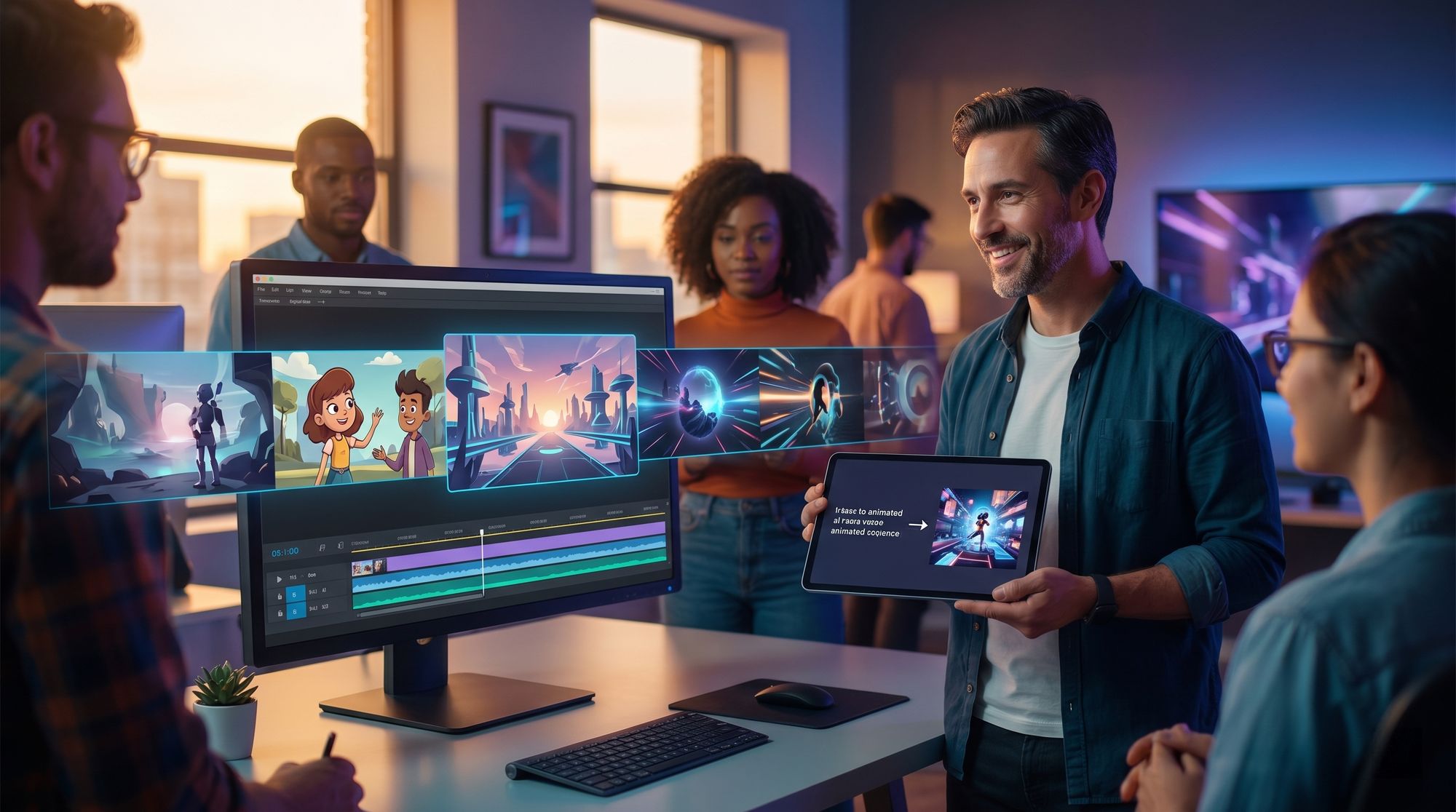
Follow this numbered workflow to create your first animated AI video. These steps are based on the full tutorial published by Geek Vibes Nation (November 2025), which demonstrated how AI video generators are now making cartoons accessible to everyone.
- Choose Your AI Animation Generator. Select a platform from the 2026 best-of lists. Top recommendations include Pika (best for 2D cartoon style), Runway Gen-3 (best for realistic animation), and Mango AI (best for specialized animations like kissing or dancing). Most offer a free tier.
- Write a Detailed Script and Prompt. Unlike early AI tools, 2026 generators respond to rich context. Include character names, visual style (e.g., "Disney-inspired 2D animation"), lighting, and camera movement. Example: "A blue robot with glowing eyes walks through a neon city at night, cinematic lighting, 4K."
- Generate Your Base Animation. Paste your prompt and hit generate. Most tools produce a 4–10 second clip in under 30 seconds. Review the output and use the "variation" button to tweak style or movement.
- Add Voiceover and Lip-Sync. Upload your audio or use the platform's text-to-speech engine. In 2026, tools like Pika and Runway automatically sync lip movements to the dialogue, a feature praised in the Cybernews review.
- Edit and Combine Clips. Use the platform's timeline editor to join multiple scenes. Add transitions, background music, and text overlays. Many generators now offer a "storyboard mode" that lets you arrange scenes in sequence.
- Export in High Resolution. Choose your export settings. For social media, 1080p at 30fps is standard. For professional use, 4K exports are available on paid plans. Always preview the final video before downloading.
Top AI Animation Tools Compared (2026)
To help you decide which tool to use for your project, here is a comparison of the leading platforms tested and reviewed in 2026. This table draws from the Cybernews in-depth review and perfectcorp.com's comprehensive list.
| Tool | Best For | Key Feature | Pricing (2026) |
|---|---|---|---|
| Pika | 2D cartoons & anime | Real-time lip-sync, style transfer | Free (720p), Pro $15/mo |
| Runway Gen-3 | Realistic & cinematic animation | Multi-scene storyboarding, 4K export | Free (10 credits), Standard $25/mo |
| Mango AI | Character interactions (kissing, dancing) | AI Kissing Generator, gesture control | Free (watermarked), Premium $12/mo |
| Kaiber | Music videos & abstract animation | Audio-reactive animation, high artistic style | Free (limited), Pro $20/mo |
Tips to Make Animated AI Video Easily in 2026
Master the Art of Prompt Engineering
The single biggest factor in quality is your prompt. According to Geek Vibes Nation's tutorial, successful creators use a "3-2-1" formula: three descriptive adjectives, two action verbs, and one technical specification (e.g., "60fps, cinematic depth of field"). Avoid vague terms like "nice" or "cool" and instead use specific art styles: "Studio Ghibli watercolor" or "cyberpunk noir."
Leverage Free Animation Software for Pre-Production
While AI generators handle the heavy lifting, Creative Bloq's February 2026 review of the best free animation software recommends using tools like Blender or OpenToonz for storyboarding and character concept art. You can upload these sketches into your AI generator as a reference image, dramatically improving consistency across scenes.
Optimize for Platform Requirements
Different social platforms favor different aspect ratios. For TikTok and Instagram Reels, use 9:16 vertical format. For YouTube, stick with 16:9. Most 2026 generators, including Runway and Pika, allow you to set the aspect ratio before generating, saving you from cropping later.
Advanced Techniques for Professional Results
Once you have mastered the basics of how to make animated AI video easily, you can explore advanced features. Mango AI's new kissing generator, unveiled in April 2026, demonstrates how specialized tools can create complex character interactions that were previously impossible for amateurs. Similarly, the Cybernews review highlights that top-tier generators now support "multi-pass rendering," where you generate a base animation, then refine it with a second prompt that adds detail to specific frames.
Another powerful technique is "style locking." Some platforms let you generate a single frame in your desired style and then lock that style for the entire video. This ensures your characters don't morph or change appearance between scenes—a common problem in earlier AI tools. According to perfectcorp.com's testing, style locking reduces editing time by 40%.
Finally, consider ethical implications. The NYT report from February 2026 warns that unlabeled AI videos are distorting children's perceptions. Always add a visible disclaimer, especially if your video targets a young audience. Platforms like YouTube now require AI-generated content labels, so compliance is both ethical and practical.
Frequently Asked Questions
Is it really free to make animated AI videos in 2026?
Yes, most major platforms offer a free tier. Pika provides 720p exports with a watermark, while Mango AI offers free usage with a small logo. For professional use without watermarks, paid plans start at around $12–$25 per month.
How long does it take to create a 60-second animated video?
Using the step-by-step process above, a 60-second video typically takes 30–45 minutes. This includes writing the script, generating 4–6 clips, adding voiceover, and exporting. Batch processing can cut this to under 20 minutes.
Can I use AI-generated animations for commercial projects?
Yes, but check the terms of service for your chosen tool. Runway and Pika allow commercial use on paid plans. Mango AI's free tier restricts commercial use to videos under 30 seconds. Always read the license agreement before publishing.
What is the best AI tool for making cartoon-style animations?
For 2D cartoons, Pika is widely considered the best in 2026, based on the Cybernews review and Geek Vibes Nation tutorial. It excels at maintaining consistent character designs and offers the most intuitive lip-sync feature.
How do I prevent my AI video from looking distorted or "glitchy"?
Use high-quality source prompts with specific style references. Avoid abstract movements (e.g., "spinning rapidly") and keep camera movements simple. Most 2026 generators also offer a "smooth" filter that reduces flickering between frames.
Do I need a powerful computer to run AI animation software?
No. All the tools mentioned in this guide run entirely in the cloud. You only need a modern web browser and a stable internet connection. The AI processing happens on the provider's servers, so even a Chromebook can handle 4K exports.
Learning how to make animated AI video easily in 2026 is about leveraging the right tools and following a structured workflow. Start with a free generator, experiment with prompts, and gradually incorporate advanced features like lip-sync and style locking. As the technology matures, the barrier to entry continues to fall—but so does the margin for error. Always prioritize quality over speed, label your content transparently, and respect the platform guidelines that keep AI video creation sustainable for everyone.



Comments ()