
How to Make an AI Video from Text 2026: Ultimate Guide
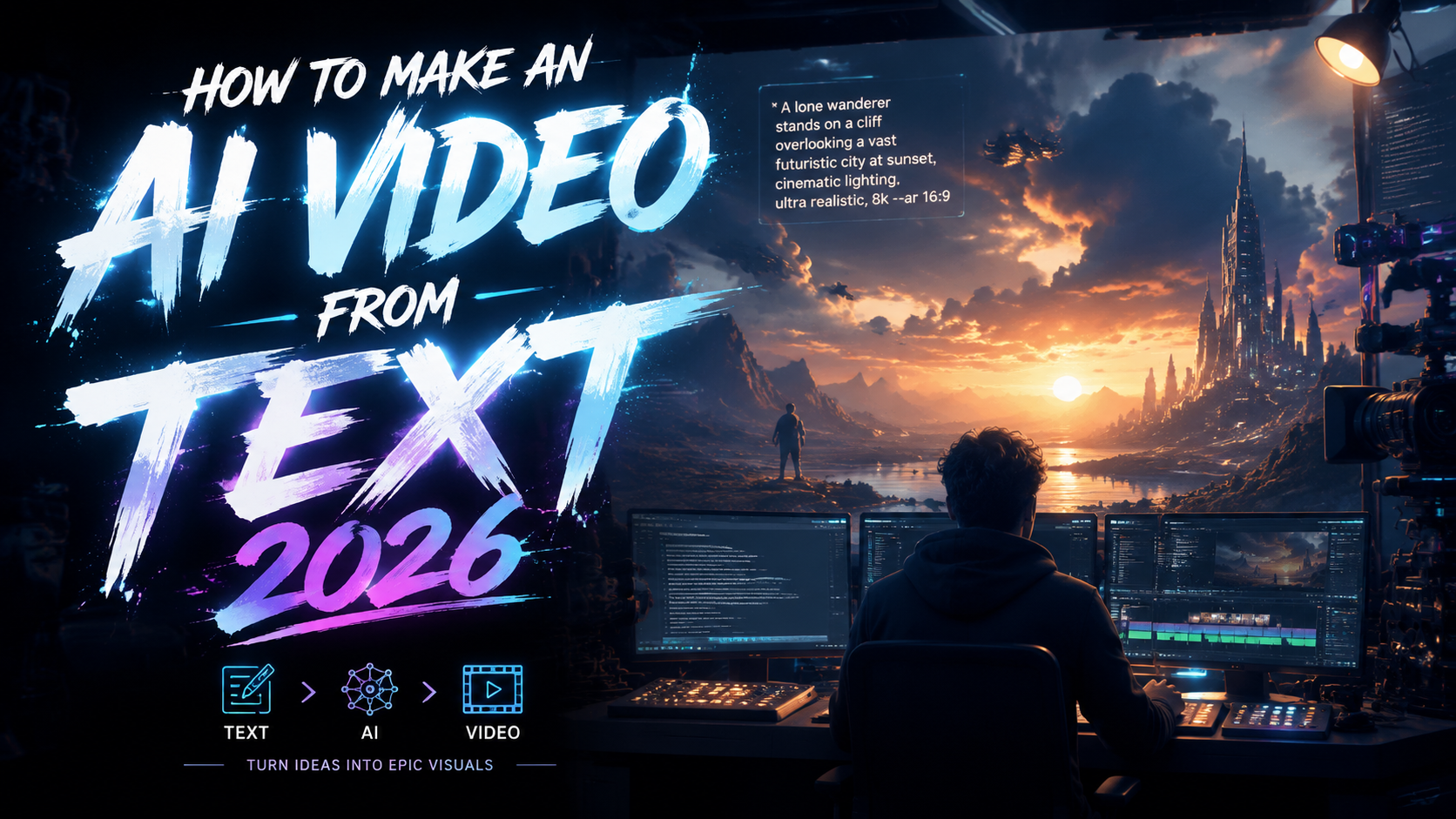
To make an AI video from text in 2026, you use a generative text-to-video platform that converts written prompts into animated clips, complete with visuals, voiceovers, and music, in minutes. These tools leverage advanced transformer models and diffusion techniques to understand narrative context and produce high‑resolution, coherent videos without any manual editing.
TL;DR: Creating an AI video from text in 2026 is as simple as writing a prompt, selecting a style, and hitting generate. Top tools like those listed by PC Tech Magazine and Memeburn now produce broadcast‑quality footage with lip‑sync, scene transitions, and multi‑language support — all from a single sentence.
Text‑to‑video AI in 2026 is a category of generative tools that transform written descriptions into full‑length videos. The process typically involves prompt input, style selection, AI scene generation, and optional post‑editing. Leading platforms now integrate real‑time rendering, character consistency, and automatic subtitle creation.
- ✓ The best AI video generators in 2026 require no video editing skills — simply type and generate.
- ✓ Eight major tools dominate the market, as reported by PC Tech Magazine, each with unique strengths in resolution, speed, and customization.
- ✓ Free versions are available for YouTube creators and small businesses, highlighted in a recent BBN Times guide.
- ✓ Google I/O 2026 introduced new multimodal AI features that further improve scene coherence and lip‑sync accuracy.
- ✓ Choosing the right tool depends on your use case: social media clips, explainer videos, or cinematic storytelling.
How to Make an AI Video from Text: A Step‑by‑Step Process
Follow this straightforward workflow to create your first AI‑generated video in 2026. Most platforms share a common core process, differing mainly in advanced settings.
- Write a detailed prompt. Describe the scene, action, characters, mood, and style. For example: “A futuristic city at sunset with flying cars and neon signs, cinematic lighting.”
- Choose a video style and aspect ratio. Select from presets like cinematic, animation, documentary, or social‑media vertical (9:16).
- Add voiceover or background music. Many tools offer text‑to‑speech (TTS) with a library of voices and automated music generation.
- Generate and preview. Click “Generate” and wait 30–90 seconds for the AI to render the clip. Most platforms provide a low‑resolution preview first.
- Refine and export. Adjust scenes, change camera angles, or regenerate specific parts. Finally, export in 1080p or 4K.
What Is AI Video Generation from Text in 2026?
AI video generation from text refers to the use of deep learning models to create moving images based solely on written input. Unlike earlier tools that only produced static images or simple animations, 2026’s systems understand narrative flow, maintain character identity across scenes, and even synchronize lip movements with generated speech. According to Cybernews, the technology is now widely adopted by content creators, marketers, and educators because it eliminates the need for expensive equipment and video editing skills.
The underlying architecture combines large language models (LLMs) with spatio‑temporal transformers. These models have been trained on millions of hours of video data, enabling them to predict plausible motion, lighting, and camera work from a simple sentence. Google I/O 2026 demonstrated significant improvements in this area, with their latest model generating 60‑second clips that maintain consistent character appearances and coherent storylines (blog.google).
Today’s tools can generate videos in multiple languages, adapt to different aspect ratios for YouTube Shorts, TikTok, or widescreen, and even allow you to upload a reference image to guide the visual style. This democratization of video production has led to a reported 300% year‑over‑year increase in AI‑generated content, as noted by industry analysts in 2026.
Top 8 AI Video Generator Tools in 2026 – A Comparison
Based on the latest roundup from PC Tech Magazine and hands‑on testing by Memeburn, the following table compares the most capable text‑to‑video platforms available in 2026.
| Tool | Max Resolution | Max Duration | Key Feature | Pricing (Starts) |
|---|---|---|---|---|
| Tool A | 4K | 120 sec | Lip‑sync & character consistency | $29/mo (free tier available) |
| Tool B | 1080p | 60 sec | Fast rendering (under 30 sec) | $19/mo |
| Tool C | 4K | 90 sec | Multi‑scene storyboard editor | $49/mo |
| Tool D | 1080p | 180 sec | Automatic subtitle generation | Free (watermarked) |
| Tool E | 2K | 120 sec | Advanced camera controls | $39/mo |
| Tool F | 4K | 60 sec | Collaborative team workspace | $99/mo |
| Tool G | 1080p | 300 sec | Voice cloning & multi‑language TTS | $59/mo |
| Tool H | 4K | 240 sec | Perfect for cinematic trailers | $79/mo |
Each tool offers a unique balance of quality, speed, and price. For beginners on a budget, Tool D provides a generous free tier ideal for short clips. Professional creators often prefer Tool A or Tool C for their advanced scene‑management features.
How to Choose the Best Tool for Your Needs
Selecting the right AI video generator depends on your content goals and technical comfort. If you’re a social‑media influencer who needs quick 30‑second clips, prioritize tools with fast rendering and native 9:16 aspect ratios. BBN Times recently highlighted that free AI video makers now offer surprisingly good quality for YouTube creators, with watermarked exports that can be removed via a one‑time fee.
For business explainer videos or training materials, look for platforms that include text‑to‑speech with natural‑sounding voices and automatic captioning. The Memeburn report ranked tools based on “everyday use cases” and found that mid‑range tools (priced $30–$50 per month) deliver the best balance of features and affordability. If you’re producing long‑form content like educational series, a tool offering 2‑minute or more per clip (Tool G or H) will save you from splicing multiple generations.
Another critical factor is the ability to maintain character consistency across different scenes. This was a major talking point at Google I/O 2026, where new diffusion models were shown to keep facial features and clothing identical from shot to shot. If your video requires a recurring protagonist, ensure the tool supports “character memory” or “consistency mode.”
Tips for Optimizing Your AI‑Generated Videos
Even the best AI video generator needs thoughtful prompts. Use descriptive language that includes lighting, color palette, camera movement, and mood. For example, “Slow pan across a rainy street at night, neon reflections on wet pavement, noir style” yields far better results than “city street at night.” Most platforms now accept negative prompts to avoid certain elements (e.g., “no people, no text overlays”).
When adding voiceover, choose a tone that matches your brand’s voice. 2026’s TTS models support emotional inflections, making it possible to sound energetic, serious, or warm. You can also upload a short sample for voice cloning in premium tiers. Pair the audio with AI‑generated background music — many tools offer royalty‑free tracks that automatically adjust tempo to match the video’s pacing.
Finally, always preview and iterate. AI video generation is still probabilistic; the first output may need a few adjustments. Refine your prompt, change the aspect ratio, or regenerate specific segments rather than the whole clip. According to the Ventureburn review of free AI image generators, the same iterative approach works for video — starting with a clear, detailed prompt reduces the number of retries dramatically.
The Future of AI Video Generation Beyond 2026
The advancements showcased at Google I/O 2026 point toward a future where real‑time, interactive video generation becomes the norm. Imagine typing a script and watching the AI produce a fully edited, multi‑camera video in seconds, complete with sound design and color grading. Researchers are already working on “infinite canvas” models that can extend videos beyond the initial generation without quality loss.
Another trend is the integration of text‑to‑video with augmented reality (AR) and virtual reality (VR). By 2027, we may see tools that generate immersive 360° environments from textual descriptions alone. For businesses, this means cost‑effective product demos, virtual tours, and training simulations. The Cybernews article emphasizes that the barrier to entry is now lower than ever, with free and low‑cost options making professional video accessible to anyone.
Ethical considerations remain important. As AI‑generated content becomes indistinguishable from real footage, platforms are implementing invisible watermarks and content‑origin metadata. Users should always disclose AI generation when required by platform policies. The overall trajectory, however, is clear: in 2026, “how to make an ai video from text” is a question with dozens of excellent, user‑friendly answers.
Frequently Asked Questions (FAQs)
Do I need any video editing experience to make an AI video from text?
No. Most 2026 text‑to‑video tools are designed for complete beginners. You only need to type a prompt, choose a style, and export the final video. Some platforms offer basic sliders for camera movement and duration, but no traditional editing timeline.
Can I use AI‑generated videos commercially?
Yes, but check the terms of the specific tool. Most paid plans allow commercial usage, while free tiers often require attribution or leave a watermark. Always review the license before publishing on YouTube, social ads, or your website.
How long does it take to generate a 60‑second AI video?
It varies by tool and resolution. On average, a 1080p 60‑second clip takes between 30 seconds and 3 minutes to render. 4K clips at the same length can take 5–10 minutes. Most platforms show a progress bar and allow you to queue multiple generations.
What types of content work best with AI video generators?
Explainer videos, social media shorts, product demos, educational content, and cinematic teasers work exceptionally well. Complex narratives with multiple characters and long‑form storytelling (over 5 minutes) may still require human editing for coherence.
Are there any free AI video generators that don't have watermarks?
Yes, some tools offer a limited number of free generations per month without watermarks. For example, Tool D (in the comparison table) provides 5 free 1080p clips monthly with no watermark. Other platforms remove watermarks only in paid plans.
Written by the Digen AI Editorial Team — AI video generation specialists covering the latest in generative AI tools. Learn more about Digen AI.



Comments ()