
How to Make AI Videos with Text in 2026: Ultimate Guide
Creating professional-quality videos from a simple text prompt is no longer a futuristic fantasy—it’s a straightforward, accessible process in 2026. To make AI videos with text, you simply choose a text-to-video generator like Google Gemini Omni, Adobe Firefly, or Mango AI, write a descriptive prompt, and let the AI generate a high-definition video clip in minutes. The key is crafting clear, action-oriented prompts and selecting the right tool for your use case, whether it’s marketing, social media, or education.
Making AI videos with text in 2026 means using generative models that convert your typed description into a fully realized video—including visuals, motion, and sometimes audio. The process is as simple as entering a prompt in a tool like Gemini Omni, Mango AI, or Adobe Firefly, then tweaking the output until it fits your vision.
- ✓ Text-to-video AI tools in 2026 can generate 1080p or higher resolution videos from a single prompt.
- ✓ Google’s Gemini Omni (released June 2026) turns text, images, and audio into video, as reported by TechCrunch.
- ✓ Mango AI launched a free text-to-video generator in May 2026, removing the cost barrier for beginners.
- ✓ Adobe Firefly now offers unlimited generations and improved temporal consistency (Adobe, December 2025).
- ✓ NVIDIA RTX PCs provide local hardware acceleration, making real-time previews possible (NVIDIA Blog, January 2026).
What You Need to Know About AI Video Generation in 2026
The landscape of AI video creation has shifted dramatically. Last year’s tools required patience and multiple attempts; today’s models deliver coherent, temporally stable clips in seconds. According to a recent Google News article, Google's Gemini Omni can “turn images, audio, and text into video” — a multimodal leap that means you can feed it a script, a storyboard image, and a voiceover track all at once. Meanwhile, Mango AI has made headlines by offering a free AI text-to-video generator for effortless creation, as reported by PRUnderground in May 2026. For professionals, Adobe Firefly’s December 2025 update introduced new models and unlimited generations, allowing creators to iterate without worrying about credits.
Whether you are a marketer, educator, or hobbyist, understanding how to make AI videos with text in 2026 boils down to three things: choosing the right platform, writing an effective prompt, and refining the output. Let’s walk through each step.
Step-by-Step: How to Make AI Videos with Text
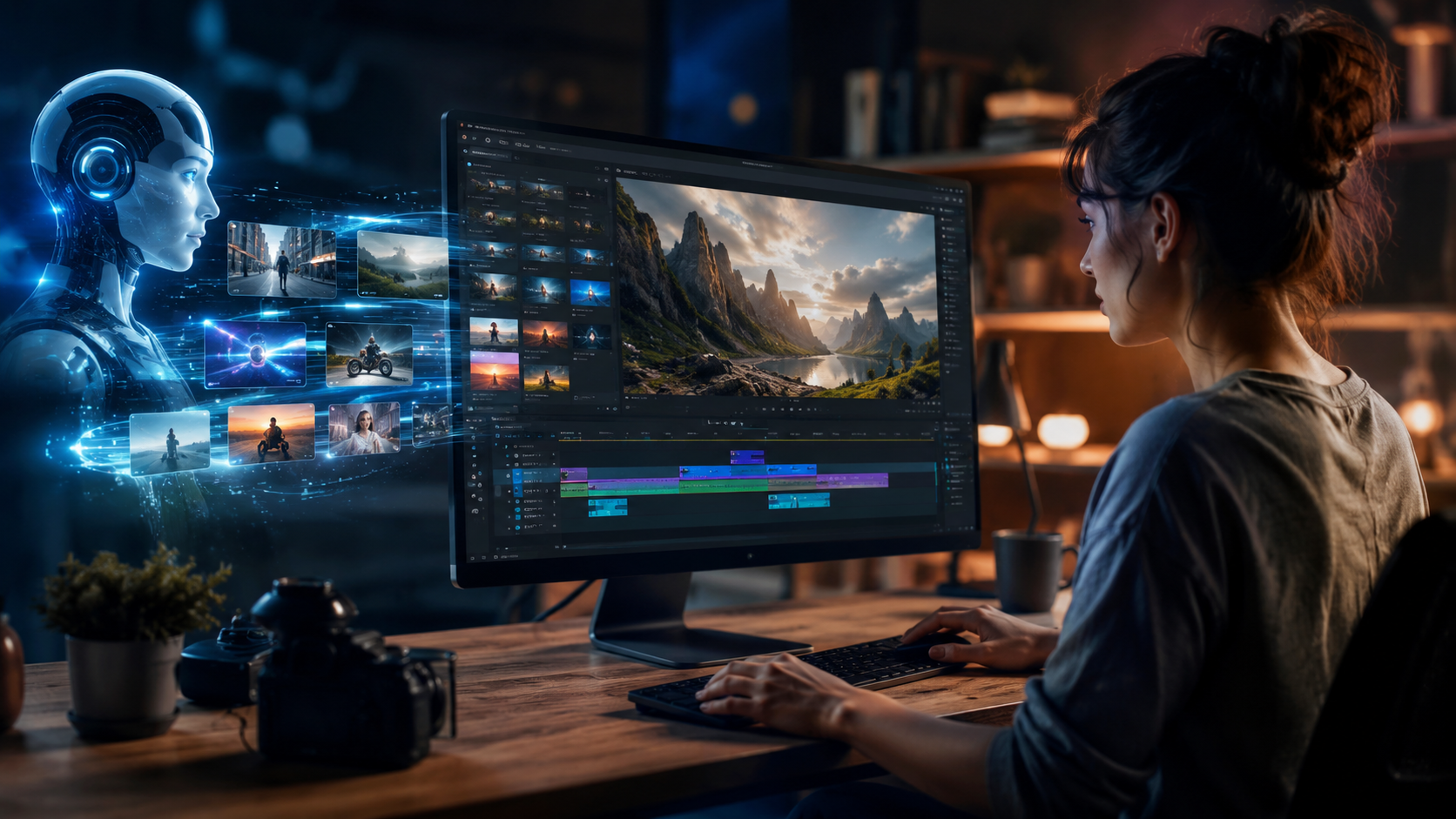
Follow this numbered guide to produce your first AI-generated video from a text description. The process applies to most modern tools, including Gemini Omni, Mango AI, and Adobe Firefly.
- Define your video concept. Write down the core idea: subject, setting, mood, and key actions. For example, “A golden retriever puppy chasing a red ball in a sunny park with slow-motion grass flying.”
- Choose a text-to-video platform. Based on your budget and quality needs. Mango AI is free and beginner-friendly. Adobe Firefly offers unlimited professional generations. Gemini Omni excels at multimodal inputs (text + image + audio).
- Craft a detailed prompt. Use descriptive adjectives, camera angles (e.g., “close-up,” “aerial shot”), lighting conditions (“golden hour,” “soft studio light”), and motion cues (“slow panning,” “particles floating”). A good prompt is your best tool for how to make AI videos with text that look polished.
- Set parameters. Most tools let you choose resolution (e.g., 1080p or 4K), aspect ratio (16:9 for YouTube, 9:16 for TikTok), duration (5 to 30 seconds), and style (cinematic, anime, photorealistic).
- Generate and review. Click generate. Wait 10–60 seconds. Check the output for coherence, motion smoothness, and adherence to your prompt.
- Edit and enhance. Use the tool’s built-in editor to trim, add transitions, overlay text, or merge multiple clips. Adobe Firefly allows unlimited iterations; Mango AI offers a simple timeline.
- Export and share. Download the final video (MP4 or MOV) and upload it to your preferred platform.
According to the INQUIRER.net USA article from May 2026, “complete beginners can create stunning videos with AI in under 10 minutes,” confirming that the barrier to entry has never been lower. The key is iteration: don’t settle for the first output—tweak your prompt until you get exactly what you envision.
Top AI Video Tools in 2026: A Comparison
Below is a comparison table of major text-to-video tools mentioned in the latest research. This will help you decide which platform best suits your needs when learning how to make AI videos with text.
| Tool | Pricing | Key Features | Best For |
|---|---|---|---|
| Google Gemini Omni | Free tier + paid Pro | Multimodal input (text, image, audio), high coherence, real-time preview | Advanced multimodal projects, marketers |
| Mango AI | Free (unlimited basic) | Free text-to-video generator, simple UI, fast generation | Beginners, social media content, education |
| Adobe Firefly | Subscription (Creative Cloud) | Unlimited generations, cinematic quality, temporal consistency, professional editors | Professional video production, branding |
| NVIDIA RTX AI (local) | Free with RTX GPU | Local processing, no cloud limits, real-time inference, privacy-focused | Developers, power users, sensitive data |
As noted by TechCrunch in May 2026, “Google’s Gemini Omni turns images, audio, and text into video — and that’s just the start.” For those on a budget, Mango AI’s free plan (announced on PRUnderground) makes it the most accessible entry point. Professionals should look to Adobe Firefly, which Adobe itself announced “improved AI video creation with new tools, new models and unlimited generations” in December 2025.
Best Practices for High-Quality AI Videos
Write Prompts Like a Director
The quality of your output depends heavily on the prompt. Instead of “a car driving,” try “a sleek black Tesla Model S driving along a coastal cliff road at sunset, camera tracking from behind, warm orange and purple sky, cinematic depth of field.” Tools like Gemini Omni and Firefly understand camera terminology, lighting cues, and artistic styles—so use them.
Control the Output with Negative Prompts
Most advanced tools allow negative prompts to exclude unwanted elements. For example, add “no blurry faces, no text, no logos” to keep the scene clean. This technique is especially useful when you need to make AI videos with text that look consistent across multiple clips.
Use Multimodal Inputs (When Available)
If your tool supports it, upload a reference image or an audio track. Gemini Omni excels here: provide a sketch of your scene, a voiceover script, and let the AI combine them. According to Moneycontrol.com (June 2026), “Google's new AI tool can create videos from text. Here's how Gemini Omni works” — it can even match the video’s mood to the tone of your audio.
Iterate with the “Seed” Function
Many platforms let you lock a random seed so that you can tweak a prompt while keeping the base composition stable. This is invaluable when fine-tuning for branding or storytelling coherence.
Common Challenges and How to Overcome Them
Unnatural Motion or Artifacts
Early text-to-video models often produced jittery or morphing characters. By 2026, models like Adobe Firefly and Gemini Omni have largely solved this with temporal coherence layers. If you still see artifacts, reduce the prompt’s complexity (fewer moving objects) or increase the output duration so the AI has more frames to smooth transitions.
Inconsistent Character Appearance
When generating a multi-scene video, characters may look different in each clip. Solution: use a “character reference image” (if supported) or include very specific descriptors (e.g., “a woman with shoulder-length brown hair, green eyes, wearing a red jacket”). Some tools now allow you to upload a photo of the character for consistency.
Limited Duration
Most free tools cap videos at 10–30 seconds. For longer content, generate multiple clips and combine them in a video editor like Adobe Premiere Pro or DaVinci Resolve. Mango AI’s free version allows up to 15 seconds, while Adobe Firefly’s unlimited plan lets you generate longer clips.
The Future of Text-to-Video AI in 2026 and Beyond
The recent explosion of tools shows that making AI videos with text is quickly becoming a standard production method. The NVIDIA Blog (January 2026) explains how “How to Get Started With Visual Generative AI on NVIDIA RTX PCs” empowers creators to run models locally, eliminating cloud dependencies and latency. Meanwhile, the INQUIRER.net USA article confirms that “complete beginners” can now produce stunning videos, suggesting that the technology is mature enough for mainstream adoption. Expect even shorter generation times, 4K native output, and better integration with editing suites as the year progresses. By late 2026, many experts predict that text-to-video will be as common as text-to-image is today.
Frequently Asked Questions About Making AI Videos with Text
What is the best free tool to make AI videos with text in 2026?
Mango AI is currently the most beginner-friendly free option, offering unlimited basic generations with no watermark. It was unveiled in May 2026 as a free text-to-video generator, making it ideal for casual creators.
Can I use my own images or audio when making an AI video?
Yes, especially with Google Gemini Omni, which accepts text, images, and audio simultaneously. Adobe Firefly also allows uploading reference images to guide the video’s style.
How long does it take to generate an AI video from text?
Most tools generate a 10- to 30-second clip in 10–60 seconds. Local generation on an NVIDIA RTX PC can be even faster, as noted in the NVIDIA Blog from January 2026.
Are AI-generated videos copyright-free?
It depends on the platform’s terms. Adobe Firefly grants commercial usage rights for subscribers. Mango AI’s free plan allows personal and commercial use, but always check the specific licensing terms before publishing.
Can I create a full movie script using AI video tools?
While you can generate multiple clips from a script, current tools are best for short-form content (15–60 seconds per clip). You can combine clips in an editor to create longer narratives. In 2026, models like Gemini Omni are improving scene-to-scene consistency, but human editing is still recommended for feature-length projects.
Do I need a powerful computer to run text-to-video AI?
Not for cloud-based tools like Mango AI or Adobe Firefly—they run on remote servers. However, if you want local generation for privacy or speed, an NVIDIA RTX 40-series GPU or newer is recommended, as detailed in the NVIDIA Blog.
What is the maximum resolution for AI-generated videos in 2026?
Most tools support up to 1080p (Full HD) for free tiers and 4K for paid subscriptions. Adobe Firefly’s unlimited generation plan includes 4K output, while Gemini Omni offers 1440p on its Pro tier.



Comments ()