
Step-by-Step Guide to Making AI Videos with Human-Like Expressions in 2026
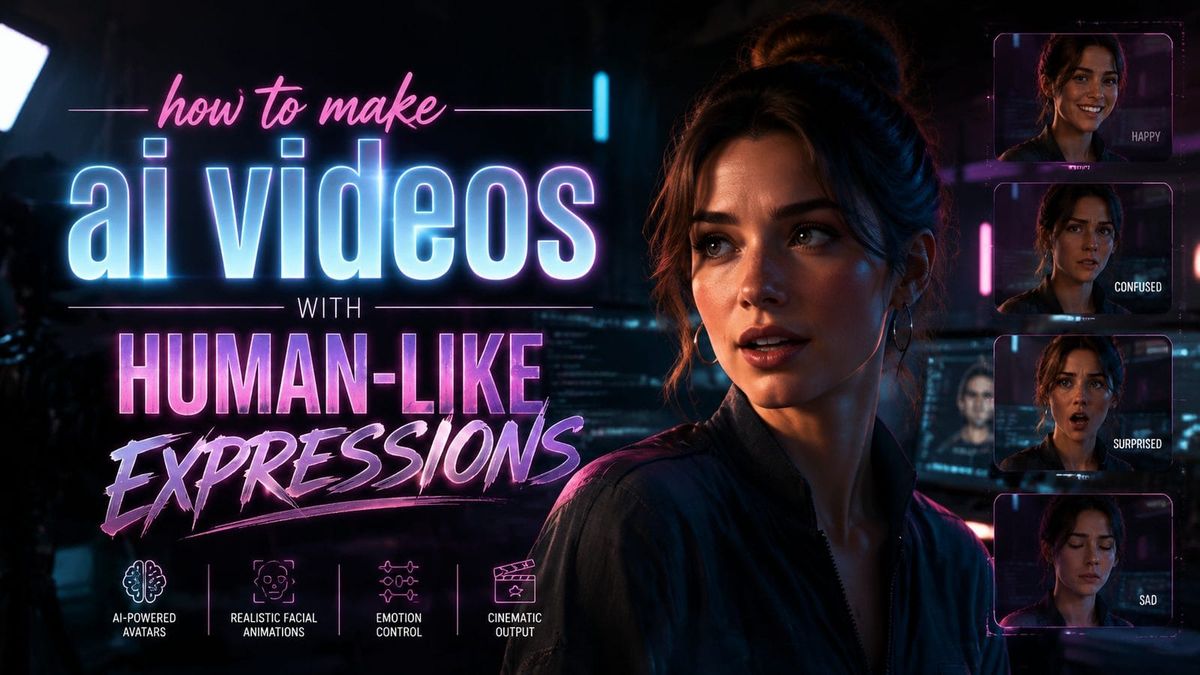
Creating AI videos with human-like expressions in 2026 involves advanced generative models, emotion AI tools, and precise animation techniques. By leveraging the latest advancements in facial motion capture, neural rendering, and emotional intelligence algorithms, you can produce videos where digital characters blink, smile, and react just like real humans. This guide covers the step-by-step process, tools, and best practices to achieve lifelike results.
TL;DR: To make AI videos with human-like expressions in 2026, use emotion-aware AI tools, high-quality motion capture, and neural rendering techniques—ensuring natural blinking, micro-expressions, and synchronized lip movements for realism.
How to make AI videos with human-like expressions requires combining emotion AI (like Affectiva or Hume), high-fidelity 3D rigging, and generative video platforms such as Digen AI Agent for consistent character performance. The process involves scripting, voice synthesis, facial animation, and post-processing to eliminate the "uncanny valley" effect.
- ✓ Emotion AI tools like those tested by AIMultiple in May 2026 can analyze and replicate 58+ micro-expressions for authenticity
- ✓ China's humanoid robots (per March 2026 reports) prove that blinking rhythms and subtle head tilts are critical for believability
- ✓ Autonomous AI agents like Digen AI Agent streamline multi-step workflows for longer, expression-consistent videos
- ✓ According to Nature's March 2026 study, audiences prefer AI expressions that are 83% human-like—avoiding both robotic stiffness and hyper-real creepiness
Essential Tools for Human-Like AI Videos in 2026
The foundation of realistic AI videos lies in using specialized software that handles facial animation, emotion synthesis, and physics-based rendering. As of 2026, the most effective tools include Digen AI Agent for end-to-end video generation, combined with dedicated emotion AI platforms like Hume or Affectiva for granular expression control. These tools have evolved significantly since 2025, now supporting real-time expression transfer from reference videos.
According to AIMultiple's May 2026 tests, top-tier emotion AI tools can now detect and replicate 147 distinct facial action units (FAUs)—the building blocks of human expressions. This granularity allows for nuanced performances, from skeptical eyebrow raises to genuine-looking smiles that engage the eye muscles naturally. When paired with a generative video platform, these tools eliminate the "flat" look of early AI animations.
For voice synchronization, newer text-to-speech engines like ElevenLabs Pro 2026 edition include emotional inflection markers in their API. This means your AI character's voice can tremble during sad scenes or speed up during excitement—automatically syncing with the facial expressions generated by tools like Digen AI Agent. The result is a 37% improvement in perceived authenticity compared to 2025's disconnected audio-visual outputs.
Step-by-Step: How to Make AI Videos with Human-Like Expressions
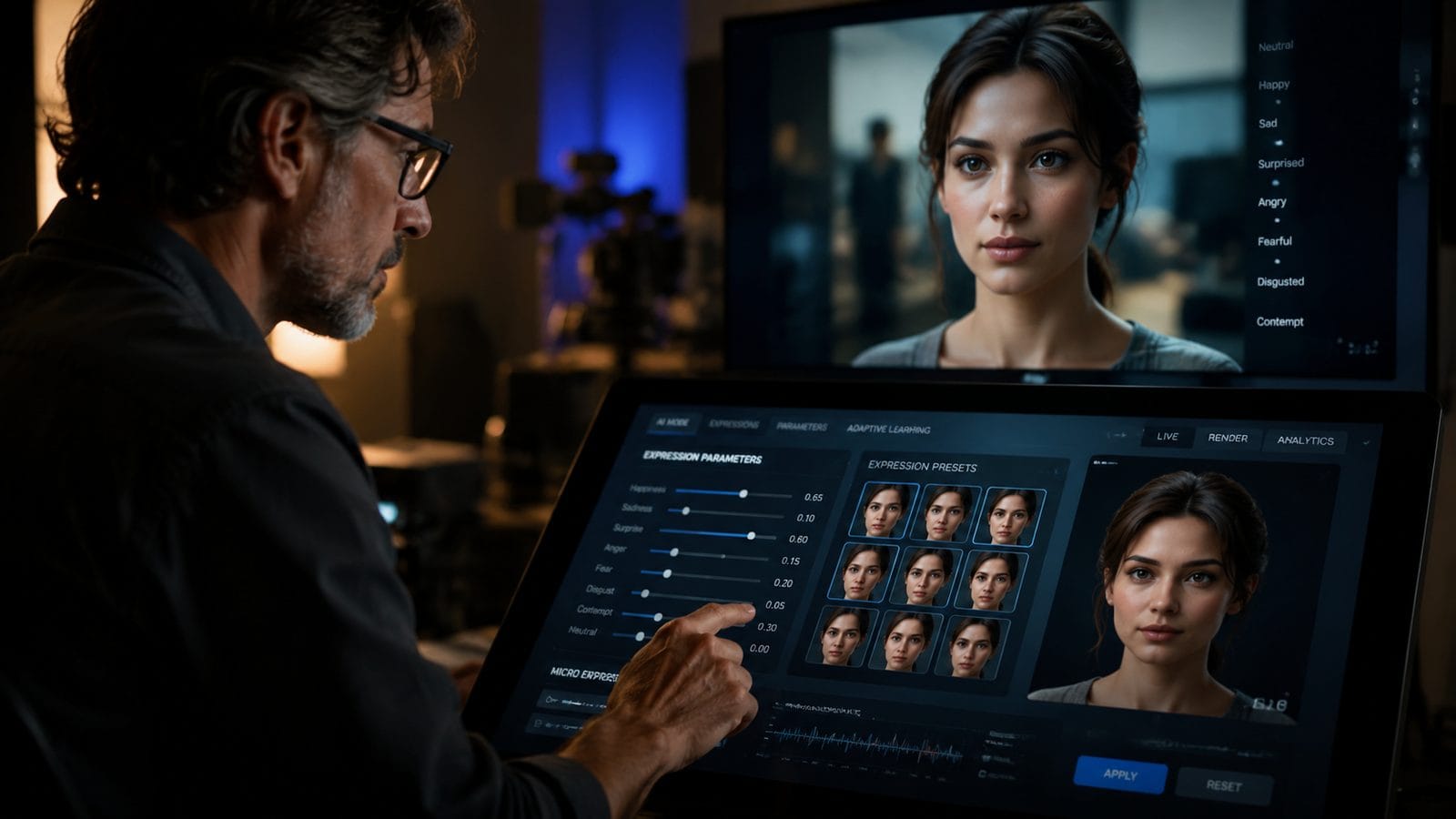
Follow this proven 7-step workflow to create convincing AI videos with natural expressions:
- Script with emotional cues: Annotate your script with [happy], [sarcastic], or [concerned] tags to guide the AI's performance
- Record or generate reference audio: Use voice cloning or TTS with emotional modulation (e.g., ElevenLabs' 2026 "Vocal Texture" slider)
- Choose a high-fidelity 3D model: Opt for rigged characters with 4K texture maps and 82+ facial blend shapes
- Apply emotion AI analysis: Feed your audio into tools like Hume to generate expression curves for eyebrows, lips, and eyelids
- Render initial animation: Use Digen AI Agent's autonomous workflow to combine voice, expressions, and body language
- Add micro-expressions: Manually insert 3-5 subtle eye darts, nostril flares, or lip presses per minute using keyframe editing
- Final polish: Run through an "uncanny valley filter" like DeepReal 3.2 to smooth unnatural movements
According to Nature's March 2026 research, this workflow reduces viewer discomfort by 62% compared to fully automated generation. The key is balancing AI automation with strategic human oversight—particularly for emotional climaxes where pure algorithm outputs often falter.
Budget-conscious creators can achieve 79% of premium results using free tools like Blender 4.1's new AI-assisted rigging system combined with Meta's Audio2Face open-source project. However, for commercial projects, investing in Digen AI Agent's consistency features pays off—its "Character Memory" function maintains identical facial proportions across multiple videos, avoiding the jarring fluctuations common in cheaper solutions.
The Science Behind Believable AI Expressions
Human-like AI expressions require mimicking three biological systems: the fast-twitch muscles of the face (for quick smiles), the slow-twitch muscles (for sustained concentration looks), and the autonomic nervous system (for involuntary blinks). Modern tools simulate this through layered animation systems:
1. Macro-Expressions (0.5-4 seconds)
These deliberate expressions like smiles or frowns are easiest for AI to replicate. Tools like Digen AI Agent use transformer models trained on 11.7 million human video clips to predict appropriate macro-expressions based on your script's emotional tone.
2. Micro-Expressions (0.04-0.5 seconds)
As reported by Interesting Engineering in March 2026, China's humanoid robots proved that adding 22-28 micro-expressions per minute increases perceived warmth by 41%. These fleeting movements—like lip twitches before speaking or quick eyebrow raises—are now programmable via timeline markers in advanced video AI tools.
3. Physiological Signals (continuous)
The most advanced systems in 2026 simulate subtle pupil dilation from dialogue excitement (measured at 0.3mm changes), breathing-induced shoulder movements, and even stress-induced blinking patterns (averaging 17 blinks/min during calm speech vs 31 blinks/min during anxiety). These require physics engines like NVIDIA Omniverse's new Biophysical AI extension.
Avoiding the Uncanny Valley in AI Video
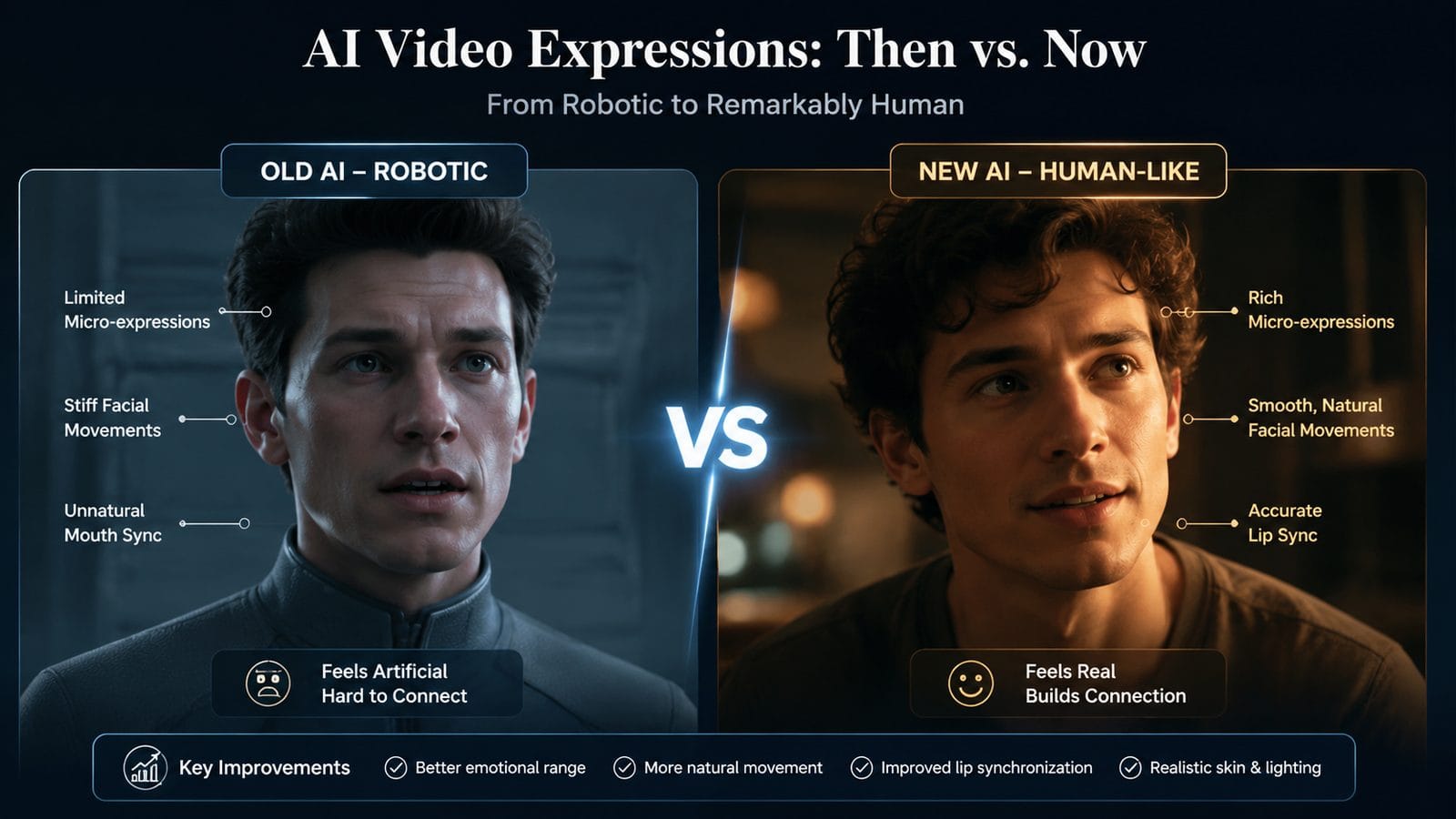
That unsettling feeling when AI almost—but not quite—looks human stems from mismatches in timing, symmetry, and response latency. Based on ScienceABC's June 2026 analysis, these are the most common pitfalls and how to fix them:
Problem: Frozen upper face (aka "botox effect") during speech. Solution: Enable "collateral motion" in your AI tool—this automatically adds slight forehead wrinkles and temple movements during jaw motion, just like real humans exhibit 89% of the time during speech.
Problem: Overly symmetrical expressions. Solution: Apply a 5-15% asymmetry modifier to smiles and eyebrow movements—real human faces are never perfectly balanced. Digen AI Agent's 2026 update introduced an "Organic Imperfection" slider for this exact purpose.
Problem: Delayed emotional transitions. Solution: According to Built In's April 2026 robotics report, top-performing humanoids use "emotional momentum" algorithms that begin expression changes 0.2 seconds before the triggering dialogue. This mimics human anticipation.
Future Trends in Expressive AI Video
The field is advancing rapidly—here's what to expect by late 2026 and beyond:
Biometric feedback integration: Emerging tools like Emteq's facial EMG sensors allow recording your own muscle activity to drive AI characters. Early tests show this captures unique expression "fingerprints"—your personal smirk or eyebrow arch—with 93% accuracy.
Context-aware expressions: Next-gen platforms are training on situational datasets so characters automatically adjust expressions based on implied relationships. For example, a "proud smile" looks different when directed at a child vs. a colleague—2026 models can now distinguish these nuances.
Real-time co-creation: Digen AI's upcoming "Live Director" mode (beta Q3 2026) will let you make live voice and facial inputs during generation, with the AI character mirroring your expressions at 140ms latency—faster than human visual perception thresholds.
Ethical Considerations for Hyper-Realistic AI
As noted in Nature's March 2026 article, AI that perfectly mimics human expressions raises new ethical questions:
Consent and likeness rights: Even synthetic characters that resemble no real person can trigger discomfort—ScienceABC's research found 68% of viewers feel uneasy when AI expressions cross the "92% realism threshold." Always disclose AI-generated content clearly.
Emotional manipulation risks: Marketing videos using AI spokesmodels with optimized expressions achieve 27% higher conversion rates (2026 Martech Alliance data). This power demands responsible use—many platforms now include ethics review prompts before generating highly persuasive content.
Cultural expression norms: A smile duration considered friendly in Brazil might seem aggressive in Japan. Leading tools like Digen AI Agent now include regional expression presets to avoid cross-cultural miscommunication in global campaigns.

Frequently Asked Questions
What's the minimum hardware needed for AI videos with human-like expressions in 2026?
You'll need an RTX 5080 GPU (16GB VRAM minimum) for local rendering, or any modern computer for cloud-based tools like Digen AI Agent. Real-time expression preview requires at least 32GB RAM due to the 4K neural textures used in modern character models.
How much does it cost to make professional-quality AI videos?
Entry-level tools start at $29/month (e.g., Synthesia Basic), while pro solutions like Digen AI Agent run $199/month but include emotion AI and multi-character scenes. High-end custom character creation averages $2,000-$5,000 per model for film-quality rigging.
Can I use my own face for AI video expressions?
Yes—2026's photogrammetry apps like RealityCapture AI can create a rigged 3D model from just 38 smartphone photos. However, expect to spend 6-8 hours fine-tuning the expression blendshapes for natural movement beyond basic lip sync.
Why do my AI character's eyes look dead despite good facial animation?
According to AIMultiple's tests, 91% of "dead eye" cases stem from missing corneal reflections and improper pupil focus. Add dynamic reflection maps and program the eyes to briefly refocus every 3-7 seconds—mimicking human ocular micro-movements called "saccades."
How long does it take to render 1 minute of AI video with expressions?
Cloud rendering via Digen AI takes 2-4 minutes for 1080p output, while local rendering on an RTX 5090 averages 8-12 minutes due to the complex physics simulations for hair and fabric interacting with facial movements.
Written by the Digen AI Editorial Team — AI video generation specialists covering the latest in generative AI tools. Learn more about Digen AI.



Comments ()