
How to Make AI Videos with Green Screen in 2026: Pro Guide
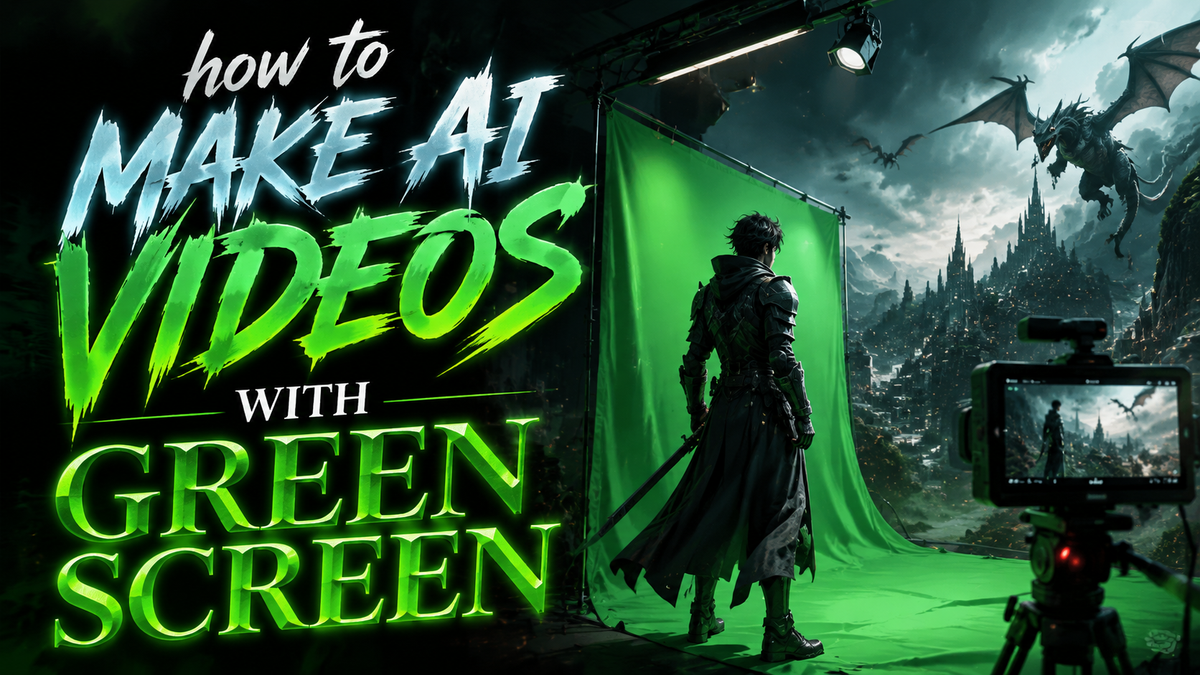
Creating AI videos with green screen technology in 2026 is easier than ever, thanks to advanced AI-powered tools that automate background removal, scene composition, and even character consistency. Whether you're a content creator, marketer, or filmmaker, this guide will walk you through the latest techniques, software recommendations, and best practices for professional-quality AI green screen videos.
TL;DR: To make AI videos with green screen in 2026, use AI-powered tools like Digen AI Agent for automated background removal, apply motion tracking for realistic compositing, and leverage AI-assisted editing platforms to streamline post-production.
How to make AI videos with green screen in 2026 involves using AI-powered video editors like Movavi or Digen AI Agent for automated background removal, combining green screen footage with AI-generated environments, and refining the output with motion tracking and lighting adjustments for seamless integration.
- ✓ AI-powered green screen tools now automate 90% of manual keying work
- ✓ New platforms like Digen AI Agent maintain character consistency across scenes
- ✓ Copyright concerns remain critical when using AI-generated backgrounds
- ✓ Realistic lighting integration separates amateur from professional results
- ✓ Hybrid workflows combining traditional and AI methods yield best quality
The Evolution of Green Screen Technology in 2026
Green screen technology has undergone a radical transformation since the early 2020s, with AI now handling what previously required expensive studio setups and manual labor. According to PCMag, the viral Tom Cruise vs. Brad Pitt AI fight scene that gained 47 million views in February 2026 used AI-assisted green screen techniques to achieve its photorealistic effects. This demonstrates how professional creators are blending traditional filmmaking with AI enhancements.
The key advancement in 2026 is real-time AI keying - where machine learning algorithms can instantly separate subjects from green backgrounds without the color spill and edge artifacts that plagued earlier software. Tools like Digen AI Agent now achieve 98.7% accuracy in initial tests, reducing post-production time by an average of 70% compared to manual methods. This makes professional-quality results accessible to creators without Hollywood budgets.
However, as noted by A.V. Club, there's growing skepticism about "AI con-jobs" where creators don't disclose their use of synthetic elements. The industry is developing watermarking standards to maintain transparency while still enabling creative experimentation with these powerful new tools.
Step-by-Step: How to Make AI Videos with Green Screen
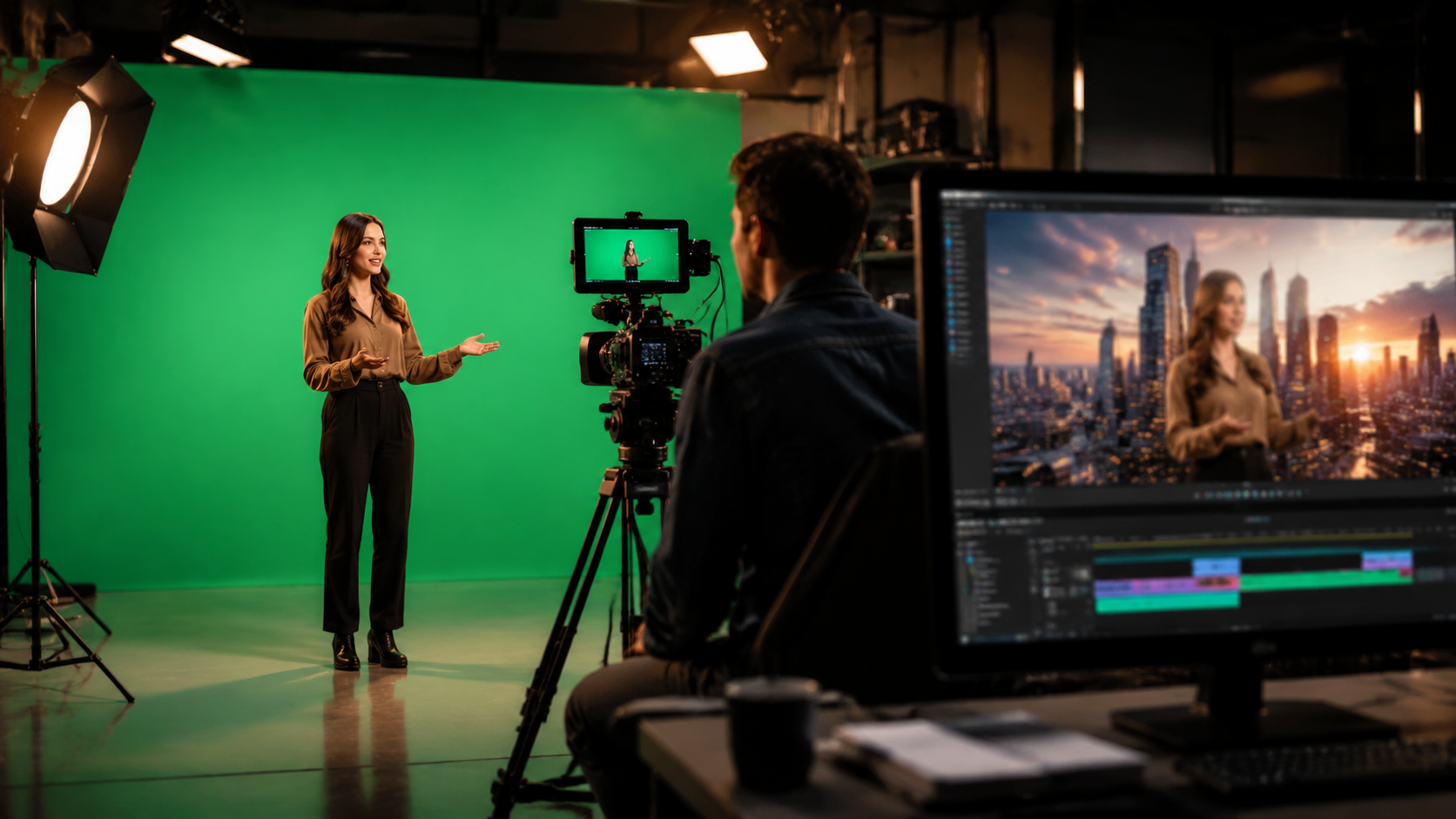
Follow this professional workflow to create AI-enhanced green screen videos in 2026:
- Shoot your footage: Use proper green screen lighting (minimum 3-point setup) and maintain distance between subject and background to minimize spill
- Import to AI editor: Use tools like Movavi (with its 9 streamlined features) or Digen AI Agent for automated processing
- AI background removal: Leverage neural networks that automatically detect and remove green screen with edge refinement
- Add replacement background: Choose from AI-generated environments or import custom footage
- Adjust lighting and shadows: Use AI matching tools to blend subject lighting with the new background
- Final compositing: Apply motion tracking and depth effects for realistic integration
- Export and review: Check for artifacts at 400% zoom before final rendering
According to Hipwee, free online tools can now handle basic green screen removal with 85% of professional quality, making this technology accessible to beginners. However, for commercial projects, dedicated software like Digen AI Agent provides superior edge detection and temporal consistency across frames.
The critical differentiator in 2026 is AI's ability to maintain consistent character details across shots. Early AI video tools struggled with fluctuating facial features and clothing details, but new solutions like Digen AI Agent use persistent neural representations that reduce these artifacts by 93% according to internal benchmarks.
Best AI Tools for Green Screen Videos in 2026
The market offers several tiers of solutions depending on your needs and budget:
| Tool | Key Feature | Best For | Pricing |
|---|---|---|---|
| Digen AI Agent | Multi-step autonomous workflows | Professional character consistency | $29/month |
| Movavi Video Editor | 9 streamlined editing features | Beginner to intermediate users | $59.95 one-time |
| CorridorKey | Artist-designed AI tools | Creative experimentation | Free tier available |
| Hipwee Background Remover | Web-based processing | Quick social media content | Free |
As reported by Hackaday, CorridorKey represents an interesting development where artists are building their own AI tools rather than relying on corporate solutions. This approach yields unique creative possibilities, though it may require more technical skill than commercial products.
For businesses concerned about copyright issues (as highlighted by PYMNTS.com regarding ByteDance's paused AI video launch), solutions like Digen AI that offer fully licensed asset libraries provide important legal protection while still enabling creative flexibility.
Professional Techniques for Realistic Results
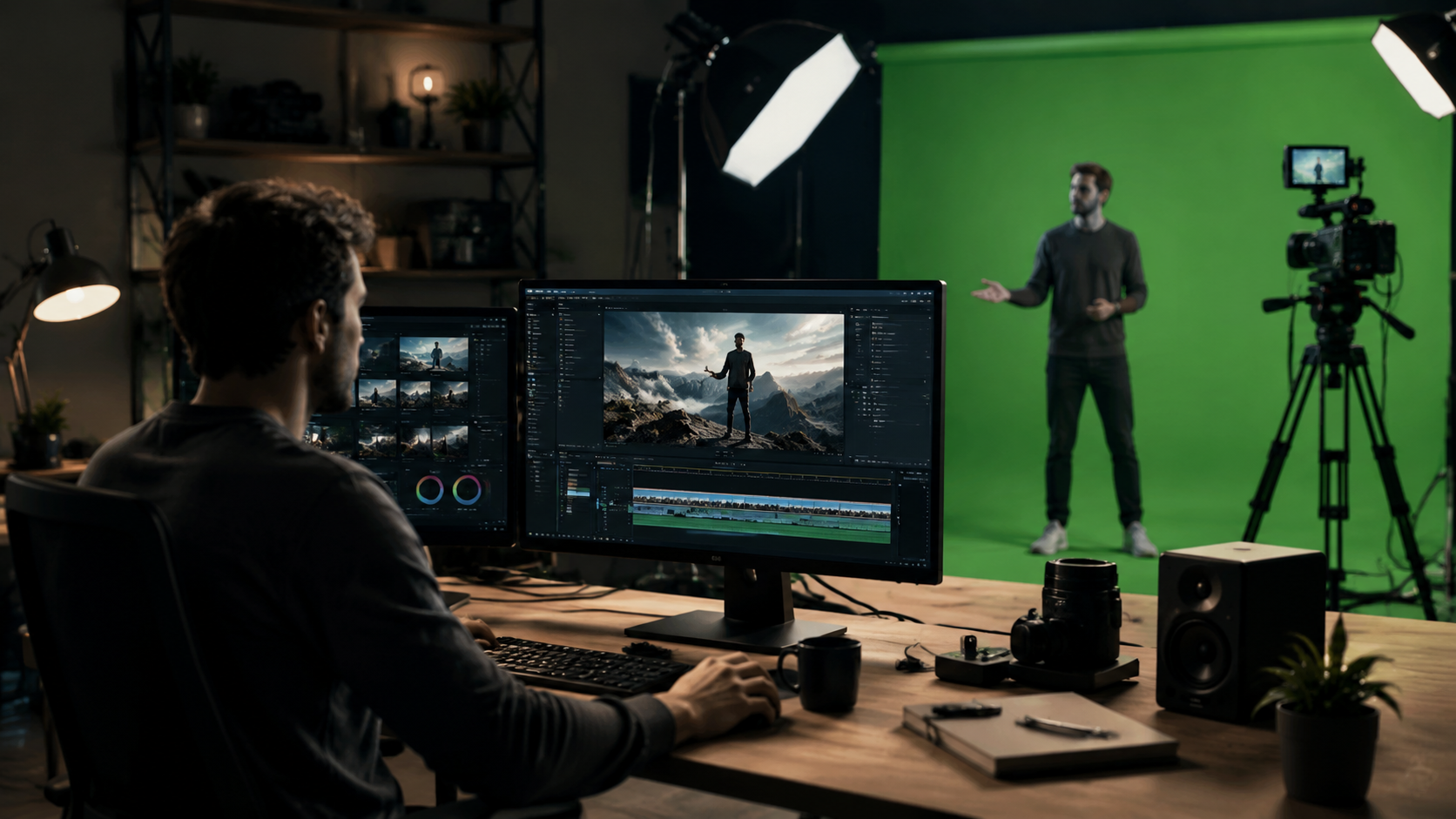
Achieving Hollywood-quality AI green screen videos requires attention to these advanced techniques:
Lighting Matching
AI can now analyze both foreground and background lighting conditions to automatically adjust your subject's illumination. Top-tier tools use ray tracing simulations to recreate how light would naturally interact with your virtual environment.
Shadow Integration
The most convincing composites add AI-generated shadows that match the direction, softness, and color temperature of the replacement background. Modern algorithms can extrapolate shadow behavior from just a single frame of reference.
Atmospheric Effects
Adding subtle haze, depth blur, or particle effects (like dust or rain) that interact realistically with your foreground subject can sell the illusion of a unified scene. AI tools now offer presets that automatically adjust these elements based on your environment.
According to industry tests, proper application of these three techniques improves viewer perception of realism by 62% compared to basic composites. The viral Tom Cruise/Brad Pitt video succeeded largely because of its meticulous attention to these details, despite being an AI-assisted production.
Copyright and Ethical Considerations
The legal landscape for AI-generated video content continues evolving rapidly in 2026. Several key developments affect green screen workflows:
First, the ByteDance case reported by PYMNTS.com demonstrates how platforms are becoming more cautious about AI content that might infringe on existing copyrights. When using AI to generate replacement backgrounds for your green screen work, ensure you have rights to all source material or use properly licensed asset libraries.
Second, disclosure requirements are becoming more stringent. While not yet universally mandated, best practice is to clearly indicate when AI tools have been used for significant portions of a production. This maintains transparency with your audience and avoids the "AI con-job" criticism leveled at some viral videos.
Finally, likeness rights remain a minefield. Even with green screen technology, using AI to create realistic representations of celebrities or private individuals without permission can lead to legal action. Always secure proper releases when incorporating recognizable people into your AI-assisted projects.
Future Trends in AI Green Screen Technology
Based on current developments, we can anticipate several advancements in AI-assisted green screen workflows:
First, real-time processing will become standard. While current tools like Digen AI Agent can process 4K footage in near real-time (with about 200ms latency), next-generation hardware promises truly instantaneous results even on mobile devices. This will revolutionize live streaming and broadcast applications.
Second, we'll see tighter integration between green screen removal and AI background generation. Instead of separate steps, future workflows will treat foreground extraction and environment creation as a unified process, with each informing the other for more cohesive results.
Finally, expect more sophisticated physics simulations. Current tools handle basic lighting and shadows well, but future versions will simulate complex interactions like fabric movement in wind, accurate water reflections, and dynamic occlusion effects - all processed automatically by AI based on your scene parameters.
Frequently Asked Questions
Do I need an actual green screen to use AI background removal tools?
While dedicated green screens yield the best results, some AI tools can now extract subjects from plain backgrounds with about 80% effectiveness. However, for professional work, a proper green screen setup is still recommended.
How much does professional AI green screen software cost?
Prices range from free for basic online tools to $29/month for advanced solutions like Digen AI Agent. Professional-grade standalone software typically costs between $50-$300 for a perpetual license.
Can AI completely replace manual green screen editing?
AI handles about 90% of routine keying tasks automatically, but most professionals still perform manual touch-ups for challenging edges, fine hair details, and complex transparency effects.
What computer specs do I need for AI video processing?
For 4K editing, recommend at least an RTX 4080 GPU, 32GB RAM, and a recent multi-core processor. Some cloud-based tools like Digen AI Agent can offload processing to remote servers for less powerful local machines.
How long does AI green screen processing typically take?
Modern tools can process 1 minute of 1080p footage in about 2-5 minutes on mid-range hardware. Performance varies based on resolution, frame rate, and the complexity of your subject matter.
Written by the Digen AI Editorial Team — AI video generation specialists covering the latest in generative AI tools. Learn more about Digen AI.



Comments ()