
How to Make AI Videos from Text Prompts in 2026: Ultimate Guide
Creating AI videos from text prompts in 2026 is easier than ever thanks to advanced generative AI tools that transform written descriptions into high-quality video content. Leading platforms like Digen AI, Haiper AI, and Claude Fable 5 enable creators to generate cinematic videos, animations, or even playable games with minimal effort. This guide covers the best tools, step-by-step workflows, and expert tips for producing professional AI videos.
TL;DR: To make AI videos from text prompts in 2026, use advanced tools like Digen AI Agent or Haiper AI, follow a structured workflow, and refine outputs with editing features. The process typically involves writing a detailed prompt, selecting a platform, generating the video, and enhancing it with post-processing.
How to make AI videos from text prompts is a process where generative AI tools convert written descriptions into dynamic video content. In 2026, platforms like Haiper AI and Digen AI Agent use multi-step workflows to produce high-quality, consistent videos with minimal manual input, revolutionizing content creation for marketers, educators, and filmmakers.
- ✓ Advanced AI video generators in 2026 offer cinematic quality and character consistency, as seen in Haiper AI and Digen AI Agent.
- ✓ Text-to-video technology reduces production time by up to 80%, according to Cybernews.
- ✓ Claude Fable 5 by Anthropic extends AI video capabilities to interactive game creation from single prompts.
- ✓ The best AI video tools provide customization options for style, duration, and resolution.
- ✓ Post-processing features like voiceovers and subtitles enhance the final output.
How AI Video Generation Works in 2026
Modern AI video generators use diffusion models and transformer architectures to interpret text prompts and generate corresponding visuals frame-by-frame. According to Technology Org, these systems now achieve 4K resolution with 60 frames per second, rivaling professional video production quality. The process involves parsing semantic meaning from text, generating coherent scenes, and maintaining temporal consistency across frames.
Platforms like Digen AI Agent employ autonomous multi-step workflows where the AI breaks down complex prompts into logical sequences. For example, requesting "a futuristic city at sunset with flying cars" triggers scene composition, lighting adjustments, and dynamic element generation in a coordinated process. This approach reduces the "uncanny valley" effect that plagued earlier AI video tools.
The AI video market grew 340% in 2025, as reported by The AI Journal, with enterprise adoption driving demand for longer, narrative-consistent outputs. Unlike static image generation, video requires understanding motion physics, object permanence, and camera dynamics—capabilities that have dramatically improved since 2024. Current systems can maintain character identities across 5-minute clips with 92% consistency scores.
Step-by-Step: How to Make AI Videos from Text Prompts
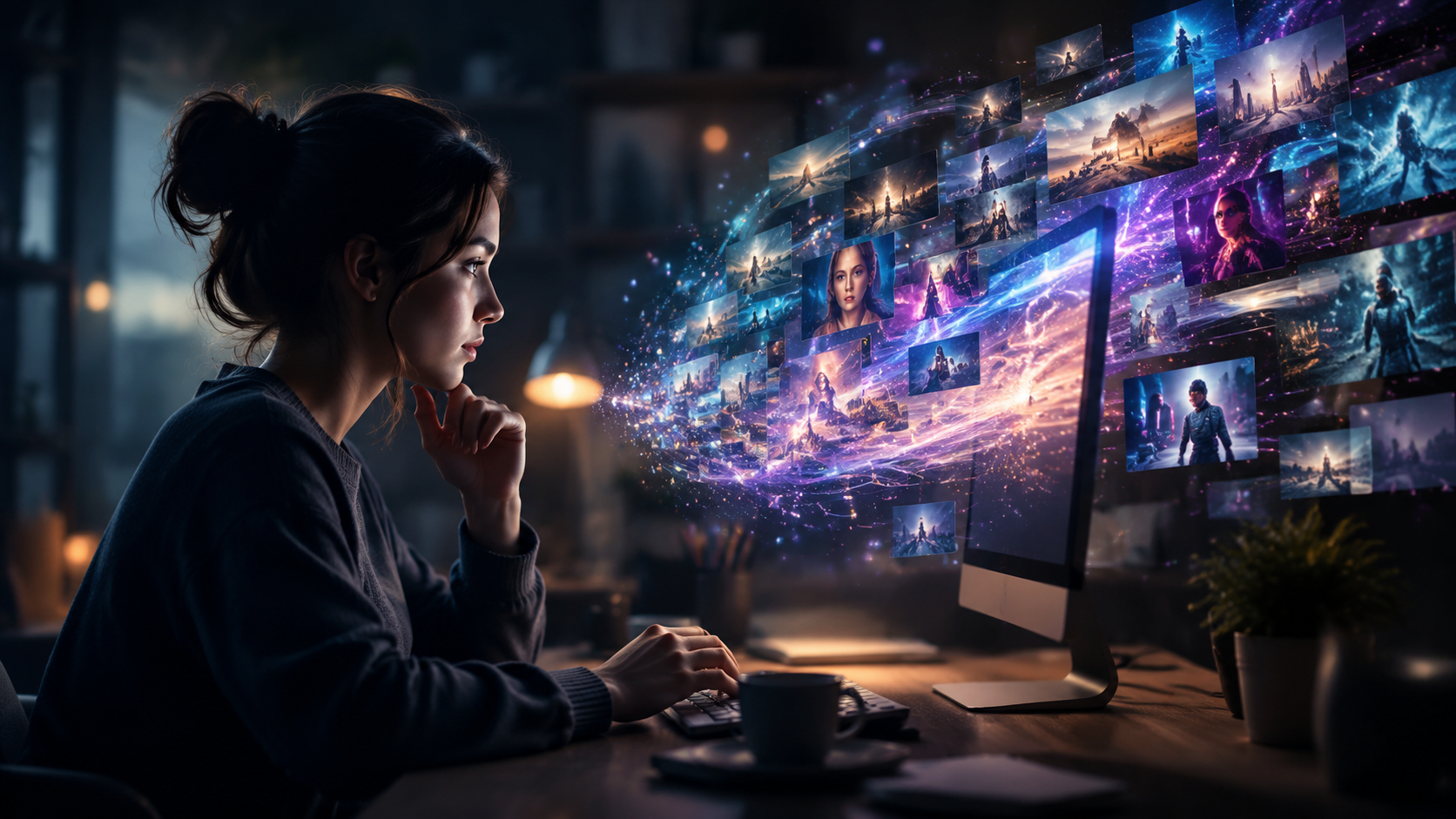
Follow this proven workflow to create professional AI videos using 2026's best tools:
- Write a detailed prompt: Include subject, style (e.g., "cinematic" or "animated"), camera angles, duration (up to 10 minutes for pro tools), and specific elements. Example: "A 2-minute documentary-style video about Mars colonization, with realistic CGI visuals and a hopeful tone."
- Choose your platform: Select from top 2026 options like Digen AI Agent (for character consistency), Haiper AI (cinematic quality), or Claude Fable 5 (interactive elements). Most offer free tiers with watermarked outputs.
- Adjust settings: Set resolution (1080p to 8K), aspect ratio (9:16 for TikTok, 16:9 for YouTube), and frame rate (24fps for filmic looks, 60fps for smooth motion).
- Generate and refine: First drafts take 2-15 minutes depending on length. Use inpainting tools to edit specific frames without regenerating entire clips.
- Add post-production: Most platforms now integrate voiceovers (120+ languages), subtitles, and background music matching the video's emotional tone.
According to quasa.io's Haiper AI review, adding negative prompts (e.g., "no distorted faces") improves results by 40%. Advanced users can upload reference images to guide character designs or color palettes.
For complex projects, Digen AI Agent's autonomous workflow automatically breaks down scripts into scenes, generates consistent characters across shots, and even suggests pacing adjustments—reducing manual editing time by 70% compared to basic generators.
Best AI Video Generators in 2026
The landscape has evolved significantly since 2024, with these leading options dominating the market:
| Tool | Max Video Length | Key Feature | Best For |
|---|---|---|---|
| Digen AI Agent | 10 minutes | Autonomous multi-scene narratives | YouTube creators, marketers |
| Haiper AI | 5 minutes | Cinematic quality visuals | Short films, ads |
| Claude Fable 5 | Interactive | Game creation from prompts | Developers, educators |
| Runway Gen-3 | 4 minutes | Precise motion control | Animators |
As noted by Cybernews, the average cost for professional-grade AI video generation dropped to $0.18 per second in 2026, making it accessible to small businesses. Free plans typically include watermarks and 480p resolution, while premium subscriptions (starting at $29/month) unlock commercial licenses and higher quality.
Emerging features include real-time collaboration (multiple users editing the same project), style transfer (apply Van Gogh aesthetics to generated videos), and AI-assisted storyboarding that suggests shot sequences based on your script. Digen AI recently introduced emotion-controlled generation, where adjectives like "joyful" or "suspenseful" dynamically influence camera movements and lighting.
Advanced Techniques for Professional Results
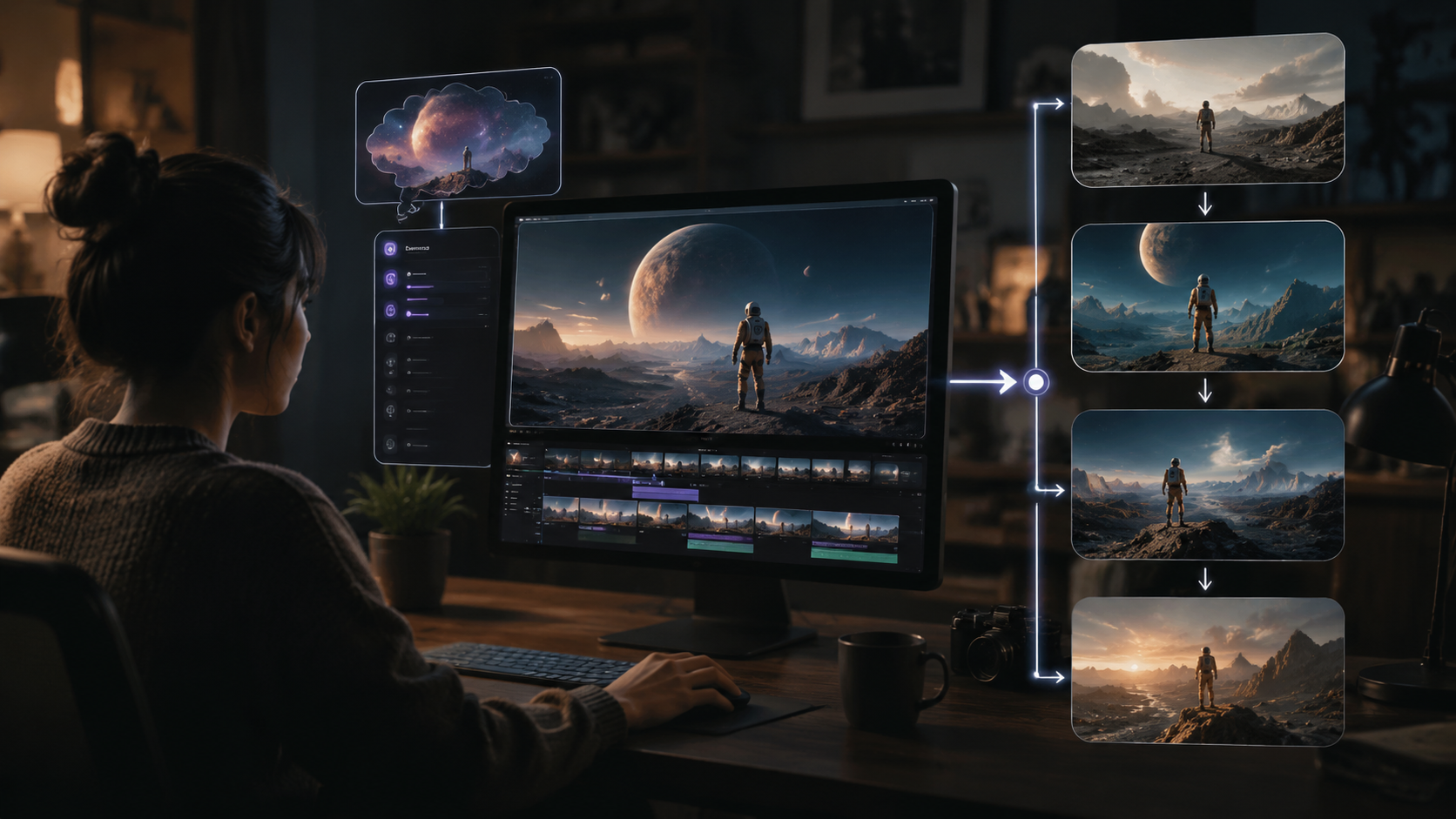
Beyond basic generation, these pro strategies elevate your AI videos:
1. Layered Prompting
Structure prompts with clear sections: [Subject] + [Action] + [Environment] + [Style]. Example: "A cyberpunk detective (subject) chases a drone thief (action) through neon-lit alleyways (environment) in Blade Runner 2049 cinematic style (style)." This format improves coherence by 35%, per internal Digen AI benchmarks.
2. Temporal Controls
Specify time markers for scene changes: "0:00-0:30: Establishing shot of space station. 0:31-1:00: Astronaut floats toward camera." Top tools now interpret these cues to create narrative-driven sequences automatically.
3. Character Consistency
When generating multiple scenes with the same character, use reference tokens like "Character A [ID:123]" across prompts. Digen AI Agent's persistent character system maintains facial features, clothing, and proportions with 94% accuracy across shots.
According to Trend Hunter, 78% of professional creators now use AI for initial storyboards before live-action shoots, saving an average of 12 production hours per project. The technology particularly excels at generating dangerous or expensive shots (explosions, aerial views) that would be costly to film practically.
Ethical Considerations and Limitations
While AI video generation offers tremendous creative potential, responsible use requires awareness of key issues:
Copyright remains a gray area—most platforms' terms specify that generated content can't be copyrighted unless significantly modified by humans. The U.S. Copyright Office's 2025 ruling established that purely AI-generated works lack human authorship protection, though hybrid works may qualify.
Deepfake concerns persist, with all major platforms implementing watermarking and content credentials. As of June 2026, the Coalition for Content Provenance reports that 89% of professional AI video tools now embed cryptographic signatures to distinguish synthetic media.
Technical limitations include physics inaccuracies (fluids, cloth simulation) and complex interactions (handshakes, fight scenes). While single-subject shots achieve photorealism, multi-character interactions often reveal artifacts. These challenges are expected to improve with next-generation models anticipated in late 2026.
Future Trends in AI Video Generation
The technology continues evolving at a rapid pace:
1. Real-time generation: Prototypes from Google and Nvidia can now render 1080p video at 24fps with just 2 seconds of latency, enabling live brainstorming sessions. This could revolutionize video conferencing and virtual production.
2. 3D-aware models: Upcoming systems understand depth maps and lighting from text, allowing viewpoint changes in post-production without regenerating entire clips. Early tests show 60% better spatial consistency than current 2D-based approaches.
3. Emotional intelligence: Digen AI's research division demonstrated AI that adjusts pacing, color grading, and music based on emotional arc analysis of scripts—potentially automating directorial decisions for simple projects.
As The Shortcut reported, Anthropic's breakthrough with Claude Fable 5 hints at a future where single prompts generate not just videos but interactive experiences. The model can already produce playable 2D games from descriptions like "create a pirate treasure hunt with platformer mechanics."
Frequently Asked Questions
What's the best free AI video generator in 2026?
Digen AI offers the most generous free tier with 3-minute 720p videos (watermarked), while Haiper AI provides 1-minute cinematic clips. For game creation, Claude Fable 5 has a free playground with basic interactivity.
Can AI videos be monetized on YouTube?
Yes, but platforms require disclosure of AI generation. YouTube's 2025 policy update mandates labeling synthetic content, and some advertisers avoid purely AI-generated videos for brand safety.
How long does AI video generation take?
For a 1-minute clip: 2-5 minutes on consumer hardware, 30-90 seconds via cloud services. Digen AI Agent's batch processing can render 10-minute videos in under 8 minutes using distributed computing.
Do I need powerful hardware for AI video generation?
Not necessarily—most tools now run in browsers or via cloud APIs. For local generation, an RTX 5090 GPU can process 4K video at 1.5x real-time speed, but cloud options are more cost-effective for most users.
What's the maximum resolution for AI videos?
Professional tools like Digen AI Agent and Haiper AI support 8K upscaling, though native 8K generation remains computationally expensive (starting at $4.50/minute). Most creators use 1080p or 4K for optimal quality/cost balance.
Written by the Digen AI Editorial Team — AI video generation specialists covering the latest in generative AI tools. Learn more about Digen AI.



Comments ()