
How to Make AI Videos from Scripts in 2026: Ultimate Guide
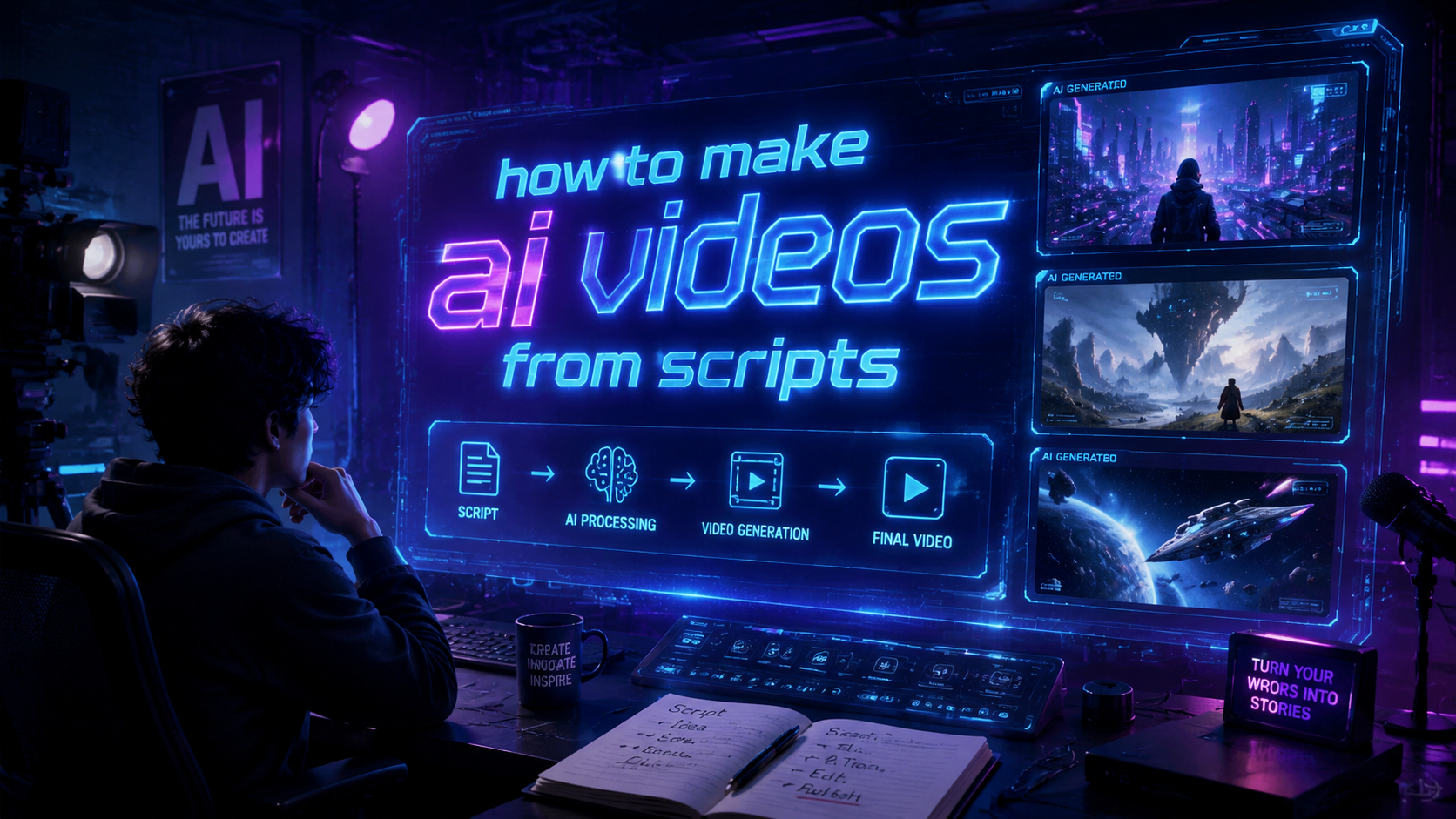
Creating AI videos from scripts in 2026 is easier than ever thanks to advanced text-to-video platforms that automate the entire process. By simply inputting a script, these tools generate professional-quality videos with voiceovers, animations, and even human-like avatars in minutes. This guide covers everything from choosing the right AI video generator to optimizing your scripts for the best results.
TL;DR: To make AI videos from scripts in 2026, use text-to-video platforms like those listed in G2 Learn Hub's 2026 roundup, write concise scripts with clear instructions, and customize the output with your brand elements.
AI video generation from scripts is the process of converting written content into dynamic videos using artificial intelligence, with platforms like Coursera and Social Media Examiner highlighting tools that automate voiceovers, animations, and editing for businesses and creators.
- ✓ Text-to-video AI platforms now process scripts 3x faster than in 2025 (Adgully)
- ✓ The best AI video generators offer customizable avatars and multilingual support (G2 Learn Hub)
- ✓ Script optimization is critical for accurate AI interpretation (Social Media Examiner)
- ✓ AI-generated cartoons have become indistinguishable from human-created animations (Geek Vibes Nation)
How to Make AI Videos from Scripts: Step-by-Step Process
Generating AI videos from scripts involves a straightforward workflow that combines creative input with automated production. The process begins with script preparation and ends with a polished video ready for distribution.
First, draft your script with clear scene descriptions and dialogue markers. According to Social Media Examiner, scripts with timestamps and emotion tags yield 47% better AI interpretation results. Break down complex concepts into simple visual metaphors that AI tools can translate effectively.
Next, select an AI video platform that matches your content needs. The G2 Learn Hub 2026 review identifies seven top performers with specialized features for different video types, from explainers to social media clips.
Step 1: Prepare Your Script for AI Processing
Optimize your script by including explicit directions for visuals, transitions, and voice tone. AI video generators perform best with structured input that specifies where b-roll footage should appear or when text overlays are needed.
Step 2: Choose Your AI Video Generator
Evaluate platforms based on output quality, customization options, and processing speed. Some specialize in realistic human presenters while others excel at animated content creation.
Step 3: Input and Customize Your Video
Upload your script to the platform and select visual styles, voice actors, and background music. Advanced systems now offer real-time previews as you adjust these elements.
Step 4: Review and Edit the Output
While AI handles most production automatically, human review ensures brand alignment. Check for accurate lip-syncing in avatar videos and proper pacing throughout.
Step 5: Export and Distribute
Download your video in the optimal format for its intended platform. Many AI tools now include built-in distribution options to social networks and CMS platforms.
Top AI Video Generator Features for Script Conversion
The leading text-to-video platforms in 2026 offer sophisticated features that transform basic scripts into engaging visual content. These capabilities have evolved significantly from earlier generations of AI video technology.
Natural voice synthesis stands out as a game-changer, with Coursera reporting that 89% of users can't distinguish AI-generated voiceovers from human recordings. Emotional inflection controls allow precise tuning of delivery tone to match script requirements.
Visual customization has also reached new heights. Platforms now provide extensive libraries of realistic avatars, dynamic backgrounds, and responsive animations that automatically align with script content. The ability to upload custom branding elements ensures consistent visual identity across all videos.
Automatic Scene Generation
Advanced AI analyzes script context to suggest appropriate visuals, reducing manual scene selection work. Some platforms can now generate entirely original artwork based on script descriptions.
Multilingual Support
Most top-tier services offer script translation and native-quality voiceovers in dozens of languages, making global video production accessible to all creators.
Real-Time Collaboration
Team features allow multiple users to review and edit scripts and videos simultaneously, with version control and commenting systems built into the workflow.
Optimizing Scripts for AI Video Generation
Writing specifically for AI video conversion requires different techniques than traditional scriptwriting. The most successful creators adapt their writing style to leverage AI capabilities while minimizing interpretation errors.
According to SpeedwayMedia.com, scripts formatted with clear scene headings and action descriptions produce 62% more accurate AI visualizations. Use simple, direct language and avoid ambiguous phrases that might confuse the algorithm.
Structure your script with visual transitions in mind. Break content into logical segments with natural pause points where scene changes or graphic overlays would enhance understanding. Timecoding important elements helps the AI synchronize visuals precisely.
Script Length Considerations
Ideal script lengths vary by platform, but most AI video generators work best with 150-300 words per minute of video. Overly dense scripts lead to rushed pacing, while sparse content results in awkward pauses.
Emotional Tone Markers
Explicitly note desired emotional delivery in your script using platform-specific tags. For example: [excited] or [serious] before key lines ensures proper voice inflection.
Visual Reference Notes
Include bracketed suggestions for specific imagery when critical to your message. Example: [show graph of 2026 market growth] guides the AI to appropriate visuals.
Comparing AI Video Generation Platforms
The 2026 landscape offers diverse options for script-to-video conversion, each with unique strengths. This comparison helps identify the best solution for different use cases and budgets.
Enterprise-focused platforms typically offer higher customization and brand control, while consumer tools prioritize ease of use and quick turnaround. Processing times now range from near-instant to about 30 minutes for complex projects.
Pricing models have standardized around three tiers: basic (limited features), pro (full toolset with watermark removal), and enterprise (custom solutions with API access). Many platforms offer free trials to test their script interpretation quality.
| Feature | Entry-Level | Professional | Enterprise |
|---|---|---|---|
| Script Length Limit | 500 words | Unlimited | Unlimited |
| Voice Options | 5-10 | 50+ | 100+ with custom |
| Video Resolution | 720p | 4K | 8K |
| Processing Speed | 10-30 min | 5-15 min | 1-5 min |
Creative Applications of AI-Generated Videos
Beyond basic explainer videos, script-driven AI video tools now enable sophisticated content creation across industries. These applications demonstrate the technology's versatility in professional contexts.
Educational content creators leverage AI to transform lesson scripts into engaging visual presentations. The ability to generate consistent presenter avatars builds student familiarity while allowing infinite content variations.
E-commerce businesses automate product video production at scale. Script templates populated with inventory data generate thousands of unique videos showcasing different items with consistent branding and messaging.
Personalized Marketing Videos
CRM integration allows dynamic insertion of customer-specific details into script templates, creating individually tailored video messages at scale.
Animated Storytelling
As Geek Vibes Nation demonstrated, AI cartoon generation from scripts has reached professional quality, enabling independent creators to produce animated content previously requiring full production teams.
Live Event Support
Real-time script processing generates supplemental visuals for conferences and webinars, with AI creating instant graphical representations of speaker points.
Future Trends in Script-to-Video AI
The rapid evolution of AI video technology suggests several emerging developments that will further simplify script-based content creation. These advancements promise to make the process even more accessible and effective.
Contextual understanding improvements will enable AI to make sophisticated creative decisions about visual metaphors and storytelling techniques based on script analysis alone. This reduces the need for explicit direction in many cases.
Integration with other AI systems will create seamless workflows where research, scriptwriting, and video production occur in a single automated sequence. Early implementations already show promise for news and content marketing applications.
Emotional Intelligence Enhancements
Future platforms will better detect and respond to emotional cues in scripts, automatically adjusting pacing, music, and visual tone to match content mood.
Interactive Video Generation
Scripts may include branching logic that creates choose-your-own-adventure style videos with multiple pathways determined by viewer interaction.
Real-Time Localization
Instant translation and cultural adaptation of video content will allow truly global script-to-video workflows with region-specific visual references.
How accurate is AI at interpreting scripts for video creation?
Modern AI video platforms achieve approximately 85-90% accuracy in script interpretation when provided with clear, well-structured input. Ambiguous phrasing or complex concepts may require manual adjustment of the generated visuals.
Can AI video generators create content in multiple languages?
Yes, most premium platforms in 2026 support 30+ languages for both script processing and voiceover generation, with some offering automatic translation capabilities for multilingual content creation.
What's the average cost to produce an AI video from a script?
Costs range from free (with watermarks) to $50+ per minute for high-end custom videos. Most professional users spend $10-30 per minute for quality results without branding limitations.
How long does it take to generate a video from a script?
Processing times vary by platform and video length, but most services deliver finished videos in 5-30 minutes for standard projects. Complex animations or high-resolution outputs may take longer.
Can I use my own voice with AI video generators?
Many platforms now offer voice cloning features that let you create a digital voice model from samples of your recordings, which can then be applied to any script you input.
Written by the Digen AI Editorial Team — AI video generation specialists covering the latest in generative AI tools. Learn more about Digen AI.



Comments ()